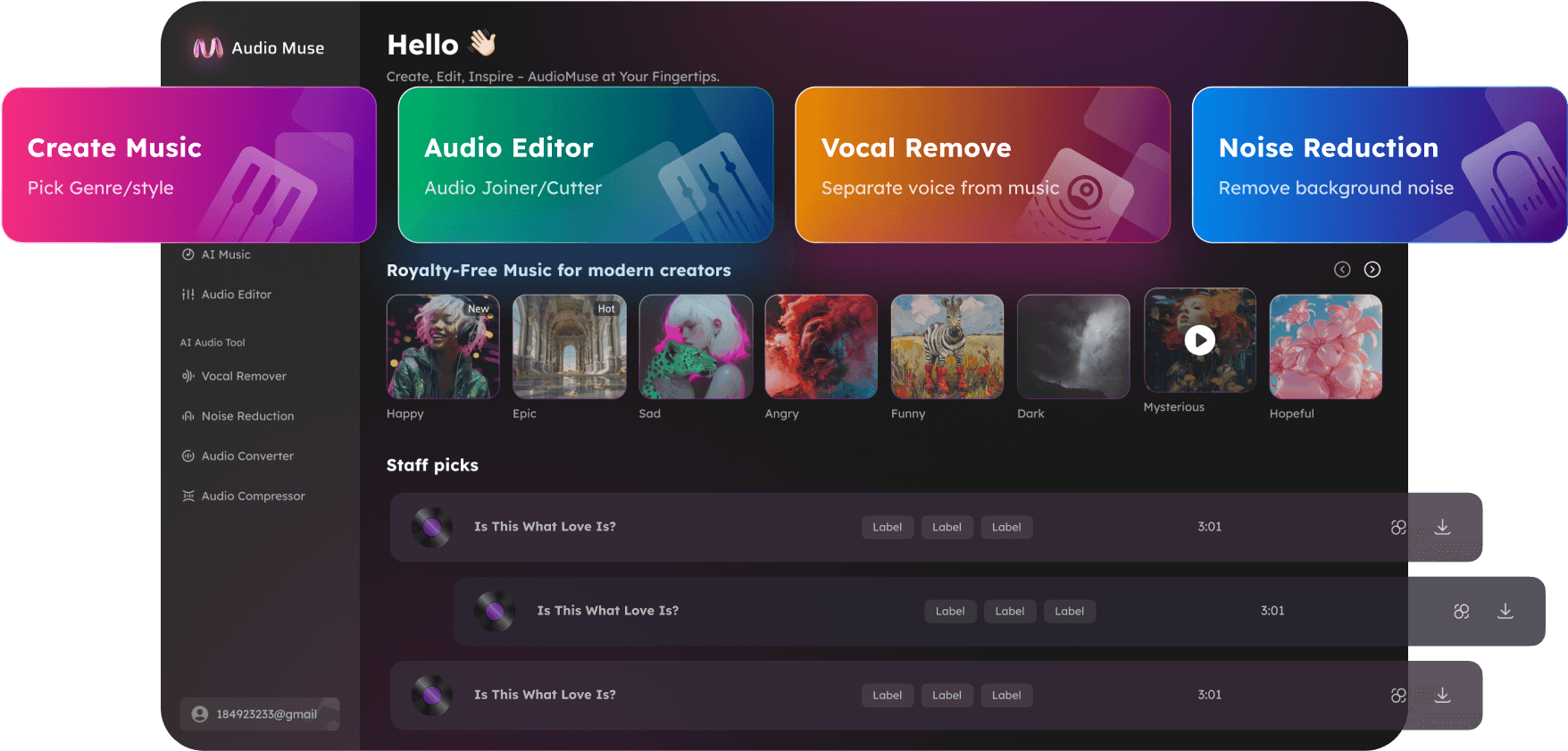
Ringtone Maker Online
Make ringtones online with AudioMuse. Upload a song, MP3 file, voice recording, video audio, or sound effect, cut the best section, add fade in or fade out, and export a short ringtone-ready audio clip in your browser.
Make Ringtone Now
Ringtone Maker Online,Free
AudioMuse Ringtone Maker helps you create short ringtone-ready audio clips from songs, MP3 files, voice recordings, video audio, sound effects, podcast moments, and sound bites. Choose the best section, trim rough starts or endings, add fade in or fade out, preview the clip, and save a clean short audio file for phone alerts, notification sounds, personal reminders, or everyday audio sharing.
Make a Ringtone from a Song
Choose the best part of a song, such as the hook, chorus, intro, beat drop, or instrumental phrase. Cut it into a short, focused audio clip for ringtone-style or notification-style use.
Make Ringtone from Song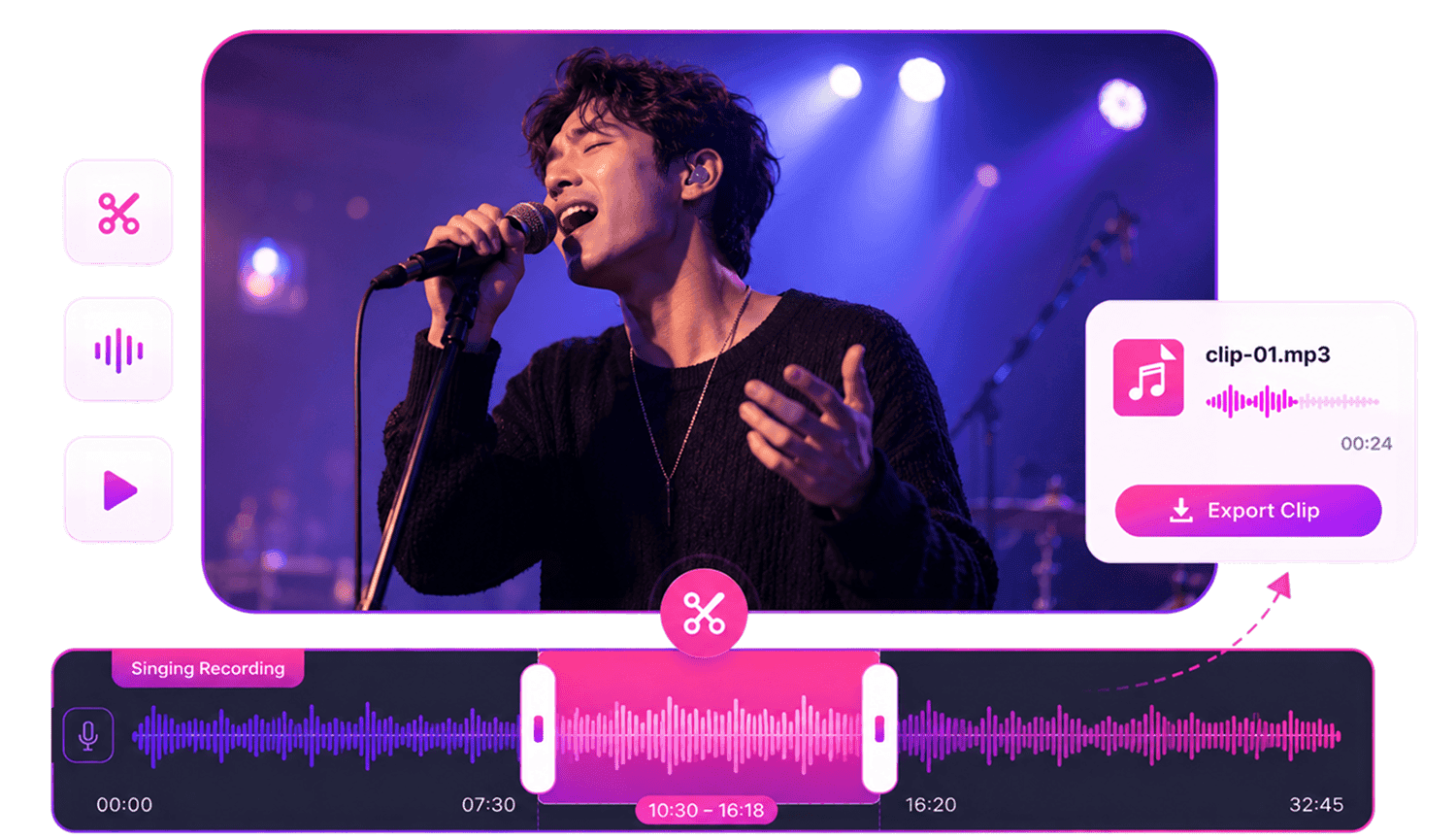
Create Ringtone Clips from Video Audio
Upload an MP4 video, work with its audio, cut the useful sound bite, and export it as a short audio clip. This is useful for voice lines, music moments, sound effects, tutorials, reels, and recorded clips.
Make Video Ringtone Clip
Make Notification Sounds and Alert Clips
Create short alert-style clips from songs, voice recordings, sound effects, or personal audio. Keep the clip short, recognizable, and clean enough for phone alerts or reminders.
Make Notification Sound
Add Fade In and Fade Out
Make short clips sound smoother by adding fade in at the beginning or fade out at the ending. This helps avoid harsh starts, abrupt stops, and rough cut points.
Add Fades
Who Should Use Ringtone Maker Online?




Why Choose AudioMuse’s Ringtone Maker Online?

Make Ringtones Online
Cut songs, voice notes, video audio, or sound effects into short ringtone-ready clips.

Precise Cutting and Trimming
Choose the exact section you want and remove unwanted beginnings, endings, silence, or extra audio.

Works in Your Browser
Create ringtone clips online without installing desktop audio editing software.

Flexible Upload and Export Formats
Upload MP3, MP4, WAV, FLAC, OGG, OPUS, AAC, or M4A files and export as MP3, WAV, FLAC, OGG, or OPUS.
How to Make a Ringtone Online
Upload a song, recording, video audio, or sound effect, cut the best short section, smooth the edges, and export a clean ringtone-ready audio clip.
Upload the Audio You Want to Use
Upload a song, MP3 file, voice recording, video audio, sound effect, podcast moment, notification idea, or short audio clip that contains the section you want to turn into a ringtone.
Choose the Best Short Section
Select the hook, chorus, sound effect, voice line, funny moment, alert sound, or short clip you want to keep. Trim away silence, long intros, rough starts, or unused endings.
Add Fades and Export
Add fade in or fade out if the clip starts or ends too suddenly. Preview the result, then export the polished ringtone-ready audio clip.
What they say about AudioMuse’s Ringtone Maker Online ?
Other online audio tools:

Everything you Need, All in one Place
Choose Audio Muse for all your online audio or music processing needs with a full suite of tools in one easy-to-use platform. Edit audio directly from your browser, remove noise, convert file formats, and perfect your tracks - all without downloading extra software. Plus, manage your projects from any device, anytime. Your go-to for audio solutions.