Online Audio Converter
Convert audio online with AudioMuse. Upload MP3, WAV, FLAC, OGG, OPUS, AAC, M4A, or video audio, choose an output format, and export a converted audio file directly in your browser.
Convert Audio Now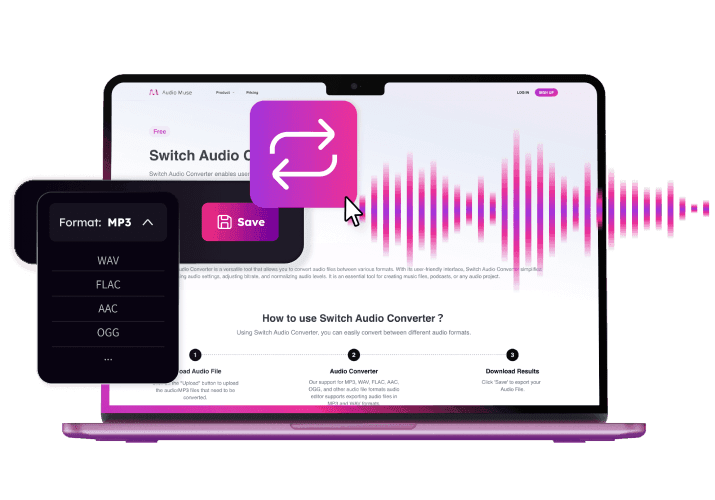
Online Audio Converter,Free
AudioMuse Audio Converter lets you convert audio files online without installing software. Upload a music file, voice recording, podcast clip, lecture audio, or video file, then export the audio as MP3, WAV, FLAC, OGG, or OPUS. Use it for quick format conversion, easier sharing, higher-quality exports, open-format audio, compressed files, and video-to-audio workflows.
Convert Audio to MP3, WAV, FLAC, OGG, or OPUS
Change audio from one format to another in your browser. Convert files to MP3 for easy sharing, WAV for editing, FLAC for lossless storage, OGG for open-format projects, or OPUS for efficient audio compression.
Convert Audio
Convert MP3, WAV, FLAC, OGG, OPUS, AAC, and M4A Files
Upload common audio formats and create the output file you need. AudioMuse is useful when a platform, app, editor, podcast tool, learning system, or sharing workflow requires a different audio format.
Choose Output Format
Convert Video Audio to an Audio File
Upload a video file, extract its audio track, and export the sound as an audio file. This is useful for creators, educators, podcasters, editors, and anyone who needs audio from a video source.
Convert Video Audio
Edit Before or After Conversion
If the audio needs quick cleanup before export, you can trim the file, cut unwanted parts, add fade in or fade out, or prepare a shorter clip before saving the converted result.
Edit and Convert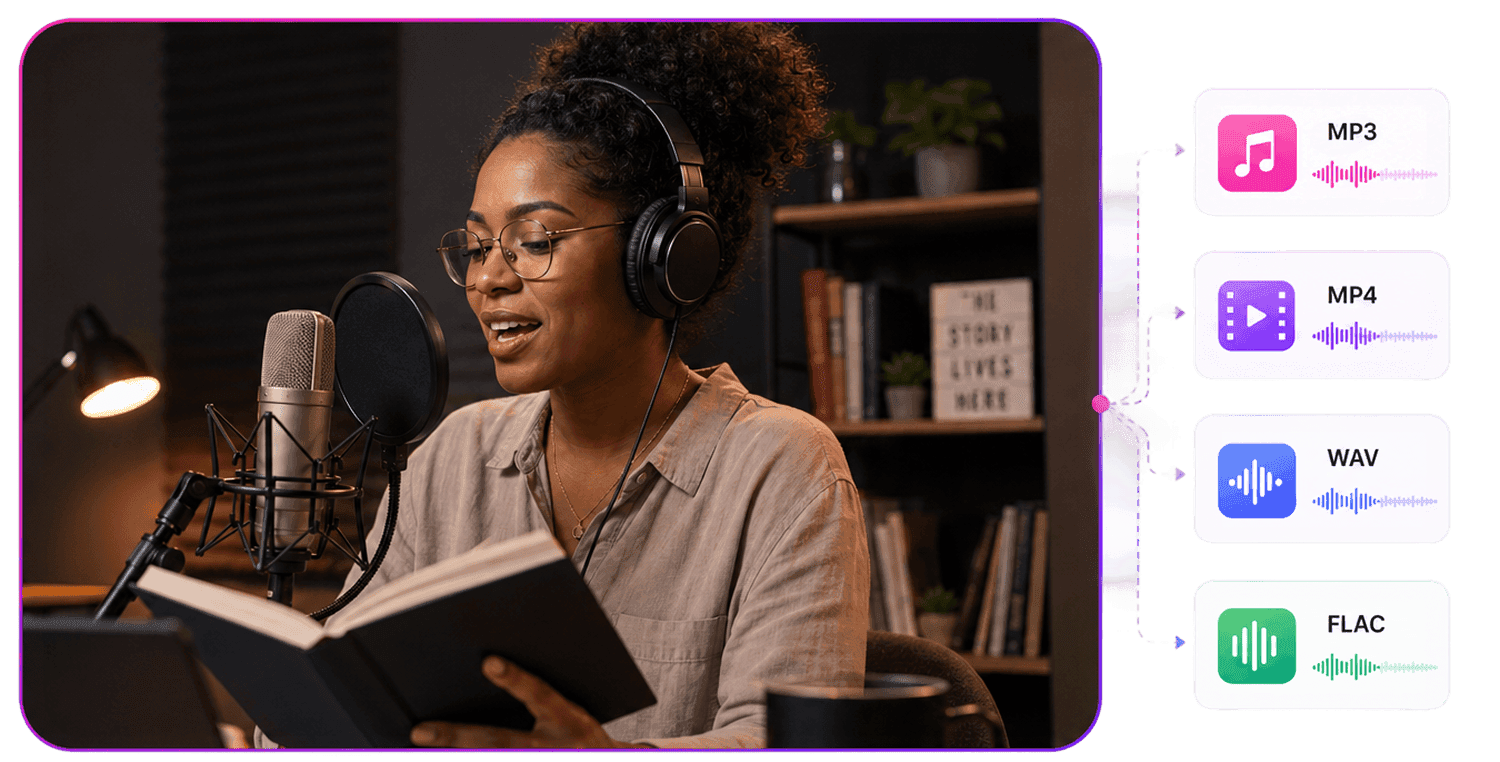
Who Is Audio Converter For?




Why Choose AudioMuse’s Online Audio Converter?

Online Audio Format Converter
Convert audio files between practical formats such as MP3, WAV, FLAC, OGG, and OPUS directly in your browser.

No Software Installation
Upload and convert audio online without downloading desktop conversion software.

Useful for Sharing and Editing
Create audio files that are easier to share, upload, archive, edit, or use in other apps and production workflows.

Convert and Prepare Audio
Trim, cut, fade, or extract video audio when you need to prepare a file before exporting it in another format.
How to Convert Audio Files Online
Upload your audio file, choose the output format, and export the converted audio file from your browser.
Upload an Audio or Video File
Upload a supported file such as MP3, WAV, FLAC, OGG, OPUS, AAC, M4A, or MP4 video audio.
Choose the Output Format
Select the format you need, such as MP3 for sharing, WAV for editing, FLAC for lossless audio, OGG for open-format use, or OPUS for efficient compressed audio.
Export the Converted Audio
Convert the file online, preview or adjust it if needed, and download the finished audio in your selected format.
What they say about AudioMuse’s Online Audio Converter ?
Other online audio tools:
More From Audio Converter
 Knowledge
How to Convert Audio Files Online | AudioMuse
Convert audio files online with AudioMuse. Change MP3, WAV, FLAC, OGG, OPUS, or video audio, choose the right format, and export clean audio.

 Knowledge
MP3 vs WAV vs FLAC vs OGG vs OPUS: Which Format Should You Export? | AudioMuse
Compare MP3, WAV, FLAC, OGG, and OPUS for audio export. Learn which format to choose for sharing, editing, storage, web use, or efficient compression.
Everything you Need, All in one Place
Choose Audio Muse for all your online audio or music processing needs with a full suite of tools in one easy-to-use platform. Edit audio directly from your browser, remove noise, convert file formats, and perfect your tracks - all without downloading extra software. Plus, manage your projects from any device, anytime. Your go-to for audio solutions.