Audio Merger Online
Merge audio files online with AudioMuse Audio Merger. Upload MP3, WAV, FLAC, OGG, OPUS, or video audio clips, arrange them in order, join them into one file, and export clean combined audio in your browser.
Merge Audio Now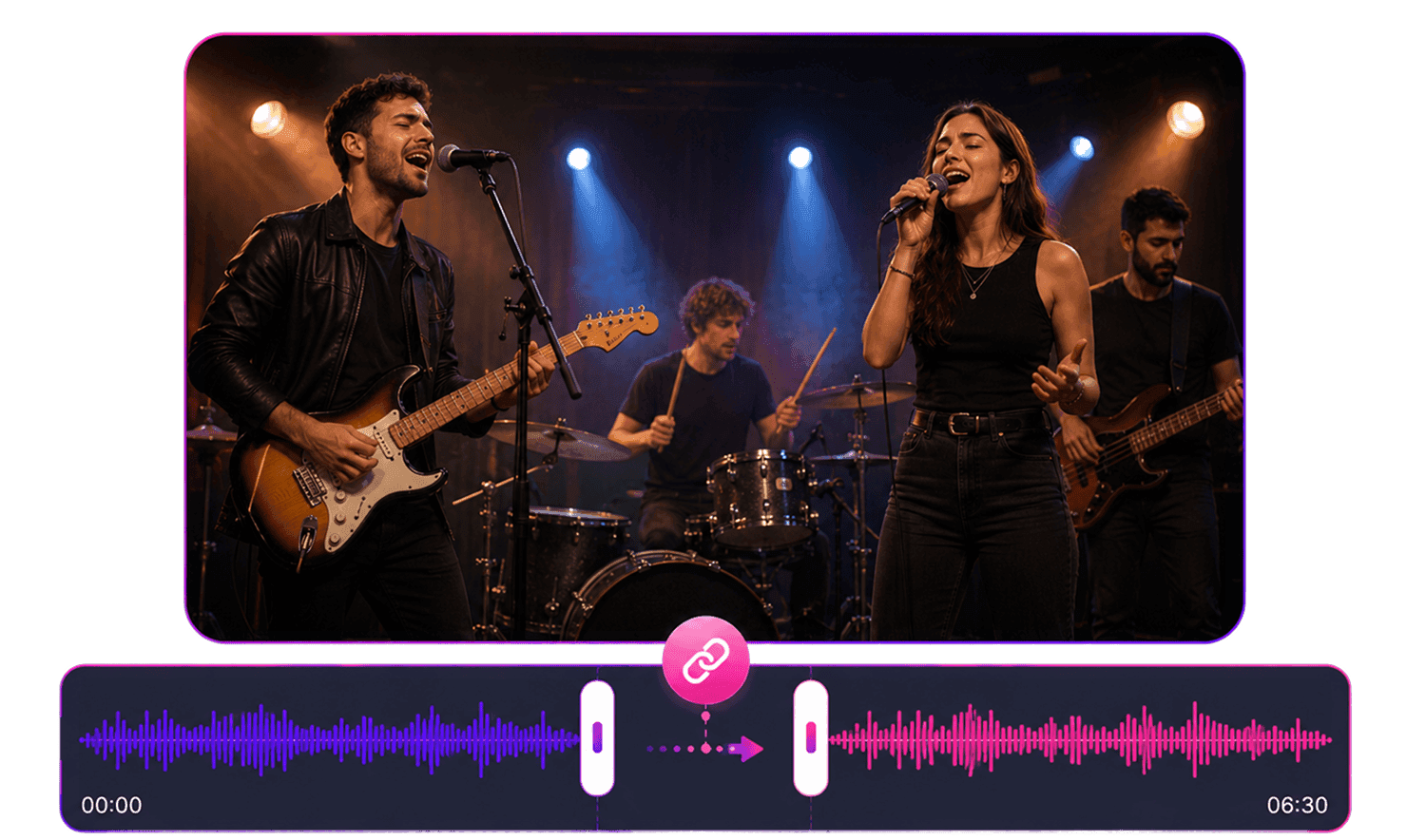
Audio Merger Online,Free
AudioMuse Audio Merger helps you merge audio files online without installing software. Upload multiple audio or video files, arrange clips in the order you want, join audio sections together, combine voice recordings, merge music clips, add smooth fades if needed, and export one clean audio file as MP3, WAV, FLAC, OGG, or OPUS.
Merge Audio Files Online
Combine multiple audio files into one track directly in your browser. Merge MP3, WAV, FLAC, OGG, OPUS, and video audio clips for podcasts, music edits, lessons, recordings, and content projects.
Merge Audio Files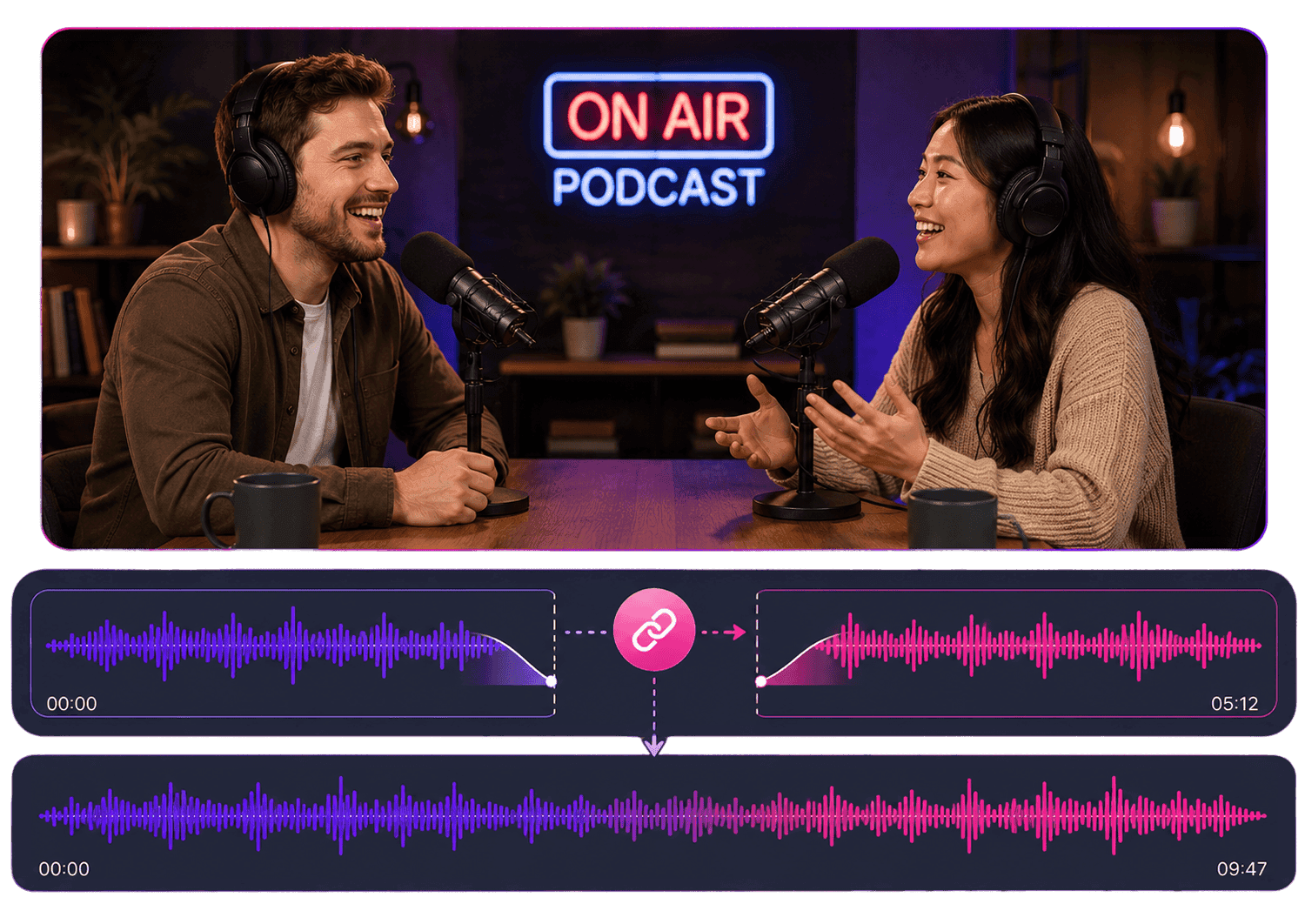
Join Audio Clips in the Right Order
Use AudioMuse as an online audio joiner. Arrange clips from first to last, join audio sections together, and export a single file that plays in the order you choose.
Join Audio ClipsCombine Voice Recordings and Podcast Sections
Join separate voice recordings, podcast intros, main segments, interview clips, narration, sound bites, and outros into one cleaner audio file.
Combine Recordings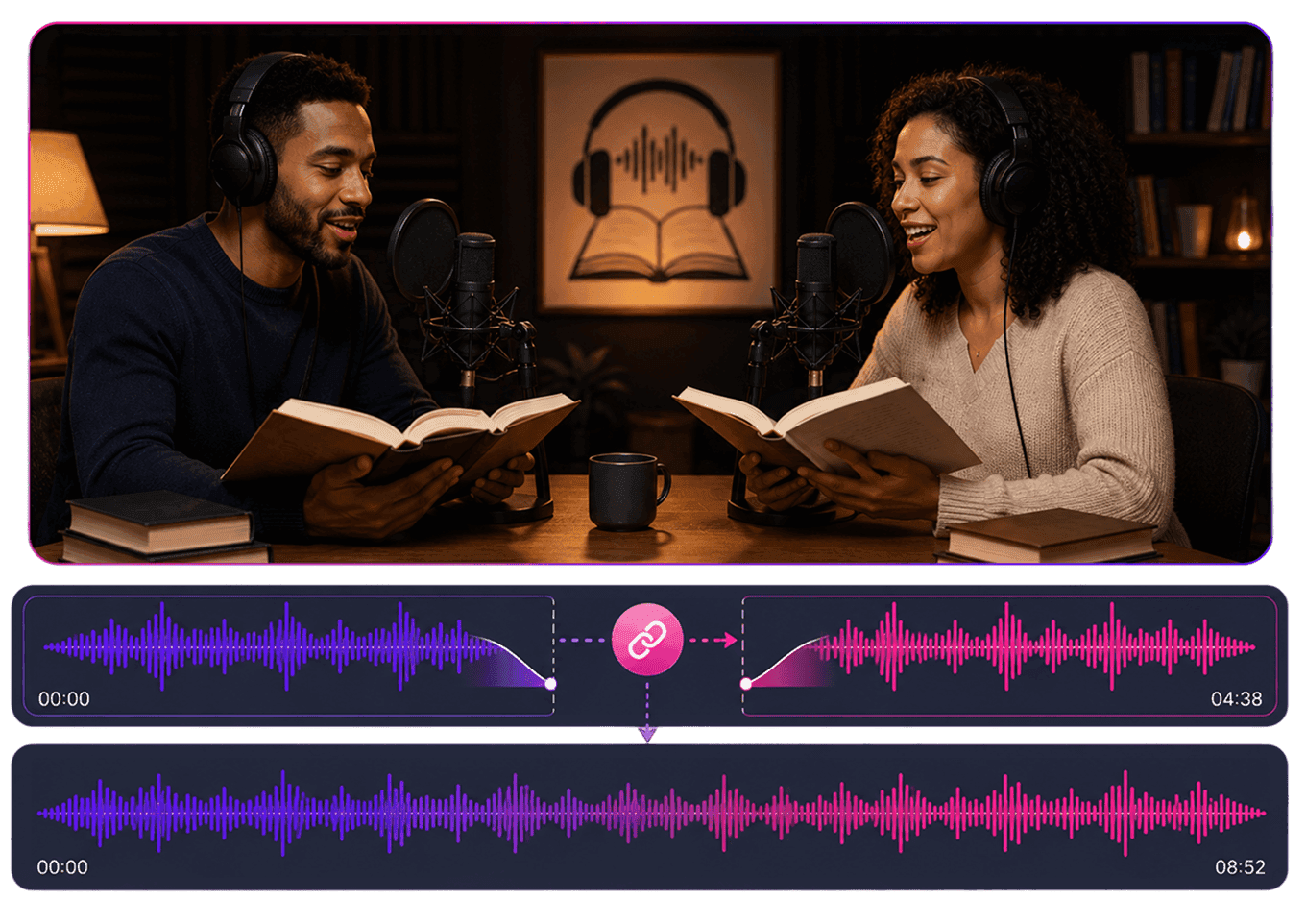
Merge Music and Song Clips
Combine music clips, song sections, demos, loops, intros, outros, and short audio ideas into one file for review, sharing, practice, or further editing.
Merge Music Clips
Export Merged Audio in Popular Formats
Export your merged audio as MP3, WAV, FLAC, OGG, or OPUS. Choose MP3 for easy sharing, WAV or FLAC for quality-focused workflows, and OGG or OPUS when those formats fit your project.
Export Audio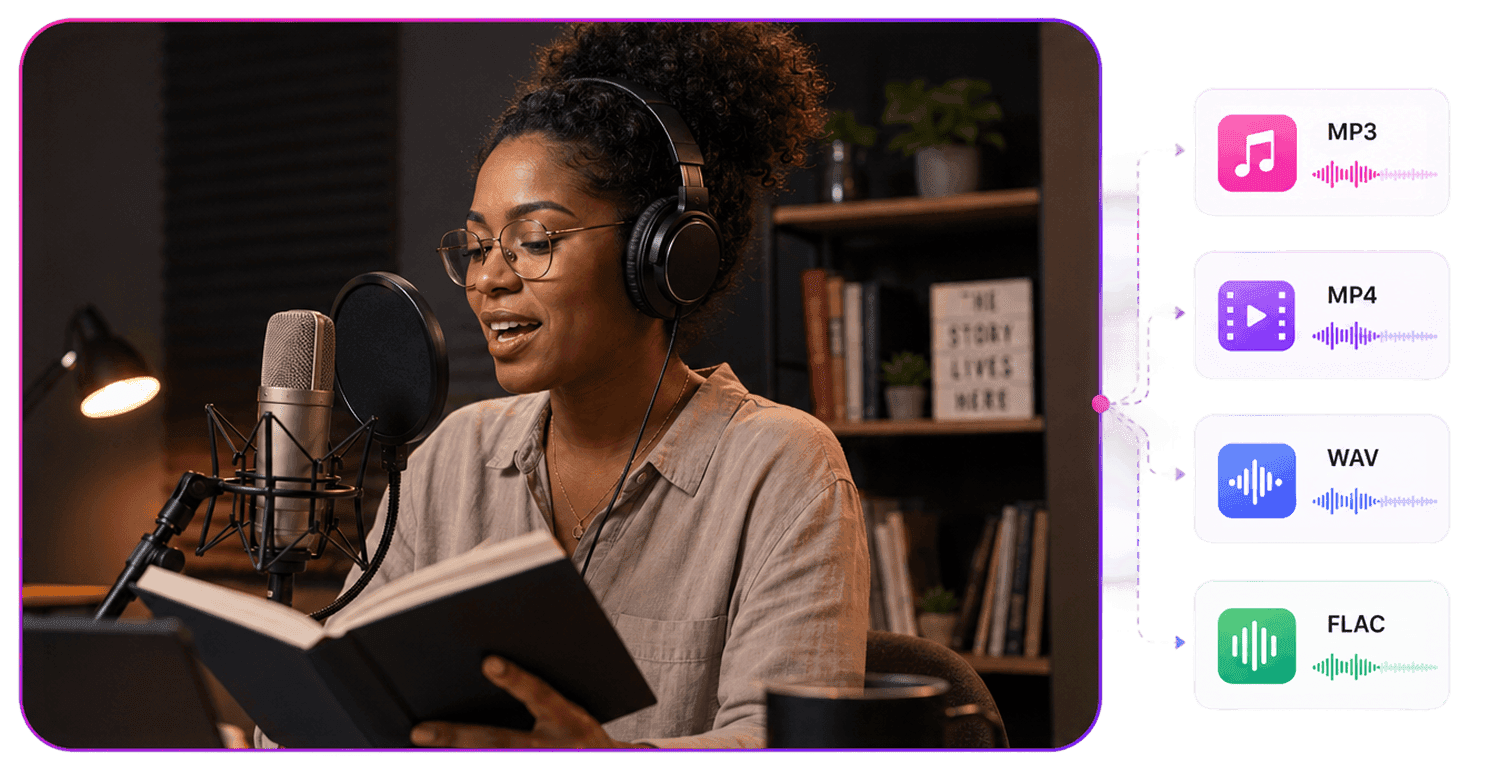
Who Is Audio Merger For?




Why Choose AudioMuse’s Audio Merger Online?

Simple Audio Joining Workflow
Upload clips, arrange them in order, merge them into one file, and export the combined audio from your browser.

Merge Audio in Your Browser
Use AudioMuse Audio Merger online without installing desktop audio editing software.

Useful for Common Audio Projects
Combine audio for podcasts, music clips, interviews, lectures, voice recordings, videos, lessons, and everyday file edits.

Flexible Upload and Export Formats
Upload MP3, MP4, WAV, FLAC, OGG, OPUS, AAC, or M4A files and export the merged result as MP3, WAV, FLAC, OGG, or OPUS.
How to Merge Audio Files Online
Upload the audio clips you want to combine, arrange them in order, preview the merged result, and export one audio file from your browser.
Upload Audio or Video Clips
Upload the files you want to join, such as MP3, WAV, FLAC, OGG, OPUS, voice recordings, podcast sections, music clips, interviews, lectures, intros, outros, or video audio.
Arrange the Clips in Order
Place each audio clip on the timeline in the sequence you want. Combine separate recordings, join music parts, build podcast sections, or create a simple audio sequence.
Preview and Export One File
Preview the merged audio, adjust the order if needed, add fade in or fade out for smoother edges, and export one combined audio file.
What they say about AudioMuse’s Audio Merger Online ?
Other online audio tools:

Everything you Need, All in one Place
Choose Audio Muse for all your online audio or music processing needs with a full suite of tools in one easy-to-use platform. Edit audio directly from your browser, remove noise, convert file formats, and perfect your tracks - all without downloading extra software. Plus, manage your projects from any device, anytime. Your go-to for audio solutions.