AI Vocal Remover Online
Remove vocals from songs online with AudioMuse AI Vocal Remover. Separate vocals and instrumentals, create karaoke tracks, extract acapella vocals, and make instrumental versions from music files in your browser.
AI Vocal Remover Online,Free
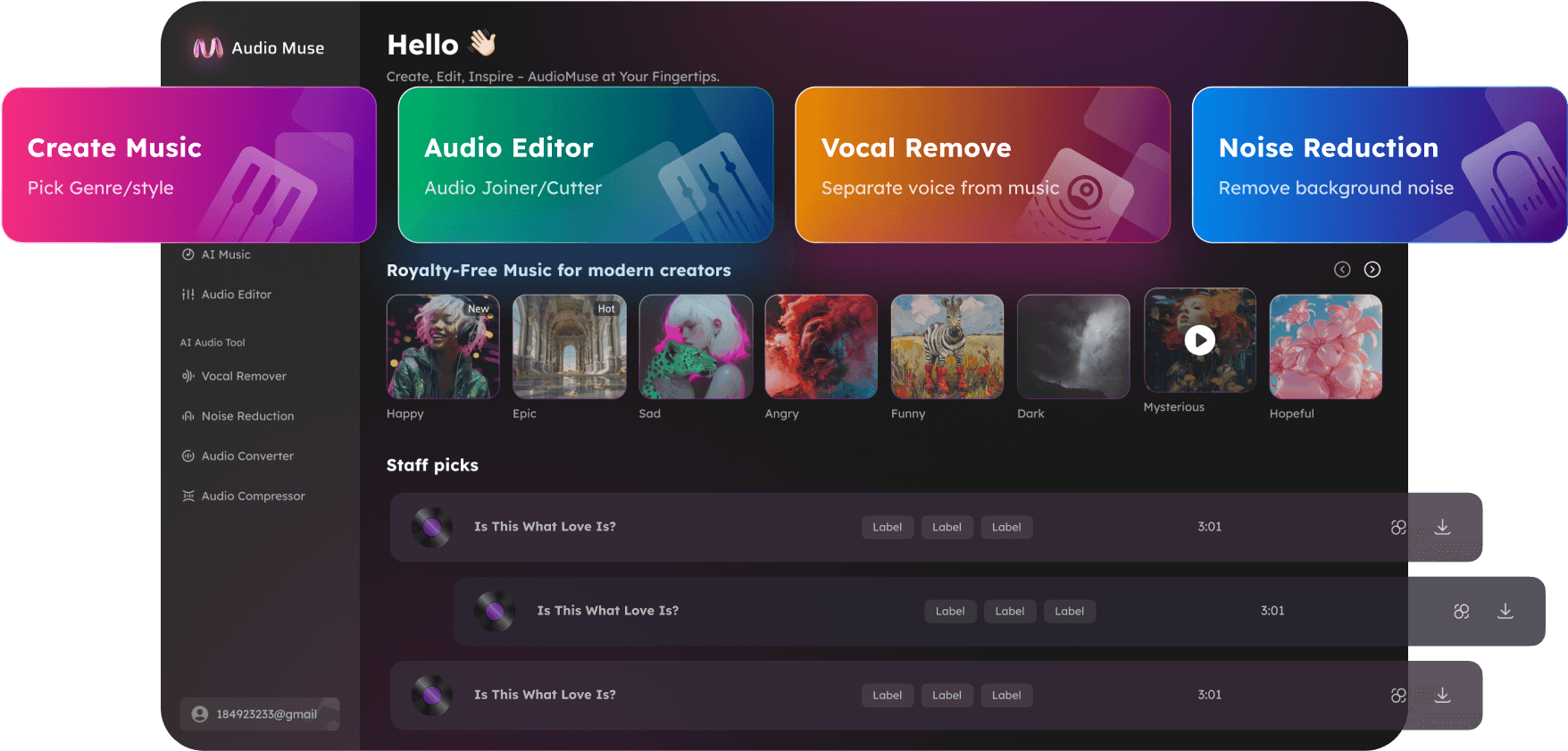
AudioMuse AI Vocal Remover Online automatically separates vocals and instrumental music from a mixed song. Upload your audio file, let AI analyze the track, then preview and download the separated vocal stem and vocal-free instrumental track. Use it as a vocal remover online, instrumental maker, karaoke track maker, or acapella extractor for singing practice, cover songs, rehearsals, video background music, remixes, mashups, DJ edits, vocal study, and music production. AudioMuse gives singers, creators, DJs, producers, and music learners a simple browser-based workflow for separating voice from music without complicated audio editing software.
Remove Vocals from Songs Online
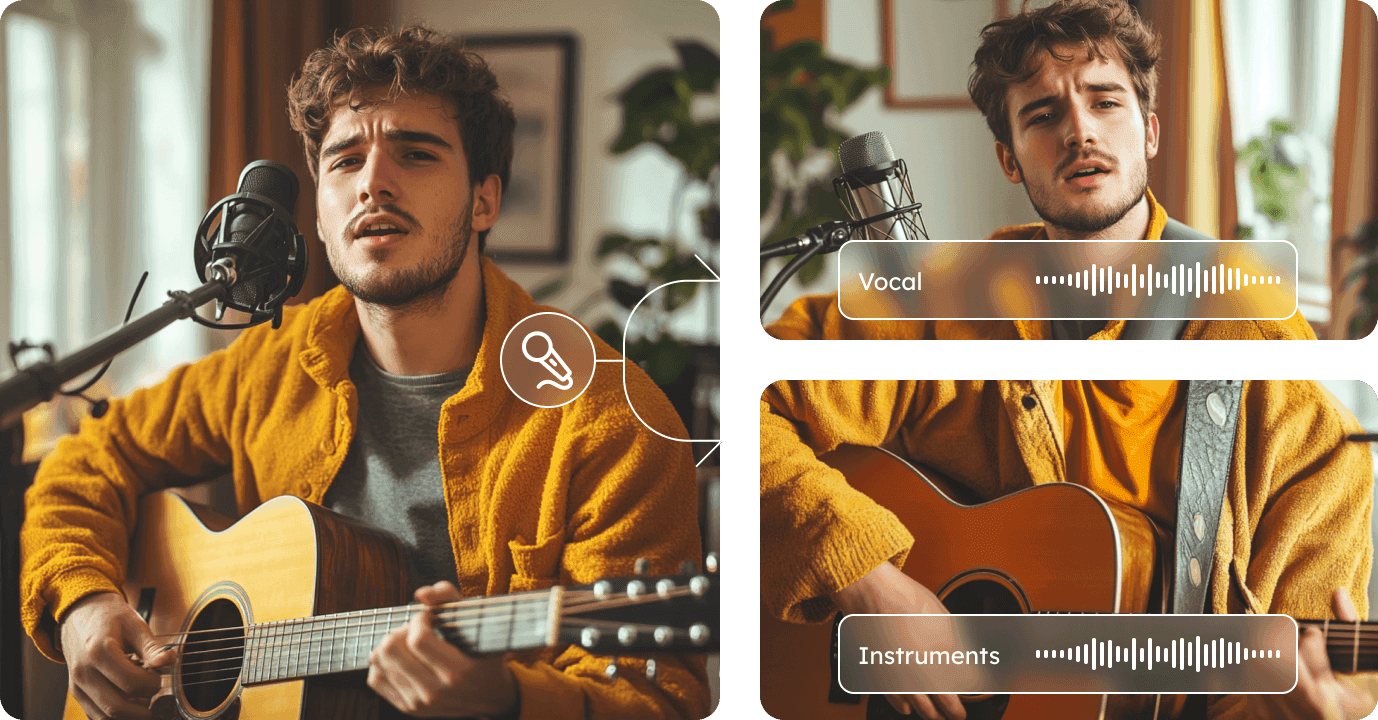
Use AudioMuse AI Vocal Remover to separate a mixed song into vocal and instrumental tracks. Remove the lead voice to create a backing track, or isolate the vocal stem for remixing, acapella edits, mashups, and creative production.
Remove Vocals Online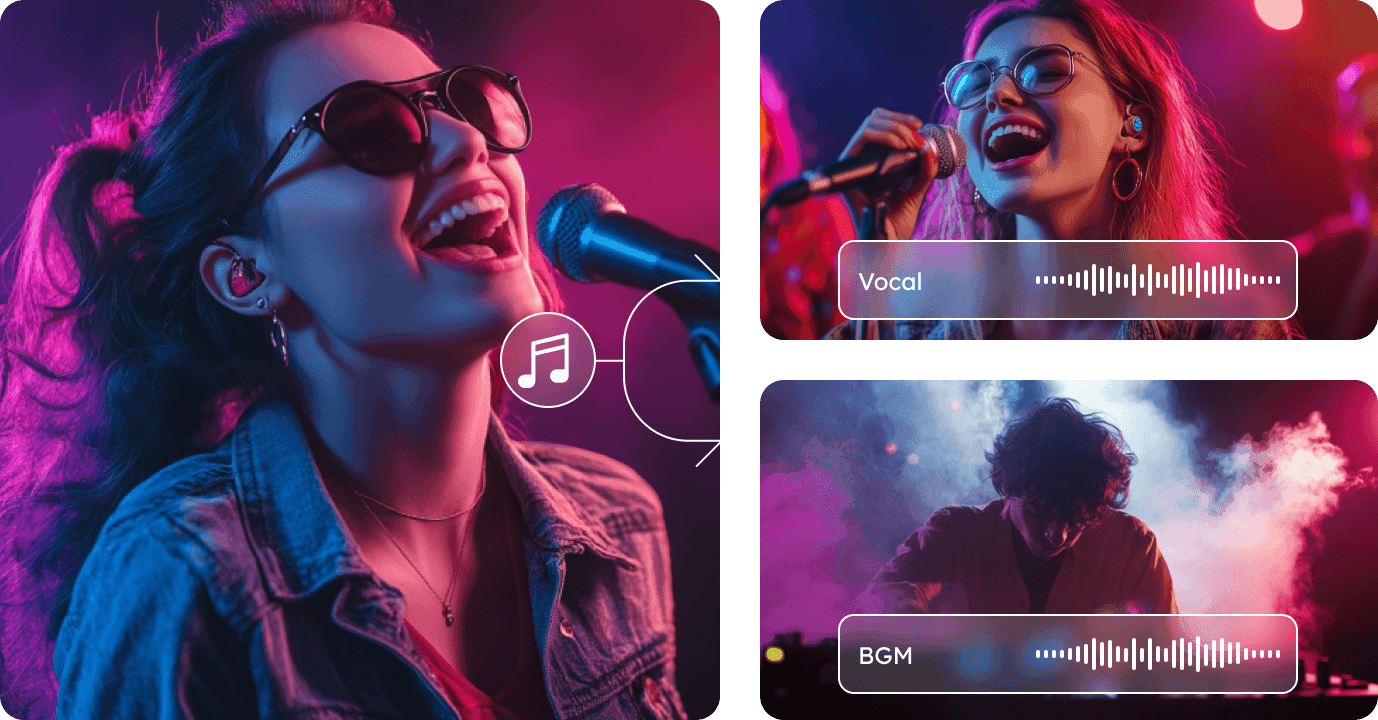
Create Instrumental and Karaoke Tracks
Turn songs into vocal-free instrumentals for karaoke, singing practice, rehearsals, cover performances, music lessons, and backing tracks. Use AudioMuse as an instrumental remover or instrumental maker by separating vocals from the backing music.
Make Instrumental Tracks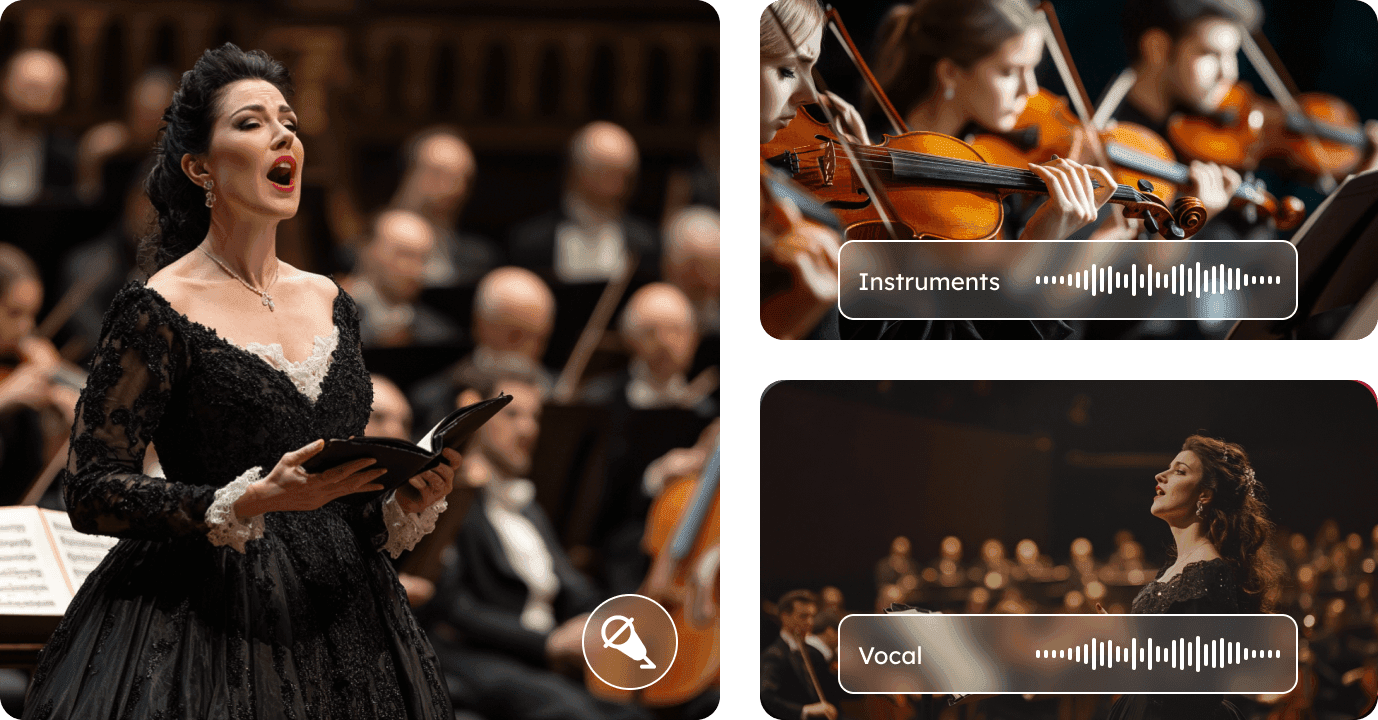
Extract Acapella Vocals for Remixes
Download isolated vocals from a song and use them for remixes, mashups, DJ edits, vocal effects, sampling ideas, arrangement study, or music production. The vocal output is useful when you want to build a new instrumental around an existing vocal performance.
Extract Acapella Vocals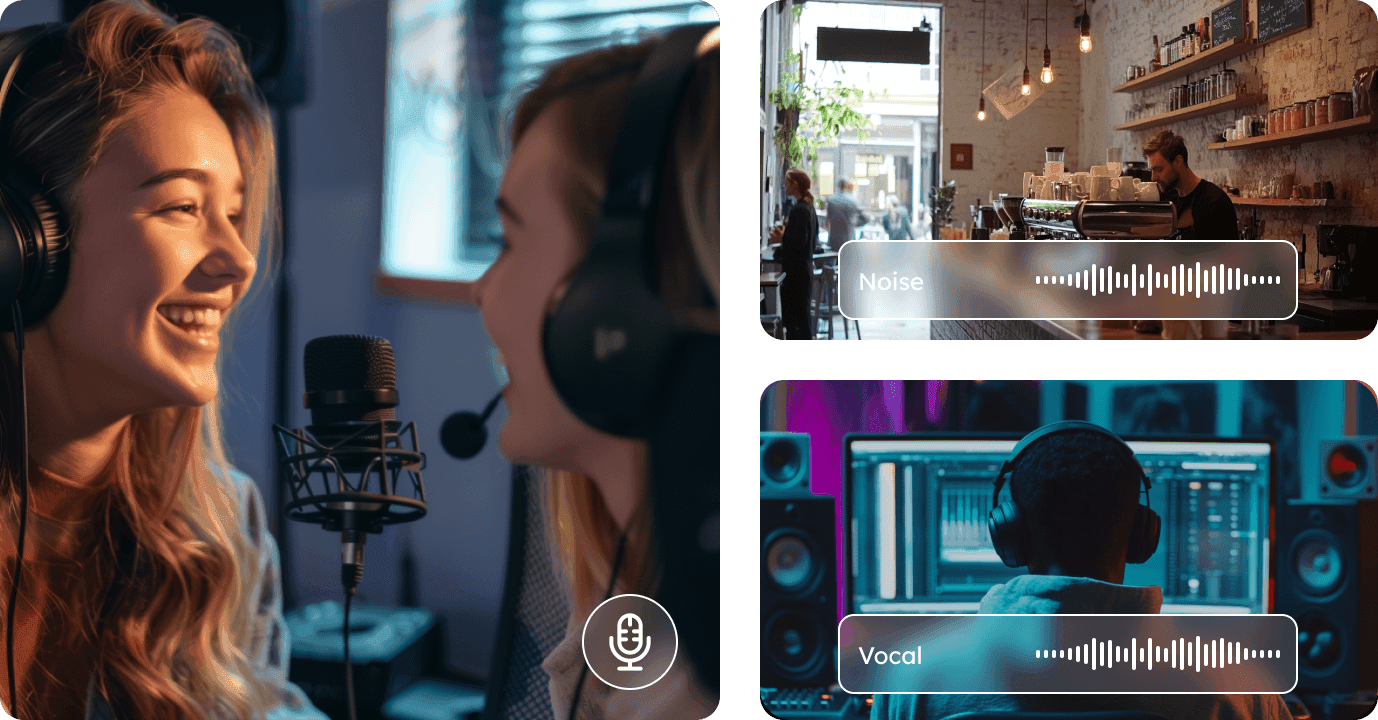
Who Can Use AI Vocal Remover?




Why Choose AudioMuse’s AI Vocal Remover Online?

Simple Vocal Removal
Upload a song, let AI separate vocals and instrumentals, preview the results, and download the track you need.

Instrumental Maker
Create vocal-free instrumentals for karaoke, covers, singing practice, rehearsals, backing tracks, and videos.

Acapella Extractor
Download isolated vocals for remixes, mashups, DJ edits, vocal effects, sampling ideas, and production projects.

Useful for Music Creation
Use isolated vocals and instrumentals for remixes, mashups, DJ sets, arrangement study, practice tracks, social media videos, and music production workflows.
How to Remove Vocals from a Song Online
Use AudioMuse AI Vocal Remover to remove vocals from songs and separate vocals and instrumentals online.
Upload Your Song or Audio File
Choose the song you want to process. For best results, upload the highest-quality version available and avoid files that are heavily compressed, distorted, clipped, or repeatedly converted.
Separate Vocals and Instrumentals with AI
AudioMuse analyzes the mixed track and automatically separates it into two useful parts: an isolated vocal stem and a vocal-free instrumental track.
Preview the Separated Results
Listen to the vocal and instrumental outputs online. Check vocal clarity, instrumental quality, remaining vocal traces, and any separation artifacts before downloading.
Download Vocal or Instrumental Tracks
Download the instrumental for karaoke, covers, singing practice, backing tracks, or video background music. Download the vocal stem for remixes, mashups, DJ edits, acapella projects, or vocal study.
What they say about AudioMuse’s AI Vocal Remover Online ?
Other online audio tools:
More From Vocal Remover
 Knowledge
How to Remove Vocals from MP3 Files Online | AudioMuse
Remove vocals from MP3 files online with AI and create instrumental tracks for karaoke, covers, singing practice, remixing, and backing tracks.

 Knowledge
How to Remove Vocals from a Video Online | AudioMuse
Remove vocals from a video online with AI. Separate video audio, create an instrumental track, and make karaoke, covers, remixes, or edits.
Everything you Need, All in one Place
Choose Audio Muse for all your online audio or music processing needs with a full suite of tools in one easy-to-use platform. Edit audio directly from your browser, remove noise, convert file formats, and perfect your tracks - all without downloading extra software. Plus, manage your projects from any device, anytime. Your go-to for audio solutions.