Better Tonal Balance & Sound Quality
Bring low, mid, and high frequencies into better balance. Help control overpowering bass, soften harsh frequencies, and improve overall clarity while preserving the character of your original mix.

Online AI Music Mastering
Give your finished mix the final polish with AI mastering. Improve tonal balance, refine loudness, and bring out a more cohesive, professional sound—without complicated mastering software. Preview your results for free before downloading the full master.
For the best mastering results, start with a well-balanced mix that isn't heavily distorted or clipped.
30-Second Free PreviewGenre & Loudness ControlHigh-Quality Audio OutputNo Mastering Skills Needed
Preview 30 seconds free. Try different mastering settings at no cost. Credits are only required for your full master.
Your song is mixed, but does it sound finished? A mix can feel too quiet, uneven, dull, or harsh on different speakers. AI music mastering refines tonal balance, loudness, and dynamics to help your finished track sound more polished, cohesive, and consistent.
Bring low, mid, and high frequencies into better balance. Help control overpowering bass, soften harsh frequencies, and improve overall clarity while preserving the character of your original mix.
Make your song feel louder and more consistent without simply turning up the volume. AI audio mastering helps balance perceived loudness and dynamics, keeping your music's energy and expression intact.
Refine the overall sound of your finished mix so vocals, instruments, and rhythm feel more connected. Improve clarity and cohesion without changing the individual track levels or rebuilding the arrangement.
Turn your finished mix into a more complete listening experience. Give your music the final mastering polish it needs for sharing, listening, or taking the next step in your music production workflow.
No mastering engineer, complex plug-ins, or technical audio settings required. Upload your finished mix, choose your preferences, and let AI handle the mastering process.
Add your already-mixed song as an audio or video file. Audiomuse works with a complete recording, so you don't need separate vocal, drum, or instrument tracks.
Select your music genre, choose Low, Medium, or High loudness, and pick your preferred output quality. Let AI tailor the mastering process to your selections.
Listen to a free 30-second preview. Change your style or loudness and preview again at no cost. When you're happy with the result, use credits to generate and download your full mastered track.
From your first home recording to your next finished release, Audiomuse gives you an easy way to refine a complete mix. Make the creative choices that matter and leave the technical mastering process to AI.
Bring your finished mix closer to its potential.
AI mastering processes your song as a whole, helping refine tonal balance, dynamics, and overall loudness. Give your music a more cohesive final sound without building a manual mastering chain.
Match the master to your music style.
Choose Rock / Indie, Pop, Acoustic, Hip-Hop / Grime, Electronic, Reggae / Dub, Metal, or Other. Guide the mastering approach to better suit your song's musical character.
Choose how loud you want your master to feel.
Select Low, Medium, or High loudness to guide the overall level and intensity of your master. Explore different settings without manually adjusting compressors or limiters.
Hear the results before using credits.
Generate a free 30-second AI mastering preview of your song. Change the genre or loudness and preview again for free, so you can choose the sound you prefer before generating the full master.
Choose the output quality for your project.
Select 44.1 kHz / 16-bit or 48 kHz / 24-bit mastering output options. Keep your music in a suitable format and quality for your next listening, editing, or sharing workflow.
Master your music without unnecessary conversion.
Upload MP3, WAV, M4A, FLAC, OGG, or supported video files such as MP4, MOV, and WebM. Work with the audio from your finished recording through one online mastering workflow.
Listen to the part that matters most.
Select where your 30-second mastering preview begins. Hear the chorus, a louder section, or another important moment before deciding on your final mastering settings.
Focus on your sound, not mastering software.
No complicated plug-in chains or specialist engineering knowledge needed. Upload your mix, make a few straightforward choices, and let AI handle the technical processing.
Different creators make music in different ways, but they all face the same final question: does the finished mix sound the way it should? Audiomuse helps you take that next step without a complicated mastering setup.
Singer-songwriters, independent artists, finished tracks
You've finished recording and mixing your song, but the final export still feels quieter or less balanced than you'd like.
Use AI music mastering to refine the overall sound, choose a suitable loudness, and hear a more polished version before sharing your work.

Home studios, songwriters, demo recordings
Your home recording captures the performance and arrangement, but the final mix may still feel a little rough or uneven.
Bring the finished demo through an AI mastering stage to improve its overall balance and presentation without needing a professional mastering setup.
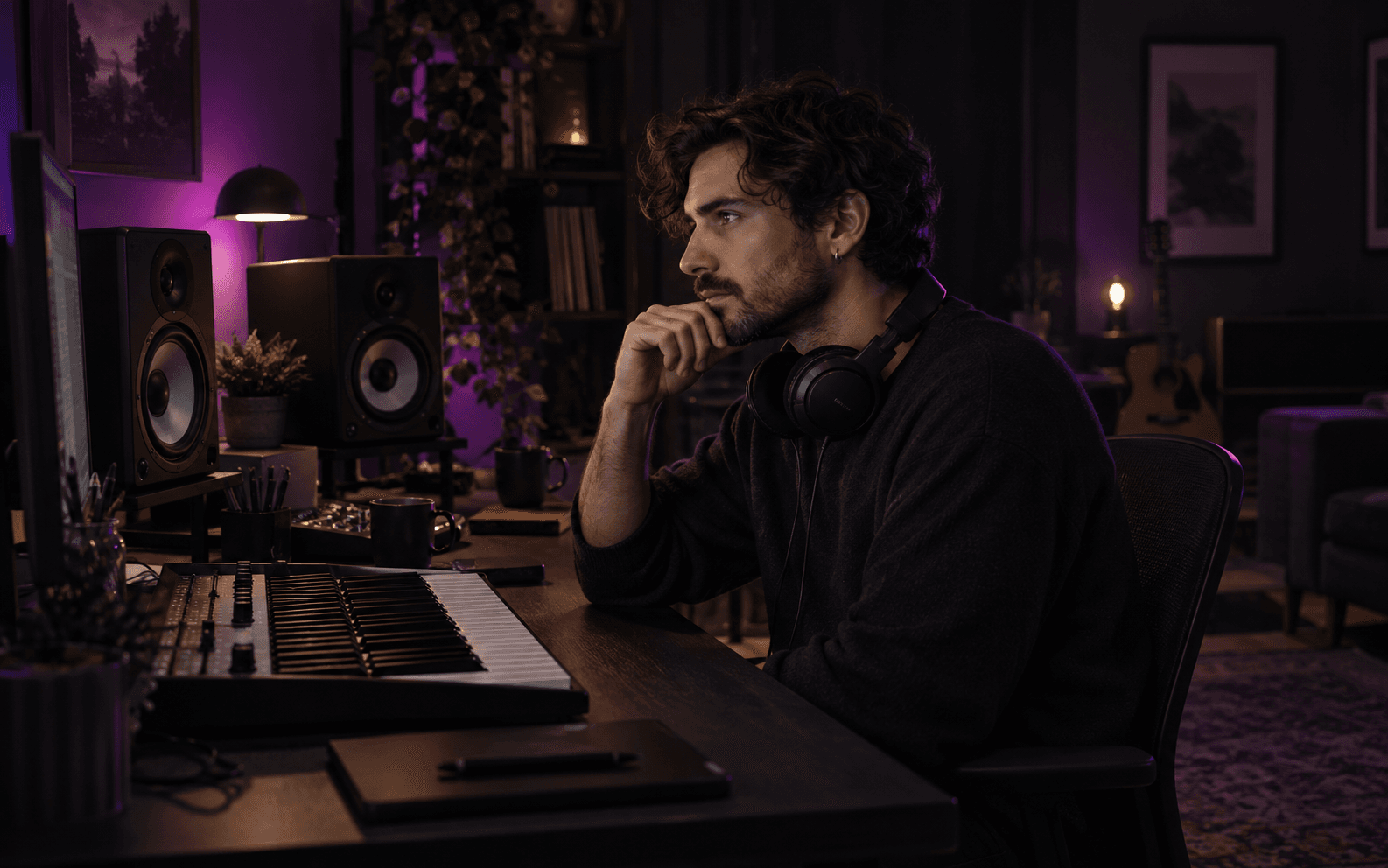
Beatmakers, producers, instrumental tracks
A beat or instrumental track needs its own balance between bass, drums, melody, and overall loudness.
Master your finished instrumental mix with settings suited to Hip-Hop, Electronic, Acoustic, or other styles, while keeping its musical character intact.

AI music creators, generated songs, experimental music
Already created a song with Suno, Udio, or another AI music tool? Export the completed audio and use AI mastering to explore a different balance and loudness for the finished recording.
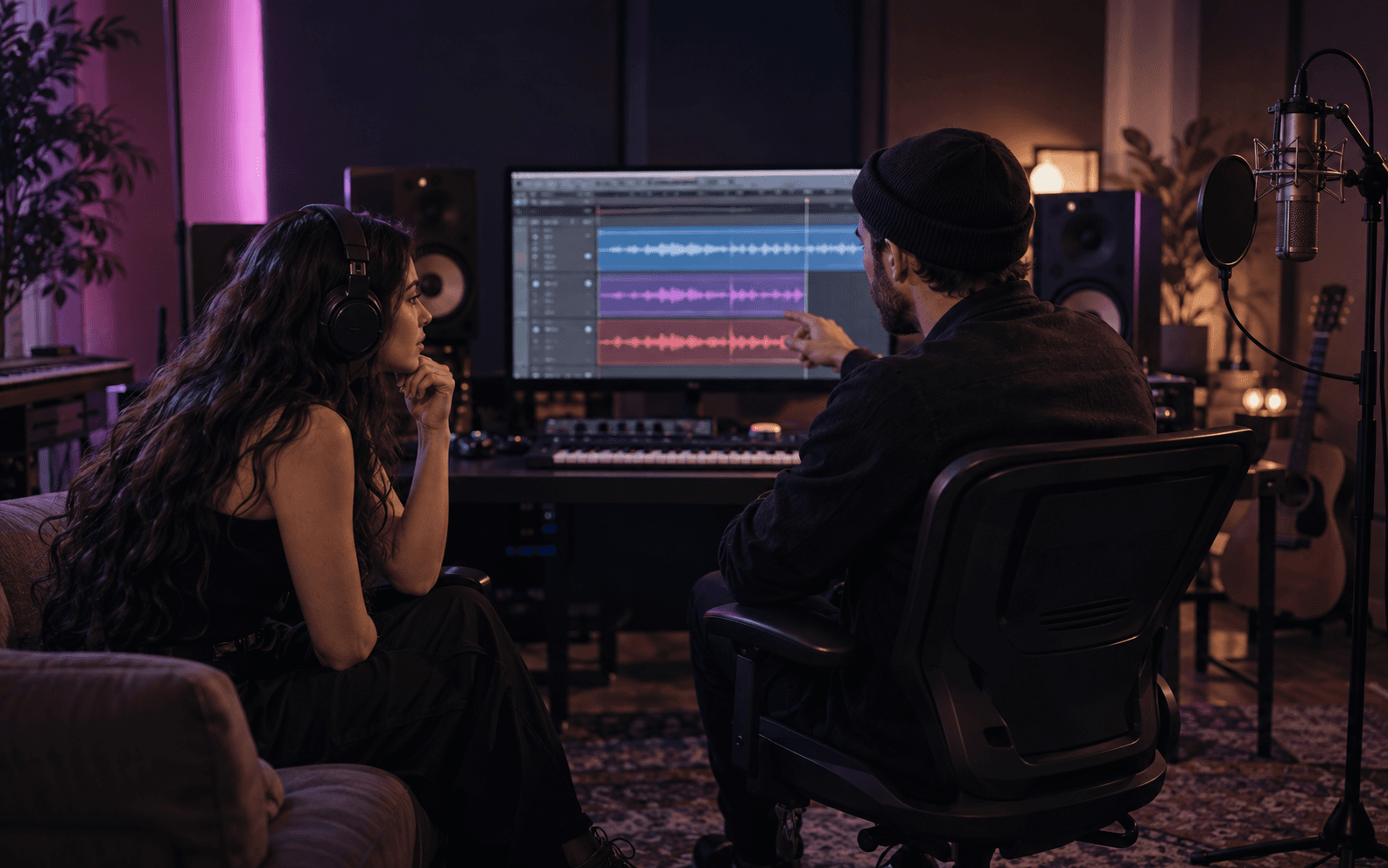
Music videos, performance recordings, creator projects
Have a finished music mix inside a video file? Upload the recording and master its audio without first preparing a separate audio file.
Use the mastered audio in your next video editing or music production step.
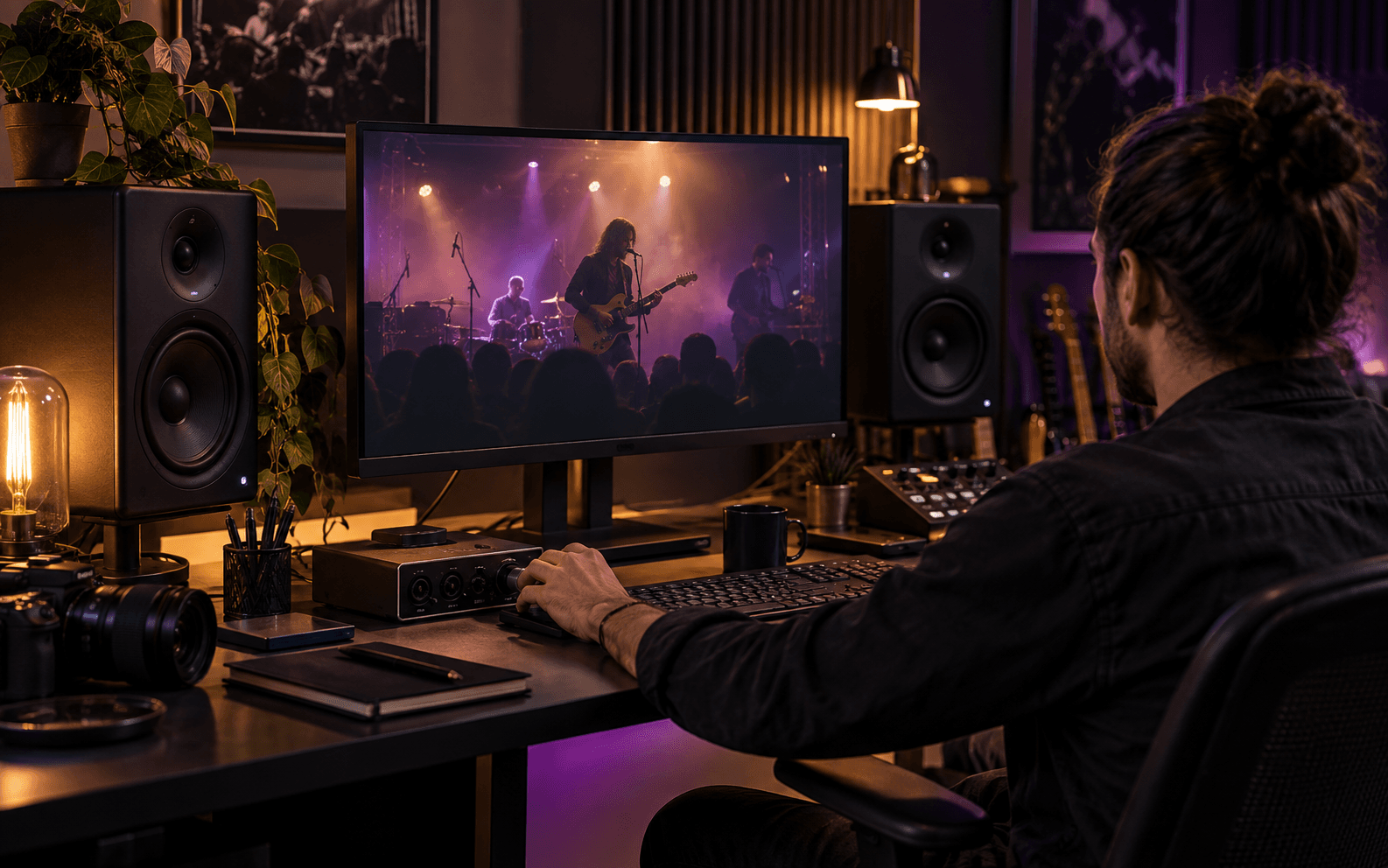
Mixing and mastering work together, but they solve different problems. The right Audiomuse tool depends on whether you have separate audio tracks or one completed mix.
Already have a finished mix? Give it the final polish.
Upload one complete song with the vocals and instruments already combined. AI Mastering refines the overall sound, loudness, and tonal balance without changing the individual track arrangement.
Still have separate tracks? Bring them together first.
Upload individual vocals, beats, and instruments. AI Mixing balances the parts, combines them into a cohesive song, and includes mastering in the workflow.
LANDR offers a comprehensive AI mastering platform with advanced music production features. Audiomuse focuses on making online AI mastering simple and accessible, helping you polish a finished song without a complicated workflow.
Upload your finished mix, choose a music style and loudness, and preview the result for free. Try different settings before using credits to download your full master—all in one straightforward workflow.
LANDR offers additional features such as reference mastering, album mastering, DAW plugins, and music distribution. It's a good fit for creators who want mastering integrated into a larger music production ecosystem.
Mastering is the final stage of a music production workflow, but your recordings may need something different first. Explore other Audiomuse tools for mixing, enhancing, or separating audio.
Want to improve an existing recording?
Use Music Enhancer to improve the clarity, details, and overall sound quality of a music recording without rebuilding its mix.
Need individual vocals or instruments?
Use Stem Splitter to separate a finished song into vocal and instrumental parts for practice, editing, or remixing.
Need to make edits before mastering?
Use the free online Audio Editor to trim, arrange, and adjust recordings on a multitrack timeline before exporting your final mix.
Answers about online music mastering, sound quality, loudness, supported formats, free previews, and the difference between mixing and mastering.
AI mastering is an automated way to process a finished audio mix using artificial intelligence. It helps refine the overall tonal balance, dynamics, and loudness of a song, bringing the recording closer to a polished final version.Audiomuse AI Mastering works with a complete song rather than separate vocal and instrument tracks.
Upload your finished mix to Audiomuse, choose a music genre and desired loudness, and select your output quality. AI then processes the song according to your settings.Listen to a free 30-second preview, adjust your selections if needed, and use credits to generate and download the complete master once you're satisfied.
You can generate a 30-second AI mastering preview for free. Try different music genres or loudness levels and preview again without spending credits.Generating and downloading the full mastered track requires credits. The current credit cost is displayed before you confirm.
Mixing combines multiple recordings, such as vocals, drums, bass, and guitars, into a balanced song. Mastering processes that finished mix as a whole, refining its overall sound and loudness.If you have separate tracks, use AI Mixing. If your song is already mixed into one file, use AI Mastering.
AI mastering can help improve the overall balance, loudness, and presentation of a well-mixed recording. It can be particularly useful for independent musicians, home studio projects, and song demos.However, mastering cannot guarantee professional results from every source file or correct every problem in the original recording.
AI mastering can increase or adjust perceived loudness while processing the overall dynamics and tonal balance of your song.Audiomuse offers Low, Medium, and High loudness options. These are relative mastering choices, not exact LUFS targets or guarantees of compliance with a particular streaming platform's specifications.
Yes. Audiomuse provides a free 30-second mastering preview, and you can change your music genre or loudness settings and generate another preview without spending credits.You can also choose where the preview starts, making it easier to listen to an important part of your song.
Audiomuse AI Mastering supports MP3, WAV, M4A, FLAC, OGG, AVI, MP4, MKV, MOV, M4V, and WebM.For video uploads, the mastering process uses the audio from the file. The result is a mastered audio track, not a newly edited video.
Audiomuse offers 44.1 kHz / 16-bit and 48 kHz / 24-bit output quality options.Available download formats and quality settings depend on your selected output format. Choosing a higher output specification does not restore audio detail already lost in a compressed or low-quality source recording.
No. AI Mastering only needs one complete mix with the vocals and instruments already combined.If you're still working with separate recordings, use AI Mixing to balance and combine them before mastering.
Yes. If you have a completed song from Suno, Udio, or another music creation platform, you can upload its audio to Audiomuse for mastering.Mastering can change the overall sound and loudness, but it won't regenerate the musical arrangement, replace vocals, or create new instruments.
Yes. AI Mastering works with finished instrumental mixes as well as songs with vocals.Choose a music style and loudness that suit your arrangement, then use the free preview to hear how the settings affect the overall sound.
AI mastering offers a convenient way to refine a song without specialist audio engineering knowledge. It can be useful for independent releases, demos, home recordings, and other music projects.A professional mastering engineer can provide detailed listening judgment, personalized feedback, and decisions tailored to a specific production. AI mastering offers a simpler automated alternative, with results that depend on the source mix.
Yes. Audiomuse provides online AI mastering for completed songs, with genre controls, loudness options, and free 30-second previews.LANDR additionally offers reference mastering, album mastering, and DAW plugin workflows. Audiomuse is an alternative for creators who prefer a focused, standalone mastering tool rather than a broader music production platform.
Not necessarily. Mastering processes the complete recording, so it cannot independently rebalance a vocal that's buried in the mix or reliably recover audio damaged by severe clipping.For better results, use a clean, well-balanced mix with sufficient headroom. If the arrangement or individual track balance still needs work, return to the mixing stage before mastering.
Bring out a more balanced, polished sound with online AI mastering. Choose your genre and loudness, hear a free preview, and get your full mastered track when it sounds right to you.
Upload Your Song & Preview Free