Audio Mixer
Play sounds together
Layer music below a voice, place effects at precise moments and balance every clip independently.

Layer voice, music and sound effects on separate tracks. Make them play together, adjust timing and volume, then export one finished audio mix.
Free from import to export · No install · No sign-up · Audio processed on your device
An audio mixer layers sounds so they can play at the same time. An audio merger places files in a sequence. Choose the arrangement that matches what you want to hear.
Layer music below a voice, place effects at precise moments and balance every clip independently.
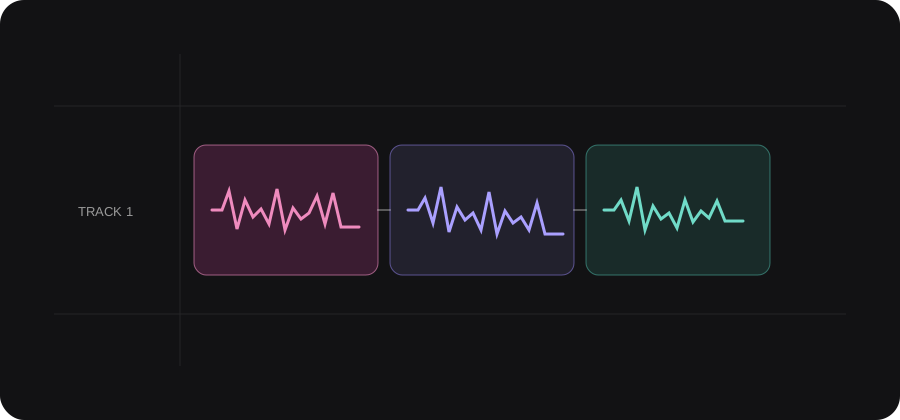
Arrange file A, then file B, then file C when you need one continuous track without overlap.
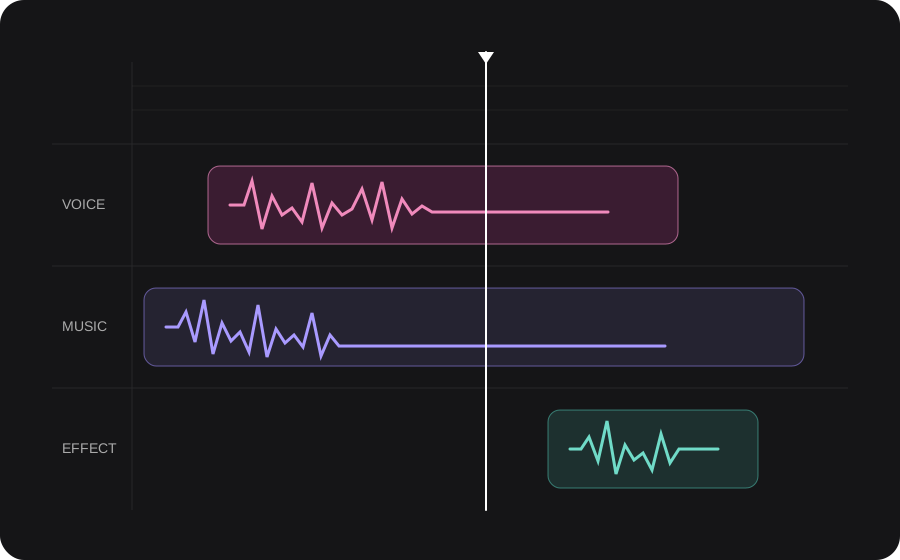
Position, trim and balance the files you already have. Every control below reflects the current AudioMuse editor—no live DJ deck or automatic AI mixing.
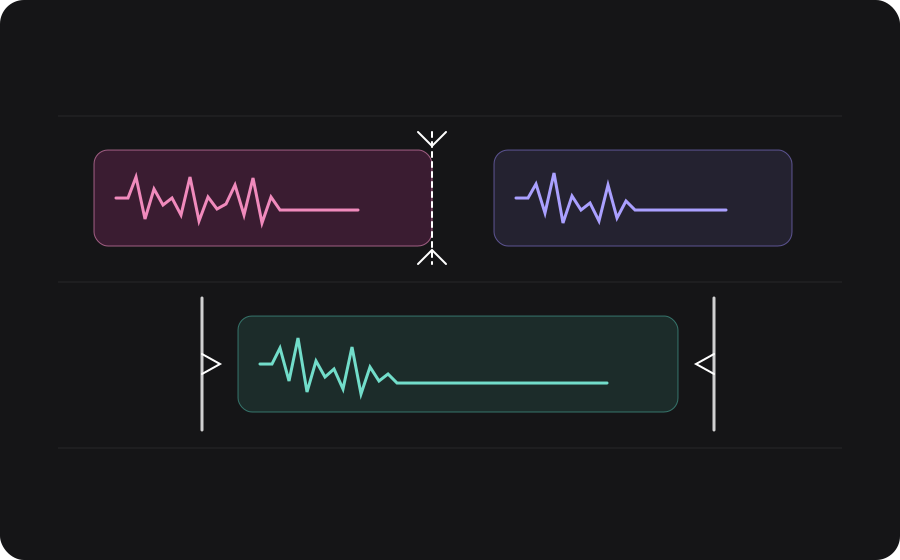
Drag each clip along the timeline. Keep sounds that need to overlap on separate tracks, then use the shared playhead to hear the moment they meet.
What you can doBest for deciding exactly when every sound starts.
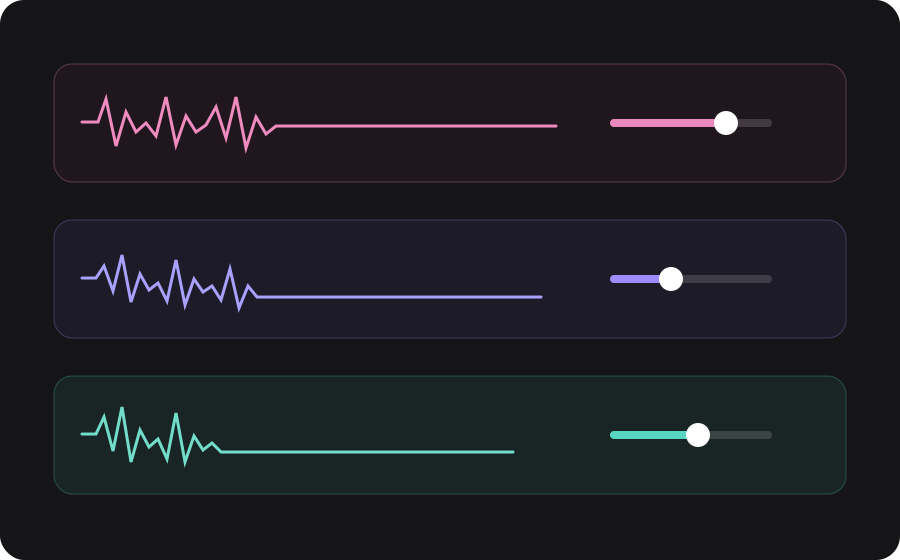
Select a clip and adjust its volume while listening to the complete mix. Lower background music without changing the voice recording itself.
What you can doBest for keeping speech or the lead sound in front.
Trim a long file, split at the playhead and move the remaining clips. The source files stay unchanged while you shape the timeline.
What you can doBest for using only the parts that belong in the mix.
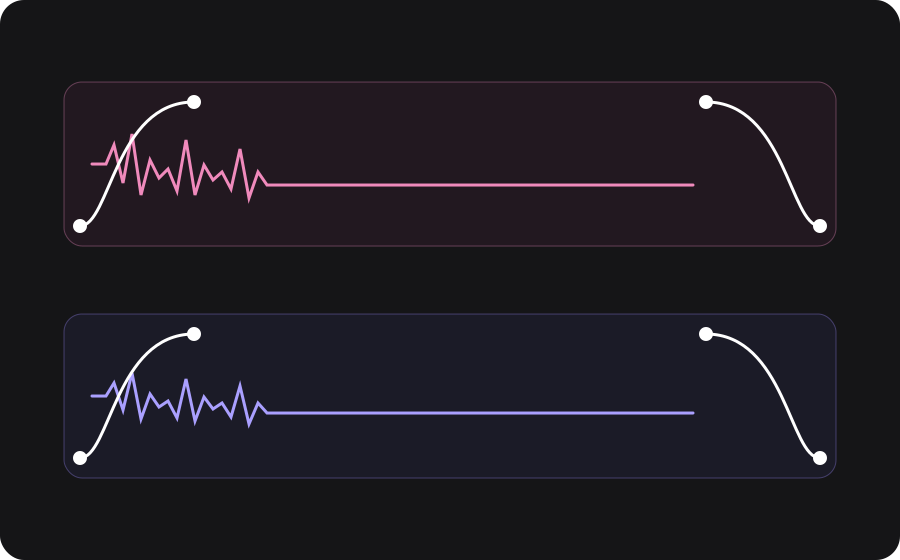
Add fade-in and fade-out to the selected clip so music arrives gently, effects do not stop abruptly and the final mix ends cleanly.
What you can doBest for smoother transitions and polished endings.
Start with one file here, then add the other layers inside Audio Editor without returning to the upload page.
Start with a voice recording, music file or sound effect. It opens directly on a new Audio Editor timeline.
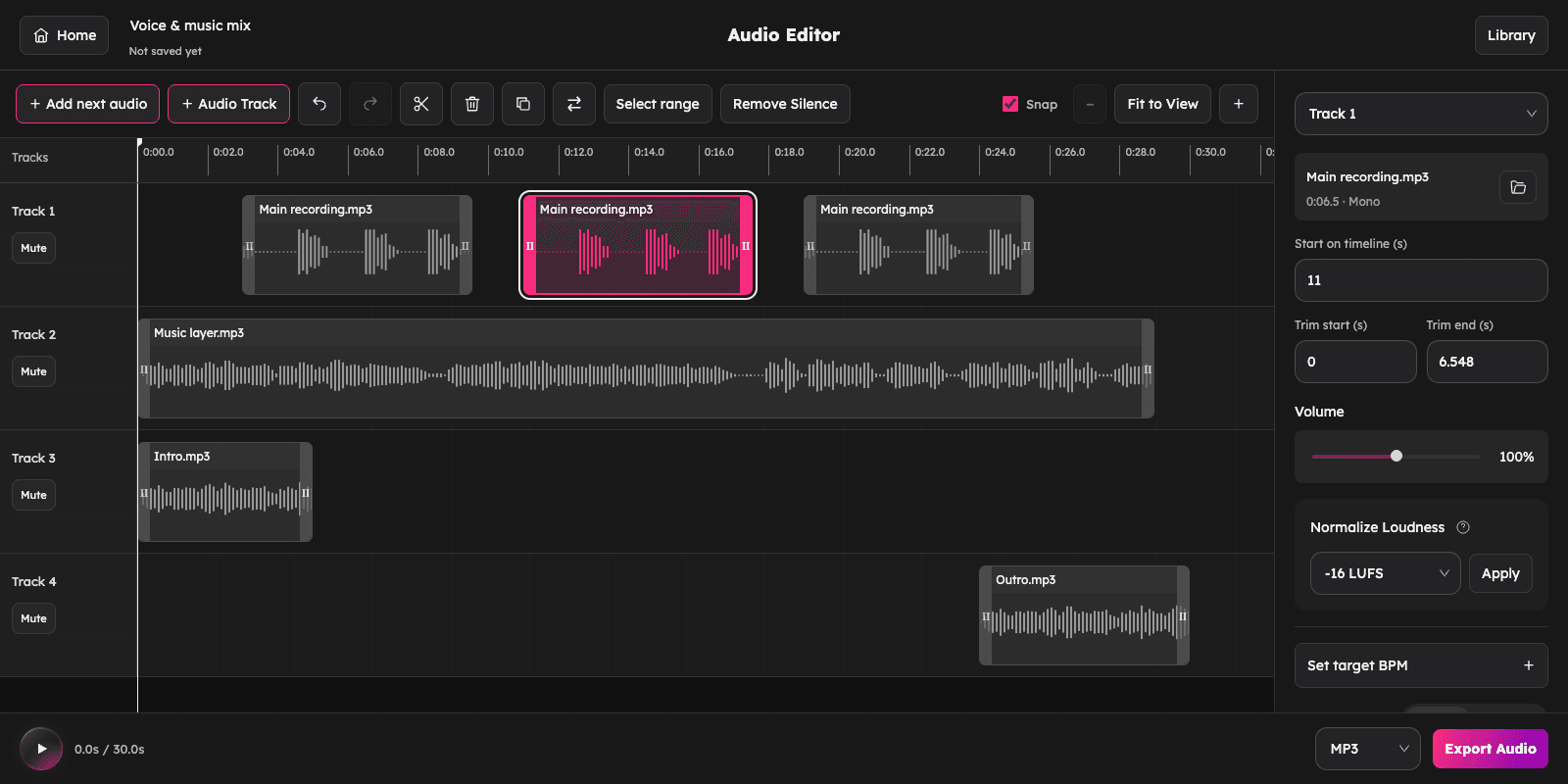
Choose + Audio Track to add music, another voice or an effect. A separate track lets it overlap and play with the first file.
Move clips to choose when they start. Adjust each clip’s volume and fades, then press Play to hear the complete mix.
Choose a format and Export Audio. Download the finished mix, or also keep an editable project in this browser’s Library.
Choose a familiar job and follow a practical path from separate recordings to one finished audio file.
A music bed can make a tutorial, product video or narration feel finished—but only if every word stays easy to hear.
Add narration as the main track
Place music underneath and lower its volume
Fade the music in and out around the voice
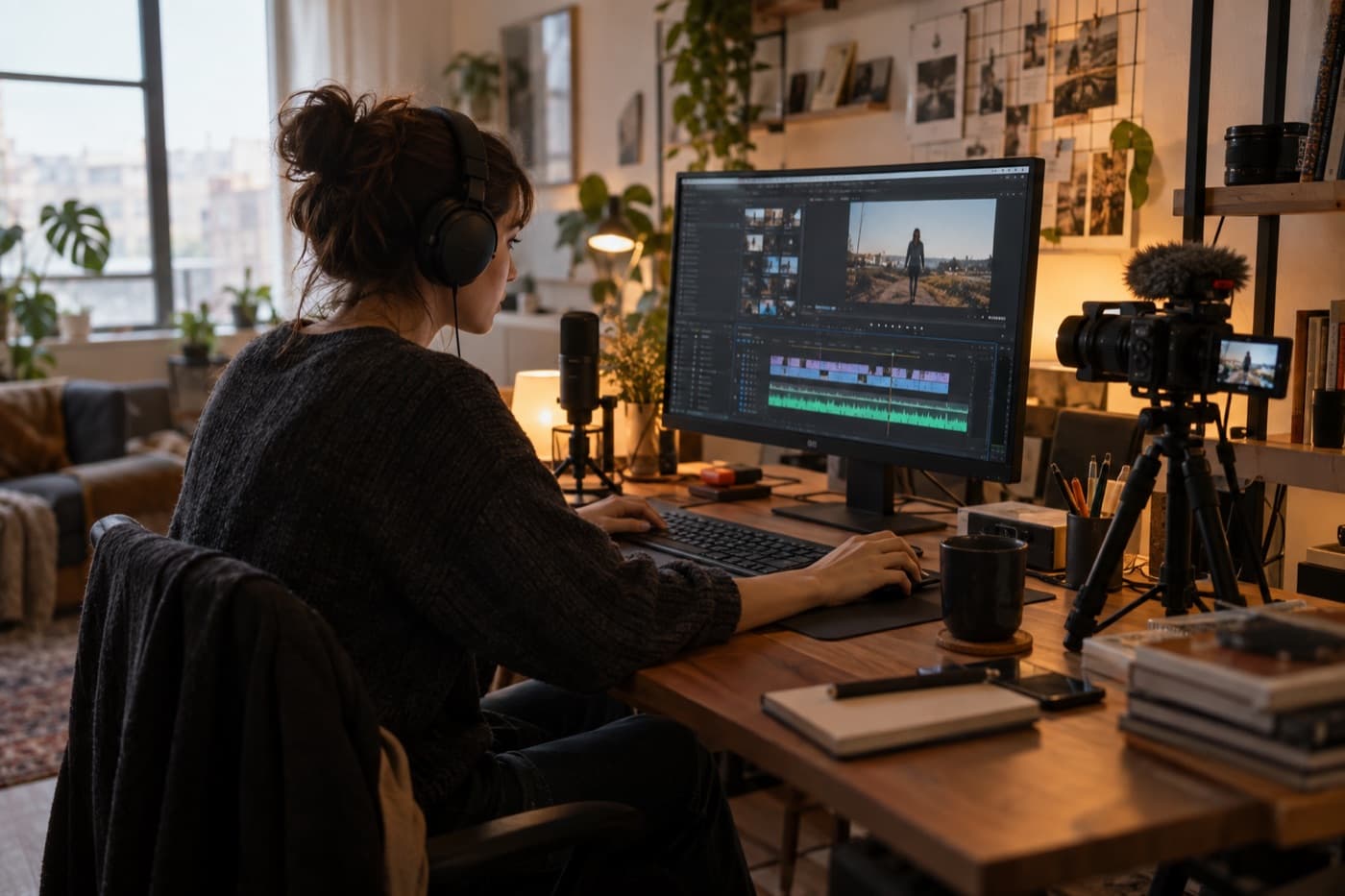
Keep the host, intro music and short sting separate while you decide where each one enters and how loud it should be.
Place the spoken introduction first
Overlap the intro bed on another track
Add a sting, preview and export one clip
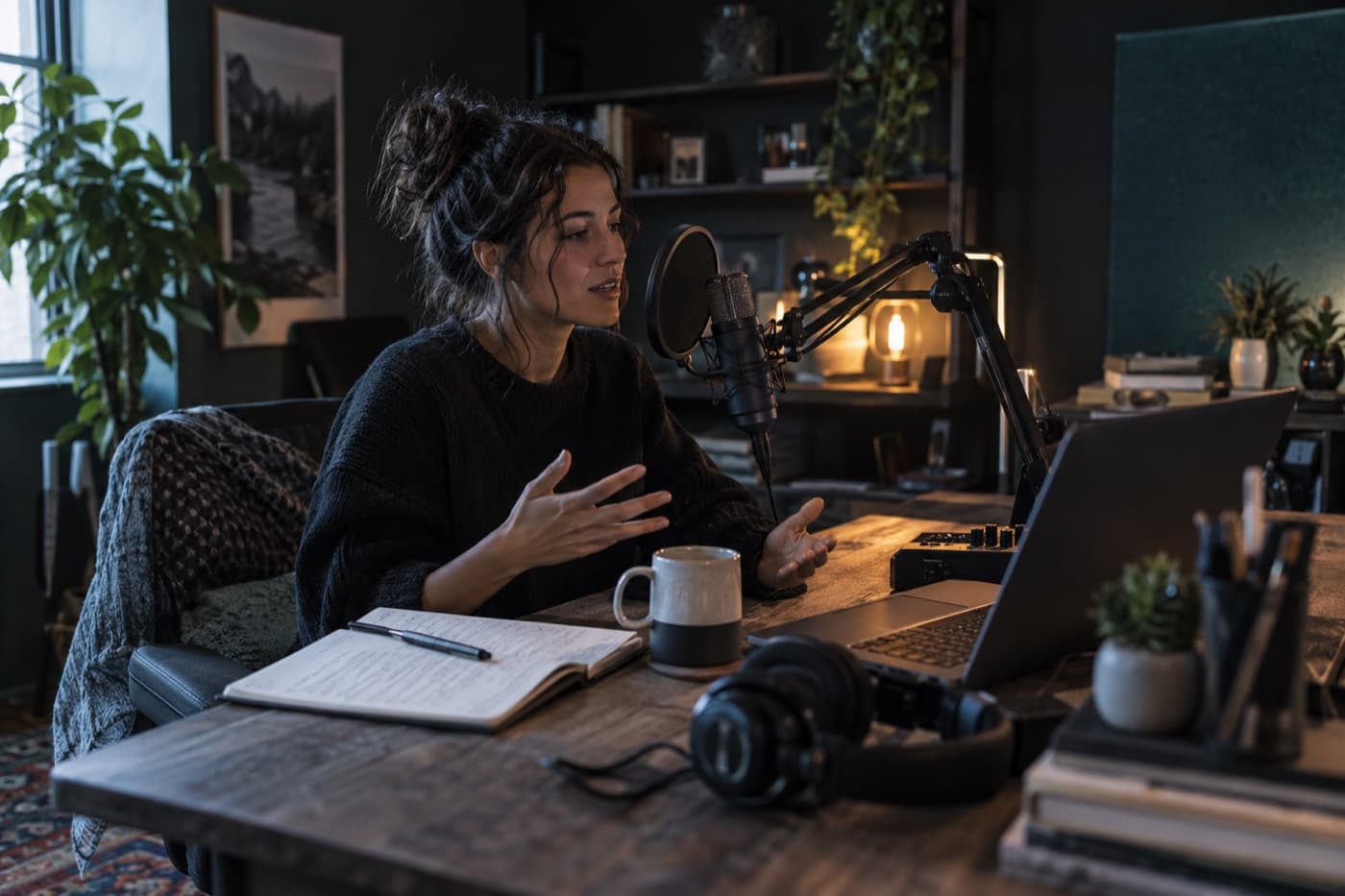
Line up a vocal recording with the backing track and adjust the balance without permanently combining the two source files.
Add the instrumental as a full-length bed
Position the vocal at its correct entrance
Balance both tracks and listen from the start
Keep narration continuous, then add atmosphere and short effects on separate tracks so every moment remains easy to adjust.
Use narration as the timing reference
Move effects to precise moments
Mute, compare and adjust each effect’s level
Export renders the audible timeline into a new file. Your original uploads stay unchanged.
Hear every unmuted track from its exact position and adjust the balance before rendering.
Export one finished audio file, such as MP3 for everyday sharing or WAV for an uncompressed result.
Download the mix, or optionally save its separate clips and settings in this browser’s Library.
Library projects stay in this browser and are not linked to an account or synced across devices. Download important finished audio separately.
Your recordings are decoded, arranged and rendered on your device. You can start without installing software or creating an account.
Import MP3, WAV, M4A, AAC, FLAC, OGG, OPUS or AIFF files, then export the finished timeline in one supported audio format.
Layering files, balancing voice and music, and downloading your mix.
Upload the first audio file here, then choose + Audio Track in Audio Editor to upload the second. The new file starts at the beginning on a separate track, so both can play together. Move either clip if it should start later, adjust their volume, preview and export one audio file.
Yes. Put the voice and music on separate tracks, select the music clip and lower its Volume. Listen to the full mix to check that speech remains clear. The balance is manual: the editor does not automatically lower music whenever someone speaks, and it does not provide a built-in music library.
No. Mixing layers sounds so they can play at the same time; use + Audio Track for that. Merging joins files one after another; use Add next audio or start from Audio Merger. Both workflows use the same Audio Editor, but the timeline arrangement is different.
Start with MP3, WAV, M4A, AAC, FLAC, OGG, OPUS or AIFF audio. A project supports up to 6 tracks, 48 clips and a timeline of 60 minutes. Each imported file can be up to 300 MB and 60 minutes long. You can combine different source formats and export one format such as MP3 or WAV.
Yes. Importing, mixing and exporting are free without an account or desktop installation. Audio is processed in your browser. Saving an editable project is optional; Library stores it in this browser, not in a cloud account. Clearing site data may remove saved projects, so download important finished mixes separately.
This tool arranges existing audio files on a timeline. It does not offer live DJ decks, automatic beatmatching, automatic ducking or AI mastering. You control clip positions, volume and fades yourself. It is intended for mixing uploaded recordings, not performing a live DJ set.
Yes. Press Play in Audio Editor to hear every unmuted track from its position on the timeline. Pause, move clips or change their volume, then preview again before exporting.
Yes, it works in a modern mobile browser. A larger desktop or tablet screen is more comfortable for precise multitrack positioning.