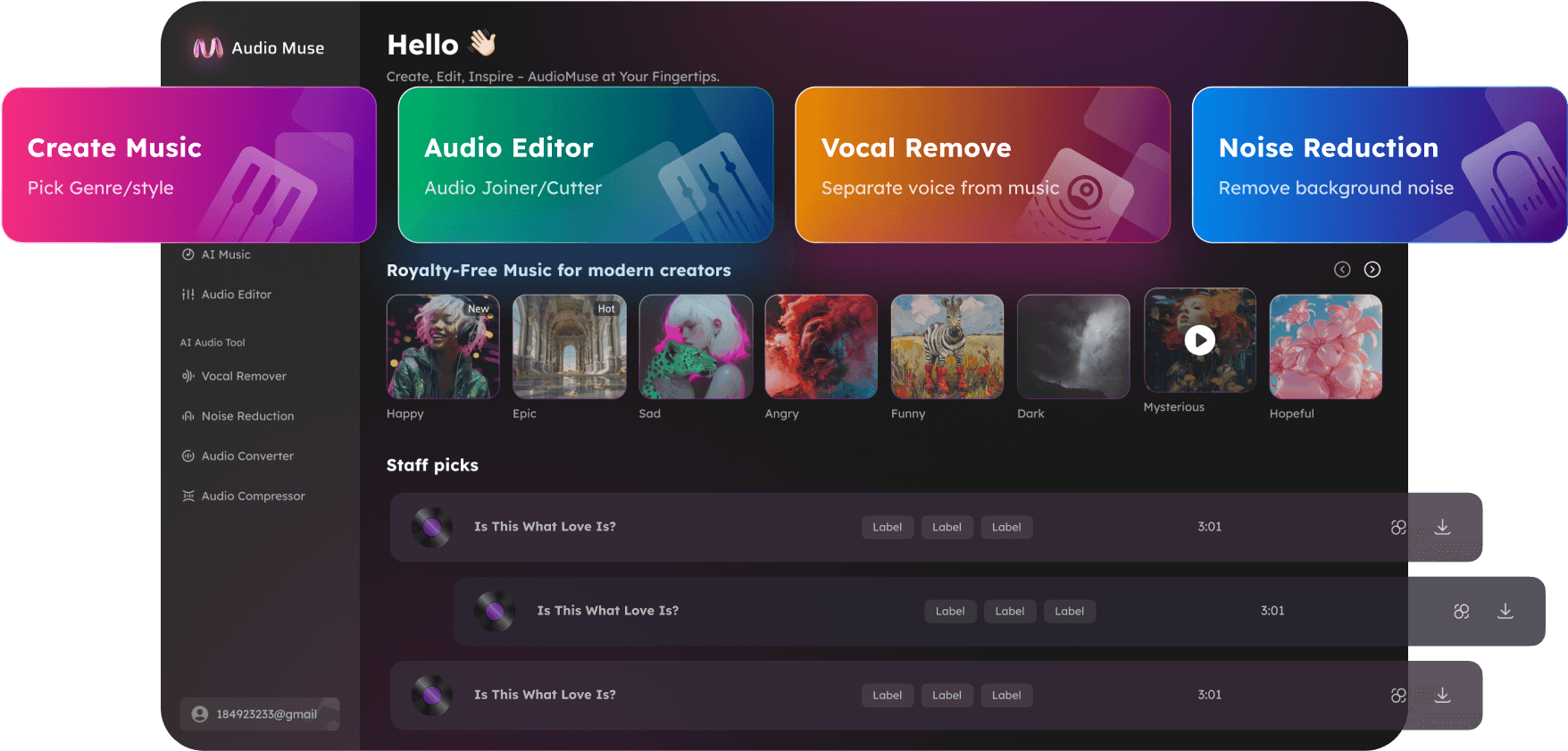
Remove Background Noise from Audio Online
Remove background noise from audio online with AudioMuse Background Noise Remover. Reduce room noise, fan noise, traffic, chatter, keyboard clicks, wind, and other background sounds from audio or video files.

Remove Background Noise from Audio Online,Free
AudioMuse Background Noise Remover helps remove background noise from audio and video files online. Upload a noisy recording and reduce unwanted background sounds such as room noise, fan noise, traffic, keyboard clicks, crowd chatter, wind, air conditioner noise, and low-level ambience while keeping the main voice, music, or audio as natural as possible. Use it to clean podcasts, interviews, voice recordings, video audio, webinars, lessons, meetings, social videos, voiceovers, music demos, and home recordings. This page is focused on the search intent behind remove background noise from audio, background noise remover, and background noise remover audio. For broader cleanup, use Audio Cleaner. For strong echo, use Echo Remover. For constant hiss, hum, or static, use Hiss, Hum & Static Remover.
Remove Background Noise from Audio
Reduce everyday background sounds such as room noise, traffic, fan noise, keyboard clicks, crowd chatter, air conditioner noise, wind, and low-level ambience from recordings made in homes, offices, classrooms, cafes, streets, studios, and outdoor spaces.
Remove Background Noise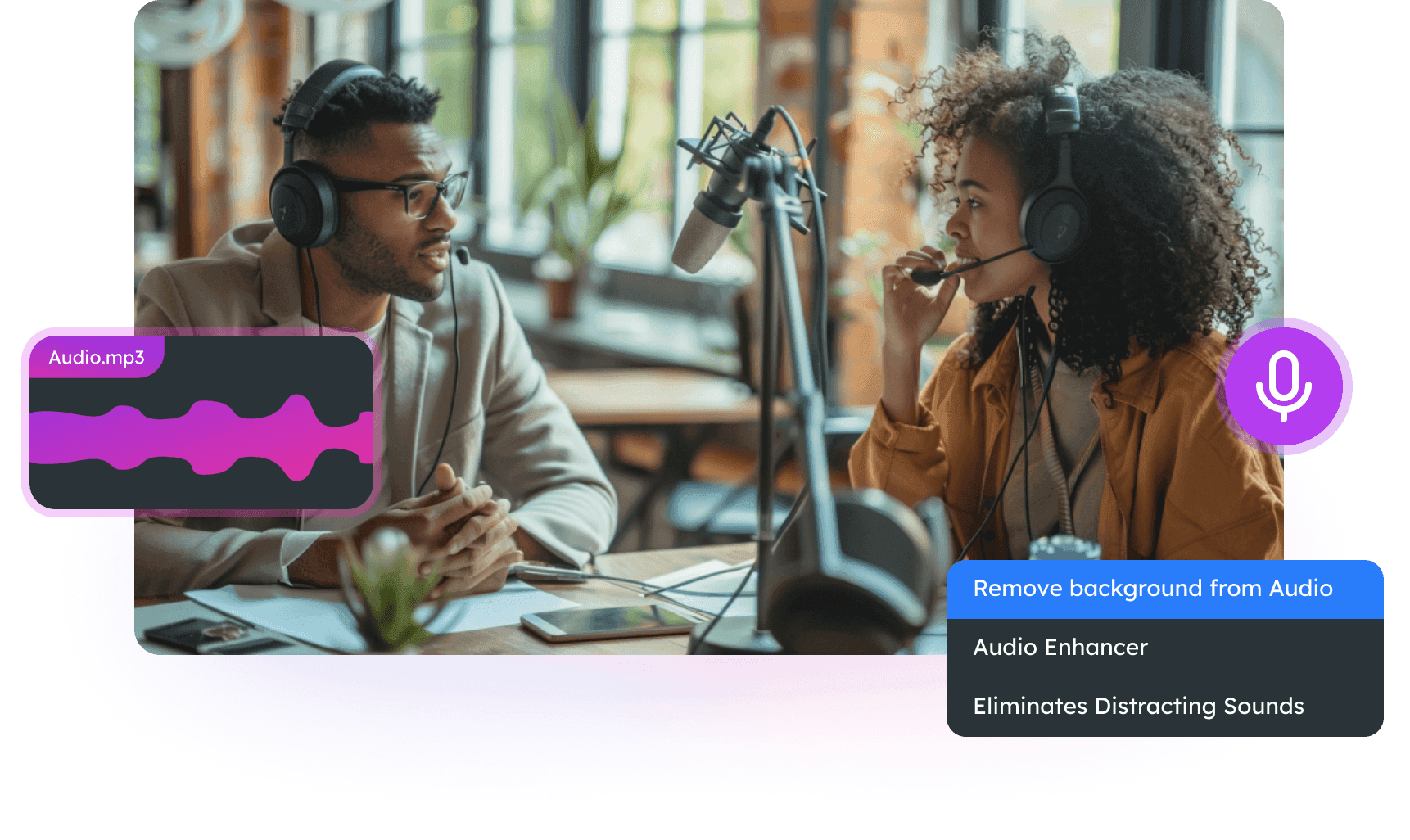
Clean Voice, Podcast, and Interview Audio
Make spoken audio easier to hear by reducing background sounds behind voices. Clean podcast episodes, interview recordings, online lessons, webinars, meetings, voiceovers, and training videos without complex editing software.
Clean Spoken Audio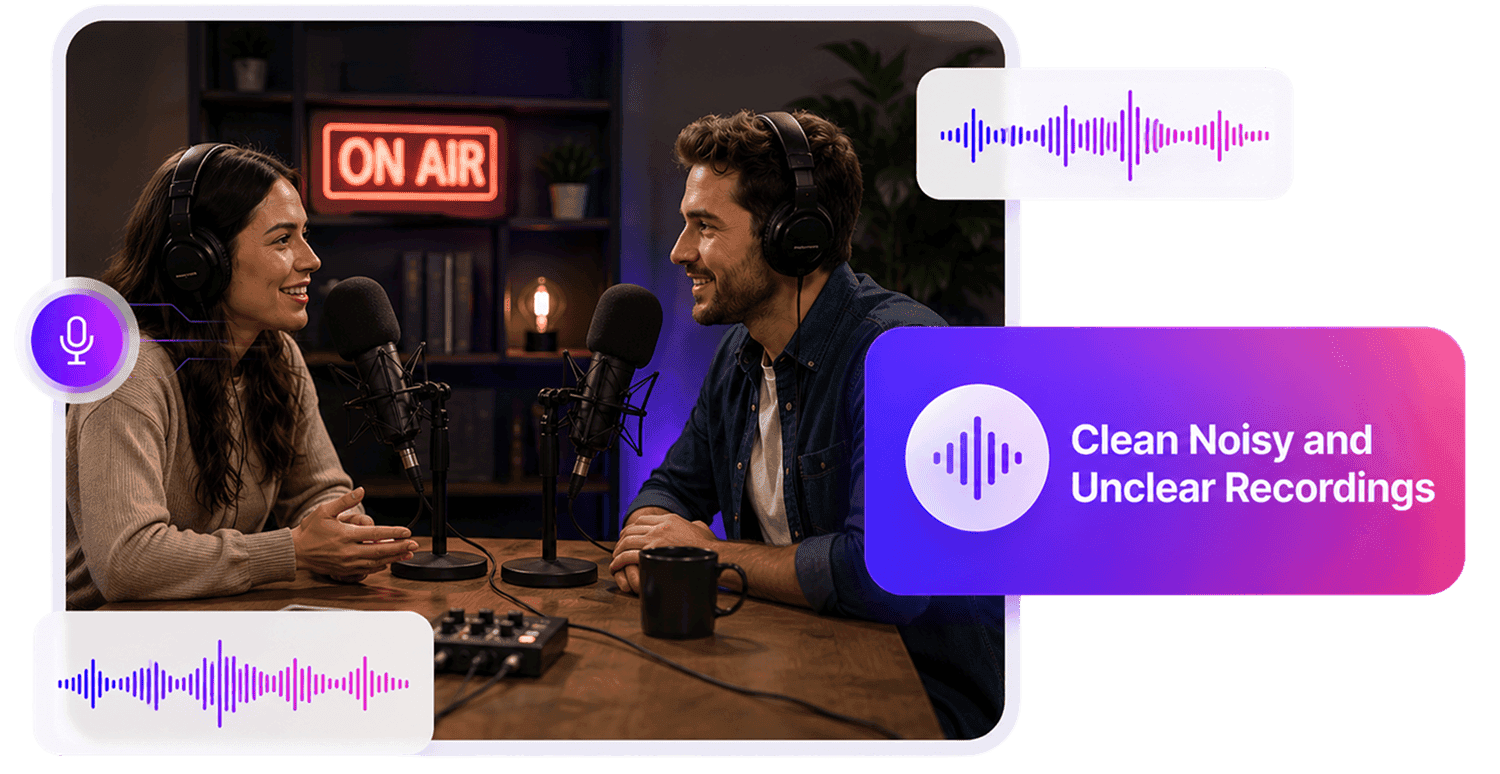
Remove Background Noise from Video Audio
Clean noisy video sound before publishing. Remove background noise from vlogs, tutorials, social media clips, course videos, interviews, webinars, product demos, and presentation recordings.
Clean Video Audio
Who Needs a Background Noise Remover?


Why Choose AudioMuse’s Background Noise Remover?

Focused Background Noise Removal
Reduce room noise, fan noise, traffic, keyboard clicks, chatter, wind, air conditioner noise, and other background sounds from audio and video recordings.

AI Background Noise Remover
AI helps detect unwanted background sounds and reduce them while preserving speech, vocals, music, and the main audio where possible.

Works with Audio and Video
Upload common formats such as MP3, MP4, WAV, FLAC, OGG, OPUS, AAC, AIFF, and M4A for online background noise removal.

Clean Background Noise Online
Remove background noise directly in your browser without installing complex audio editing tools or setting manual noise filters.
How to Remove Background Noise from Audio Online
Remove background noise from audio or video files in a simple online workflow.
Upload Your Audio or Video
Choose the noisy file you want to clean, such as a podcast, voice recording, interview, meeting, lecture, webinar, video, social clip, voiceover, music demo, or home recording.
Choose Background Noise Removal
Use this workflow when the main issue is background sound behind the voice, music, or main audio, such as room noise, fans, traffic, chatter, keyboard clicks, wind, or air conditioner noise.
Reduce Background Noise with AI
AudioMuse reduces unwanted background sounds while helping preserve the main audio where possible. Use a lighter or stronger cleanup level depending on how noisy the file is.
Preview and Download Clean Audio
Preview voices, vocals, quiet parts, noisy sections, and important moments, then download cleaner audio for editing, publishing, sharing, transcription, captions, or production.
What they say about AudioMuse’s Remove Background Noise from Audio Online ?
Other online audio tools:
More About Background Noise Removal
 Knowledge
How to Remove Background Noise from Audio | AudioMuse
Remove background noise from audio online with AI. Learn how to reduce room noise, fan noise, traffic, chatter, keyboard clicks, wind, and background sounds from audio or video.

 Knowledge
How to Clean Audio Online | AudioMuse
Clean audio online with AI. Learn how to clean up noisy recordings, reduce background noise, echo, hiss, hum, static, and make voice, podcast, video, and music audio easier to hear.
 Knowledge
How to Reduce Audio Noise Online | AudioMuse
Reduce audio noise online with AI. Learn how to remove noise from audio, reduce background noise, echo, hiss, hum, static, wind, and clean voice, podcast, video, and music recordings.
Everything you Need, All in one Place
Choose Audio Muse for all your online audio or music processing needs with a full suite of tools in one easy-to-use platform. Edit audio directly from your browser, remove noise, convert file formats, and perfect your tracks - all without downloading extra software. Plus, manage your projects from any device, anytime. Your go-to for audio solutions.