
Background Music Remover Online
Remove background music from audio or video while keeping the spoken voice. Upload your recording, preview the separated voice track and download it for your next edit.
Audio & video inputSeparate voice trackNo app download
Hear the Words Without the Music Bed
Remove the Music, Not the Conversation
You have the final export, but the narration and music are already mixed together. Turning down the clip makes the words quieter too. Muting it removes the conversation entirely.
AI separation estimates a voice track from that mix so you can work with the spoken content again. It does not recover the exact original recording, and some musical traces may remain.
The separated music is available as another audio track.
What Would You Like to Reuse Without the Music?
Keep an interview answer, update a narration or give an existing video a different soundtrack.
Keep the answer without carrying the old music with it.
Start with your finished interview
When music is already mixed under a conversation, cutting out an answer can make the soundtrack begin or end abruptly. Lowering the whole clip also lowers the words.
Separate and check the spoken part
Preview the voice result around questions, answers and quieter sentence endings. Listen for missing syllables or musical traces before choosing an excerpt.
Make a standalone clip
Download the voice track and import it into Audio Editor to trim the passage you need. Use the excerpt on its own or build a new mix around it.

Reuse the explanation even when the old soundtrack no longer fits.
Recover narration from an existing export
Your lesson or presentation still says the right thing, but its background music no longer suits the update. The final recording may be the only copy you have.
Listen for the details that matter
Separate the voice and check technical terms, numbers and softly spoken words against the original. Isolation estimates a voice track; it cannot restore words that were never captured.
Prepare the next version
Download the narration and edit the useful sections. Keep it voice-only or add a new music bed in a separate editing step, without automatically re-recording the whole script.

Change the music while keeping what was said.
Keep the original video
A finished video may contain the dialogue and music in one audio track. Muting it removes both, so separate the voice before rebuilding the soundtrack.
Download the separated voice
Check the passages you want to keep. This separation produces audio files, not a new video, and sound effects may not stay unchanged.
Rebuild the soundtrack in the editor
Add the original video to Video Audio Editor, mute its old audio and align the downloaded voice. Add new music if needed, then check sync and export.
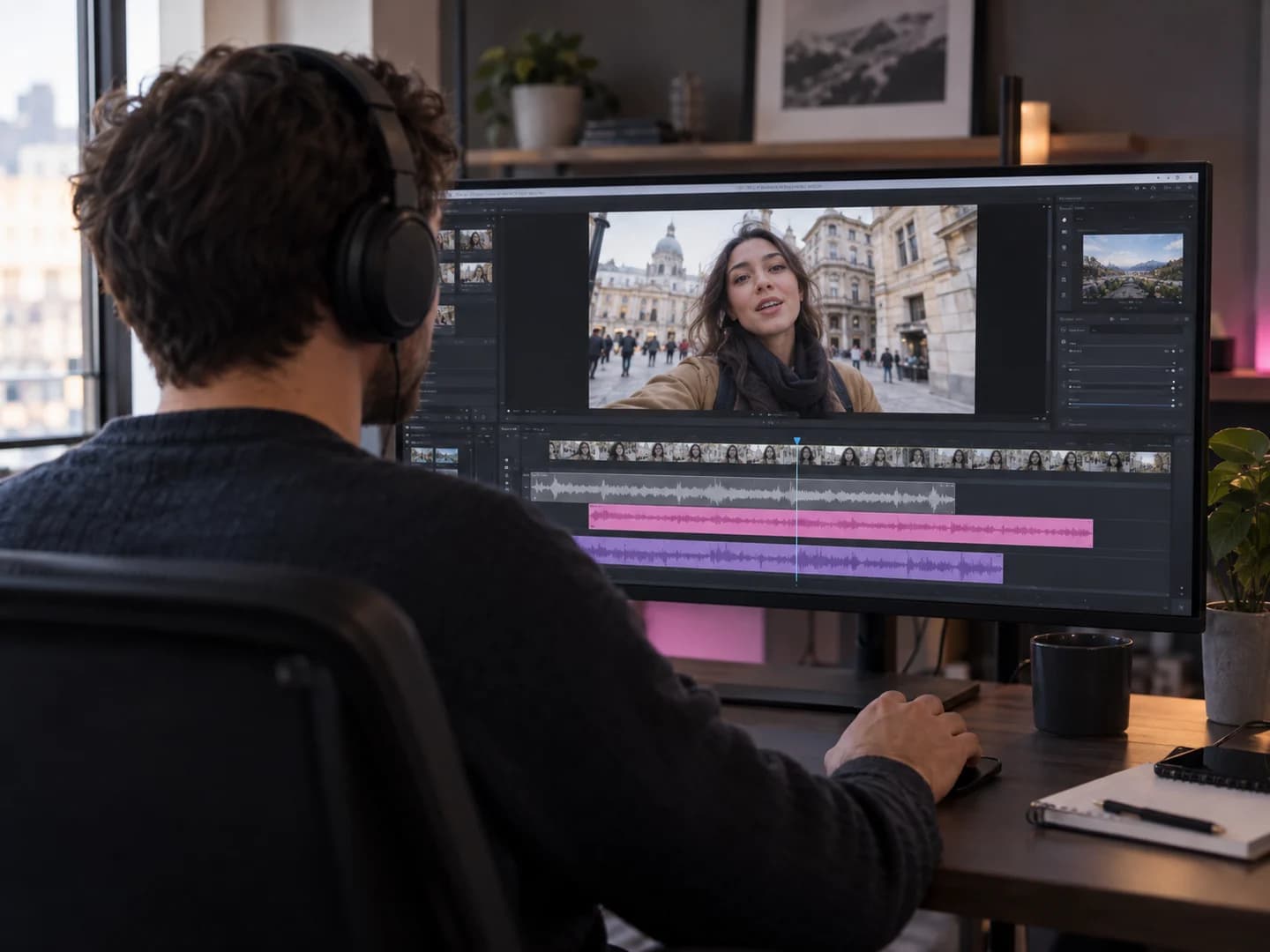
How to Remove Background Music and Keep the Voice
Start with a music-backed recording. Finish with a voice audio track you can preview and reuse.
Upload audio or video
Choose a supported recording that contains speech and background music. Review the file in the app before processing.
Separate voice from music
Check your account allowance or required credits and start AI separation. Your recording is uploaded for cloud processing.
Preview and download the voice
Listen to important sentences and download the voice result. To make a finished video, add it back to your original footage in Video Audio Editor.
Keep the Message. Change the Soundtrack.
Want a finished video rather than a separate voice file? Continue in Video Audio Editor after downloading your result.
- Add your original video.
- Mute its old soundtrack, then import and align the separated voice.
- Add new music or keep it voice-only. Check sync and volume before exporting.
Hiss, fans or hum instead of music? Try AI Noise Reduction. Want every sound removed? Use Remove Audio from Video.
Background Music Remover FAQs
Answers about keeping dialogue, video inputs, audio outputs, sound effects and cloud processing.
Can I remove background music but keep the voice?
That is the purpose of this workflow: separate the voice from a music-backed recording rather than muting everything. Results depend on how strongly speech and music overlap. Preview important words and passages before using the output.
Can I remove background music from a video?
Yes, supported videos can be uploaded for audio separation. The result is a separate voice audio track, not a re-exported video. Keep the original video if you want to rebuild its soundtrack afterward.
Will I download audio or video?
The separation produces audio tracks. For a video with the old music removed, download the voice, add it alongside your original video in Video Audio Editor, mute the original soundtrack and export a new video.
Can I replace the background music afterward?
Yes, as a separate editing step. Import the voice result and original footage into Video Audio Editor, mute the old audio and align the voice. Add music you have permission to use, balance the volumes and check timing before exporting.
What if the background song contains singing?
Singing may remain with the spoken voice. Standard vocal-versus-instrument separation does not reliably distinguish foreground dialogue from a singer in the background. It also does not isolate individual speakers.
Will sound effects and room sounds stay unchanged?
Not necessarily. This is not a dedicated dialogue, music and sound-effects split. Effects and ambient sounds may be reduced or appear in either output. Check the result if those sounds matter to your edit.
Is this the same as background noise removal?
No. This page focuses on separating music from voice. For hiss, hum, fans or similar recording noise, use the noise-reduction tools. If you want a completely silent video, use Remove Audio from Video instead.
Which audio and video formats are supported?
Upload MP3, WAV, FLAC, AIFF, AAC, M4A or OGG audio, or AVI, MP4, MKV, MOV or M4V video. This entry accepts one file up to 100 MB. Account-specific size and duration limits are checked in the app.
Is background music removal free, and is my file uploaded?
Processing and download access depend on your account allowance. Review the required credits before starting. Files are uploaded for cloud processing; this is not one of AudioMuse’s browser-only editing tools. Selecting a file here does not start a paid separation.
Does removing music make a clip safe to publish?
Removing a soundtrack does not grant rights to the footage, speech or any remaining audio, and it does not guarantee that a platform will clear a copyright claim. Use content you own or have permission to reuse.
Keep the Voice. Leave the Old Music Behind.
Separate the voice from your recording, check the result and take the words into your next edit.
Upload Audio or Video