Turn separate vocals, beats, and instruments into a polished, balanced song with AI. Create a studio-quality mix, bring your favorite parts forward, and master your music—all without complicated mixing software.
AI Mixing & Mastering·Up to 32 Tracks·Free 30-Second Preview·No Mixing Experience Needed
Preview 30 seconds free. Only use credits when you're ready to generate the full mix.
An AI Music Mixer Built Around Your Tracks
Get the benefits of multitrack music mixing and mastering without navigating a traditional DAW. Audiomuse combines AI processing with simple creative choices, so you can guide the result without managing technical audio settings.
01
AI Multitrack Mixing
Balance up to 32 tracks in one project.
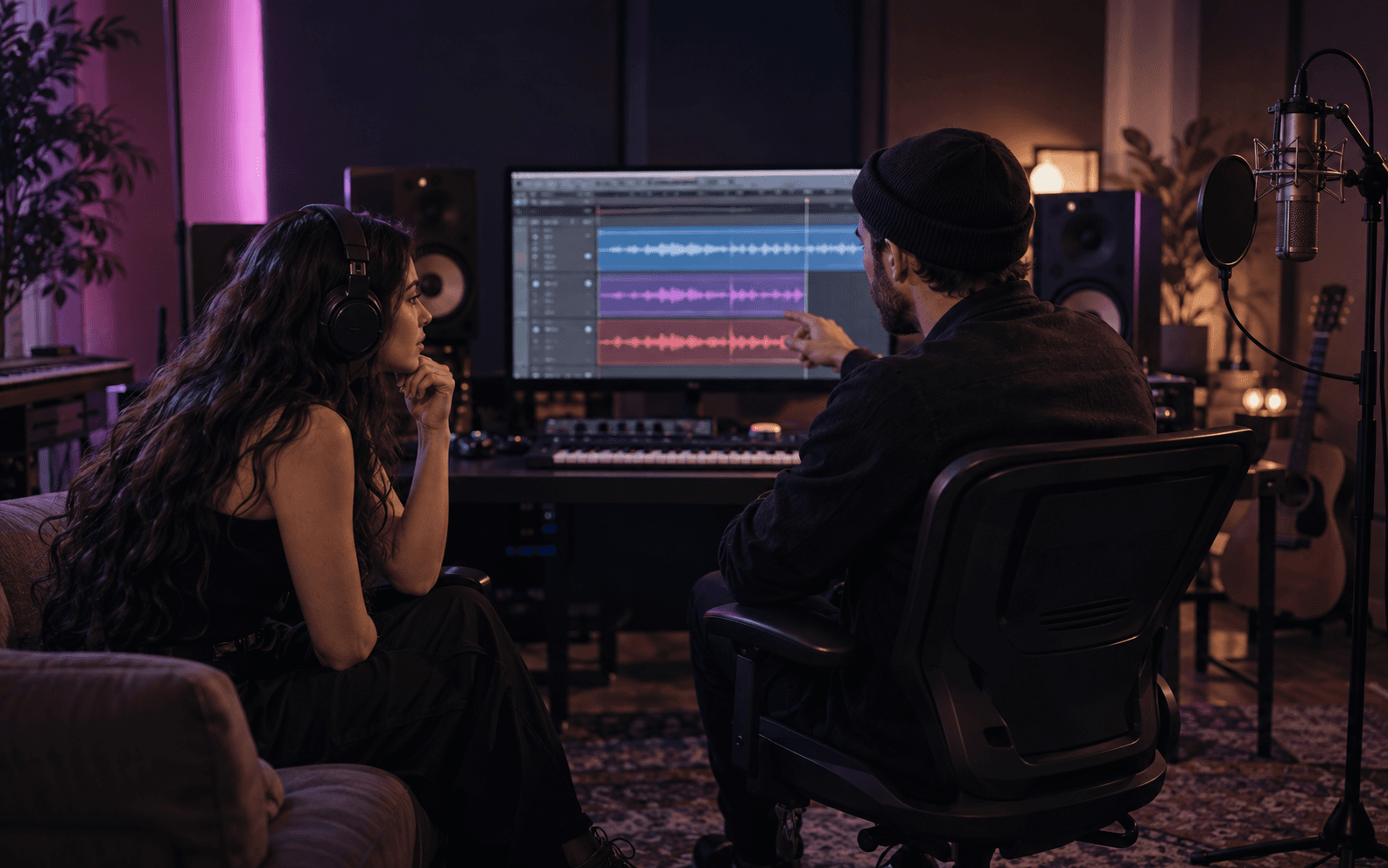
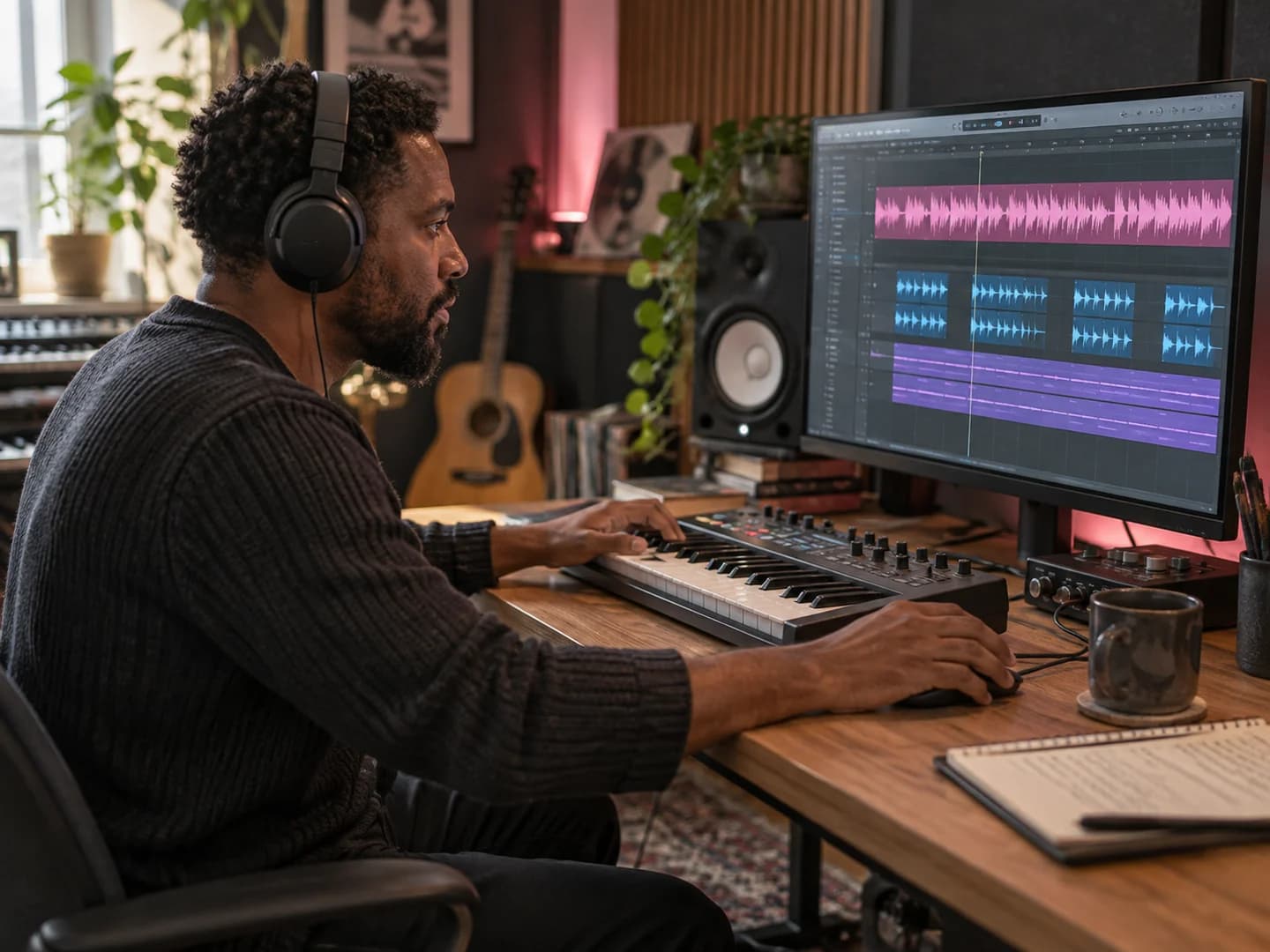
Work with everything from a vocal-and-beat recording to a full arrangement of individual instruments. The AI mixes the tracks as parts of the same song, rather than simply combining them into one audio file.
02
Mixing and Mastering Together
Go from separate tracks to a finished song.
Mixing brings vocals and instruments together; mastering processes the final mix. Audiomuse combines both stages into one workflow, so you don't need to export your mix into a separate mastering tool.
03
Track-Type Recognition
Help AI understand what's in your session.
Identify lead vocals, harmonies, drums, bass, piano, guitar, or backing tracks. Filenames can provide initial suggestions, and you can review or correct each track type before mixing.
04
Featured & Background Control
Decide which sounds should stand out.
Set tracks to Featured, Normal, or Background to guide their prominence in the mix. Bring lead vocals or melodies forward while keeping supporting instruments in balance. No Featured track is required.
05
Genre-Guided AI Mixing
Match the mix to your music style.
Choose Pop, Rock, Acoustic, Hip-Hop, or Electronic to guide the AI mixing approach. Help vocals, rhythm, and instruments work together in a way that suits your song's style.
06
Free AI Mixing Preview
Hear the result before spending credits.
Listen to a 30-second preview of your AI mix. If the balance isn't quite right, change your settings and generate another preview before committing to the full version.
07
Vocals, Instruments & Stems
Mix the parts you already have.
Combine recorded vocals with a beat, mix a complete instrumental arrangement, or work with previously separated stems. The tool doesn't require a lead singer or any particular instrument.
08
Simple Online Mixing Workflow
Focus on the music, not the controls.
Instead of manually configuring EQ, compression, and other mixing parameters, describe your tracks through simple selections and let AI handle the technical processing.
How to Mix and Master a Song with AI
No mixing desk or audio engineering skills needed. Just upload your tracks, choose how they should sound together, and let AI handle the mixing and mastering.
1
Upload Your Tracks
Add 2-32 tracks from the same song, including vocals, beats, or individual instruments. Audiomuse supports WAV, FLAC, and AIFF files.
2
Set Your Mix Preferences
Confirm each track type, choose Normal, Featured, or Background to guide the balance, and select a music style such as Pop, Rock, or Hip-Hop.
3
Preview & Download Your Mix
Listen to a free 30-second AI mix preview. Adjust your settings and preview again if needed, then use credits to generate and download your full mixed and mastered song.
Different music projects start with different recordings. Whether you've captured a single vocal over a beat or recorded every instrument separately, Audiomuse helps you bring the parts together.
Best for: Cover songs, karaoke recordings, vocal + instrumental mixes
Make Your Voice Fit the Music
You recorded a vocal over an instrumental, but the voice sounds too loud, too distant, or disconnected from the backing track.
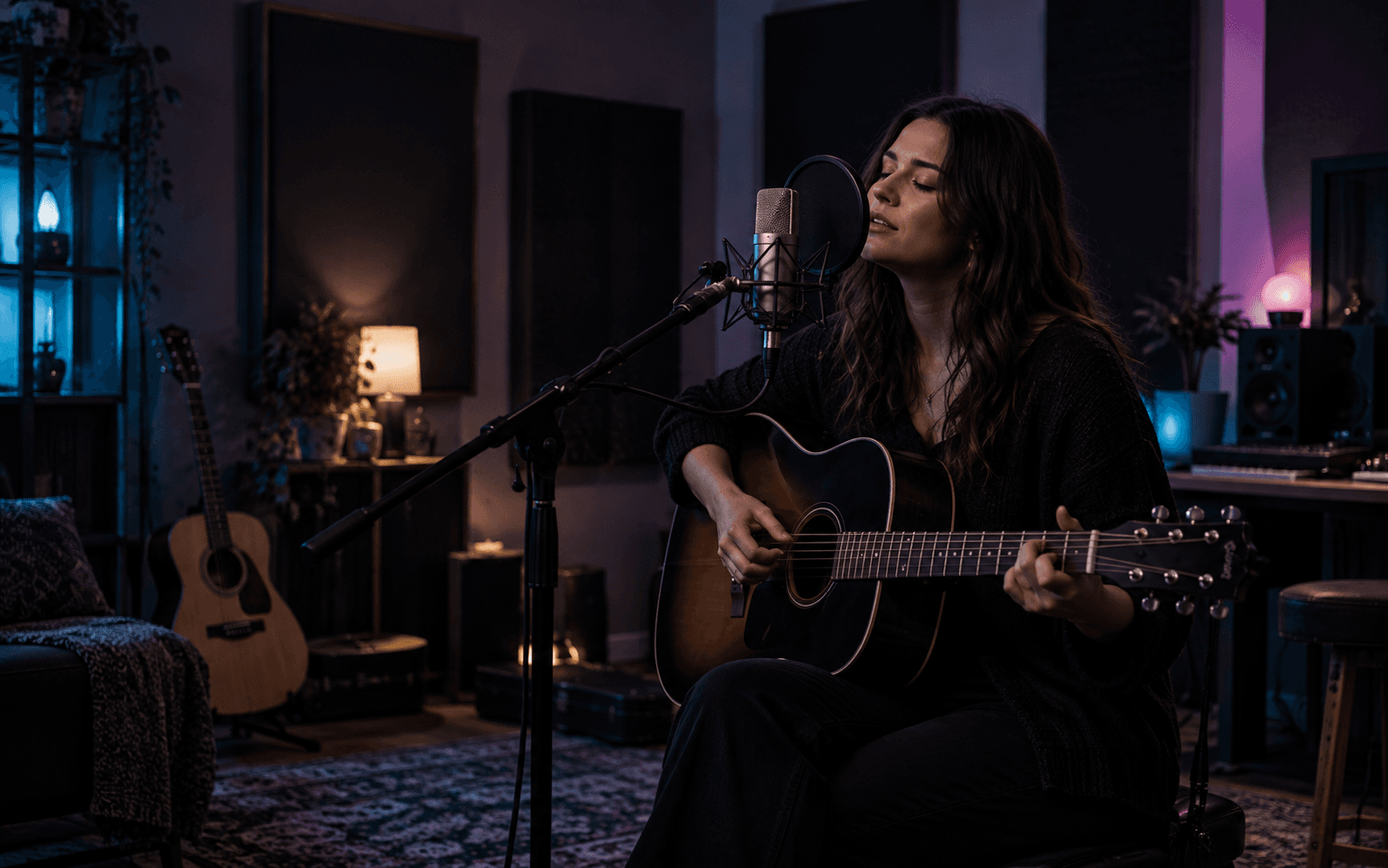
Upload both recordings to the AI vocal mixing workflow and let Audiomuse create a more natural relationship between them, keeping the performance clear without overwhelming the music.
Best for: Songwriters, independent musicians, home studio projects
Turn Your Recording Session into a Song
You've finished recording lead vocals, harmonies, drums, bass, and guitars. But getting them to sound balanced together is a different challenge.
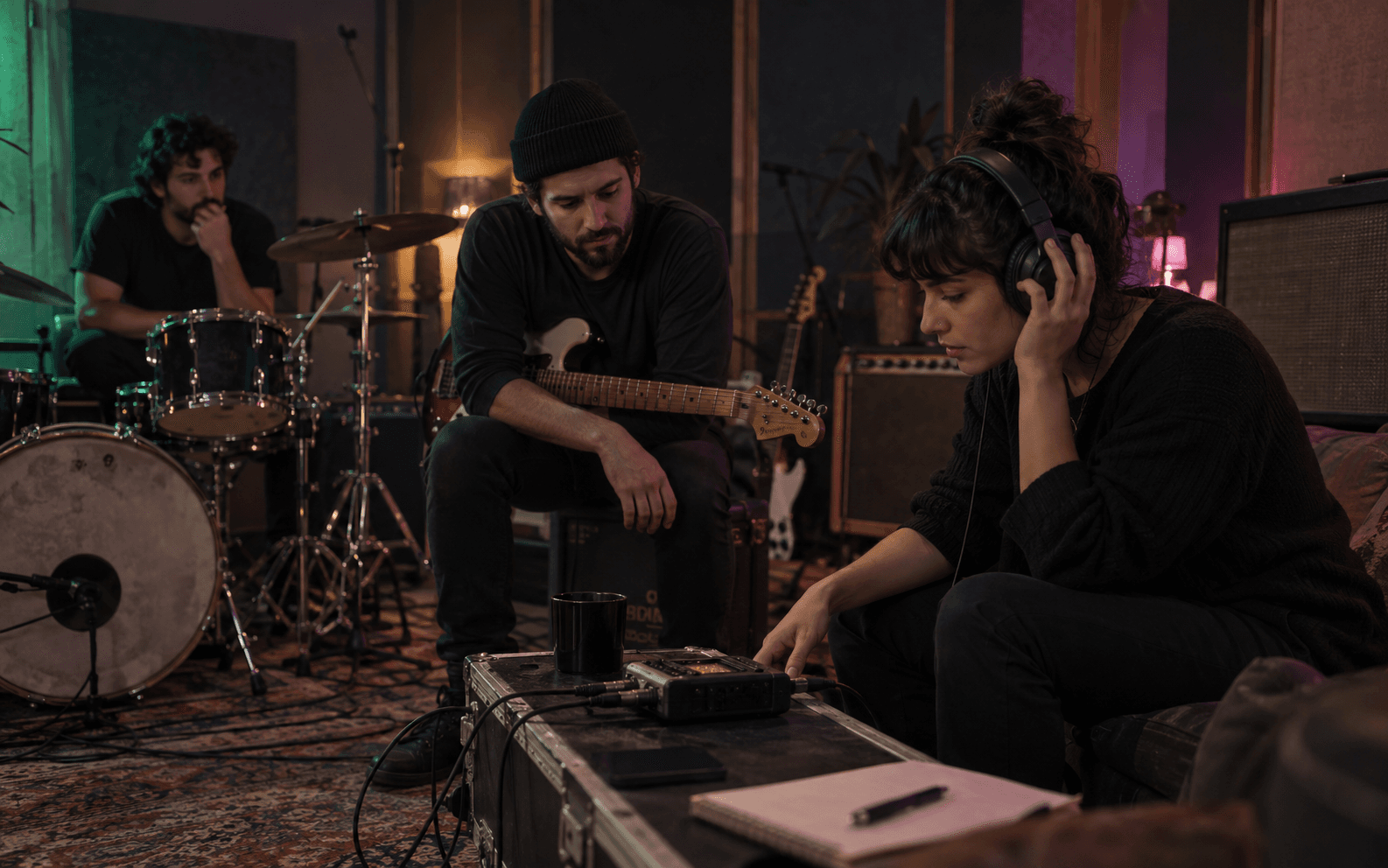
Use AI music mixing and mastering to hear the full arrangement as one cohesive song, without first learning the technical side of professional mixing.
Best for: Instrumental tracks, acoustic ensembles, band demos
Give Each Instrument Its Place
A piano melody, guitar solo, or lead instrument can easily disappear behind the rhythm section when tracks are simply combined.
Let AI balance the instruments and use Featured to bring the melody forward. No lead vocal is needed to create a complete instrumental mix.
Best for: Stem-based projects, alternative mixes, creative rebalancing
Explore a Different Balance
Already separated a recording into vocals, drums, bass, and other stems? Bring those parts into an AI music mixer to explore a different arrangement of emphasis.
Highlight a particular part, keep another in the background, and generate a new mixed version from the stems you provide.
Your vocals sound great alone. Your instruments do too. But when everything plays together, the mix can feel crowded, uneven, or disconnected. Audiomuse AI Mixing helps bring every part into balance so your song sounds more cohesive and complete.
Clear Vocals That Sit Naturally in the Mix
Keep your vocals present without drowning out the instrumental. Help lyrics come through clearly while the beat and backing tracks retain their energy.
Punchy Drums, Balanced Bass, and Clearer Instruments
Bring rhythm and melody into better balance. Help drums and bass work together, reduce competition between instruments, and give each part room to contribute.
Your Main Melody, Front and Center
Whether it's a lead vocal, guitar solo, or piano melody, make the most important part easier to hear. Keep supporting tracks in the background without losing the character of your arrangement.
A More Cohesive, Finished Sound
Move beyond simply stacking audio tracks. AI mixing and mastering help turn separate recordings into a unified song with a more polished overall sound.
AI Mixing or AI Mastering: Where Should You Start?
Both help improve how your music sounds, but they work at different stages of production. The biggest difference is what you already have.
Separate tracks
AI Mixing & Mastering
Have separate vocals or instrument tracks? Start here.
Upload multiple tracks from the same song. Audiomuse balances how the parts work together, combines them into one mix, and includes mastering in the final workflow.
When your vocals and instruments are already combined into one recording, you don't need to rebuild the mix. Use AI Mastering to process the completed stereo track.
Answers about online music mixing, vocals and instruments, supported tracks, free previews, and finished audio.
What is AI mixing?
AI mixing uses artificial intelligence to balance and combine individual audio tracks into one cohesive song. It helps different vocals, beats, and instruments work together without requiring you to manually configure professional mixing settings.Audiomuse is an online AI music mixer that supports up to 32 separate tracks and includes mastering in the final workflow.
How do I mix and master music online with AI?
Upload your separate recordings from the same song. Identify each track, choose which parts should be more prominent, and select your music style. Audiomuse then generates a 30-second preview of the AI mix.You can adjust your settings and preview again before using credits to generate and download the complete mixed and mastered audio.
Can I use AI to mix vocals with a beat?
Yes. Upload your vocal recording and beat as separate audio files. Identify which track contains the vocals and which contains the instrumental backing, then let AI balance them together.You can also add harmonies, backing vocals, or individual instruments to create a more detailed vocal mix.
Is Audiomuse AI Mixing free?
Audiomuse lets you listen to a free 30-second AI mixing preview before generating the full song. You can change your settings and generate another preview if needed.Generating and downloading the full mixed and mastered audio requires credits. The free preview lets you hear the result before committing.
Does AI Mixing include mastering?
Yes. Audiomuse AI Mixing combines multitrack mixing and mastering within a single workflow.If you already have a complete mixed song and only need mastering, you can use the separate AI Mastering tool instead.
What is the difference between AI mixing and AI mastering?
Mixing works with separate recordings, such as vocals, drums, bass, and guitars, to create a balanced song. Mastering works on the completed mix as a whole.Use AI Mixing when you have multiple tracks to combine. Use AI Mastering when you already have a finished mix that needs final processing.
Is AI mixing different from merging audio files?
Yes. Simply merging audio files combines them without necessarily accounting for how the sounds interact.AI mixing considers the tracks as elements of a musical arrangement, helping balance their relationship and emphasize important parts. Audiomuse also lets you identify each track and choose whether it should be featured or kept in the background.
Do I need professional music mixing skills or software?
No. You don't need to operate a traditional mixer, manually set EQ, or configure compression.Audiomuse simplifies the process into uploading tracks, confirming their types, selecting track roles and music style, and previewing the AI mix.
How many tracks can I mix at once?
Each project supports 2-32 audio tracks, with a maximum duration of 8 minutes per track.All tracks must belong to the same song or project. AI Mixing creates one finished mix from those tracks; it isn't a batch processor for multiple unrelated songs.
What audio formats does AI Mixing support?
You can upload WAV, FLAC, and AIFF files.Export the tracks from the same starting point and retain leading silence when needed. This helps ensure that vocals and instruments remain aligned during mixing.
Can I mix instrumental music without vocals?
Yes. You can mix drums, bass, guitars, piano, keyboards, and other instruments without uploading a lead vocal.If an instrument carries the main melody, you can mark it as Featured. You can also keep every track set to Normal for a balanced instrumental mix.
Can I control which tracks sound louder or more prominent?
You can guide the relative prominence of each track using three roles: Normal, Featured, and Background.Featured tells AI that a track should stand out, while Background indicates that it should play a supporting role. These are creative priorities rather than manual volume-fader settings, so they don't specify exact decibel changes.
Can I remix a song using separated stems?
Yes. If you already have separate vocal and instrument stems, you can upload them to create a new balance between the parts.If you only have a complete song, use AI Stem Splitter first to extract its components. AI Mixing itself doesn't separate a finished recording into stems.
Will AI Mixing automatically fix poor recordings?
AI mixing can improve how tracks fit together, but the results depend on the quality of the source files. Severe clipping, heavy distortion, and missing audio details may remain noticeable.For the best results, start with reasonably clean, properly aligned recordings and use the free preview to evaluate the mix before generating the full version.
Is AI mixing as good as a professional mixing engineer?
AI mixing can help you create a more balanced, polished song without the time and technical knowledge required for manual mixing. It's especially useful for home recordings, demos, covers, and independent music projects.A professional mixing engineer may offer more detailed creative decisions and hands-on revisions. Audiomuse gives you a simpler way to guide your mix and hear the result before generating the full version.
Can I use AI Mixing with tracks exported from a DAW?
Yes. You can upload WAV, FLAC, or AIFF tracks exported from music production software such as FL Studio, Ableton Live, Logic Pro, or Pro Tools.Export each track from the same starting point, including leading silence where needed, so the parts stay aligned. Each project supports 2-32 tracks, up to 8 minutes per track.
Your Tracks Are Ready. Now Make Them Sound Like One Song.
Bring vocals, beats, and instruments together with AI mixing and mastering. Give important parts the spotlight, hear how everything fits, and preview your result before generating the full mix.