AI Music Enhancer Online
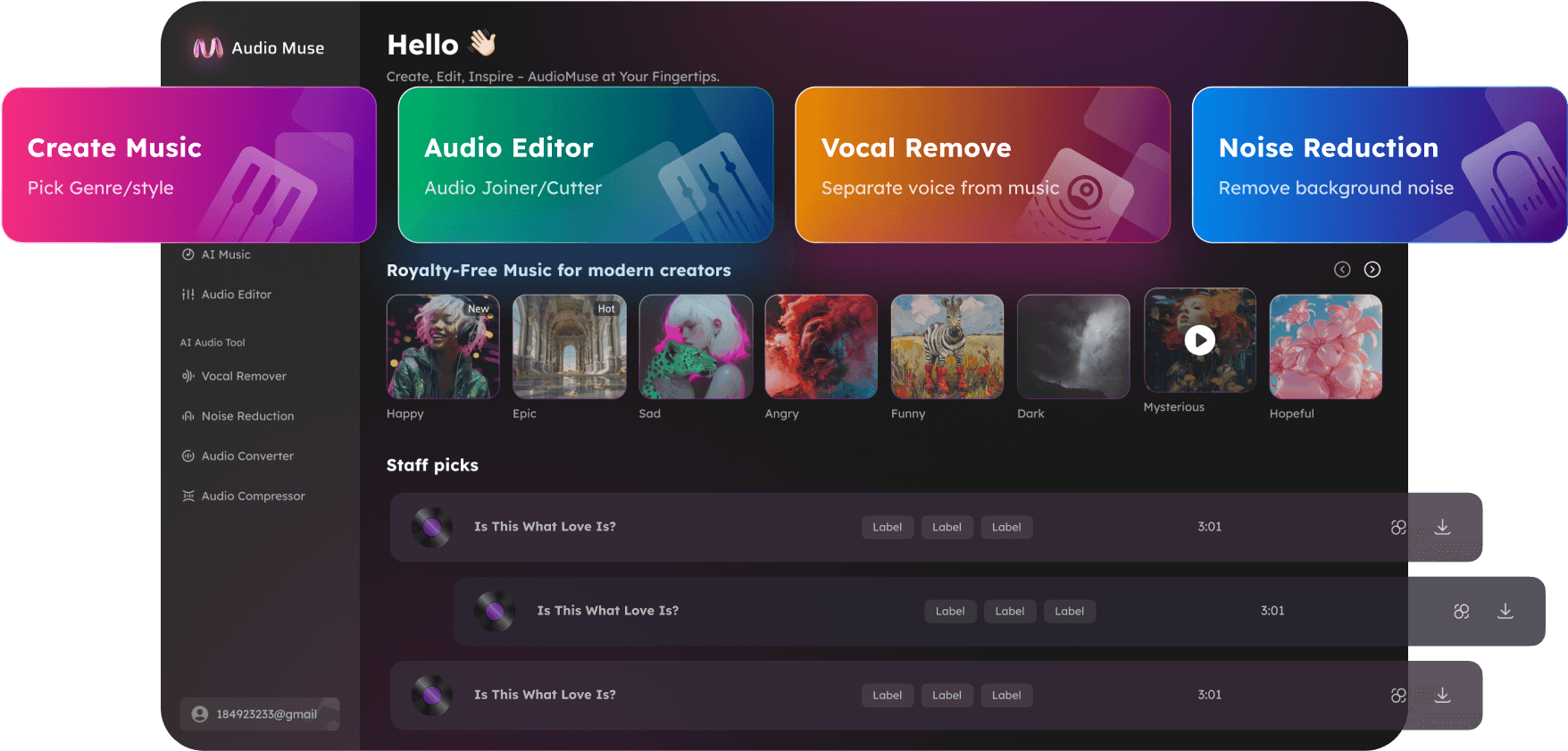
Use AudioMuse AI Music Enhancer to enhance music audio online. Improve songs, demos, covers, vocals, instruments, rehearsal clips, and music recordings so they sound clearer and easier to share.
AI Music Enhancer Online,Free
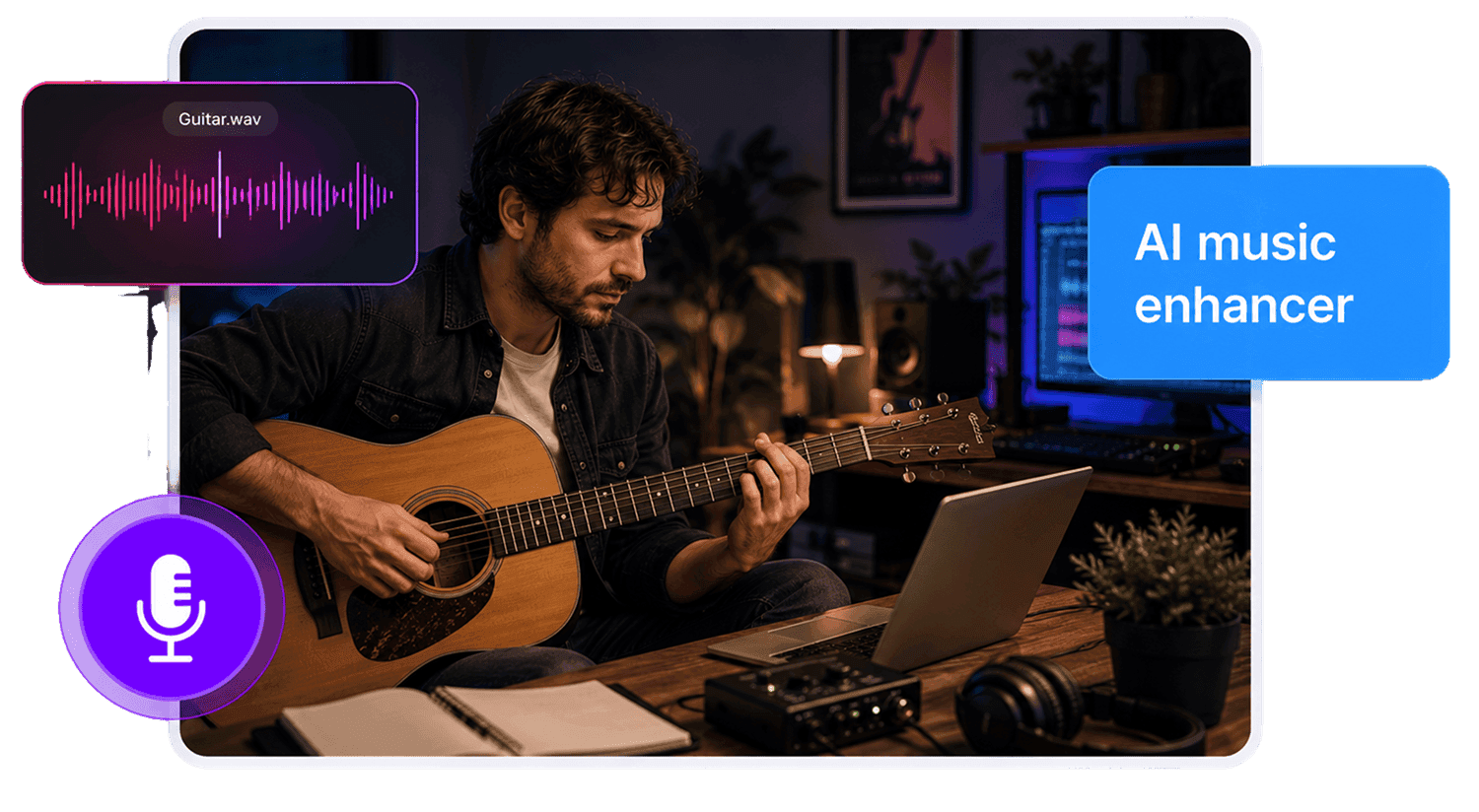
AudioMuse AI Music Enhancer helps improve music recordings that sound rough, dull, uneven, noisy, or hard to share. Upload an audio or video file, choose the Music workflow, and enhance songs, demos, covers, vocals, instruments, rehearsal clips, live takes, phone recordings, studio drafts, and music videos online. This page is focused on improving music audio quality for listening, review, sharing, editing, and creative use. It is not a replacement for full mixing or professional mastering. If your file is extremely low quality, muffled, compressed, or damaged, try Audio Upscaler. If you want to polish a spoken voice recording, use Voice Enhancer or Speech Enhancer instead.
Enhance Music Audio Online
Improve music recordings without opening complex production software. Upload a song, demo, cover, instrumental, rehearsal take, or live clip and make the audio clearer for listening, editing, or sharing.
Enhance Music Audio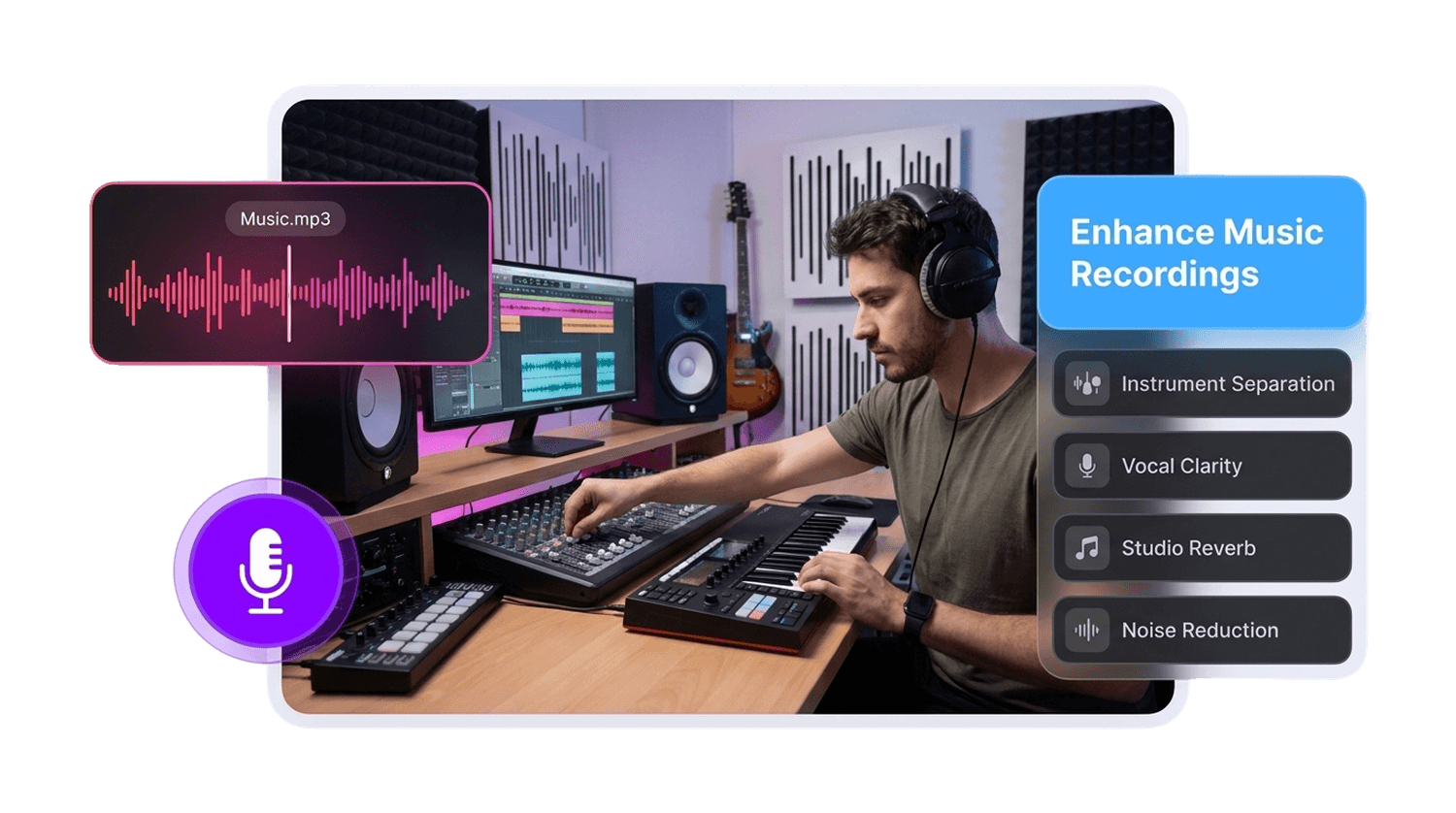
Improve Songs, Demos, and Covers
Make rough song ideas, draft mixes, cover recordings, home demos, and self-recorded music easier to review before sending them to collaborators, clients, fans, or editors.
Improve Music Quality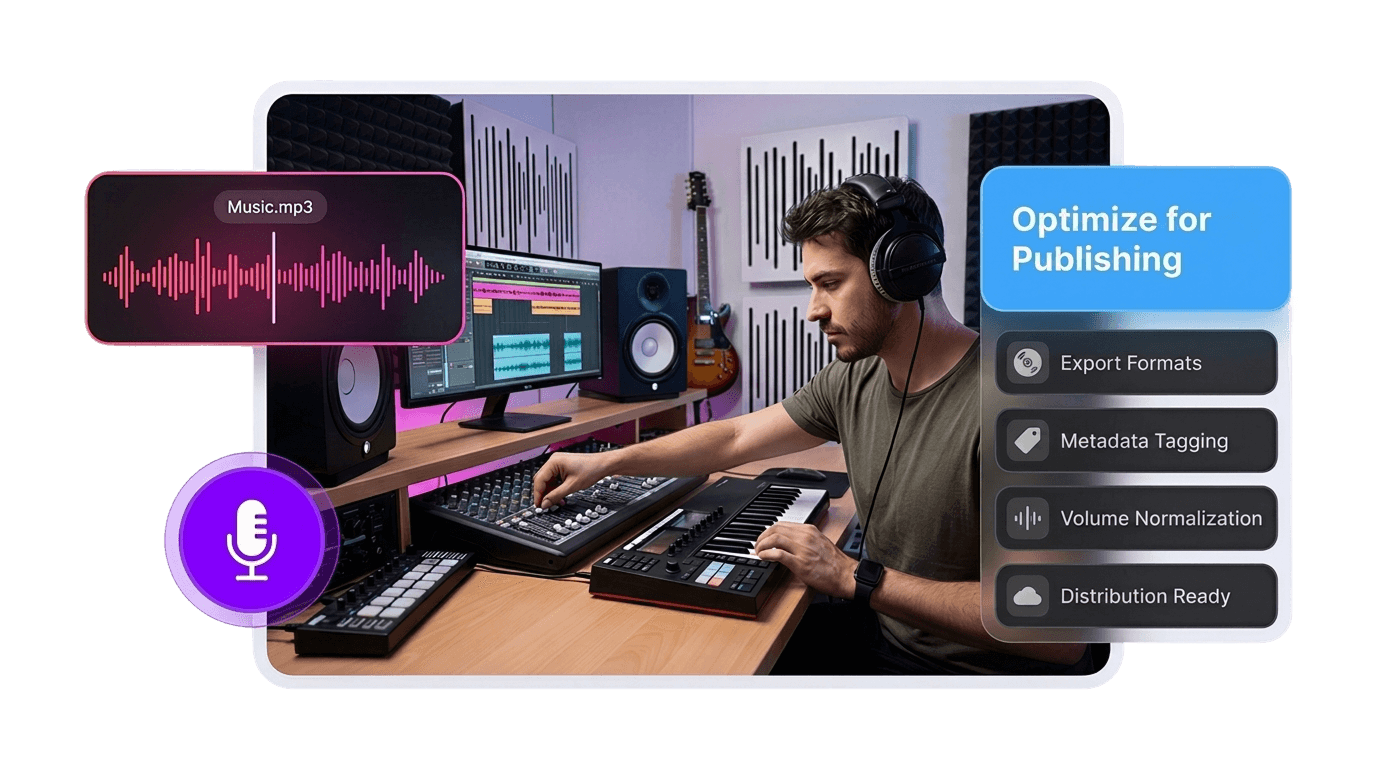
Make Vocals and Instruments Clearer
Improve the listening quality of vocals, guitars, piano, drums, backing tracks, instrumental parts, and mixed music recordings when the original source is still usable.
Enhance Vocals and Instruments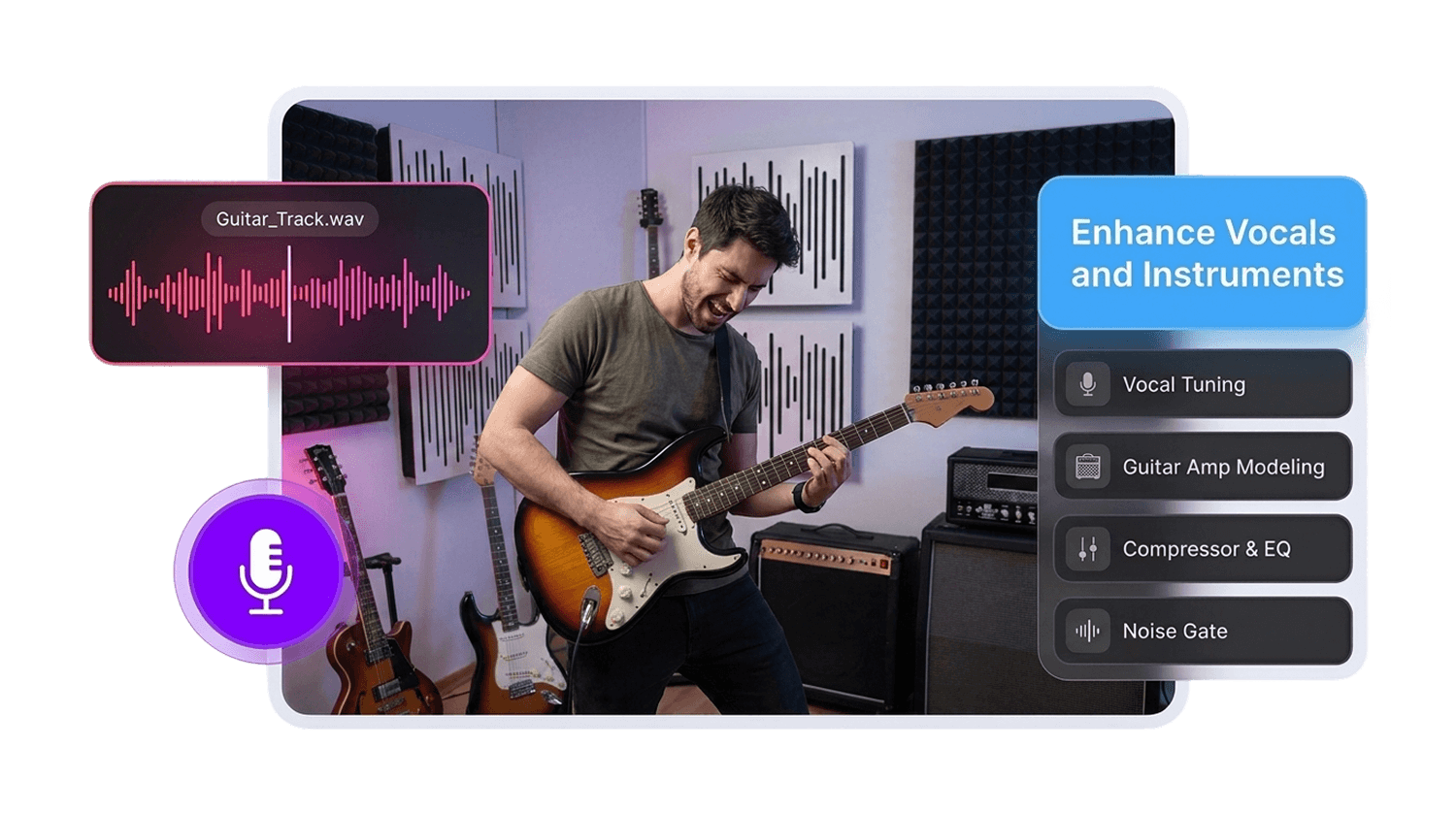
Clean Up Rehearsal and Live Clips
Improve music captured on phones, basic microphones, rehearsal rooms, live sessions, practice recordings, and casual recording setups so the track is easier to hear and evaluate.
Clean Up Music Clips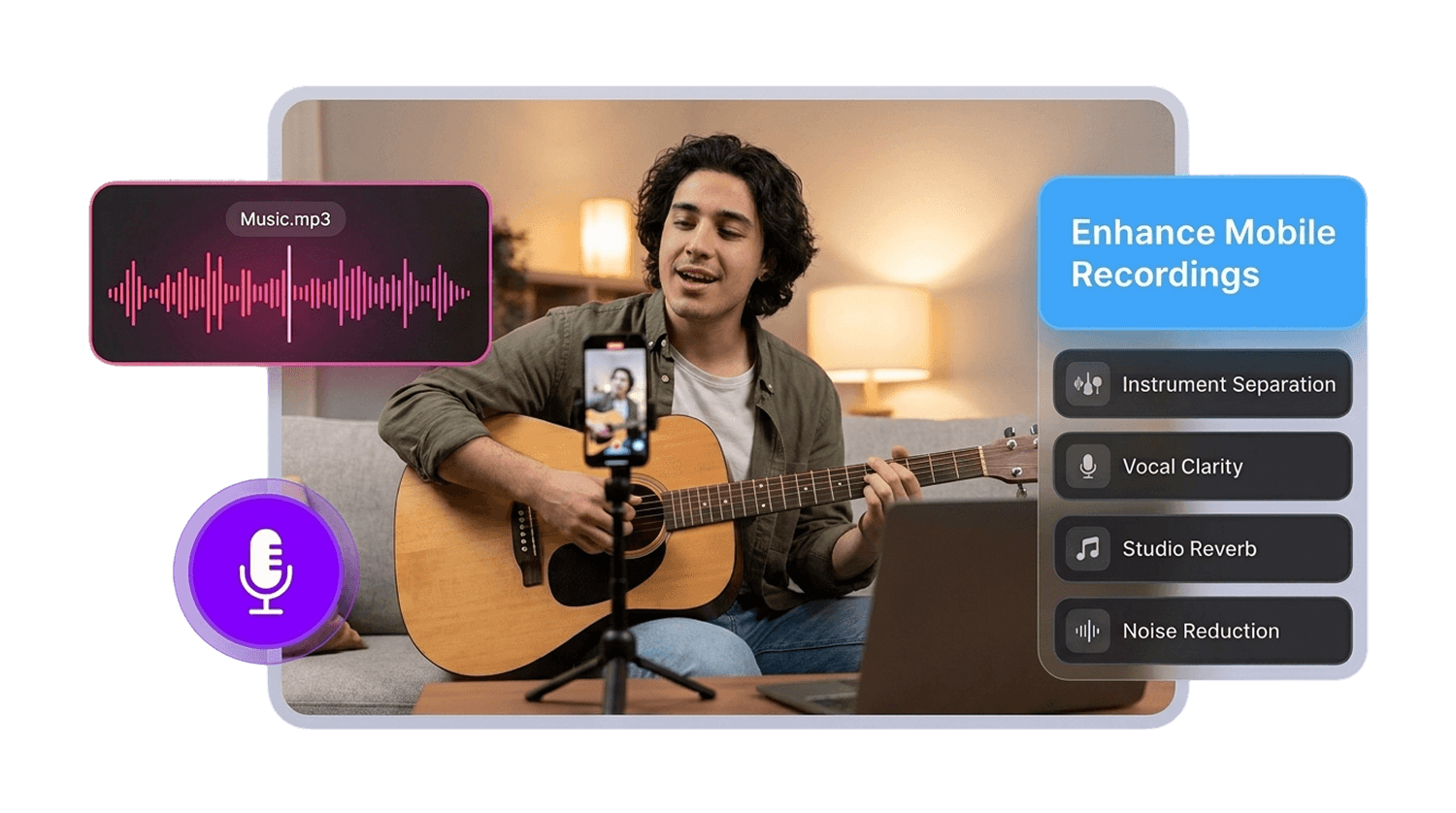
Who Can Use AI Music Enhancer?





Why Choose AudioMuse’s AI Music Enhancer?

Simple Music Enhancement
Upload your music file, choose the Music workflow, preview the result, and download enhanced audio without complex production software.

Built for Music Recordings
Use it for songs, demos, covers, vocals, instruments, rehearsal clips, live recordings, studio drafts, phone recordings, and music videos.

Clearer Listening Quality
Improve rough or unclear music recordings so they are easier to hear, review, share, edit, or use in creative projects.

Audio and Video Uploads
Upload common audio or video formats such as MP3, MP4, WAV, FLAC, OGG, AAC, AIFF, and M4A, depending on current upload settings.
How to Enhance Music Audio Online
Improve songs, demos, covers, vocals, instruments, and music recordings in a few simple steps:
Upload Your Music File
Choose the song, demo, cover, vocal take, instrumental track, rehearsal clip, live recording, studio draft, or music video you want to improve. For better results, upload the clearest source file available.
Choose the Music Workflow
Use the music-focused workflow when the main content is a song, performance, instrumental, band recording, or music track rather than speech, meetings, lectures, or voice notes.
Enhance Music Quality with AI
AudioMuse processes the recording to help make the track clearer, more balanced, and easier to listen to while keeping the result suitable for review, sharing, editing, or creative projects.
Preview and Download
Listen to vocals, instruments, quiet parts, louder sections, and the overall track before downloading the enhanced music audio.
What they say about AudioMuse’s AI Music Enhancer Online ?
Other online audio tools:
More About Music Enhancement
 Knowledge
How to Enhance Music Audio Online with AI | AudioMuse
Enhance music audio online with AI. Improve song quality, demos, instrument recordings, rough mixes, and music clips with AudioMuse Music Enhancer.

 Knowledge
Best AI Audio Enhancer Online for Clearer Sound | AudioMuse
Find the best AI audio enhancer online for voice, speech, music, podcasts, low-quality audio, and clearer recordings. Improve audio quality with AudioMuse.
 Knowledge
How to Make Audio Sound Clearer Online with AI | AudioMuse
Make audio sound clearer online with AI. Improve muffled, quiet, compressed, low-quality, voice, speech, music, and podcast audio with AudioMuse.
Everything you Need, All in one Place
Choose Audio Muse for all your online audio or music processing needs with a full suite of tools in one easy-to-use platform. Edit audio directly from your browser, remove noise, convert file formats, and perfect your tracks - all without downloading extra software. Plus, manage your projects from any device, anytime. Your go-to for audio solutions.