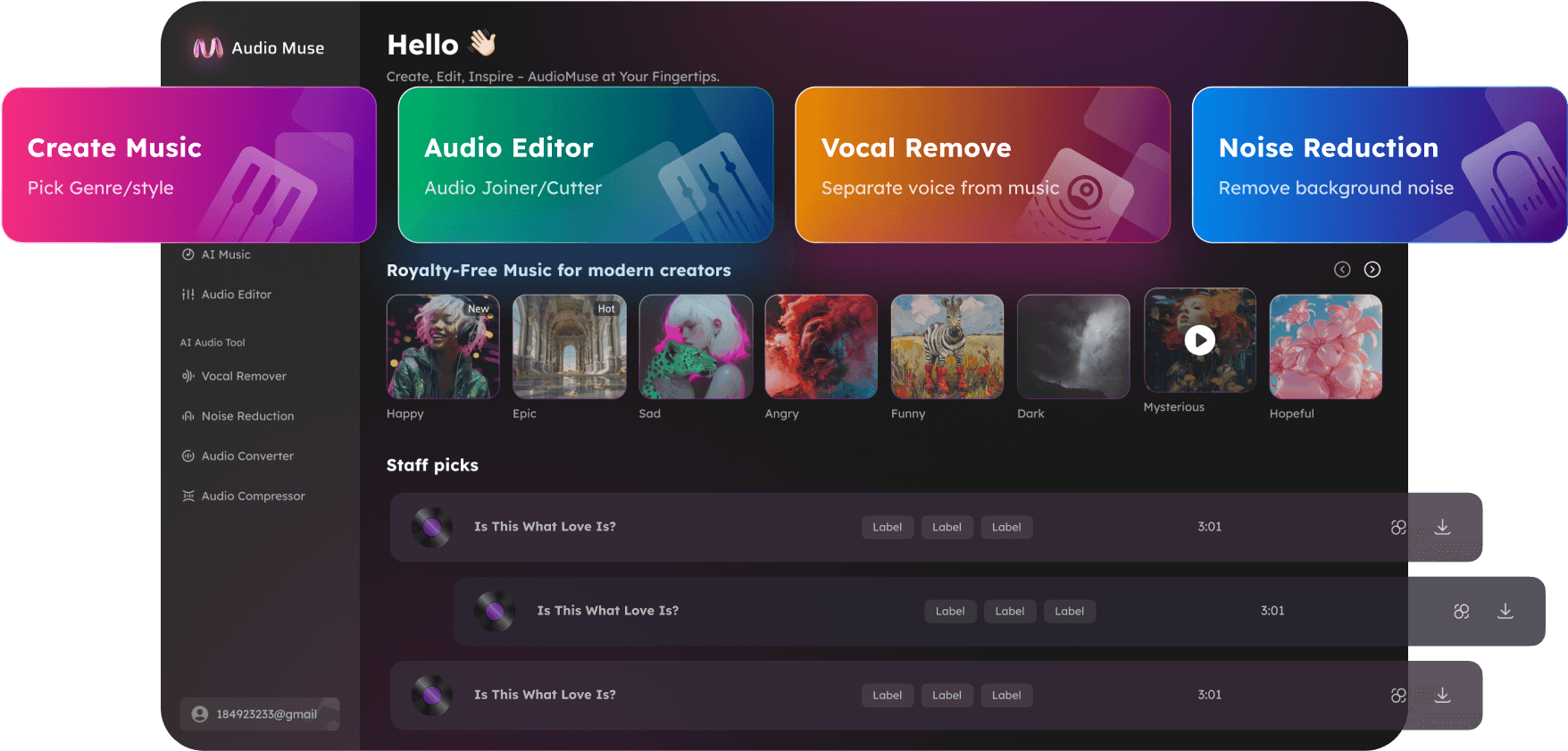
AI Audio Upscaler Online
Upscale audio online with AudioMuse AI Audio Upscaler. Improve low-quality, compressed, muffled, old, quiet, or low-fidelity recordings so they sound clearer and easier to hear.
AI Audio Upscaler Online,Free
AudioMuse AI Audio Upscaler helps improve recordings that sound low-quality, compressed, muffled, thin, quiet, old, or hard to hear. Upload an audio or video file and use AI audio upscaling to make the recording clearer and easier to listen to online. It is useful for low-bitrate audio, old recordings, archived files, voice notes, podcasts, interviews, lectures, video audio, rehearsal clips, music drafts, and phone recordings. This workflow focuses on improving overall audio quality from weak or degraded source files. If the main issue is background noise, use AI Noise Reduction first. If you want to polish music, speech, or voice content by intent, use Music Enhancer, Speech Enhancer, or Voice Enhancer.
Upscale Low-Quality Audio Online
Improve low-quality audio files, weak recordings, low-bitrate MP3s, and unclear audio so they are easier to hear, review, share, or reuse.
Upscale Audio Quality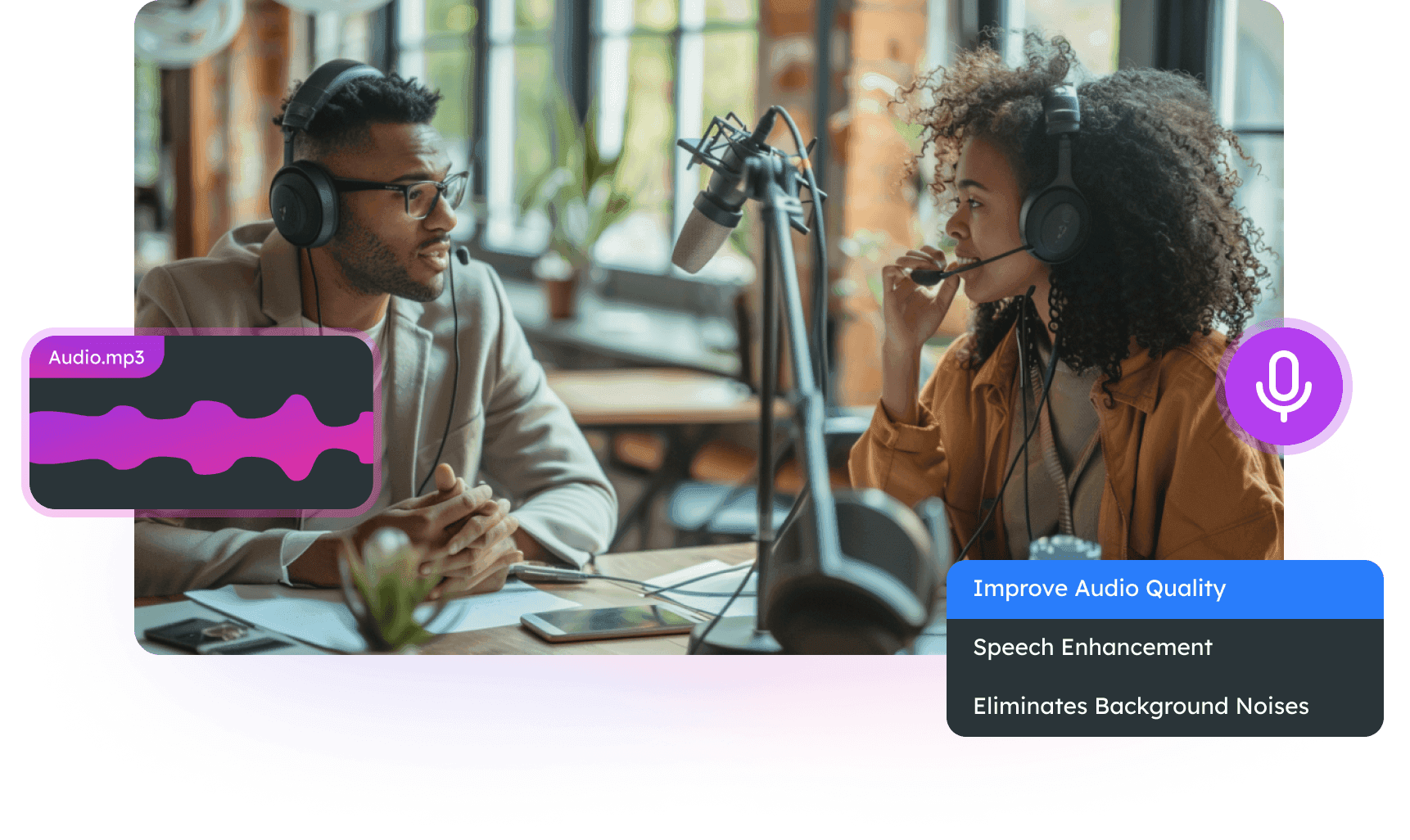
Make Compressed and Muffled Audio Clearer
Improve audio that sounds dull, distant, thin, covered, over-compressed, or hard to understand. Useful for videos, podcasts, interviews, lectures, voice notes, and phone recordings.
Clear Muffled Audio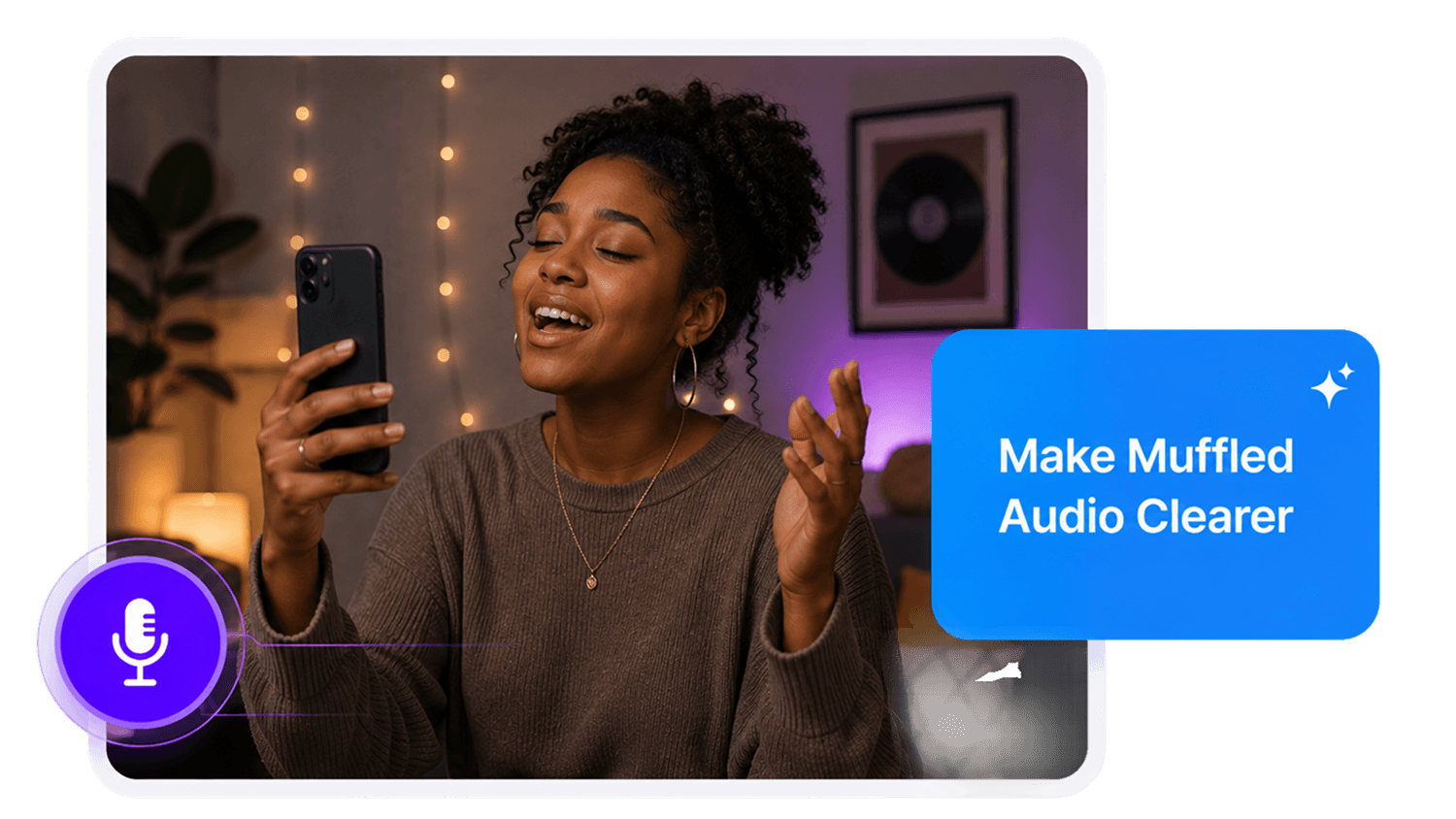
Enhance Old Recordings and Archives
Improve old tapes, archived files, older digital recordings, oral history audio, lectures, interviews, and stored media so they are easier to review and preserve.
Enhance Old Audio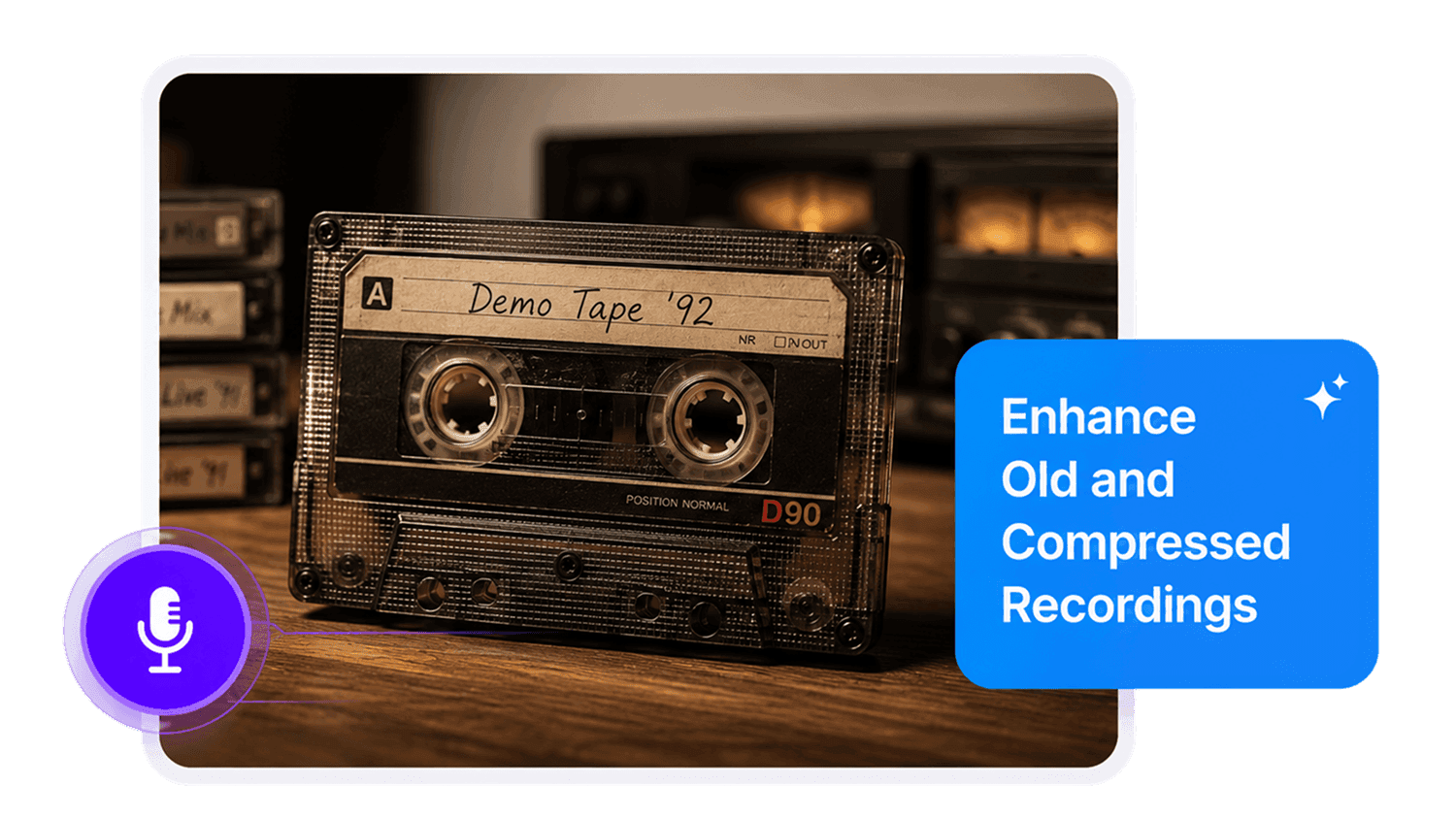
Improve Quiet and Low-Fidelity Recordings
Make quiet, weak, rough, or low-fidelity recordings easier to listen to before editing, publishing, sharing, transcribing, or using them in a project.
Improve Weak Audio
Who Can Use AI Audio Upscaler?




Why Choose AudioMuse’s AI Audio Upscaler?

Simple Audio Upscaling
Upload your file, choose audio upscaling, preview the result, and download improved audio without advanced editing skills.

Built for Degraded Audio
Use AI to improve recordings that sound low-quality, compressed, muffled, quiet, old, thin, or low-fidelity.

Clearer Listening Quality
Improve weak or unclear recordings so they are easier to hear, review, share, transcribe, archive, edit, or publish.

Audio and Video Support
Upload common audio or video formats such as MP3, MP4, WAV, FLAC, OGG, AAC, AIFF, and M4A, depending on current upload settings.
How to Upscale Audio Online
Improve low-quality, compressed, muffled, quiet, or old audio in a few simple steps:
Upload Your Audio or Video File
Choose the recording you want to improve, such as a low-quality MP3, compressed file, old recording, voice note, podcast, interview, lecture, video clip, music draft, or phone recording. For better results, upload the highest-quality source file available.
Choose Audio Upscaling
Use the audio upscaling workflow when the recording sounds muffled, thin, quiet, compressed, old, low-fidelity, or generally unclear.
Improve Audio Quality with AI
AudioMuse processes the file to help improve perceived clarity, fullness, and listening quality while keeping the recording useful for review, sharing, editing, publishing, or archiving.
Preview and Download
Listen to sections that sounded weak, muffled, compressed, or difficult to hear, then download the improved audio for your next workflow.
What they say about AudioMuse’s AI Audio Upscaler Online ?
Other online audio tools:
More About Audio Upscaling
 Knowledge
How to Upscale Audio Quality Online with AI | AudioMuse
Upscale audio quality online with AI. Improve low-quality, compressed, muffled, quiet, old, and rough audio files with AudioMuse Audio Upscaler.

 Knowledge
How to Make Audio Sound Clearer Online with AI | AudioMuse
Make audio sound clearer online with AI. Improve muffled, quiet, compressed, low-quality, voice, speech, music, and podcast audio with AudioMuse.
 Knowledge
Best AI Audio Enhancer Online for Clearer Sound | AudioMuse
Find the best AI audio enhancer online for voice, speech, music, podcasts, low-quality audio, and clearer recordings. Improve audio quality with AudioMuse.
Everything you Need, All in one Place
Choose Audio Muse for all your online audio or music processing needs with a full suite of tools in one easy-to-use platform. Edit audio directly from your browser, remove noise, convert file formats, and perfect your tracks - all without downloading extra software. Plus, manage your projects from any device, anytime. Your go-to for audio solutions.