Remove Everyday Background Noise
Reduce common recording noise such as wind, traffic, fan and AC hum, hiss, room noise, chatter, and other distractions that compete with the sound you want to keep.

Remove background noise from audio and video with AI. Reduce hum, hiss, wind, traffic, room noise, and other unwanted sounds while keeping speech, music, podcasts, vocals, and mixed audio clear and natural.
Drop a noisy recording here, upload a file, or record a new take.
10h Max Duration10GB File LimitAudio: MP3, WAV, M4A, AAC, FLAC, OGG, OPUS, AIFF, WMA, BWF, RF64, W64, and more. Video: MP4, MOV, AVI, MKV, M4V, WebM, MPEG, FLV, MXF, VOB, 3GP, and more.Start with Free Credits Use in Your Browser No Download No Credit Card Required Start with one file here, then add more in Improve Audio. Paid processing supports up to 5 files in one batch.
Remove background noise from audio and video with AI while keeping speech, music, and vocals clear and natural. From hum, hiss, wind, and traffic to room noise and everyday distractions, AudioMuse helps turn noisy recordings into cleaner, more professional sound.
Reduce common recording noise such as wind, traffic, fan and AC hum, hiss, room noise, chatter, and other distractions that compete with the sound you want to keep.
Good noise reduction should remove distractions, not flatten the recording. AudioMuse keeps speech, vocals, music, and sound effects sounding natural instead of thin, robotic, or overprocessed.
Speech, music, and mixed audio do not need the same cleanup. AudioMuse adapts noise reduction to the type of content you upload for more relevant, natural-sounding results.
Remove noise from podcasts, interviews, voiceovers, tutorials, meetings, music recordings, and video without extracting the audio first. Process the file and export it in the same format.
Use eligible credits to process your complete recording within the supported file limits. Completed results can be played and downloaded at no extra credit cost. If your reward credits cover the task, no purchase is required.
Preview the cleaned result against the original recording so you can hear the difference before downloading.
Process recordings up to 10 hours long and reduce noise from up to 5 audio or video files in one batch.
Work with MP3, WAV, M4A, AAC, FLAC, OGG, OPUS, AIFF, WMA, MP4, MOV, AVI, MKV, WebM, and more without unnecessary file conversion.
Compare the original recording with the AI-cleaned result and hear how background noise is reduced while speech, music, and important details stay clear and natural.
Hear wind, hum, room noise, chatter, and other unwanted sounds move into the background instead of competing with the main audio.
Notice how spoken words become easier to follow when distracting noise around the voice is reduced.
Whether the recording contains speech, music, or both, the cleaned result keeps attention on the content you actually want to hear.
AI noise reduction should make the recording cleaner without making it sound hollow, robotic, or aggressively processed.
Original
Cleaned
AudioMuse adapts noise reduction to the content you're working with, helping remove distractions without flattening the sound you want to keep. Whether it's speech, music, or both, the processing stays focused on cleaner, more natural results.
Speech, music, and mixed audio all react differently to noise reduction. AudioMuse adjusts the enhancement approach to better protect voices, instruments, background music, and sound effects while reducing unwanted noise.
From podcasts and interviews to songs, courses, and videos, content-aware processing helps keep the result clear without making every file sound the same.
Once your content is understood, AudioMuse can target the improvement that matters most: reducing background noise, controlling echo, improving voice clarity, balancing spoken volume, or cleaning up music without stripping away important detail.
Instead of applying one generic noise filter to every file, AudioMuse delivers more targeted AI noise reduction for cleaner, clearer, more natural sound.
AudioMuse AI Noise Reduction removes background noise from podcasts, videos, music, meetings, and everyday recordings while keeping speech, music, and mixed audio clear and natural.
Podcast episodes · Remote interviews · Guest conversations · Recorded Q&As · Spoken discussions
Podcast and interview recordings often combine different microphones, speaking distances, room conditions, and voice levels. AI noise reduction helps clean up distracting sound while keeping each speaker natural and easy to understand.
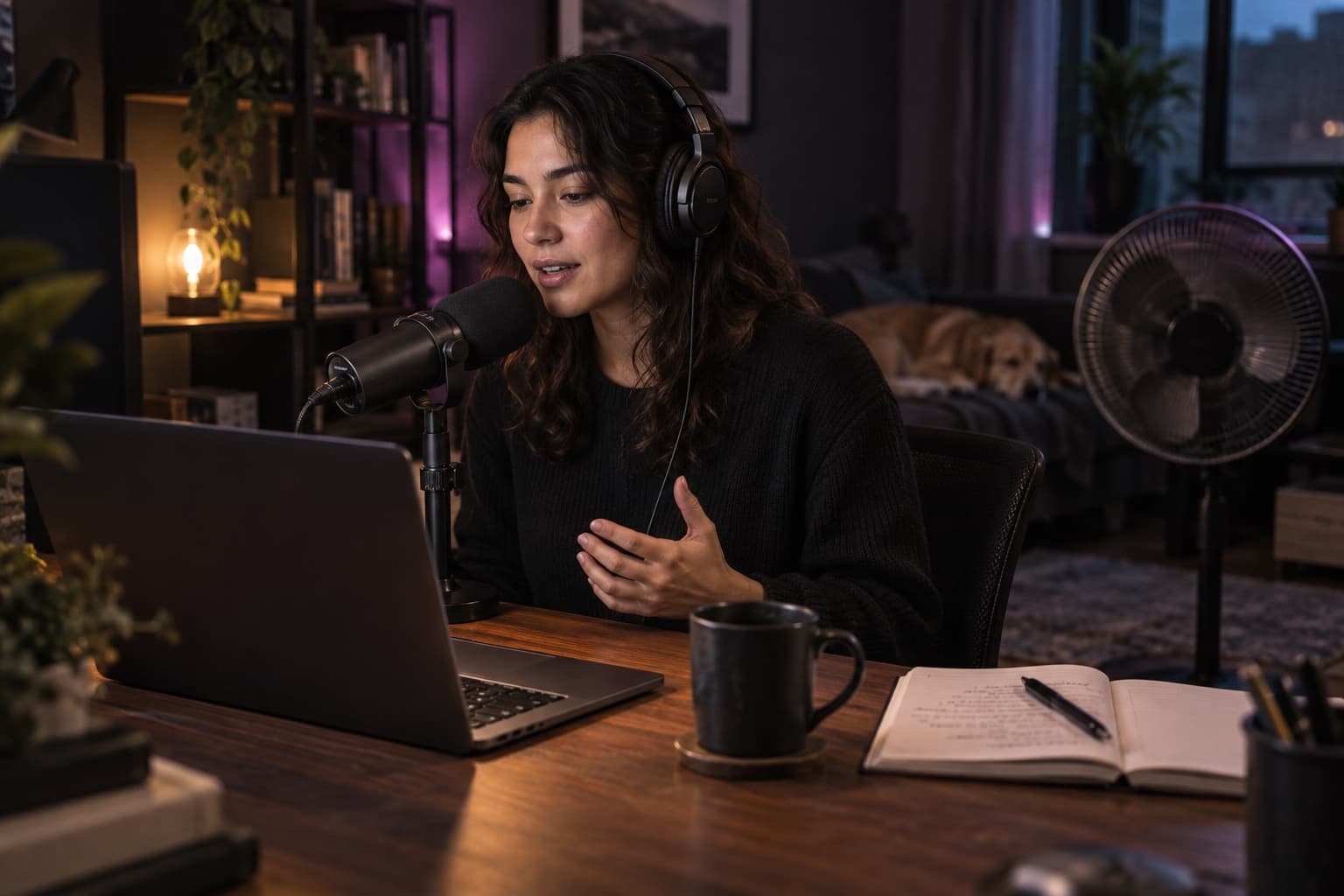
One speaker may sound clear while another feels distant, quiet, or buried. Hum, hiss, traffic, room noise, echo, and inconsistent voice levels can make long conversations tiring to follow.
For speech-focused recordings, AudioMuse can reduce background noise and echo, improve voice clarity, and make spoken sections more consistent based on what the recording needs most.
Cleaner podcast and interview audio with clearer voices, less distraction, and more consistent speech across the full recording.
YouTube videos · Tutorials · Product demos · Explainers · Course videos · Ads · Social videos · Voiceovers
Strong visuals can still feel unfinished when narration competes with wind, traffic, fan noise, room echo, or background sound. A video noise reducer helps keep attention on the message while preserving the audio that belongs in the scene.
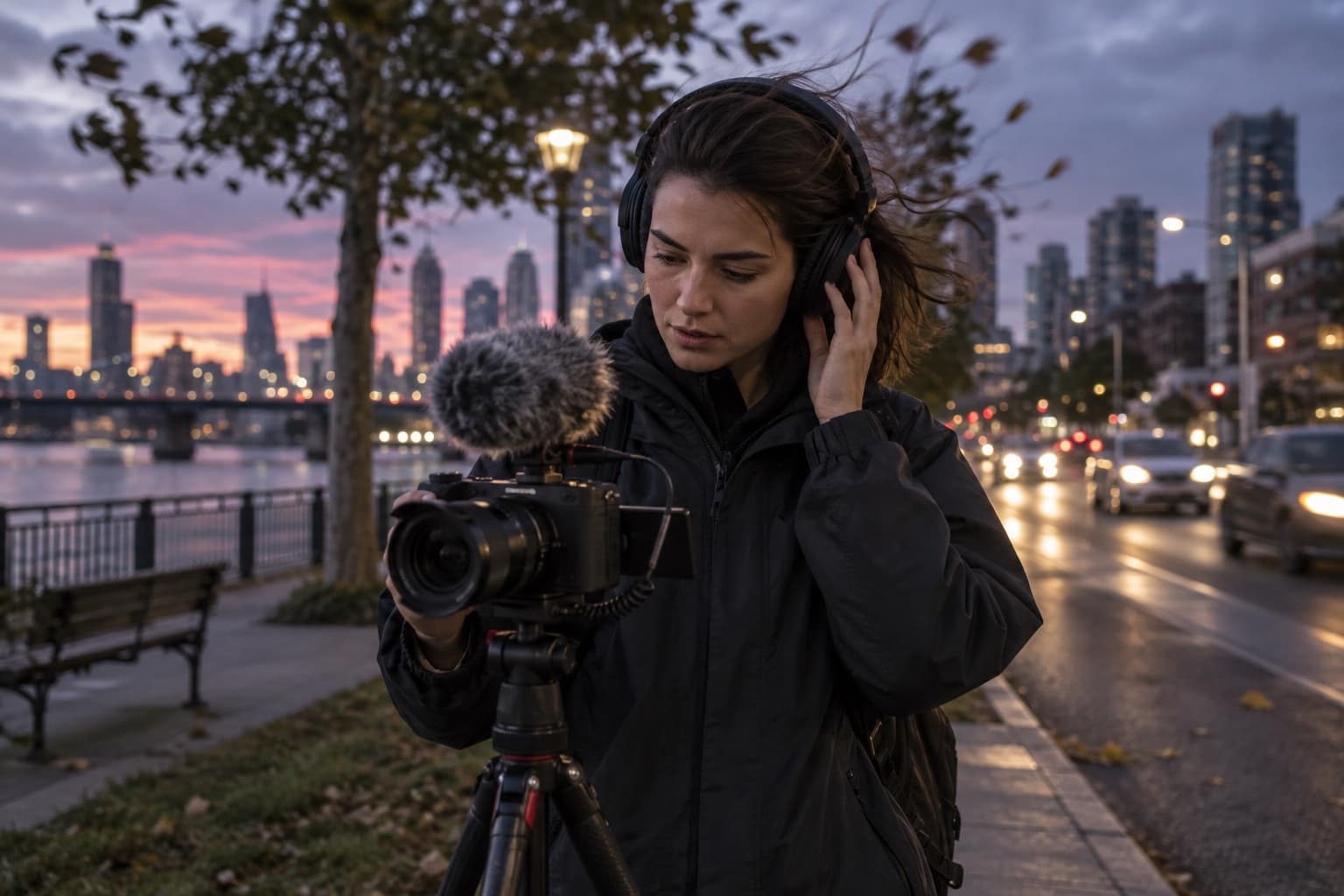
Voiceovers recorded on phones, cameras, laptops, or home microphones may pick up hiss, ambient noise, room reflections, or uneven voice levels. In mixed audio, speech may also compete with background music and sound effects.
For speech with music, AudioMuse can reduce unwanted noise and echo, improve voice clarity, and balance spoken audio while preserving background music and sound effects.
Cleaner, more professional video audio with clearer narration, better voice consistency, and fewer distractions. Upload video, reduce noise, and export it as video again.
Music demos · Vocal takes · Rehearsals · Acoustic recordings · Song ideas · Rough mixes · Cover recordings
Music recordings often contain low-level noise that becomes obvious in quieter sections. AI noise reduction can clean up demos and vocal recordings while preserving the detail, dynamics, and character of the performance.

Mic hiss, electrical hum, room ambience, and noise floor can sit underneath vocals and instruments. Rough recordings may also make vocals feel buried or musical detail less defined.
With music-focused noise reduction, AudioMuse reduces hiss, hum, and unwanted background sound while preserving vocals, instruments, dynamics, and important musical detail.
Cleaner music and vocal recordings with a lower noise floor, better definition, and a more focused performance that still sounds natural.
Team meetings · Conference recordings · Lectures · Presentations · Classes · Workshops · Recorded discussions
Meetings and lectures are often recorded in large or untreated spaces where background noise, room acoustics, distance, and multiple speakers can all reduce clarity.

Air conditioners, projectors, keyboards, room ambience, and audience noise can sit under the recording. Empty spaces add echo, while people at different microphone distances may sound much louder or quieter than one another.
AudioMuse can reduce steady background noise and room echo, improve speech clarity, and balance spoken volume across different speakers.
Cleaner meeting and lecture audio with more understandable speech, more consistent voice levels, and less listening fatigue during review, study, sharing, or transcription.
Phone recordings · Voice notes · Quick interviews · Field recordings · Personal recordings · On-the-go content
Not every useful recording is captured in a controlled environment. Phones and portable devices often pick up noise, echo, and inconsistent voices along with the audio you actually want.

Mobile recordings can contain wind, traffic, fan noise, room ambience, unexpected sounds, or noticeable echo. Voices may also sound distant, muffled, quiet, or uneven because of movement and microphone distance.
Choose the content type that best matches your recording, then use targeted AI noise reduction to reduce unwanted noise and echo, improve voice clarity, and make spoken audio more consistent.
Cleaner, clearer, and more usable everyday recordings with less background noise and more natural, focused sound.
Clean up noisy audio and video in just a few simple steps. AudioMuse AI Noise Reduction adapts to speech, music, and mixed audio so you can reduce background noise, echo, and other distractions while keeping the sound you want clear and natural.
Add an audio file, upload a supported video, or record directly from your microphone. AudioMuse supports long recordings, multiple files, and popular audio and video formats.
Select Speech, Music, or Speech & Music so AudioMuse can tailor the noise reduction to the type of sound you want to preserve.
AudioMuse shows enhancement options tailored to your content type. Depending on your file, you can reduce background noise or echo, enhance voice clarity, balance spoken volume, or improve music clarity and balance.
Let AI process your file, compare the cleaned result with the original, and download it in the same format you uploaded. Continue with AudioMuse editing, mastering, loudness, or stem separation tools when you need the next step.
Background noise does not always sound the same. Explore more focused ways to clean audio, reduce echo, remove distracting background sound, and deal with unwanted buzz in your recordings.
Clean up noisy or distracting recordings for clearer, more usable audio across voice, podcasts, videos, meetings, and everyday recordings.
Reduce room echo and reverberation when speech sounds hollow, distant, or difficult to understand in untreated spaces.
Reduce unwanted sounds such as wind, traffic, fan noise, room ambience, and chatter while keeping the main audio clear and natural.
Remove distracting electrical buzz, hum, and other steady interference from recordings without unnecessarily affecting the sound you want to keep.
Once background noise is reduced and your recording sounds cleaner, continue with AudioMuse tools to edit, separate stems, optimize loudness, or give finished audio a final polish.
Trim, cut, arrange, and refine your cleaned audio or video after noise reduction.
Separate vocals, drums, bass, and other instruments from cleaned music for remixing, editing, karaoke, or further production.
Adjust loudness after noise reduction for more consistent playback and prepare your audio for different platforms and publishing requirements.
Give cleaned songs and finished mixes a final AI mastering pass for a more balanced, polished, and release-ready sound.
Learn how AI noise reduction works, what kinds of audio and video it can process, how it preserves the sound you want to keep, and what to expect when cleaning noisy recordings online.
AI noise reduction identifies unwanted sound in a recording and reduces its impact while preserving the speech, music, vocals, or other audio you want to keep. AudioMuse adapts the processing to Speech, Music, and Speech & Music for cleaner, more natural results.
Instead of applying the same filter to every file, AudioMuse adjusts the processing around your content and the result you want. This helps reduce distracting noise while keeping important voices, instruments, music, and sound effects clear.
AI noise reduction can help with common recording problems such as hiss, static, hum, wind, traffic, fan and AC noise, room ambience, and other unwanted background sound. If persistent hiss is the main issue, see how to remove hiss from audio. For crackling or static interference, read how to remove static from audio.
Yes. AudioMuse supports noise reduction for both audio and video files. You can process podcasts, interviews, music recordings, voiceovers, meetings, tutorials, and other video content without extracting the audio first.
AudioMuse is designed to reduce distracting noise while preserving the content you want to hear. Processing adapts differently to speech, music, and mixed audio so voices do not need to sound thin or robotic and music can retain its dynamics and detail.
Yes. Speech, music, and mixed speech-with-music have different audio characteristics. AudioMuse uses content-aware processing so noise reduction can better protect voices, instruments, background music, and sound effects depending on what your file contains.
Noise cancellation usually refers to reducing unwanted sound in real time, such as during calls or through headphones. AI noise reduction on AudioMuse processes an existing recording after it has been captured, allowing the system to analyze and clean the file before you download the result.
Yes. AudioMuse supports audio and video files up to 10 hours long and batch processing for up to 5 files, making it suitable for long podcasts, interviews, meetings, lectures, music recordings, and video projects.
AudioMuse supports more than 20 common and professional audio and video formats, including MP3, WAV, M4A, AAC, FLAC, OGG, OPUS, AIFF, WMA, MP4, MOV, AVI, MKV, WebM, and more.
Use eligible credits to process your complete recording within the supported file limits. Completed results can be played and downloaded at no extra credit cost. If your reward credits cover the task, no purchase is required.
Eligible new accounts receive 30 welcome credits. Complete the one-time seven-check-in campaign within 14 days to earn 100 credits in total, including the welcome reward. Each reward expires 30 days after it is granted. Rewards can fund enhancement, noise reduction and vocal or instrument separation, including Stem Splitter at its normal per-type rate. Completed results can be downloaded at no extra credit cost, without paid membership. Rewards cannot fund AI mastering, AI mixing or music generation. If rewards cover this task, no purchase is needed. Otherwise, combine them with purchased credits.
New-plan rate: 10 credits per started minute, with a minimum of 30 credits per file to process the full recording. Sufficient eligible credits are required before processing. Multiple improvements in the same processing task do not multiply the charge. Each file in a batch is calculated separately. Downloads and repeat downloads of the completed result do not use more credits. Existing subscriptions and previously purchased credits keep their original purchasing power, renewal price and expiry.
Processed files are stored for 30 days for paying users. Download the results you want to keep before they expire.
Reduce distracting background noise in audio and video while keeping speech, music, and important details clear and natural.