OriginalBuzz or hum present
Original sample position

Reduce a persistent electrical buzz or low hum in an audio or video recording. Upload your file, let Noise Reduction start in Auto, then preview the voice or music before downloading.
Drop a recording with persistent electrical hum here. Noise Reduction opens first in Auto.
Supported 20+ audio & video formats · Up to 10 GB per fileAudio and video input · Noise Reduction starts in Auto · Preview before download
This position is reserved for a genuine electrical buzz sample and its processed result. The page will not substitute an unrelated noise recording.
Original sample position
Processed sample position
A power-related tone tends to stay in one place while the wanted audio changes around it. Check more than one quiet section before deciding what you hear.
A power or equipment buzz is often easiest to hear between words, notes or edits because the tone remains when the wanted sound stops.
Unlike traffic or handling noise, electrical interference often sits at one low tone with a sharper buzz layered above it.
Check the beginning, middle and end. A recurring tone across the file points to the signal chain rather than a short background event.
Interfaces, chargers, adapters, amplifiers, lighting and poorly shielded cables can introduce a persistent hum into the recording.
Buzz continues independently in pauses. Echo follows the voice and fades after each phrase, so it belongs in the Echo & Reverb workflow.
The sound is often recorded before the file reaches AudioMuse. Knowing where it began helps you decide whether to process the existing file or fix the setup and record again.
Listen with the charger disconnected, replace one cable at a time, and test the microphone or instrument through the shortest possible signal path.
Ground loops, mixed power outlets and ungrounded adapters can add a low continuous hum.
Loose, damaged or poorly shielded cables can turn electrical interference into an audible buzz.
Laptop chargers, dimmers, LEDs and nearby appliances can leak a sharper tone into microphones or interfaces.
High gain, pedals, pickups and connected USB equipment can raise equipment noise beneath a performance.
Add the recording with a persistent tone beneath the voice, music or video soundtrack.
Noise Reduction opens automatically and prepares a cleaned preview without a manual denoise level.
Listen to a quiet pause, speech detail and low musical notes before choosing the processed result.
Choose the setup closest to your recording. Each workflow explains where a steady buzz can enter the signal chain, what browser processing should reduce, and which quiet or detailed passages you should compare.
BUZZ REMOVAL WORKFLOW Home voiceovers

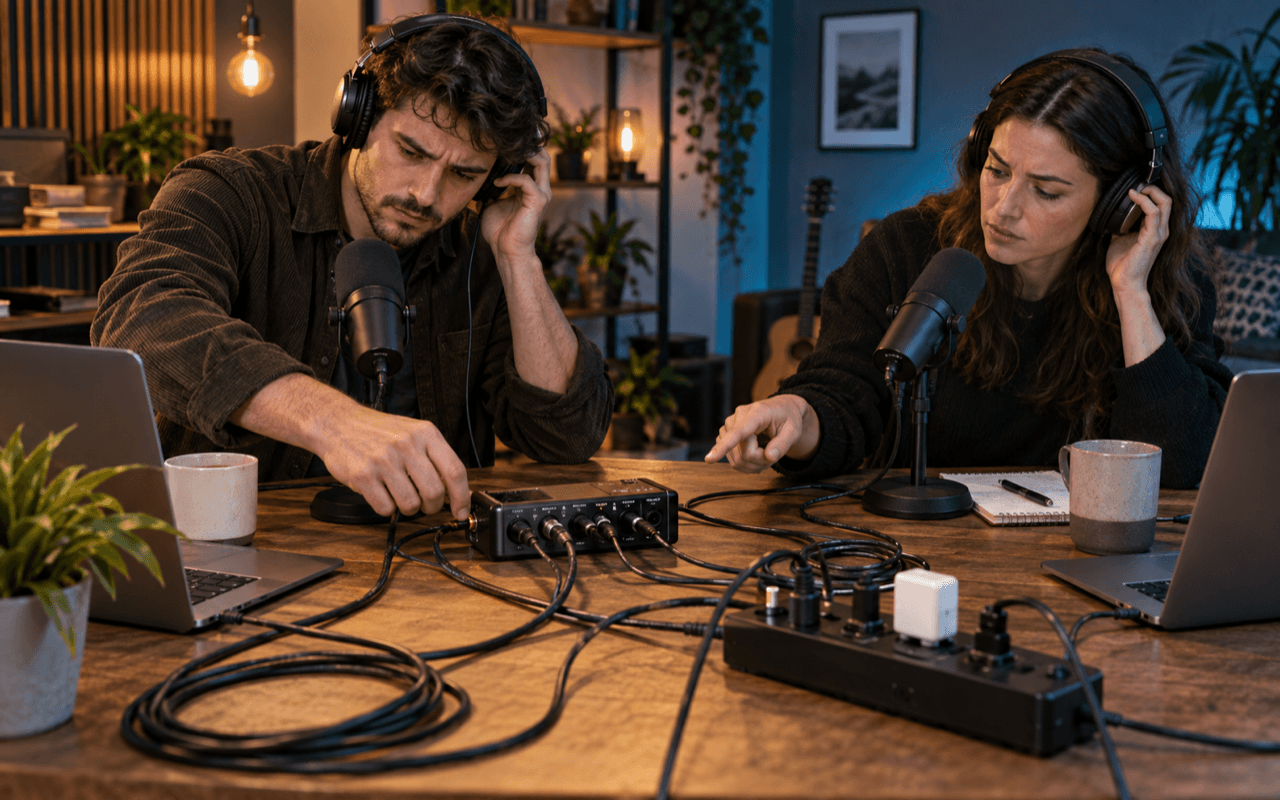
BUZZ REMOVAL WORKFLOW Podcasts & interviews
BUZZ REMOVAL WORKFLOW Camera & video audio

BUZZ REMOVAL WORKFLOW Instrument demos

A steady electrical tone is only one reason a recording can sound dirty. Choose the workflow by how the unwanted sound behaves.
Start here when a low hum or sharper equipment buzz continues through most of the recording.
Use this guide for fans, wind, traffic, room activity and other sounds that vary over time.
Use Echo & Reverb when the voice sounds hollow or leaves a fading tail after each phrase.
Start with the broader diagnosis page when the recording sounds rough but the cause is not obvious.
Use enhancement when clarity, fullness or balance is the problem rather than unwanted noise.
Common causes include ground loops, chargers, power adapters, amplifiers, audio interfaces, lighting and damaged or poorly shielded cables. The unwanted tone can be recorded together with the voice or music.
Results depend on how loud the buzz is and how much it overlaps the wanted sound. Preview a quiet passage and a detailed section of the voice or music before downloading.
AudioMuse starts its AI Noise Reduction workflow in Auto. It does not expose manual frequency, notch width or harmonic controls.
Yes. Upload a supported video file to process its soundtrack, then preview the cleaned audio result before downloading.
Hum is usually heard as a low steady tone. Buzz often sounds sharper because it contains more upper-frequency energy. Both can come from the same power or equipment problem.
No. Hiss is broadband and airy, while traffic, wind and room activity change over time. Buzz and hum are more tonal and usually remain steady through pauses.
Any cleanup can affect detail that overlaps the unwanted sound. Compare speech clarity, bass, instrument body and quiet passages with the original before keeping the result.
If you can record again, first check cables, power adapters, grounding and microphone connections. Use processing when the recording already exists or the source cannot be captured again.