
Acapella Extractor Online
Extract vocals from a song for remixes, mashups and vocal samples. Upload audio or video, separate the singing from the instruments, then listen and download the vocal track.
Audio & videoVocal & instrumental tracksNo app download
Hear the Vocal Without the Full Mix
Keep the Singing. Leave the Instruments Behind.
You have a finished song, but the part you need is the voice. AI separates the vocal performance from the accompaniment so you can work with the singing without bringing the entire arrangement into your next project.
The acapella can include lead vocals, doubles and harmonies together. To separate the main singer from supporting voices, use Backing & Lead Vocal Remover.
- The vocal track
- Keep the singing for a remix, a short sample or a closer listen to phrasing. Preview the passages you plan to use before downloading.
- The instrumental track
- The accompaniment is available separately too. Choose this result when you want music to sing over instead of an acapella.
- A separated result, not a studio session
- Extraction estimates the vocals in a mixed recording. It does not recover the original dry microphone take or remove every trace of instruments and effects.
What Will You Make with the Acapella?
Give the vocal performance a different setting, a shorter shape or your full attention.
Give a familiar vocal a different musical setting.
Leave the old arrangement behind
Putting the complete song over a new beat brings its drums, bass and chords along too. Those layers can compete with the backing you want to use.
Start with the extracted singing
Separate and download the vocal track. Check entrances and gaps for remaining instrumental sound before building around it.
Place it in your new mix
Import the vocal and your own music into Audio Editor. Align the clips, adjust their levels and trim the sections you need. Only publish material you have permission to use.
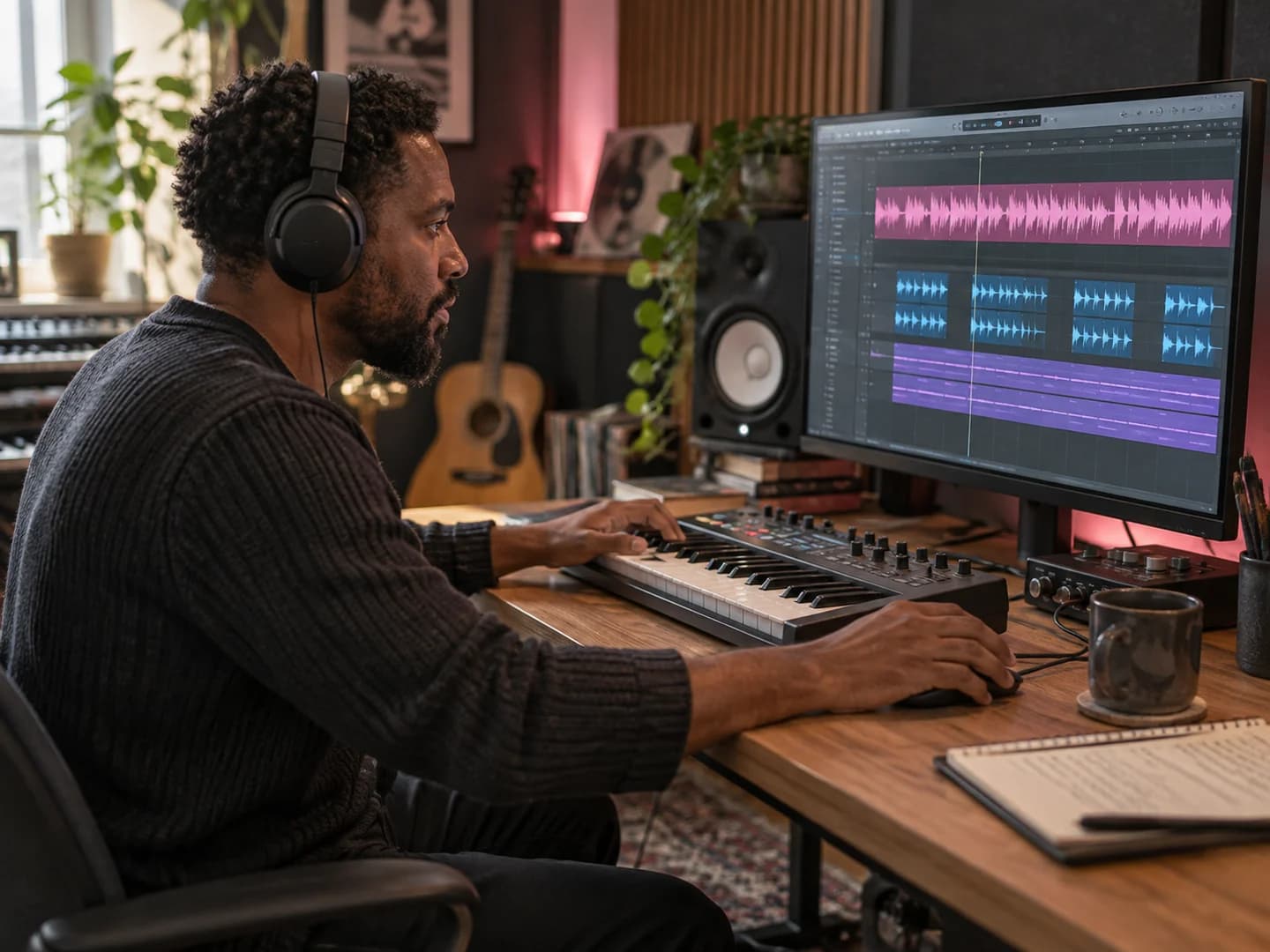
Keep the phrase, syllable or held note that caught your ear.
Find a small part with character
A short response, breath or sustained vowel may be more useful than a whole verse. In the full song, the backing makes that moment harder to reuse.
Extract first, then choose the moment
Download the acapella and listen for a phrase with a clear beginning and end. Vocal effects and harmony layers may still be part of the sound.
Cut a sample you can place
Trim the phrase in Audio Editor and add short fades where needed. Keep the source recording so you can return for a longer section later.
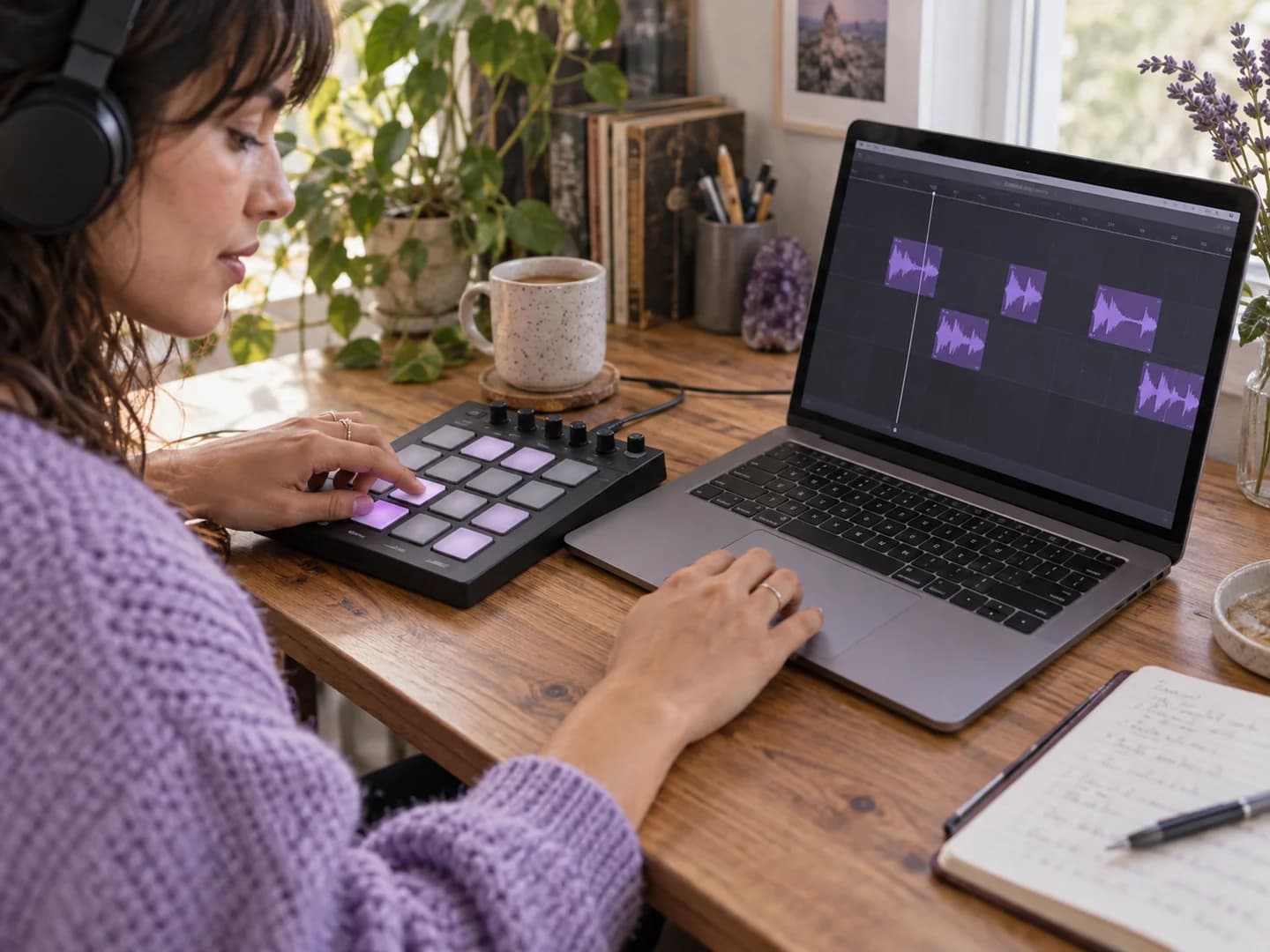
Hear how the singer shapes the line.
Bring the performance forward
Loud instruments can hide a soft entrance, a change in pronunciation or the end of a phrase. Turn your attention to the voice instead of the full mix.
Listen to the vocal arrangement
Extract the singing and compare it with the original. The result may contain supporting voices as well as the lead, rather than one isolated singer.
Repeat a phrase at your own pace
Download the vocal and open it in Audio Looper to repeat a short passage. Work on timing and phrasing before returning to the complete song.

How to Extract an Acapella from a Song
No separate instrumental version is required. Start with a song you have permission to process.
Upload audio or video
Choose your song from a supported file on your device. You do not need the official instrumental or separate studio tracks.
Review and separate
Check your recording and start vocal separation; the file is uploaded for cloud processing.
Keep the vocal result
Listen to the Vocal track, compare the sections you need and download your acapella. The instrumental is available separately.
Acapella Extractor FAQs
Answers about extracted vocals, backing harmonies, audio quality, supported files and cloud processing.
What is an acapella extractor?
An acapella extractor estimates the singing in a finished song and separates it from the instruments. Acapella, a cappella and acappella are common spellings for vocals without instrumental accompaniment. An extracted track is not the original studio vocal recording.
How is this different from a vocal remover?
Both use vocal and instrumental separation. The difference is the result you want: an acapella extractor keeps the singing; a vocal remover is commonly used to keep the instrumental. This workflow makes both tracks available.
Will the acapella include backing vocals?
It can include lead singing, harmonies and doubled voices together. To separate the main singer from background harmonies, use Backing & Lead Vocal Remover instead. Standard acapella extraction does not select a particular singer.
Can I extract vocals without an instrumental version?
Yes. Upload the mixed song itself. You do not need a matching instrumental, an official acapella or the original multitrack session.
Why can I still hear instruments or reverb?
Sounds that overlap the voice are difficult to separate perfectly. Dense mixes, distortion and strong effects can leave instrumental bleed or artifacts. Reverb and delay may remain with the singing; extraction does not guarantee a completely dry vocal.
Which files can I use?
Upload MP3, WAV, FLAC, AIFF, AAC, M4A or OGG audio, or AVI, MP4, MKV, MOV or M4V video. Video inputs return separated audio, not an edited video. Account file-size and duration limits are checked in the app.
Is acapella extraction free?
Available allowance and credit requirements are shown in the app before processing. Review those details before you start; access to processing and downloads depends on your account allowance.
Does my song stay in my browser?
No. Vocal separation uploads your recording for cloud processing. This differs from AudioMuse's browser-based editing tools. Review the Privacy Policy before submitting sensitive recordings.
Can I release a remix made with the extracted vocals?
Extraction does not grant rights to the recording or composition. Use your own recordings or obtain the permissions required for sampling, remixing and publishing.
How are processing credits calculated?
New-plan rate: 20 credits per started minute per source file, with a minimum of 20 credits to process the full recording. Sufficient eligible credits are required before processing. The available vocal and instrumental outputs for that separation are included; each output file is not charged again. Downloads and repeat downloads of the completed result do not use more credits. Existing subscriptions and previously purchased credits keep their original purchasing power, renewal price and expiry.
How long are my processed files stored?
Processed files are stored for 30 days for paying users. Download the results you want to keep before they expire.
Can reward credits cover processing and downloading?
Eligible new accounts receive 30 welcome credits. Complete the one-time seven-check-in campaign within 14 days to earn 100 credits in total, including the welcome reward. Each reward expires 30 days after it is granted. Rewards can fund enhancement, noise reduction and vocal or instrument separation, including Stem Splitter at its normal per-type rate. Completed results can be downloaded at no extra credit cost, without paid membership. Rewards cannot fund AI mastering, AI mixing or music generation. If eligible rewards cover the task cost, no purchase is needed. Otherwise, rewards can combine with purchased credits.
Take the Vocal into Your Next Idea
Separate the singing from your song. Listen to the vocal track, download it and decide what to create next.
Upload Audio or Video