AI Voice Enhancer Online
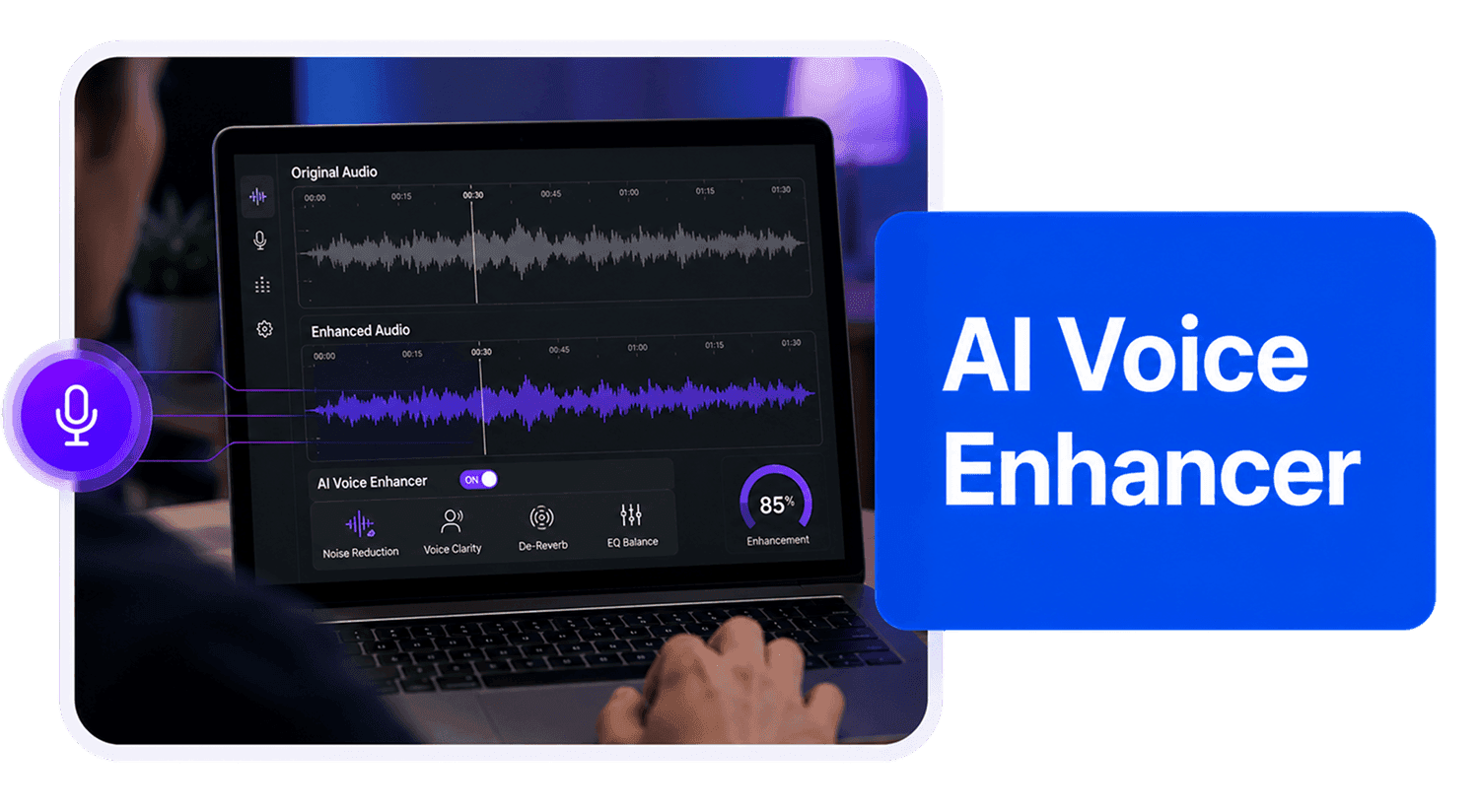
Enhance voice recordings online with AudioMuse AI Voice Enhancer. Improve voice clarity, presence, and natural quality for voiceovers, narration, podcasts, videos, creator audio, phone recordings, and singing voice clips.
AI Voice Enhancer Online,Free
AudioMuse AI Voice Enhancer helps improve voice recordings that sound dull, thin, distant, muffled, quiet, or hard to use. Upload an audio or video file and enhance voice clarity, presence, and natural listening quality online. It is useful for voiceovers, narration, creator videos, podcast voice tracks, tutorials, presentations, product explainers, phone recordings, singing voice clips, and other voice-focused audio. This workflow is focused on making a voice sound clearer and more polished. If your recording is mainly a meeting, lecture, interview, dialogue, or multi-speaker conversation, use Speech Enhancer. If the file is very low-quality, compressed, or old, try Audio Upscaler. If background noise is the main issue, use AI Noise Reduction first.
Improve Voice Clarity Online
Make voice recordings clearer, fuller, and easier to listen to. AudioMuse helps improve voice presence for narration, voiceovers, creator videos, podcast voice clips, and spoken performances.
Improve Voice Clarity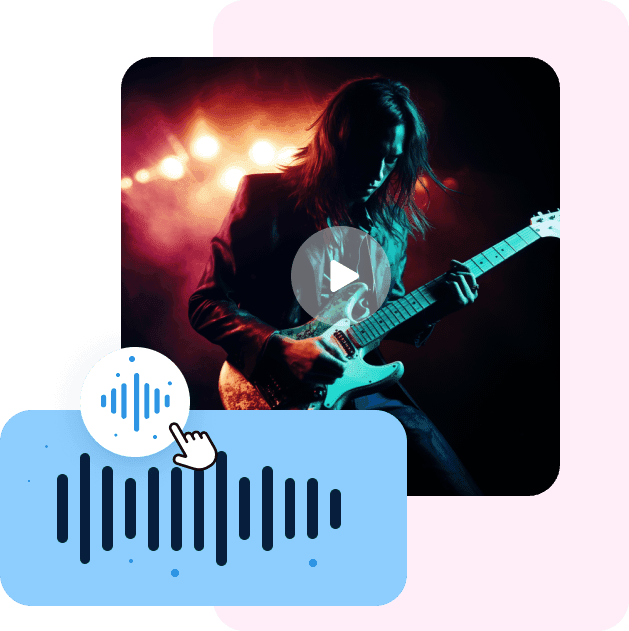
Enhance Voiceovers and Narration
Improve tutorial narration, video voiceovers, product explainers, ads, storytelling clips, course narration, and presentation audio so the voice sounds clearer and more natural.
Enhance Voiceover
Polish Creator Voice Audio
Improve voice tracks for YouTube videos, TikTok clips, Reels, podcasts, tutorials, product videos, online lessons, and social content before publishing or editing.
Polish Voice Audio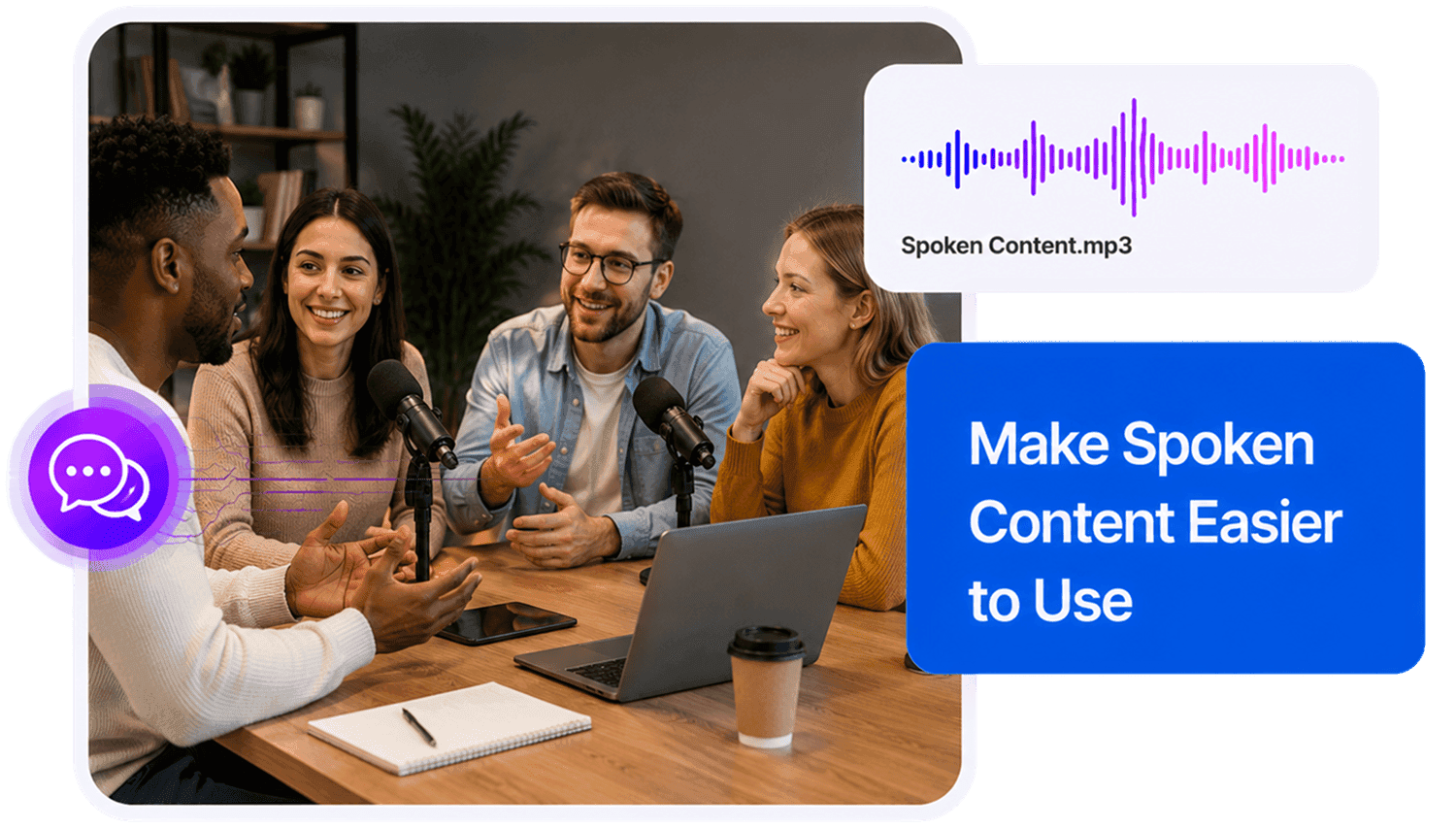
Make Phone and Singing Voice Clips Clearer
Improve phone-recorded voice notes, rough vocal ideas, singing voice clips, practice takes, and other voice-led recordings when the source audio is still usable.
Enhance Voice ClipsWho Can Use AI Voice Enhancer?





Why Choose AudioMuse’s AI Voice Enhancer?

Simple Voice Enhancement
Upload your voice recording, choose voice enhancement, preview the result, and download clearer voice audio without advanced editing skills.

Built for Voice Quality
Improve voice clarity, presence, fullness, and natural listening quality for voiceovers, narration, creator videos, podcasts, and voice clips.

Clearer, More Natural Voice
Make voice recordings easier to hear while keeping the result natural enough for publishing, editing, sharing, or review.

Audio and Video Uploads
Upload common audio or video formats such as MP3, MP4, WAV, FLAC, OGG, AAC, AIFF, and M4A, depending on current upload settings.
How to Enhance Voice Recordings Online
Improve voice clarity and listening quality in a few simple steps:
Upload Your Voice Recording
Choose the voice recording you want to improve, such as a voiceover, narration track, podcast voice clip, creator video, tutorial, presentation, phone recording, singing voice clip, or spoken performance. For better results, upload the clearest source file available.
Choose Voice Enhancement
Use the voice-focused workflow when the main goal is to make a single voice or voice-led recording sound clearer, fuller, and more natural.
Improve Voice Quality with AI
AudioMuse processes the recording to help improve voice clarity, presence, and listening quality while keeping the voice suitable for publishing, editing, sharing, or review.
Preview and Download
Listen to quiet parts, close-up lines, distant sections, and important voice moments, then download the enhanced voice audio for your next workflow.
What they say about AudioMuse’s AI Voice Enhancer Online ?
Other online audio tools:
More About Voice Enhancement
 Knowledge
How to Enhance Voice Recordings Online with AI | AudioMuse
Enhance voice recordings online with AI. Make voiceovers, narration, phone recordings, podcast voice, and singing voice clearer with AudioMuse.

 Knowledge
How to Make Audio Sound Clearer Online with AI | AudioMuse
Make audio sound clearer online with AI. Improve muffled, quiet, compressed, low-quality, voice, speech, music, and podcast audio with AudioMuse.
 Knowledge
Best AI Audio Enhancer Online for Clearer Sound | AudioMuse
Find the best AI audio enhancer online for voice, speech, music, podcasts, low-quality audio, and clearer recordings. Improve audio quality with AudioMuse.
Everything you Need, All in one Place
Choose Audio Muse for all your online audio or music processing needs with a full suite of tools in one easy-to-use platform. Edit audio directly from your browser, remove noise, convert file formats, and perfect your tracks - all without downloading extra software. Plus, manage your projects from any device, anytime. Your go-to for audio solutions.