Lead Vocal
Hear the main singer on their own.
Isolate the lead vocal to focus on melody, phrasing, and expression without the surrounding music or backing harmonies. Perfect for studying a vocal performance or preparing your next edit.

AI Lead & Backing Vocal Separation
Separate lead vocals, backing harmonies, and instrumental music from a finished song with AI. Extract the vocals you need, remove the lead singer while keeping harmonies, or create new tracks for covers, karaoke, and remixes.
Upload a song or music video to separate the lead singer, backing harmonies, and instrumental music.
MP3, WAV, FLAC, M4A, OGG, AAC, AIFF, AIF · MP4, MOV, MKV, AVI, M4V
Up to 10 GB per file · Add up to 5 songs in the app. Each file is separated individually.
AI Vocal SeparationLead & Backing VocalsAudio & Video UploadsMultiple Tracks to Explore
Go beyond basic vocal removal. Audiomuse separates the main singer, background harmonies, and instrumental music from a finished song, giving you more ways to practice, create covers, and explore the vocal layers behind your favorite tracks.
Hear the main singer on their own.
Isolate the lead vocal to focus on melody, phrasing, and expression without the surrounding music or backing harmonies. Perfect for studying a vocal performance or preparing your next edit.
Discover the harmonies behind the song.
Extract backing vocals and layered harmonies, including supporting vocal doubles or ad-libs when distinguishable. Hear the voices behind the lead more clearly for harmony practice, vocal study, or creative sampling.
Create a clean starting point for your own vocals.
Remove both lead and backing vocals to keep the instrumental music. Record a new performance, practice singing, or build a cover with your own vocal arrangement.
Sing the lead with the original harmonies.
Remove the lead singer while keeping the instrumental and backing vocals together. Create a karaoke-style track that preserves the supporting harmonies behind your performance.
Available results depend on the source recording. Songs without distinct backing vocals may not produce a separate harmony track.
Removing backing vocals and removing lead vocals are different tasks. Choose the result that matches what you want to hear or create.
Create a backing track with the original harmonies.
Use the Instrumental + Backing Vocals result to remove the lead singer while keeping the music and supporting voices together. Sing the main melody yourself without losing the harmonies behind it.
Keep the main singer and music without background harmonies.
Separate the Lead Vocal and Instrumental tracks, then combine them in Audiomuse Audio Editor. This creates a new version with the lead singer and accompaniment, without the separated backing vocal track.
No original studio stems or complicated audio editing required. Upload your song, let AI identify the vocal layers, and choose the results you want to hear.
Add a music file or video containing the recording you want to separate. You can process a single song or upload up to five files for individual separation.
Start AI vocal separation to distinguish the main singer, backing harmonies, and instrumental music. The available results depend on the vocal layers present in the original recording.
Open your results in Music Library, preview the separated parts, and download the MP3 tracks you need with an eligible account. Keep the lead vocal, explore the harmonies, or use the instrumental with backing vocals.
Lead and backing vocal separation opens up possibilities that a regular instrumental track can't provide. Explore the voices behind your favorite music and use them in your next project.
Karaoke, sing-alongs, live vocal practice
You want to sing the main melody, but the original backing vocals make the song feel fuller.
Remove the lead singer while keeping the instrumental and supporting harmonies. Enjoy a karaoke-style backing track that still includes the vocal layers behind the main melody.

Singers, vocal groups, harmony practice
Backing singers often perform different notes, melodies, and vocal patterns that are difficult to hear in the finished mix.
Extract the backing vocals to study harmony lines, follow supporting melodies, and practice your own vocal part alongside them.

Cover artists, home recordings, vocal arrangements
Want to record a new lead vocal, or perform a different harmony arrangement?
Use the instrumental with original backing vocals for a lead cover, or work from a fully instrumental track when you want to record all vocal parts yourself.
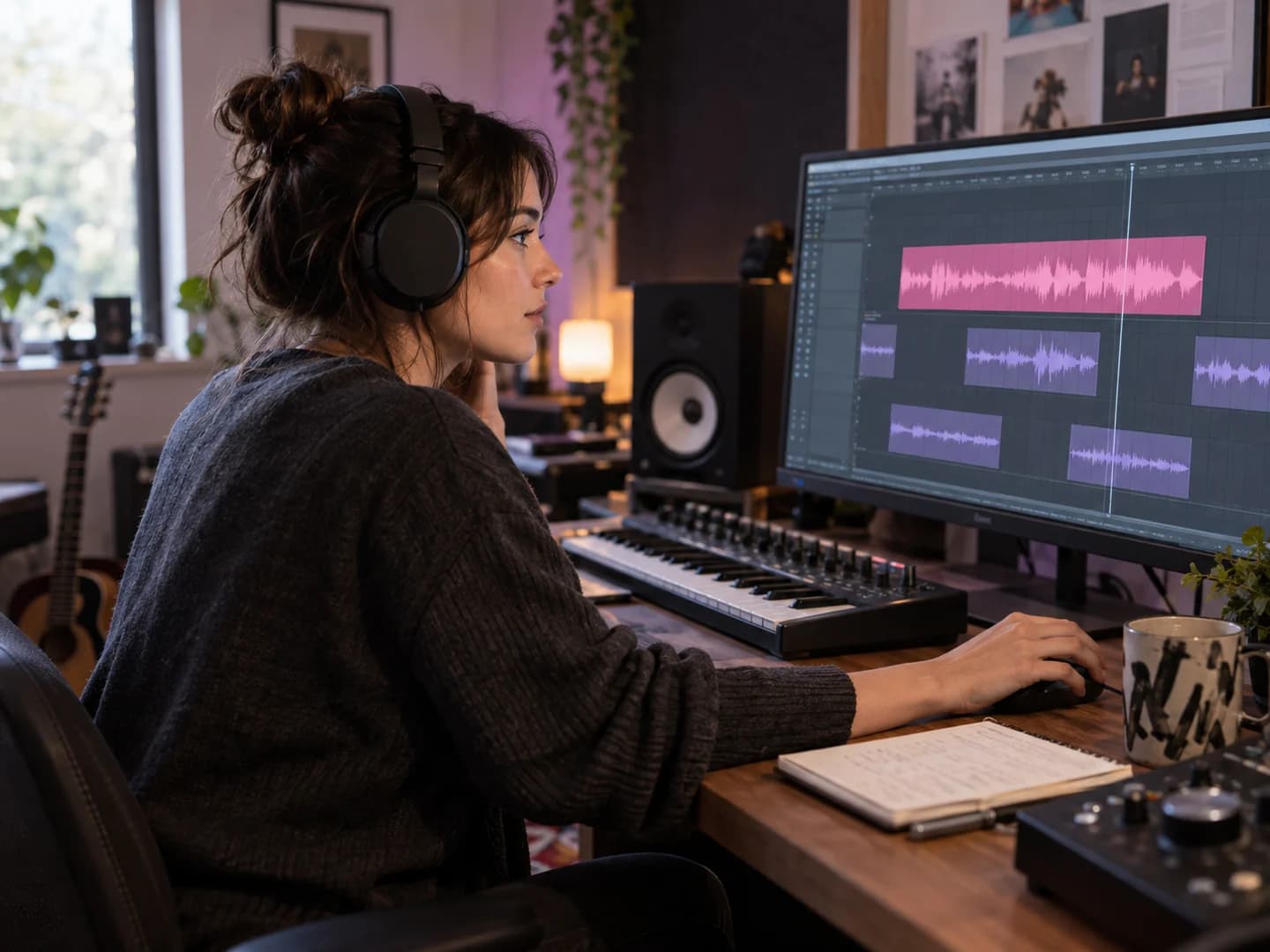
Remix producers, vocal sampling, creative editing
A lead vocal and a harmony layer can inspire very different creative ideas.
Separate vocal parts for sampling, rearrangement, or further editing. Work with individual layers in your music production workflow instead of relying only on a combined vocal track.
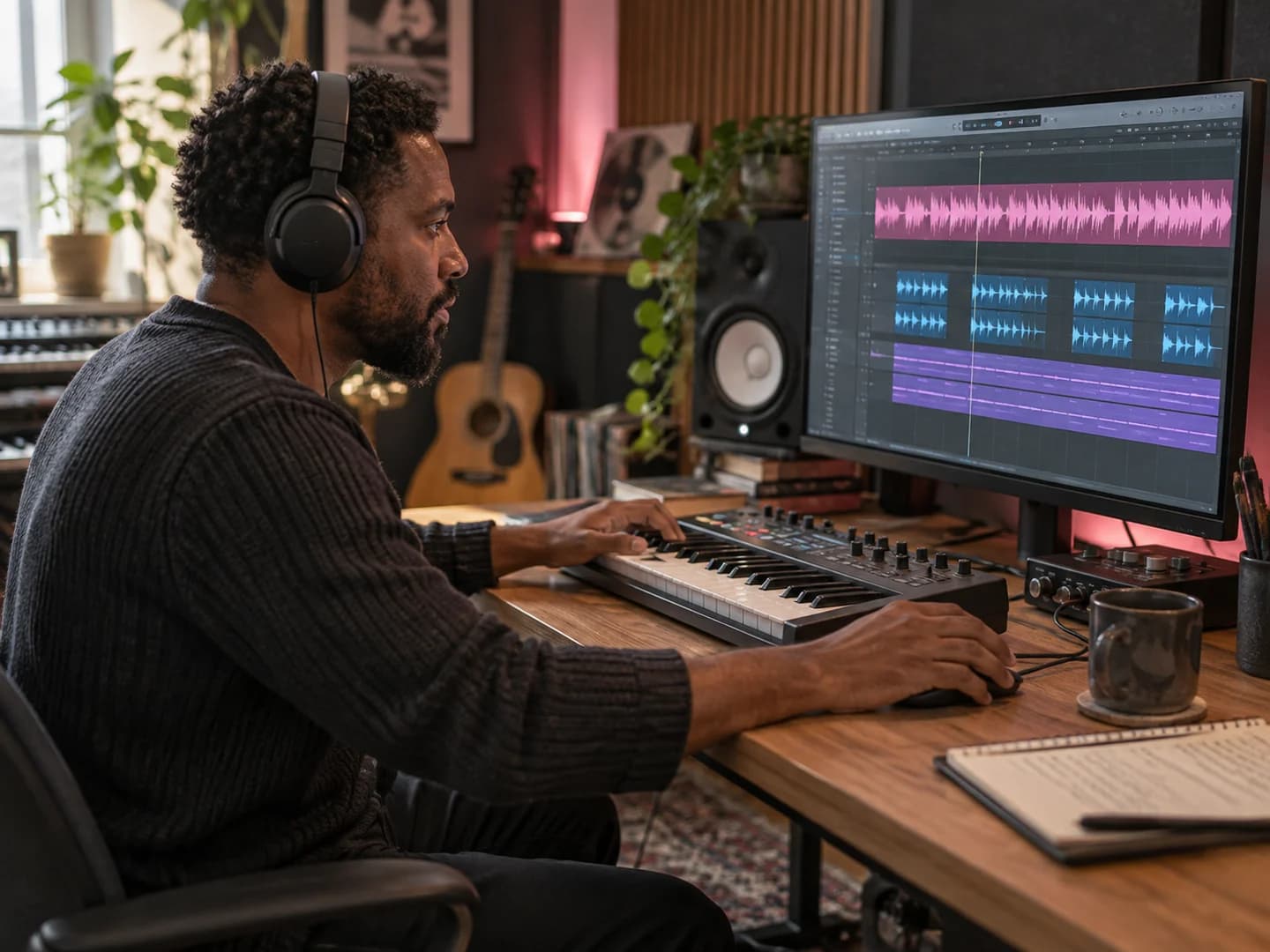
Separate lead vocals, backing harmonies, and instrumentals without complicated audio software. Audiomuse combines AI-powered separation, flexible uploads, and easy access to your results in one straightforward workflow.
Separate vocal layers without manual editing.
AI identifies lead vocals, backing harmonies, and instrumental music in your recording. Explore the different parts of a finished song without needing original studio tracks or technical audio editing skills.
Work with songs and music videos.
Upload MP3, WAV, FLAC, M4A, MP4, MOV, and other supported audio or video formats. Separate vocal and instrumental parts directly from your finished recordings.
Process up to five songs in one session.
Upload multiple audio or video files and let AI process each recording individually. Keep the results organized by song, making it easier to work on several tracks.
Hear the results and keep what you need.
Preview available vocal and instrumental tracks in Music Library, then download the MP3 results permitted by your account. Choose individual parts without downloading every output.
Answers about removing lead vocals, extracting backing harmonies, creating karaoke tracks, supported formats, and AI vocal separation.
A backing vocal remover uses audio separation technology to distinguish background harmonies and supporting singers from the main vocal performance.Audiomuse separates existing lead vocals, backing vocals, and instrumental music from a finished recording. This lets you explore vocal layers individually, remove the lead singer while keeping harmonies, or work with extracted parts in another audio project.
Upload your song to Audiomuse and start vocal separation. Once processing finishes, open Music Library to access the available results.To create a version with the lead singer and instrumental music but without background harmonies, combine the separated Lead Vocal and Instrumental tracks in Audio Editor. This combination is not currently provided as a single direct output.
Yes. Audiomuse can provide an Instrumental + Backing Vocals result, which removes the main singer while retaining the musical accompaniment and supporting harmonies.This is especially useful for karaoke tracks, cover songs, and vocal practice where you want to perform the lead melody yourself.
Yes. The Backing Vocals result isolates detectable supporting singers, layered harmonies, and background vocal parts from a song.The quality and availability of the result depend on the original recording. If a song has little or no distinct backing vocal content, a separate harmony track may not be available.
Lead vocals usually carry the main melody and lyrics of a song. Backing vocals support the lead through harmonies, vocal doubles, responses, ad-libs, and layered background parts.AI vocal separation attempts to distinguish these roles, although overlapping performances and vocal effects can make some layers difficult to separate cleanly.
Yes. Select the Instrumental + Backing Vocals result to create a karaoke-style track without the original lead singer while keeping the instrumental music and supporting vocal layers.This is different from a standard instrumental track, which removes both lead and backing vocals.
Yes. Audiomuse provides an Instrumental result that separates the music from the original vocal layers.If your main goal is simply to remove singing and keep the accompaniment, you can also use the dedicated AI Vocal Remover.
Audiomuse provides a free trial for eligible files up to 20 MB and 5 minutes. Sign-in is required for cloud processing.Full processing and downloading depend on your account's credits and payment eligibility. Credit usage is calculated per source file, not separately for every resulting vocal track.
Yes. You can upload up to five files in one batch. Each song is processed independently and produces its own available vocal and instrumental results.The tool does not merge different songs into one recording, and each source file is charged independently when credits apply.
Audiomuse accepts MP3, OGG, WAV, FLAC, AIFF, AIF, AAC, and M4A audio files, plus AVI, MP4, MKV, MOV, and M4V videos containing audio.Separated tracks are currently provided as MP3 audio files. Video uploads do not produce a new video with the separated vocals.
Not always. Separating overlapping voices from a finished mix is technically challenging, especially when lead and backing vocals sing similar notes or share effects such as reverb.You may hear traces of other vocal layers or instruments in the separated results. Listening to the outputs is the best way to evaluate their usefulness.
AI can attempt to separate existing vocal layers, including harmonies recorded by the same singer. However, the tool does not create new harmonies that are absent from the recording.If there is no distinct backing vocal layer, there may be little or no backing vocal result.
A regular vocal remover focuses on separating singing from instrumental accompaniment.Backing Vocal Remover goes further by distinguishing the main singer from supporting vocal harmonies. This allows you to extract backing vocals or remove the lead vocal while keeping the background singers.
No. Upload a finished song or performance recording with the vocals and instruments already mixed together.Audiomuse estimates the different vocal layers from that recording. You don't need access to the original multitrack studio project.
Your results are organized under Back Vocal Remover in Music Library. You can listen to available tracks individually and download the files permitted by your account.Processed files are stored for a limited period, so download any results you want to keep before they expire.
Separated your lead vocals, backing harmonies, or instrumental tracks? Keep creating with Audiomuse. Adjust pitch, loop difficult passages, enhance vocal recordings, or discover your song's key and tempo.
Make vocal practice fit your range.
Shift the pitch of extracted vocals or instrumental tracks to match your singing range. Practice harmonies in a more comfortable key or prepare backing tracks for your next cover.
Practice every harmony at your own pace.
Loop a lead vocal, backing harmony, or instrumental section to study difficult passages, rehearse harmonies, or perfect your timing.
Give your extracted vocals extra clarity.
Use AI to refine the sound of separated lead or backing vocals before listening, practicing, or bringing them into another audio project.
Understand the music behind your vocal parts.
Find your song's musical key and tempo to support singing practice, vocal arrangements, or your next cover recording.
Remove lead vocals, extract backing harmonies, or create a karaoke track with the original background singers. Turn one finished recording into separate vocal and instrumental parts for practice, covers, and creative editing.
Upload Your Song & Separate Vocals