WAV Editor Online
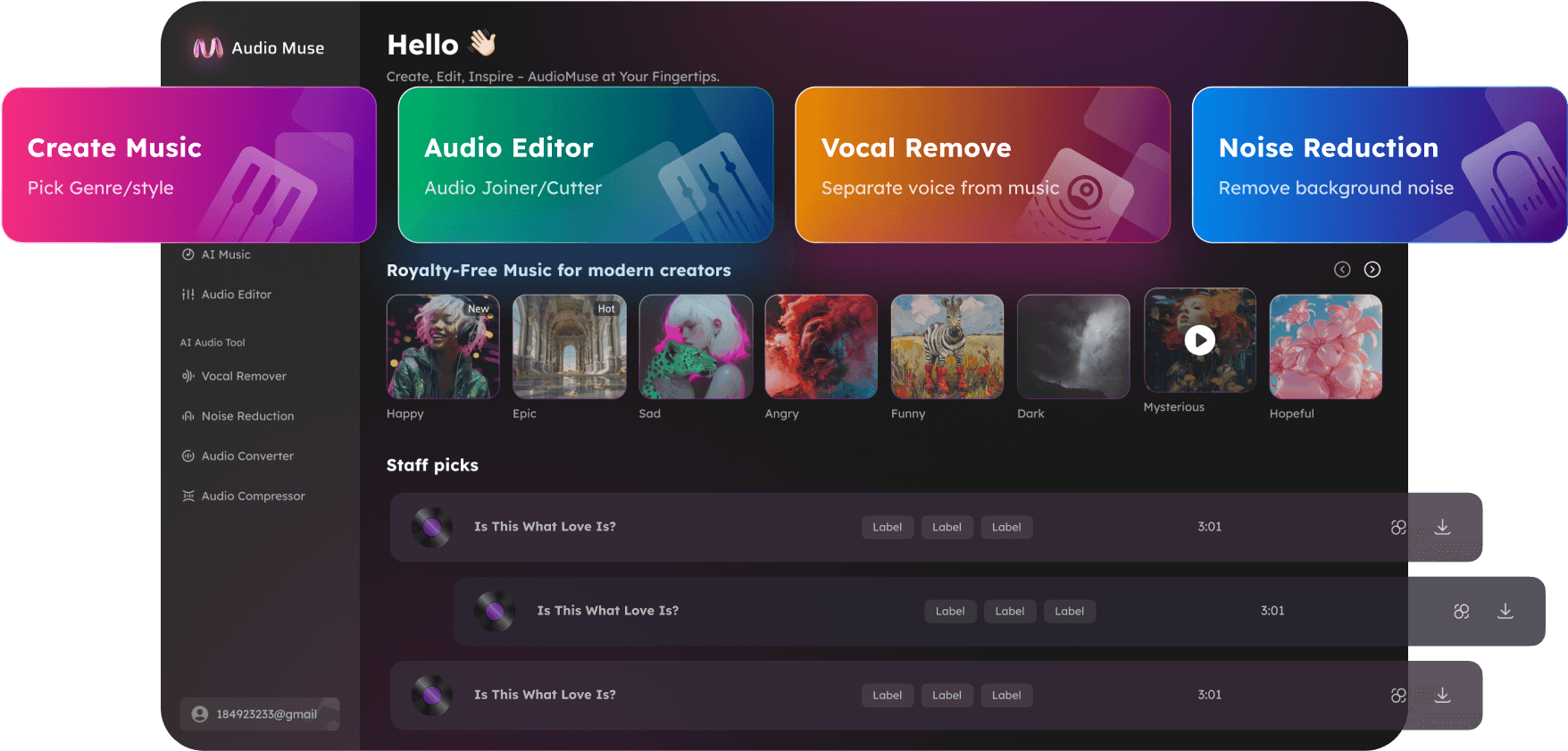
Edit WAV files online with AudioMuse WAV Editor. Prepare high-quality WAV audio for music, podcasts, voice recordings, interviews, lectures, sound design, and content creation directly in your browser.
Edit WAV Now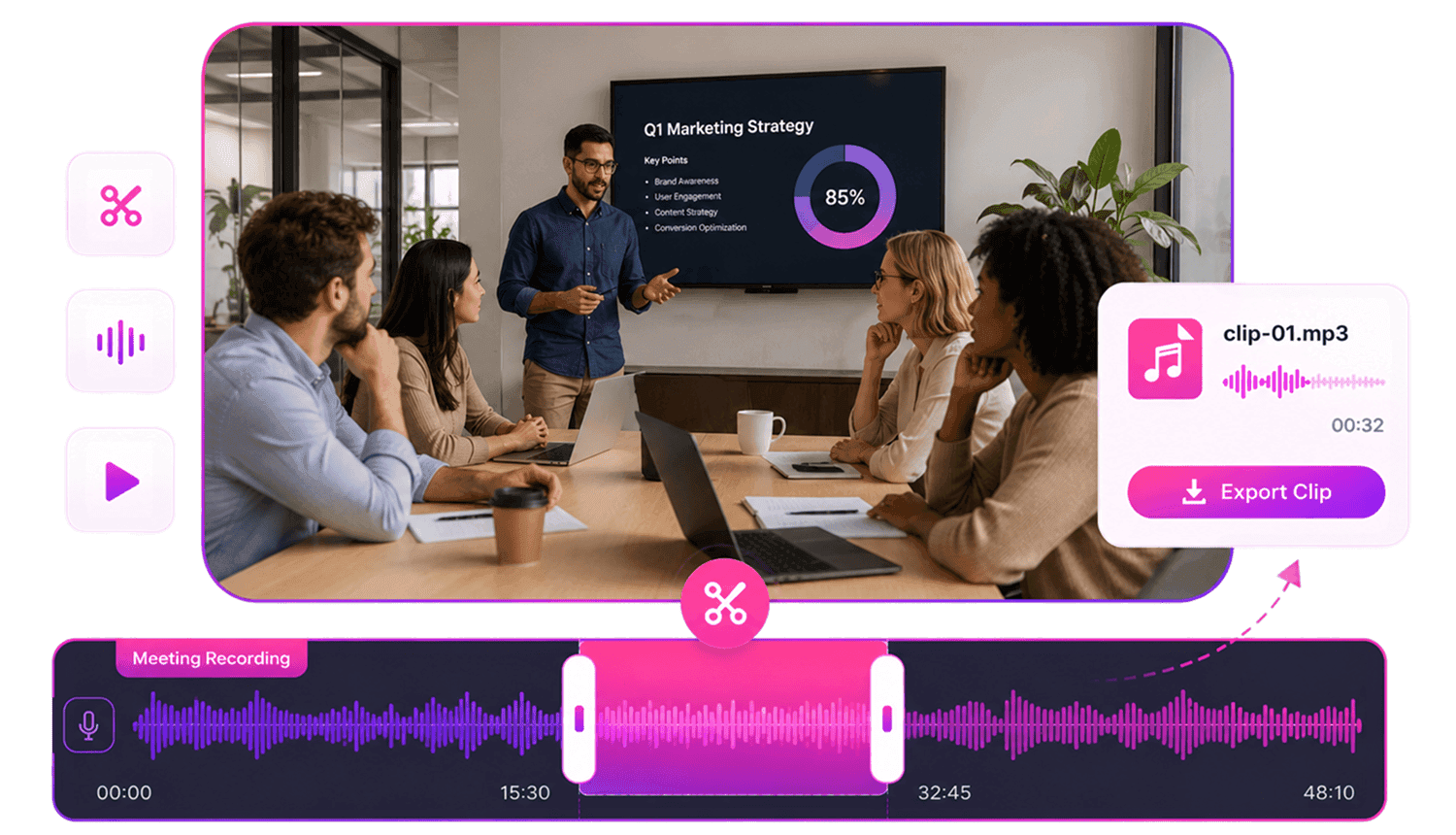
WAV Editor Online,Free
AudioMuse WAV Editor is a browser-based workspace for editing WAV files online. Upload a WAV file and prepare high-quality audio for music production, podcasts, voice recordings, interviews, lectures, sound design, samples, and content creation. You can trim rough starts and endings, cut selected sections, add fade in or fade out, merge clips, adjust speed, change pitch, create short WAV clips, and preview the result before saving. Use WAV Editor when you want to work with uncompressed or high-quality audio while keeping the workflow simple.
Edit High-Quality WAV Audio
Prepare WAV files for music, podcasts, voice recordings, interviews, lectures, samples, sound effects, and content creation in one browser-based workspace.
Edit WAV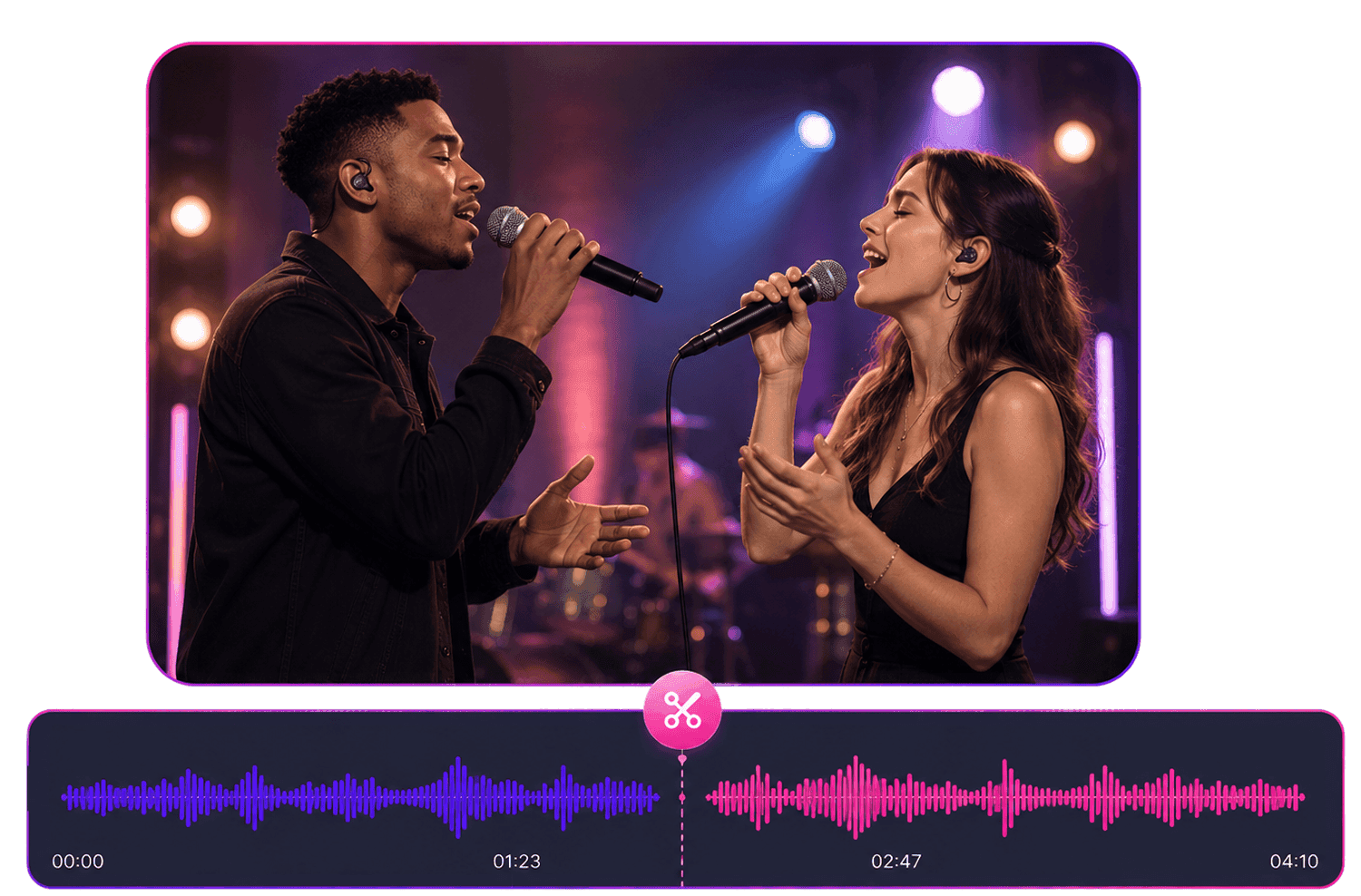
Clean WAV Recordings
Trim rough starts and endings, remove silence, clean dead air, and prepare voice recordings, podcast audio, interviews, and lecture WAV files for sharing or review.
Clean WAV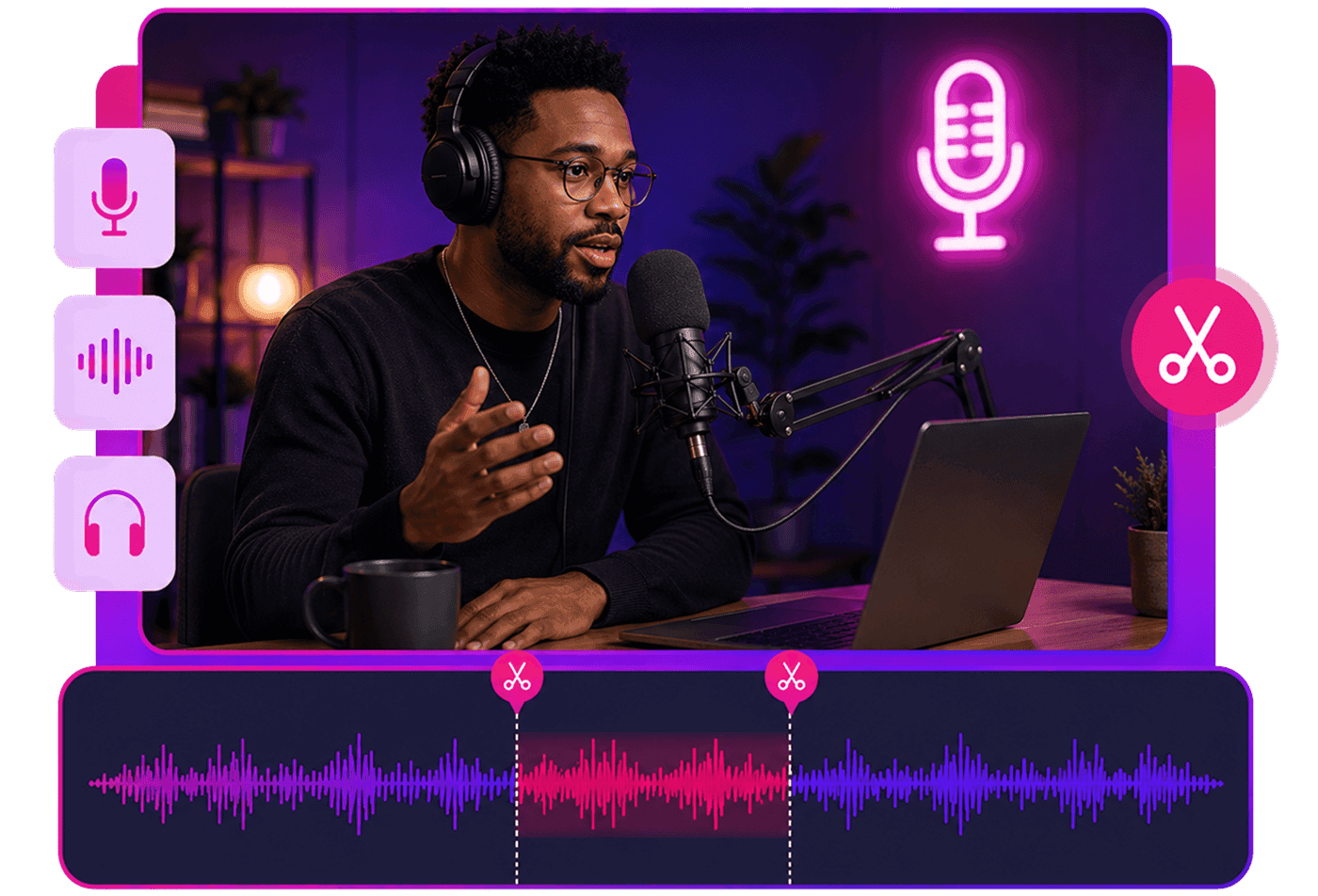
Create WAV Clips and Samples
Cut useful sections from longer WAV files, including music moments, voice clips, sound effects, samples, loops, podcast highlights, and study audio.
Make WAV Clip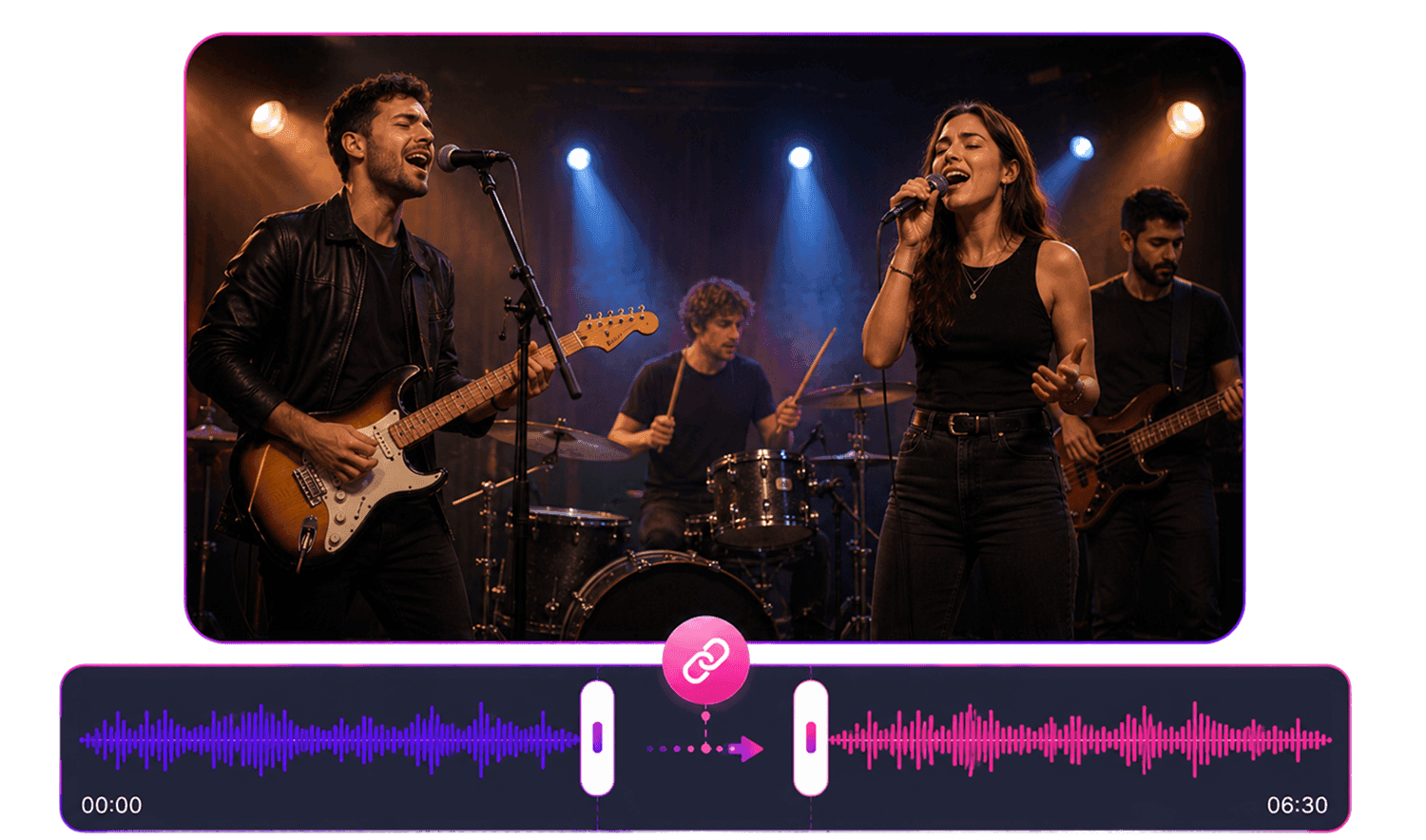
Prepare WAV for Creative Projects
Use WAV Editor to prepare high-quality audio for music production, sound design, video projects, podcasts, tutorials, social content, and further editing.
Prepare WAV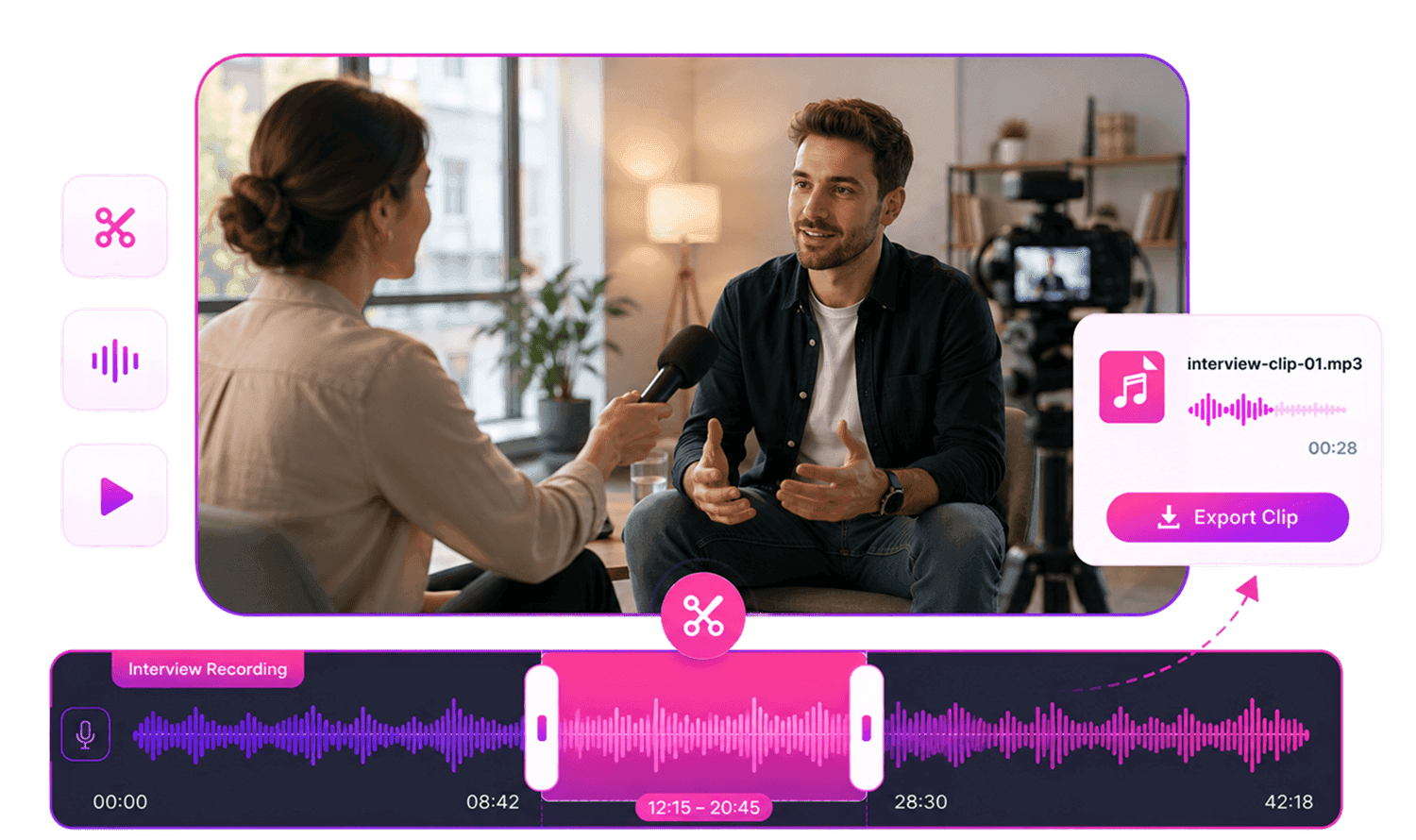
Who Should Use WAV Editor Online?




Why Choose AudioMuse’s WAV Editor Online?

High-Quality WAV Editing
Work with WAV files for recordings, music, samples, podcasts, sound effects, and production-ready audio workflows.

Flexible WAV Workflows
Trim, cut, fade, merge, adjust, and create WAV clips depending on your editing goal.

Works in Your Browser
Edit WAV files online without installing desktop audio editing software.

Simple for Everyday Editing
Useful for music creators, podcasters, educators, voice recorders, sound designers, and content creators.
How to Edit WAV Files Online
Use AudioMuse WAV Editor to upload a WAV file, choose the editing task you need, preview the result, and save clean edited audio.
Upload Your WAV File
Upload the WAV file you want to edit. This can be a music track, voice recording, podcast audio, interview, lecture, sample, sound effect, or audio exported from another project.
Choose a WAV Editing Workflow
Trim rough starts or endings, cut selected sections, add fades, merge WAV clips, adjust speed, change pitch, or create a short WAV clip depending on your editing goal.
Preview and Save
Listen to the edited WAV before saving. Check the timing, start, ending, transitions, and overall audio flow, then export your finished audio.
What they say about AudioMuse’s WAV Editor Online ?
Other online audio tools:
More From WAV Editor
Everything you Need, All in one Place
Choose Audio Muse for all your online audio or music processing needs with a full suite of tools in one easy-to-use platform. Edit audio directly from your browser, remove noise, convert file formats, and perfect your tracks - all without downloading extra software. Plus, manage your projects from any device, anytime. Your go-to for audio solutions.