Podcast Audio Editor Online
Edit podcast episodes, interviews, voice clips, intros, outros, and highlights online. Use AudioMuse Podcast Audio Editor to clean rough recordings, remove long pauses, trim starts and endings, add smooth fades, and prepare podcast audio for publishing or sharing.
Edit Podcast Audio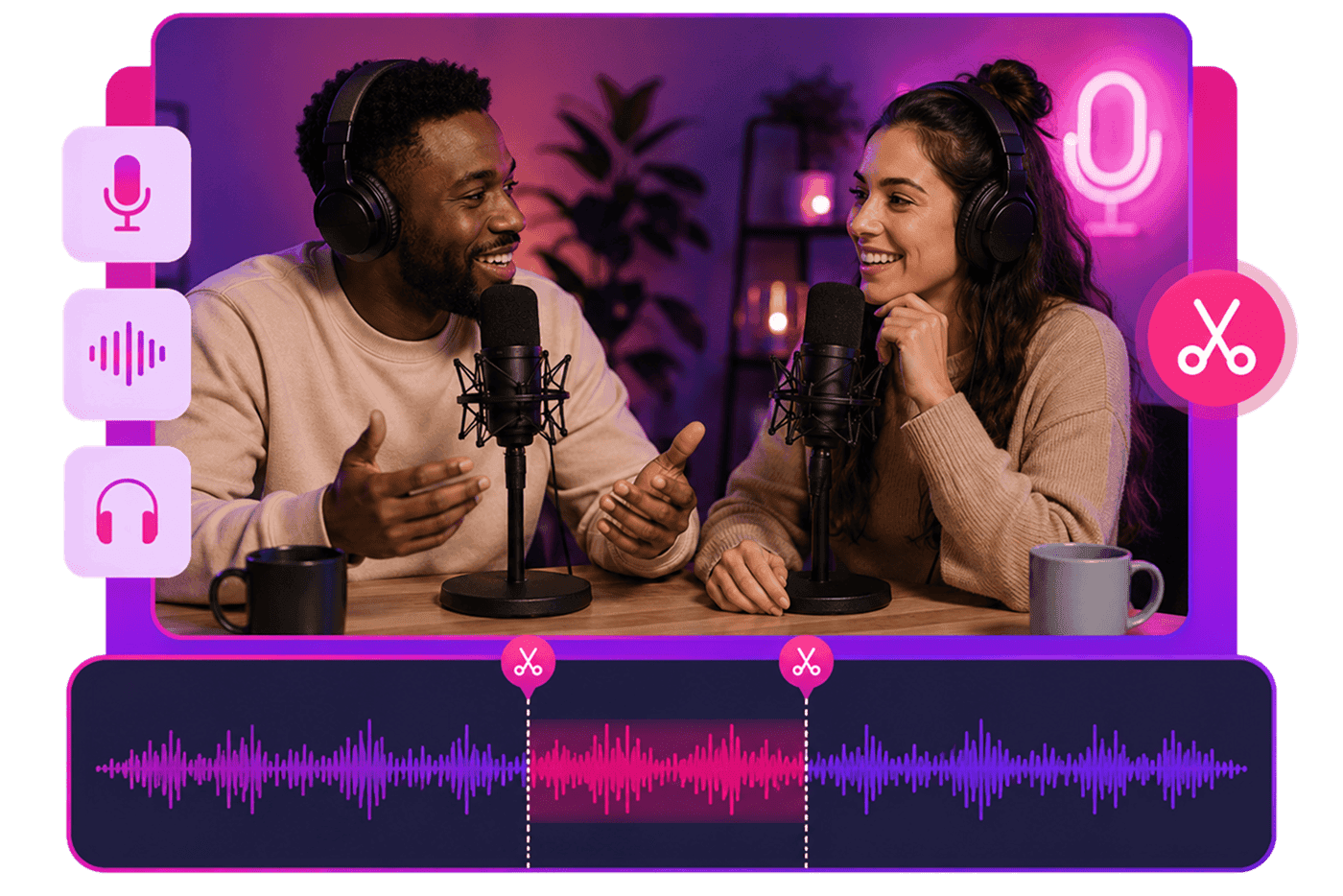
Podcast Audio Editor Online,Free
AudioMuse Podcast Audio Editor helps you prepare podcast audio online without complex desktop software. Clean rough recordings, remove long pauses, trim setup conversation, cut unwanted sections, arrange intro, host voice, guest interview, ad segments, transitions, and outro clips, then smooth the episode with fade in and fade out before saving the final audio.
Cut Long Pauses and Unwanted Sections
Clean up podcast recordings by cutting long pauses, repeated lines, false starts, setup conversation, and irrelevant sections. Keep the episode focused and easier to listen to.
Cut Podcast Audio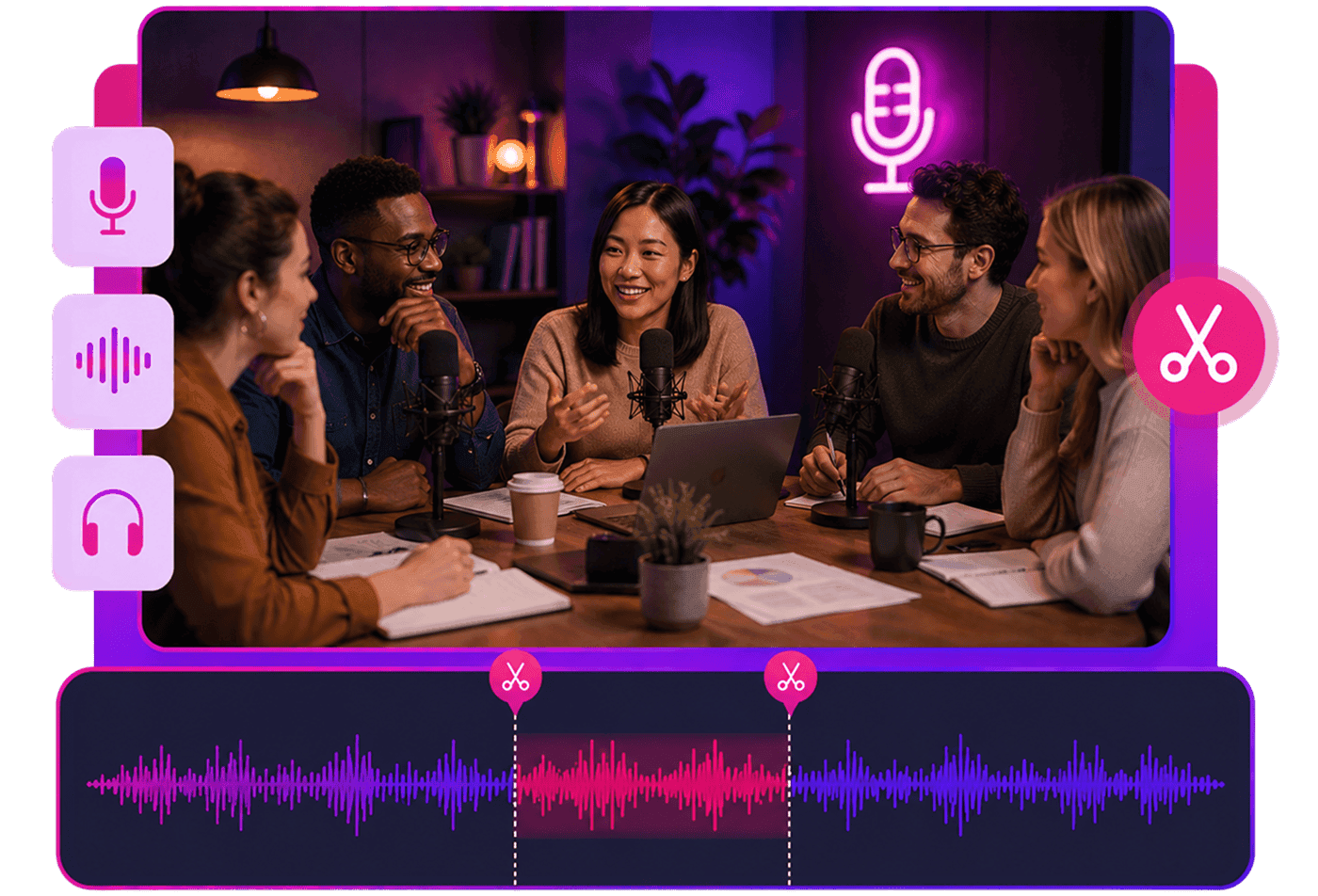
Add Intro and Outro Fades
Fade in intro music, fade out outro music, and smooth transitions between speech and music. This helps podcast episodes sound cleaner and more polished.
Add Podcast Fades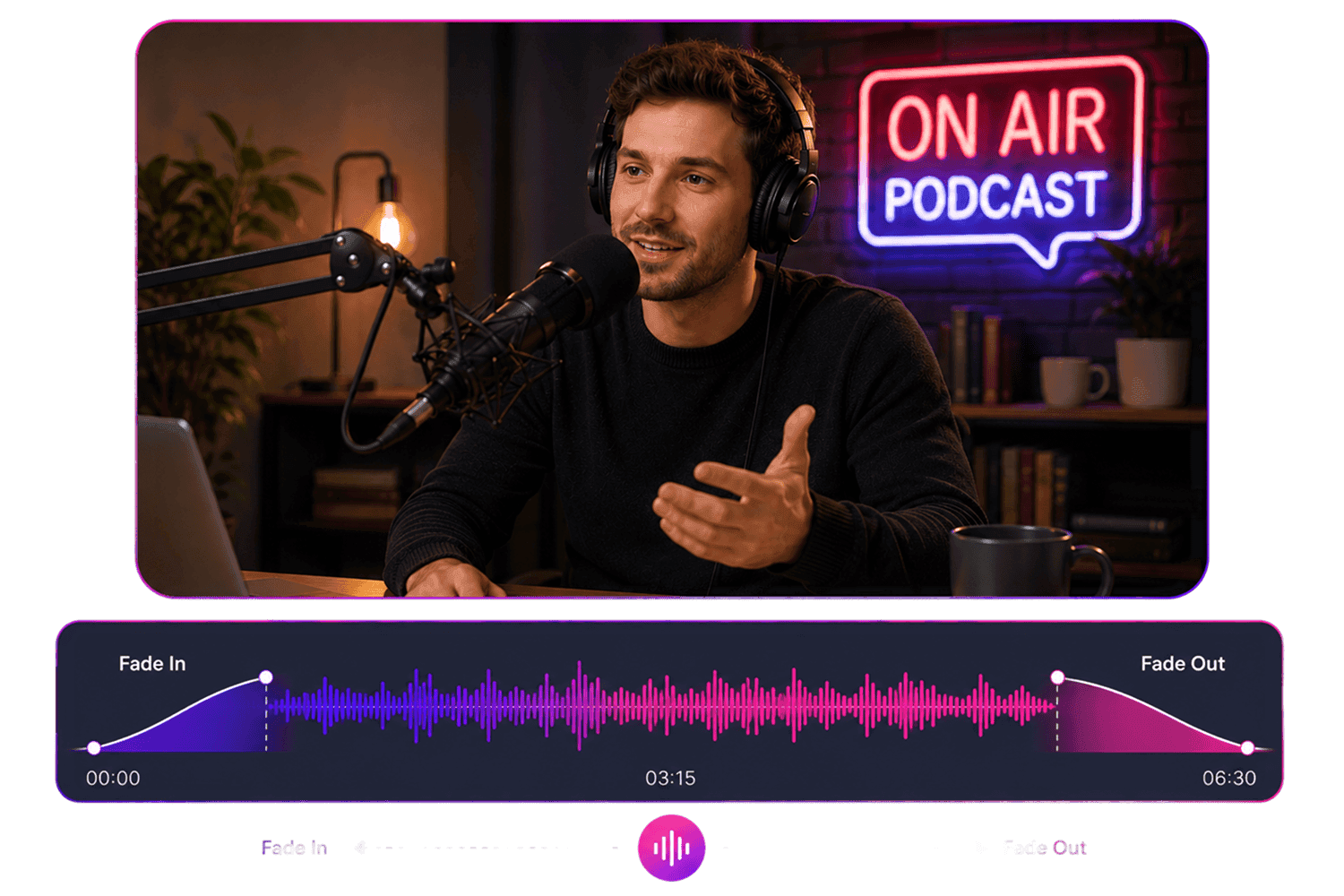
Arrange Podcast Sections on a Timeline
Place intro music, host audio, guest interviews, sponsor sections, sound bites, background music, and outro clips in the right order. Preview the full structure before exporting.
Arrange Podcast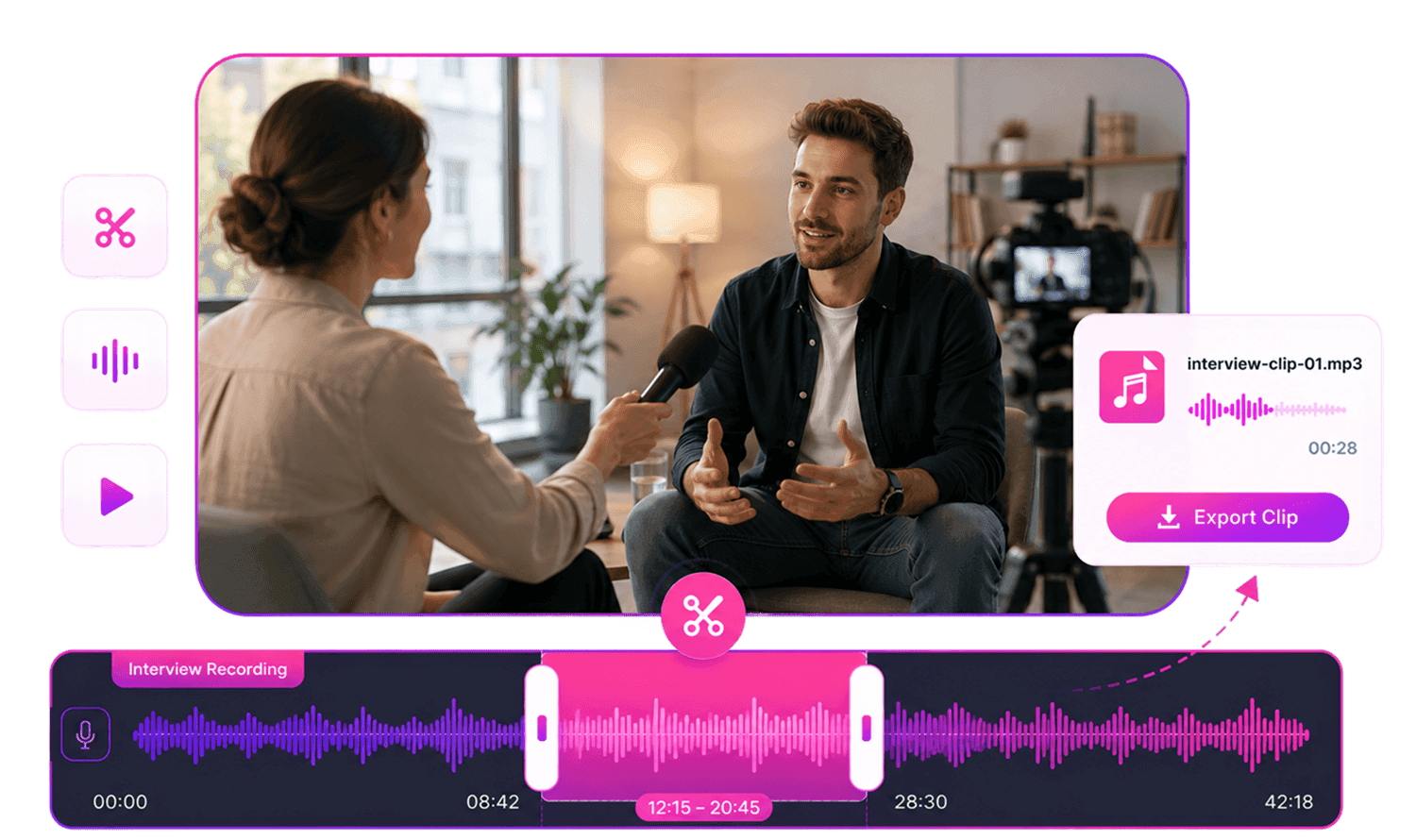
Extract Podcast Audio from MP4 Video
If your podcast was recorded as a video call, webinar, livestream, or interview, upload the MP4 file, work with its audio, trim the useful section, and export an audio-only podcast file.
Extract Podcast Audio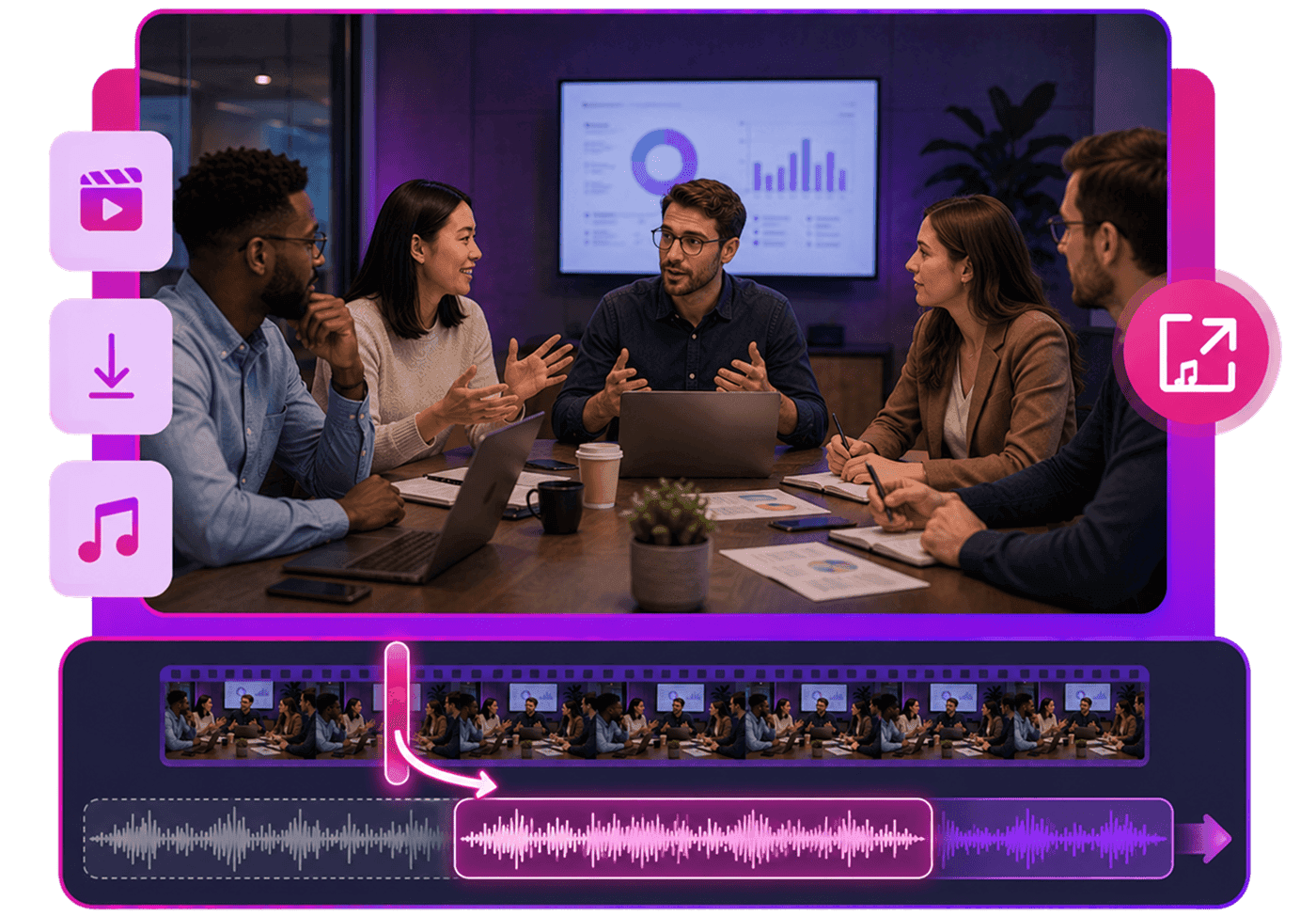
Who Should Use Podcast Audio Editor Online?




Why Choose AudioMuse’s Podcast Audio Editor Online?

Podcast-Focused Editing
Cut pauses, trim episodes, arrange segments, and prepare podcast audio with a workflow built around episode editing.

Cut and Trim Easily
Remove setup time, mistakes, silence, repeated sections, and rough starts or endings from podcast recordings.

Works in Your Browser
Edit podcast audio online without installing heavy desktop audio editing software.

Flexible Export Formats
Upload MP3, MP4, WAV, FLAC, or OGG files and export finished podcast audio as MP3, WAV, FLAC, OGG, or OPUS.
How to Edit Podcast Audio Online
Use AudioMuse Podcast Audio Editor to clean podcast recordings, arrange episode sections, create highlights, smooth transitions, and prepare podcast-ready audio in your browser.
Upload Your Podcast Recording
Upload your podcast episode, interview, video call audio, livestream recording, webinar audio, host narration, guest conversation, intro music, outro music, or short podcast clip.
Clean and Arrange the Episode
Remove setup conversation, long pauses, repeated takes, rough starts, and unwanted sections. Arrange intro music, host segments, guest interviews, ad breaks, transitions, and outro audio in the right order.
Smooth Transitions and Save
Add fade in or fade out to make intro music, outro music, and transitions sound smoother. Preview the full episode or clip, then save the final podcast-ready audio.
What they say about AudioMuse’s Podcast Audio Editor Online ?
Other online audio tools:
More From Podcast Audio Editor
 Knowledge
How to Edit Podcast Audio Online | AudioMuse
Learn how to edit podcast audio online. Cut pauses, trim rough sections, arrange intro and outro clips, add fades, and export podcast audio.

 Knowledge
How to Cut Long Pauses from Podcast Audio | AudioMuse
Learn how to cut long pauses from podcast audio online. Remove silence, trim dead air, keep natural speech flow, and export podcast audio.
 Knowledge
How to Add Intro and Outro to a Podcast | AudioMuse
Learn how to add intro and outro to a podcast online. Arrange music and voice clips, add fade in and fade out, preview transitions, and export audio.
 Knowledge
How to Extract Podcast Audio from Video | AudioMuse<
Learn how to extract podcast audio from video recordings. Upload MP4 podcast videos, cut sections, add fades, and export as MP3, WAV, FLAC, OGG, or OPUS.
 Knowledge
Best Audio Format for Podcasts: MP3, WAV, FLAC, OGG or OPUS | AudioMuse
Learn the best audio format for podcasts. Compare MP3, WAV, FLAC, OGG, and OPUS for podcast drafts, editing, sharing, publishing, and storage.
 Knowledge
How to add fade out audio online | AudioMuse
Learn how to add fade in and fade out to audio online. Smooth rough starts and endings for songs, podcasts, voice clips, video audio, and music edits.
 Knowledge
How to Edit Audio on a Timeline Online | AudioMuse
Learn how to edit audio on a timeline online. Cut, trim, arrange, fade, adjust speed or pitch, and export audio as MP3, WAV, FLAC, OGG, or OPUS.
Everything you Need, All in one Place
Choose Audio Muse for all your online audio or music processing needs with a full suite of tools in one easy-to-use platform. Edit audio directly from your browser, remove noise, convert file formats, and perfect your tracks - all without downloading extra software. Plus, manage your projects from any device, anytime. Your go-to for audio solutions.