Audio Speed Changer Online
Change audio speed online with AudioMuse Audio Speed Changer. Slow down songs for practice, speed up MP3 files, podcasts, lectures, and voice recordings, preview the result, and export adjusted audio from your browser.
Change Audio Speed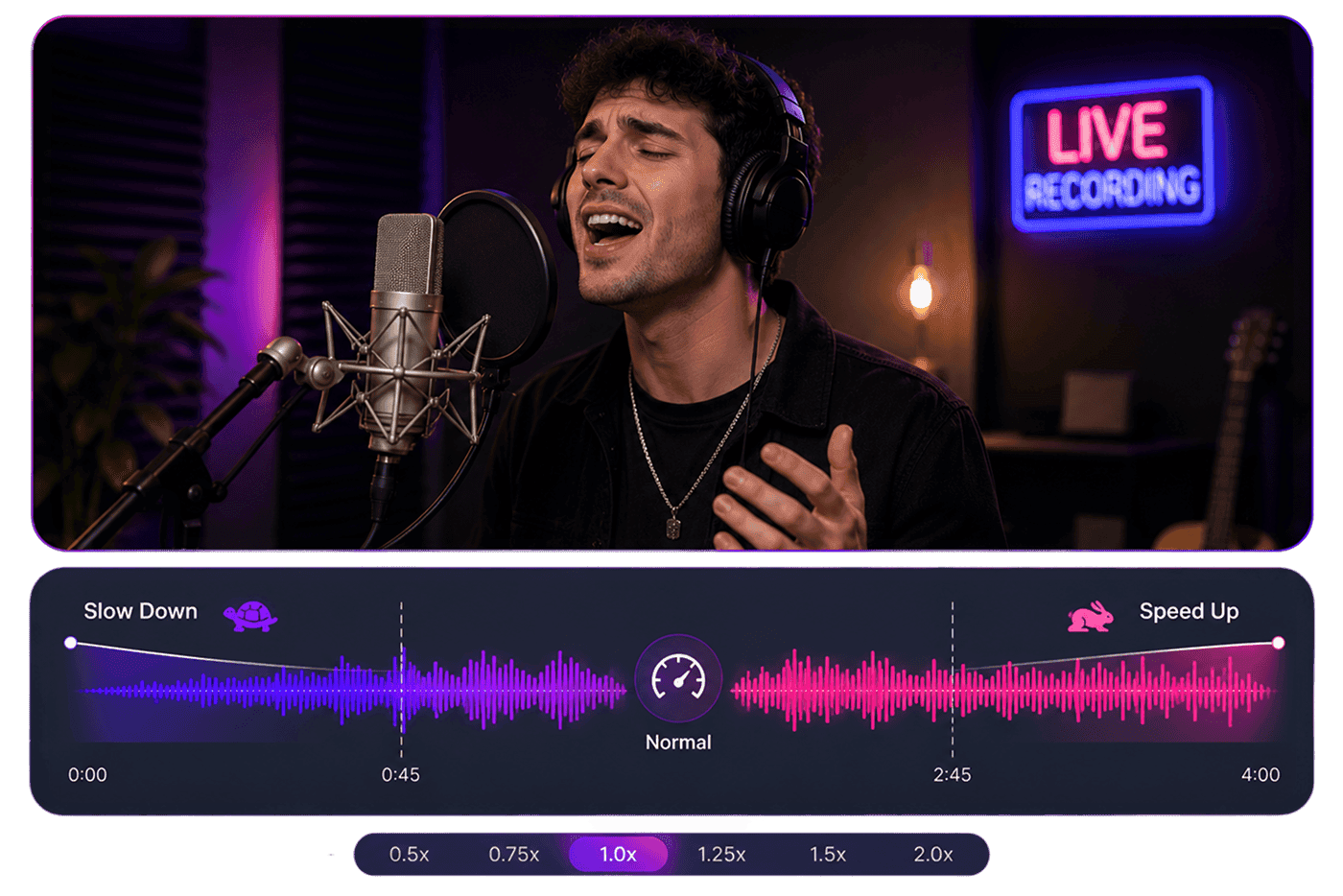
Audio Speed Changer Online,Free
AudioMuse Audio Speed Changer helps you slow down or speed up audio online for music practice, transcription, language learning, podcast review, lecture listening, voice recording review, video timing, and creative audio editing. Upload a song, MP3 file, podcast, lecture, interview, voice recording, or audio clip, choose a slower or faster speed, preview the result, and export the adjusted audio. Speed controls how fast audio plays; if you need to change key or make audio sound higher or lower, use Pitch Changer.
Slow Down Songs and Audio
Slow down songs, lectures, interviews, voice recordings, or language materials so you can hear details more clearly. This is useful for musicians learning difficult sections, students reviewing lessons, and language learners practicing pronunciation.
Slow Down Audio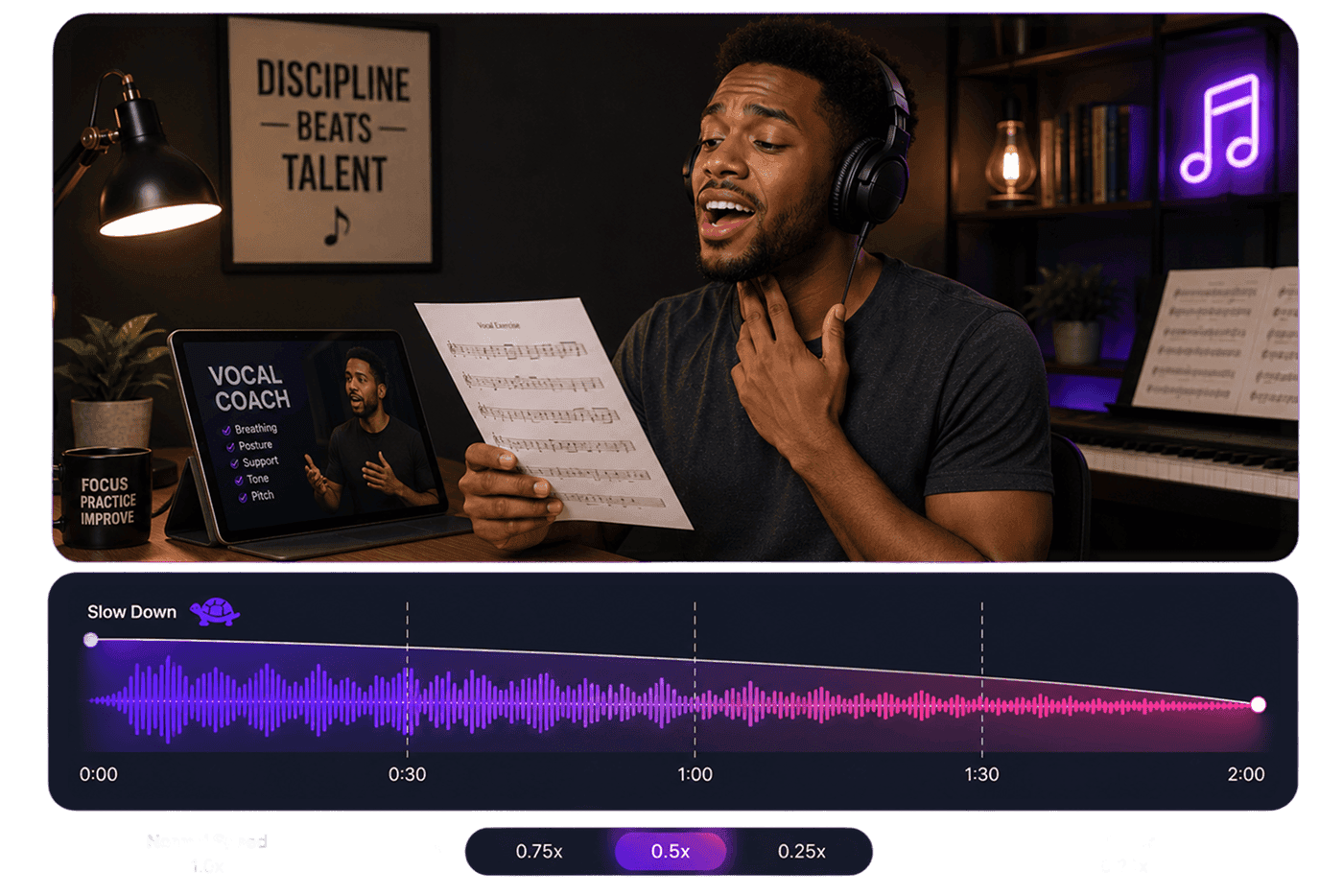
Speed Up MP3, Podcasts, and Lectures
Speed up MP3 files, podcasts, lectures, meetings, interviews, and voice notes when you want to review long recordings more efficiently. Adjust speed online, preview clarity, and export a faster listening version.
Speed Up Audio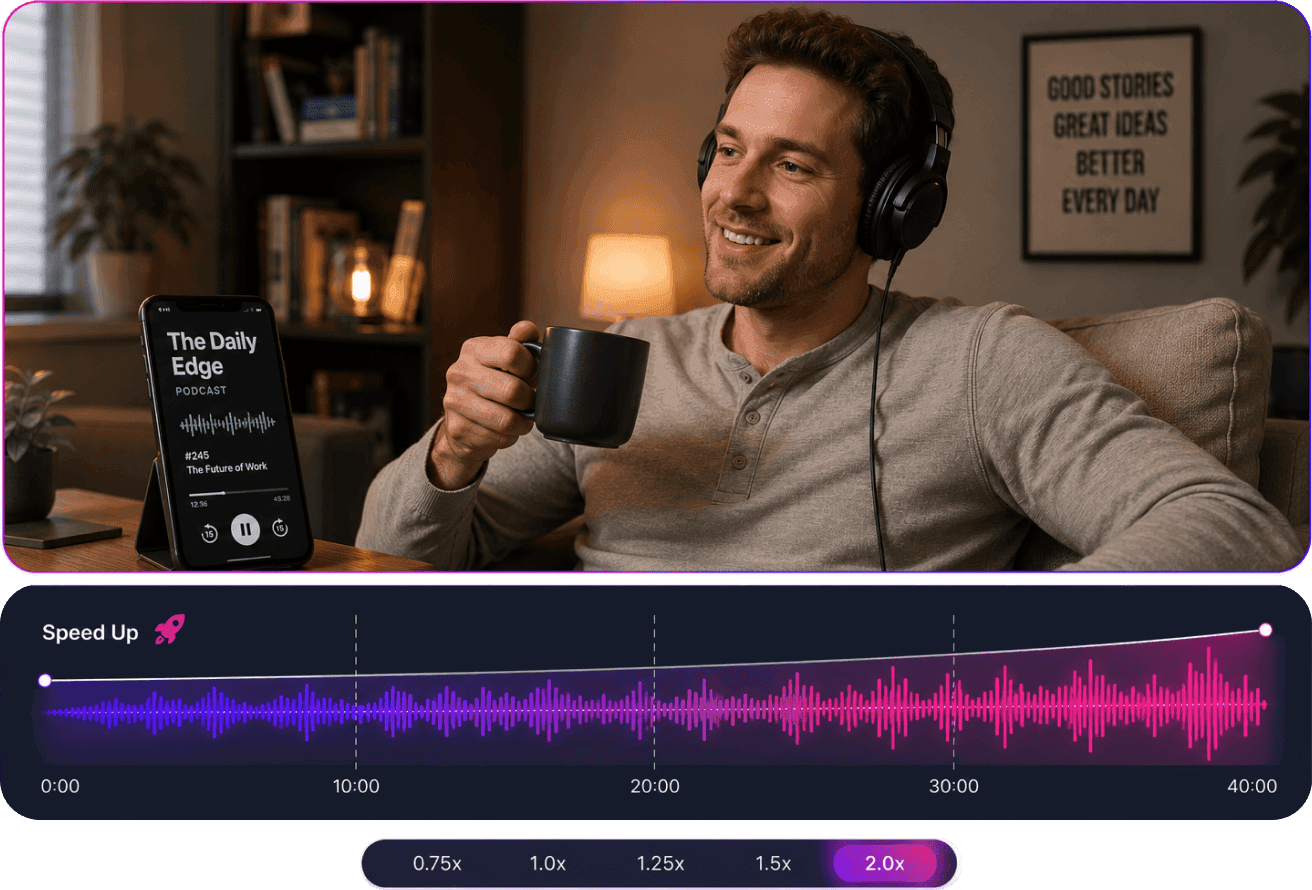
Change Music Speed for Practice
Change music speed when you need a slower practice track, a faster preview, or timing that fits a lesson, rehearsal, dance routine, or content edit. Use speed controls for tempo and Pitch Changer when you need to change key.
Change Music Speed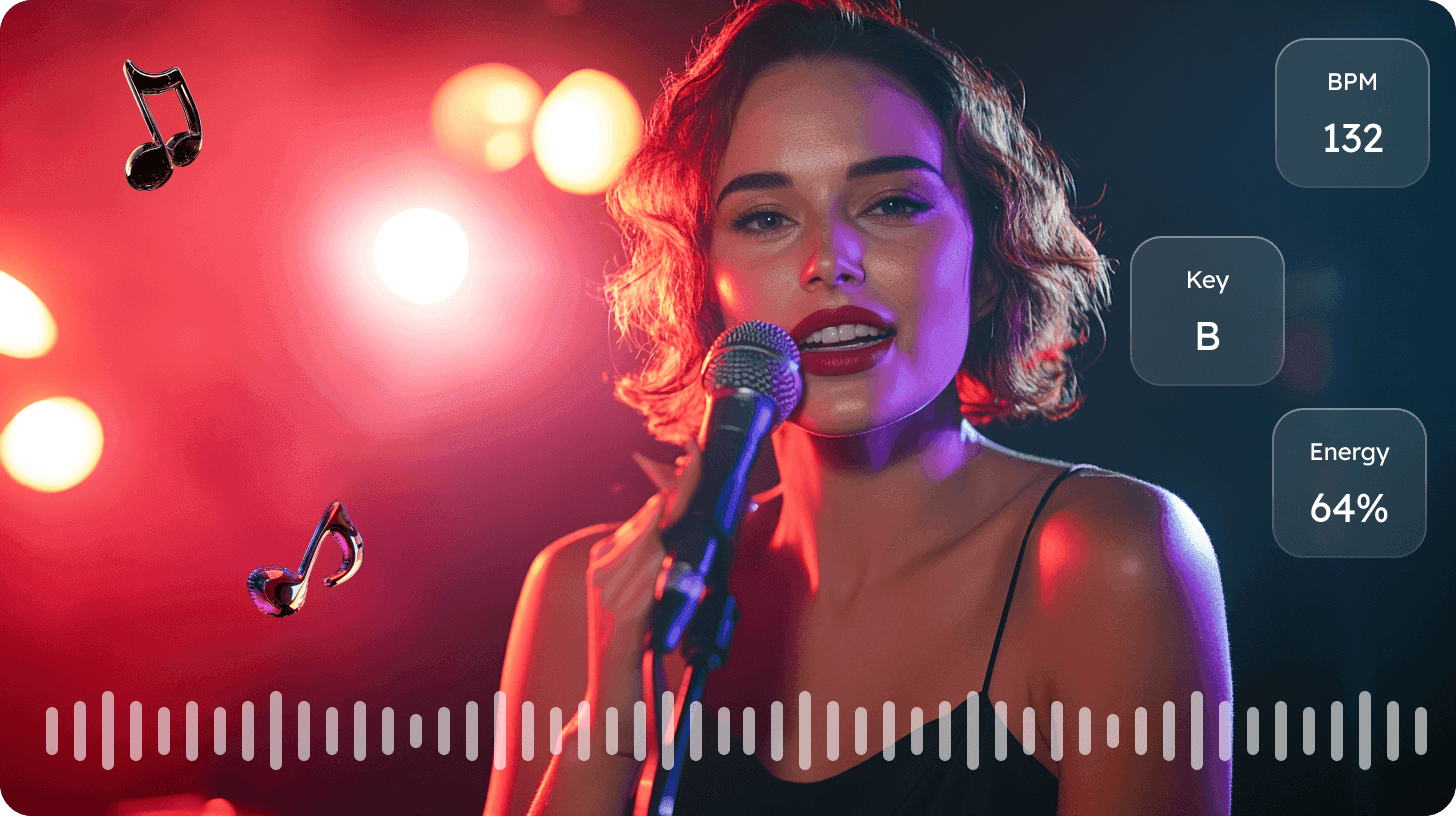
Export Speed-Adjusted Audio
Preview your slowed-down or sped-up audio before saving. Export the adjusted result for practice, listening, review, learning, or further editing.
Export Audio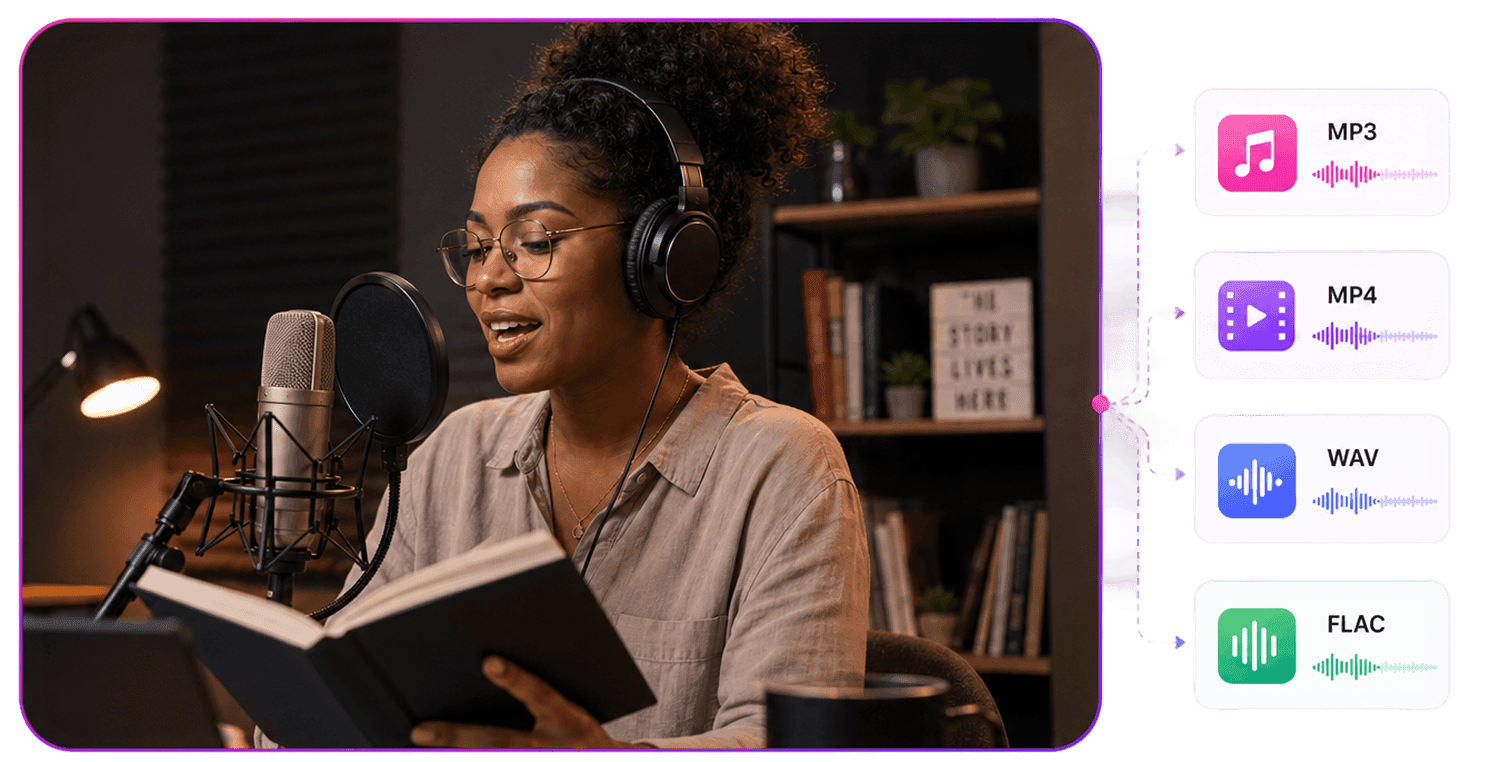
Who Is Audio Speed Changer For?





Why Choose AudioMuse’s Audio Speed Changer?

Easy Speed Control
Upload your file, choose a slower or faster speed, preview the result, and export the adjusted audio with a simple browser workflow.

Useful for Practice and Review
Slow down songs and speech for learning, or speed up lectures, podcasts, meetings, MP3 files, and long recordings for faster review.

Works Online
Use AudioMuse Audio Speed Changer online without installing desktop audio editing software.

Preview Before Export
Listen to the adjusted audio before saving so you can check clarity, timing, and speed before export.
How to Change Audio Speed Online
Use AudioMuse Audio Speed Changer to slow down or speed up songs, MP3 files, podcasts, lectures, voice recordings, study audio, and audio clips directly in your browser.
Upload the Audio You Want to Adjust
Upload the song, MP3 file, podcast, lecture, interview, voice recording, study audio, video audio, or short clip you want to slow down or speed up.
Choose a Slower or Faster Speed
Slow down audio for music practice, transcription, language learning, or careful listening. Speed up audio for podcast review, lecture listening, meeting playback, or faster study.
Preview and Save the Adjusted Audio
Listen to the speed-adjusted audio before saving. Make sure speech stays clear, music still sounds usable, and the timing fits your listening, learning, or content workflow.
What they say about AudioMuse’s Audio Speed Changer Online ?
Other online audio tools:
More From Audio Speed Changer

Everything you Need, All in one Place
Choose Audio Muse for all your online audio or music processing needs with a full suite of tools in one easy-to-use platform. Edit audio directly from your browser, remove noise, convert file formats, and perfect your tracks - all without downloading extra software. Plus, manage your projects from any device, anytime. Your go-to for audio solutions.