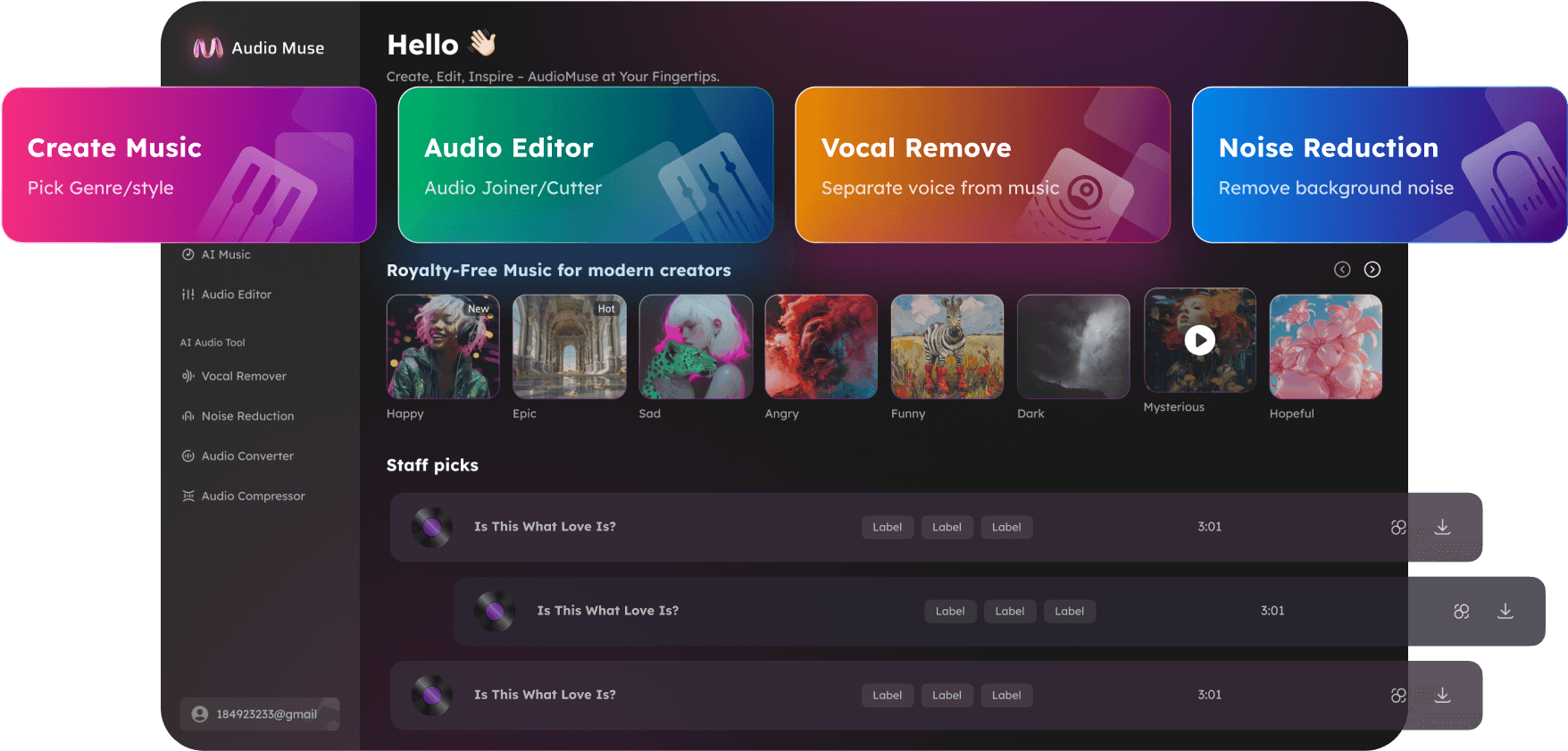
Extract Stems from Video Online
Extract stems from video files online with AudioMuse AI Video Stem Splitter. Upload a video, separate its audio into vocals, instruments, drums, bass, voice, noise, or other useful parts, then preview and download the audio stem you need.
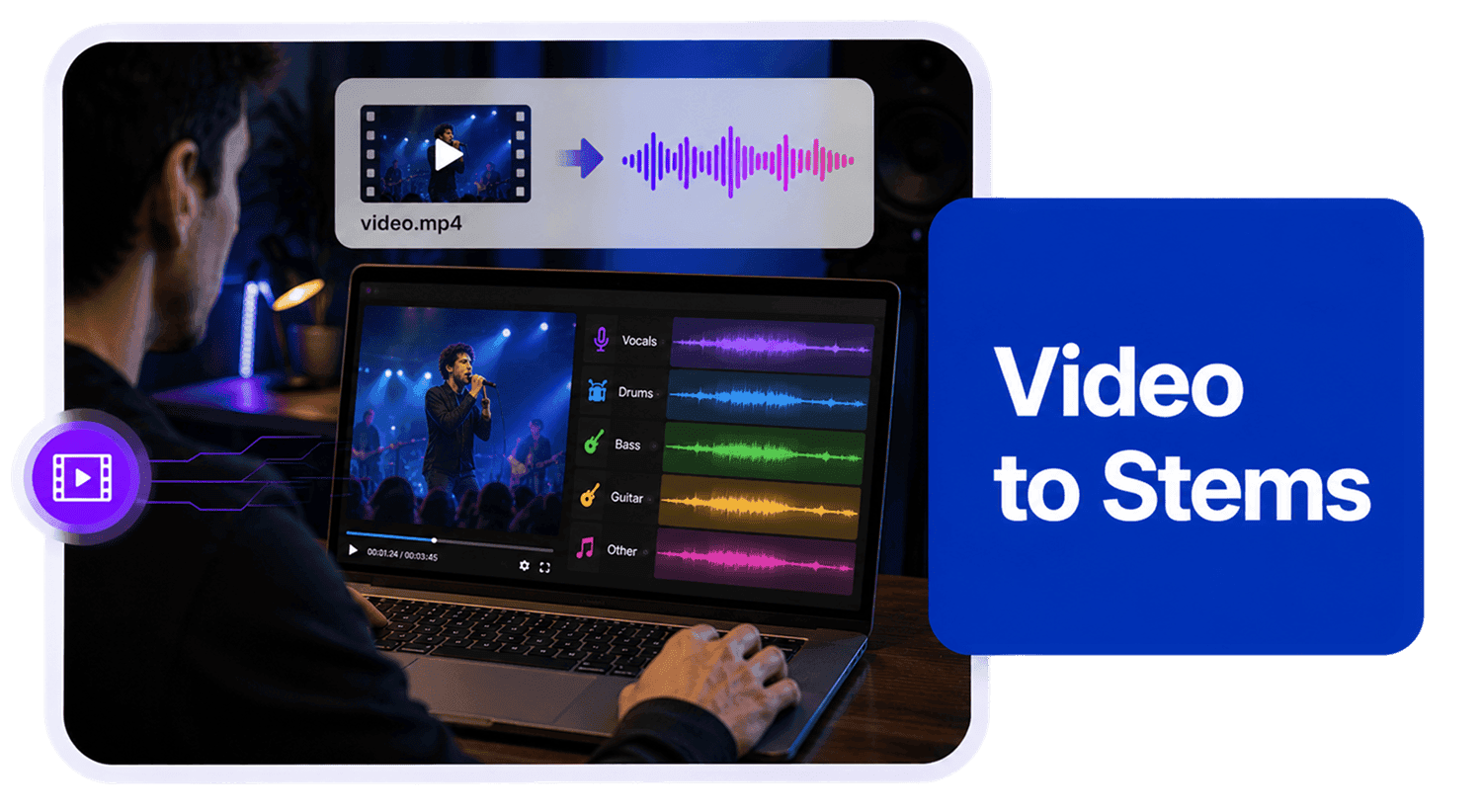
Extract Stems from Video Online,Free
AudioMuse AI Video Stem Splitter helps you extract and separate audio stems from video files. Upload a video, let AudioMuse process the soundtrack, then isolate useful audio parts such as vocals and instruments, drums, bass, voice and noise, acoustic guitar, electric guitar, piano, synthesizer, strings, or wind depending on the video audio. Use the separated result for video editing, remixing, karaoke, cover practice, DJ edits, music learning, audio cleanup, content creation, and production workflows. Whether you need to extract vocals from a music video, remove vocals from a video song, create a vocal-free backing track from video audio, separate speech from noise, or isolate a specific instrument part, AudioMuse gives you a simple online workflow without manually extracting the audio first.
Extract Audio Stems from Video Files
Upload a video and let AudioMuse work with the audio inside it. Instead of manually extracting the soundtrack first, you can process video audio directly and separate the part you need for editing, remixing, learning, or production.
Extract Video Stems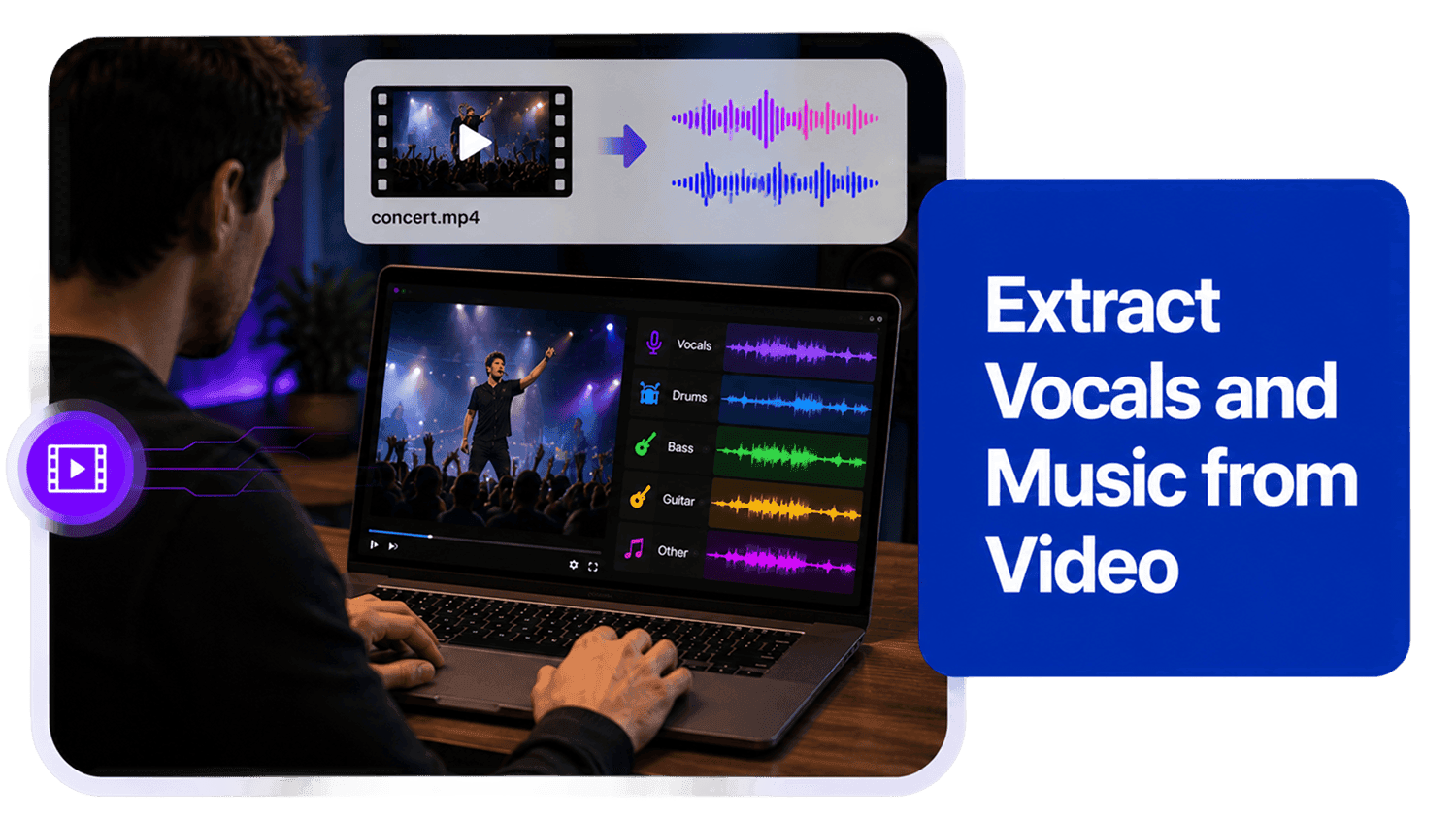
Extract Vocals from Video
Use Video Stem Splitter to isolate useful audio parts from video soundtracks. Separate vocals from instruments in music videos, create vocal-free backing tracks, extract speech from noisy clips, or isolate selected instrument parts depending on the source audio.
Extract Vocals from Video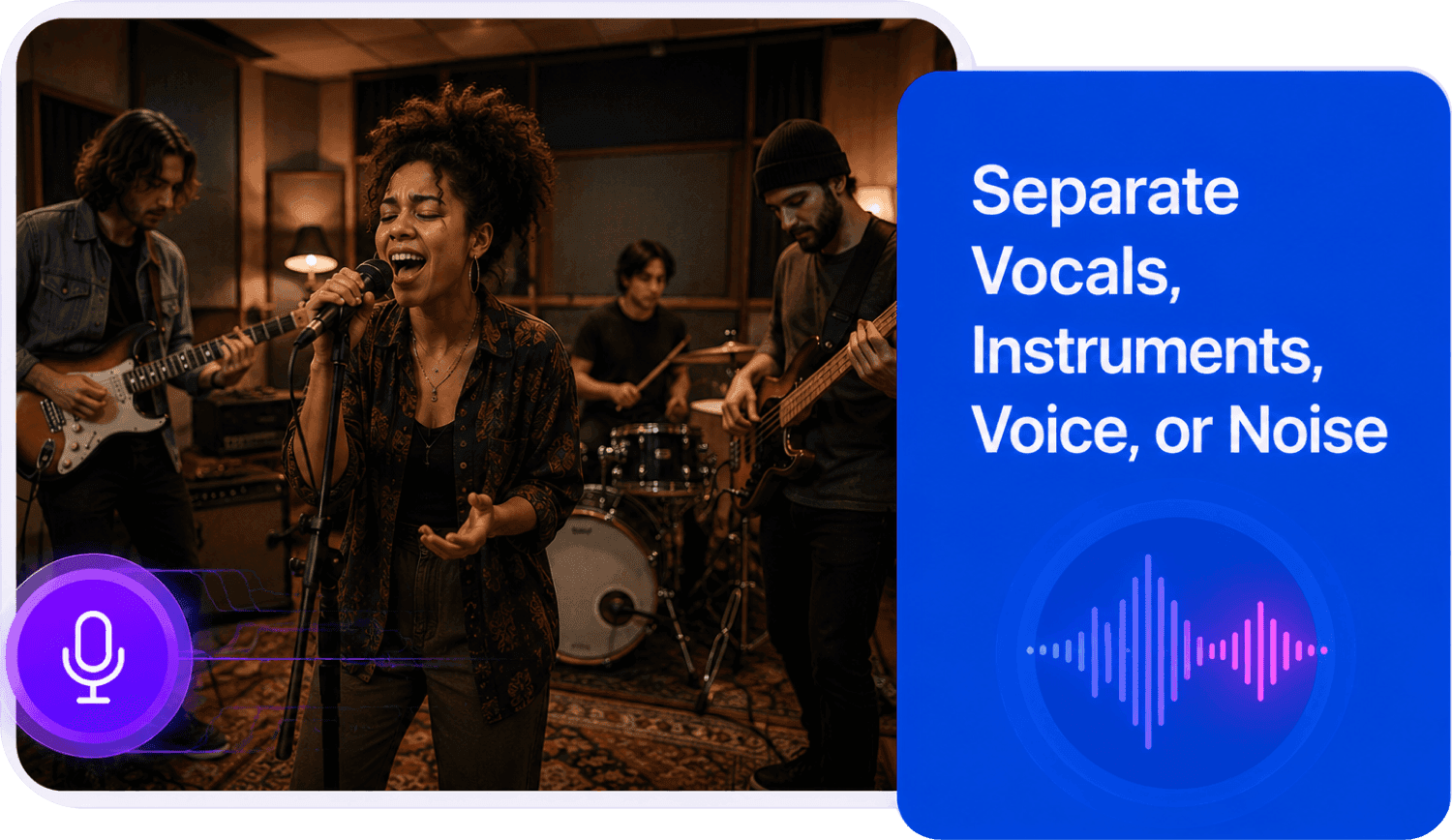
Remove Vocals from Music Videos
Turn music videos, performance clips, and video songs into separated stems for karaoke, covers, remixes, and mashups. You can extract instrumental tracks, isolate vocals, or work with drums and bass separately to create new versions, practice singing, or build creative edits from video audio.
Make Video KaraokeSplit Video Audio for Editing
Video editors can use separated audio results to gain more control over a soundtrack. Isolate speech, reduce competing background noise, extract music parts, prepare vocal-free audio, or create custom audio layers for YouTube videos, social clips, tutorials, interviews, music videos, and creative edits.
Split Video Audio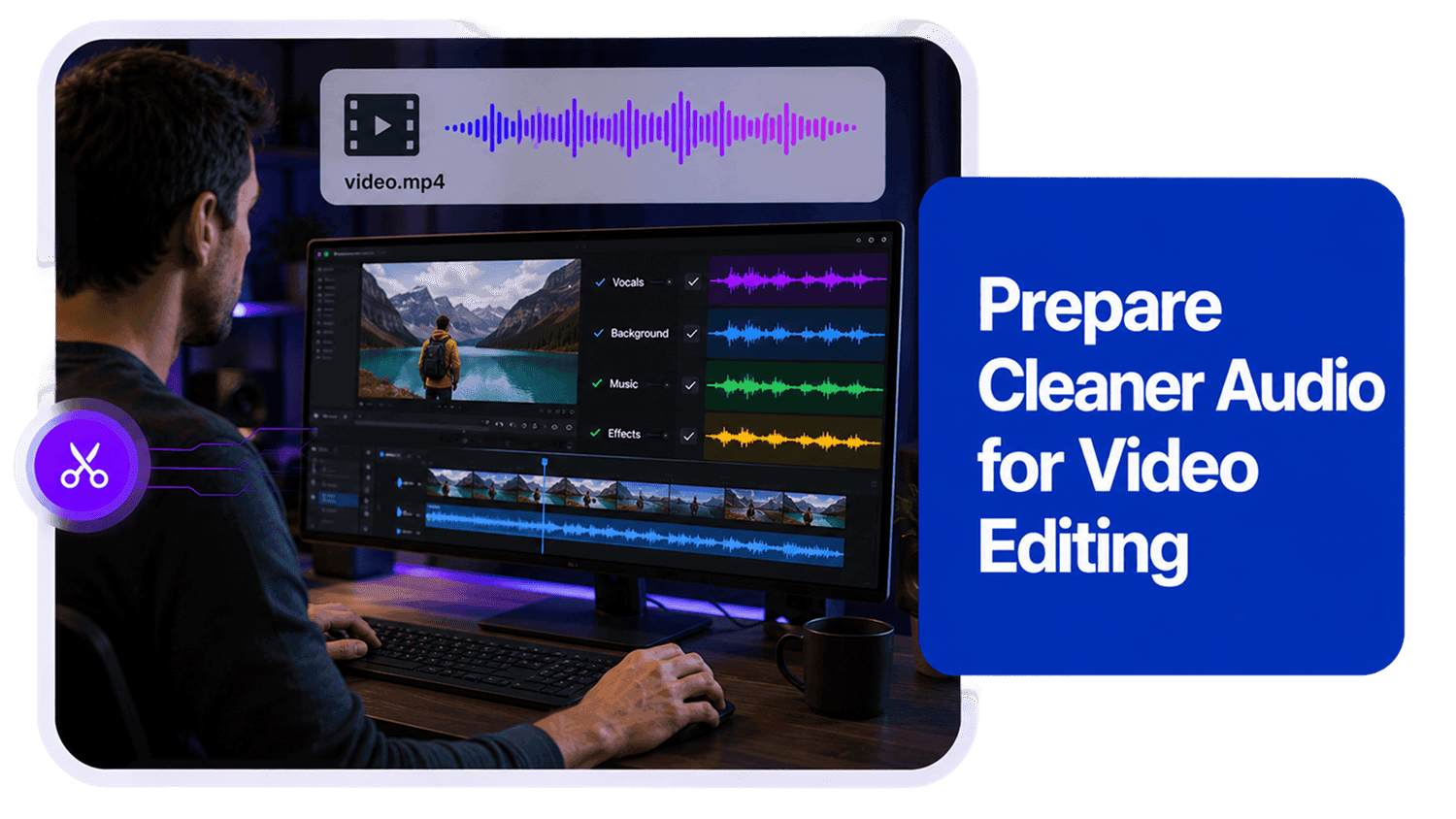
Who Can Use AI Video Stem Splitter?




Why Choose AudioMuse’s AI Video Stem Splitter?

Easy Video Stem Extraction
Upload a video, start AI processing, and download separated audio stems without manually extracting audio or using complicated editing software.

AI-Powered Video Audio Separation
Advanced AI analyzes the soundtrack inside your video and helps separate vocals, music, drums, bass, and other instrument parts.

More Control for Video Editing
Work with separated video audio layers instead of one mixed soundtrack. Adjust vocals, music, background audio, and instruments more easily.

Built for Creators and Producers
Use extracted video stems for remixes, karaoke tracks, covers, DJ edits, social media clips, YouTube videos, music production, and learning workflows.
How to Extract Stems from a Video Online
Use AudioMuse AI Video Stem Splitter to separate selected audio parts from a video file.
Upload Your Video File
Choose the video file you want to process. For better separation quality, upload the highest-quality original video available and avoid files with heavy compression, clipping, distortion, or very noisy audio.
Select the Audio Part You Need
Choose the separation type that matches your goal, such as Vocal and Instrument, Drums, Bass, Voice and Noise, Acoustic Guitar, Electric Guitar, Piano, Synthesizer, Strings, or Wind.
Separate Video Audio with AI
AudioMuse analyzes the soundtrack inside your video and separates the selected audio source from the rest of the video audio.
Preview and Download the Result
Preview the separated audio online, check clarity, bleed, artifacts, and project fit, then download the result for video editing, remixing, karaoke, covers, practice, or production.
What they say about AudioMuse’s Extract Stems from Video Online ?
Other online audio tools:
More From Video Stem Splitting
Everything you Need, All in one Place
Choose Audio Muse for all your online audio or music processing needs with a full suite of tools in one easy-to-use platform. Edit audio directly from your browser, remove noise, convert file formats, and perfect your tracks - all without downloading extra software. Plus, manage your projects from any device, anytime. Your go-to for audio solutions.