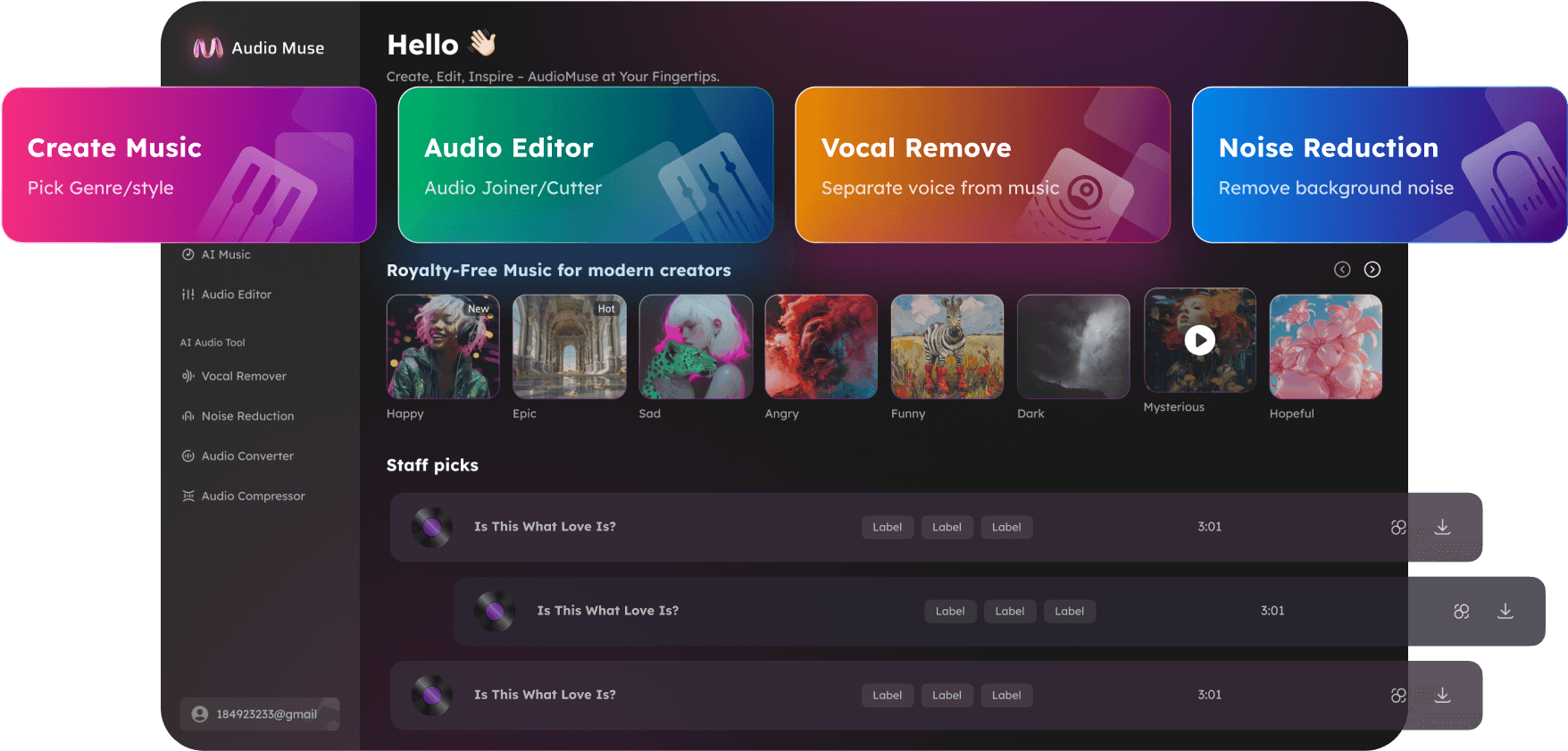
Meeting Recording Cleaner
Clean meeting recordings online with AudioMuse Meeting Recording Cleaner. Reduce background noise, keyboard clicks, room noise, fan noise, hiss, hum, and distractions from calls, webinars, and team meetings.
Clean Meeting Recording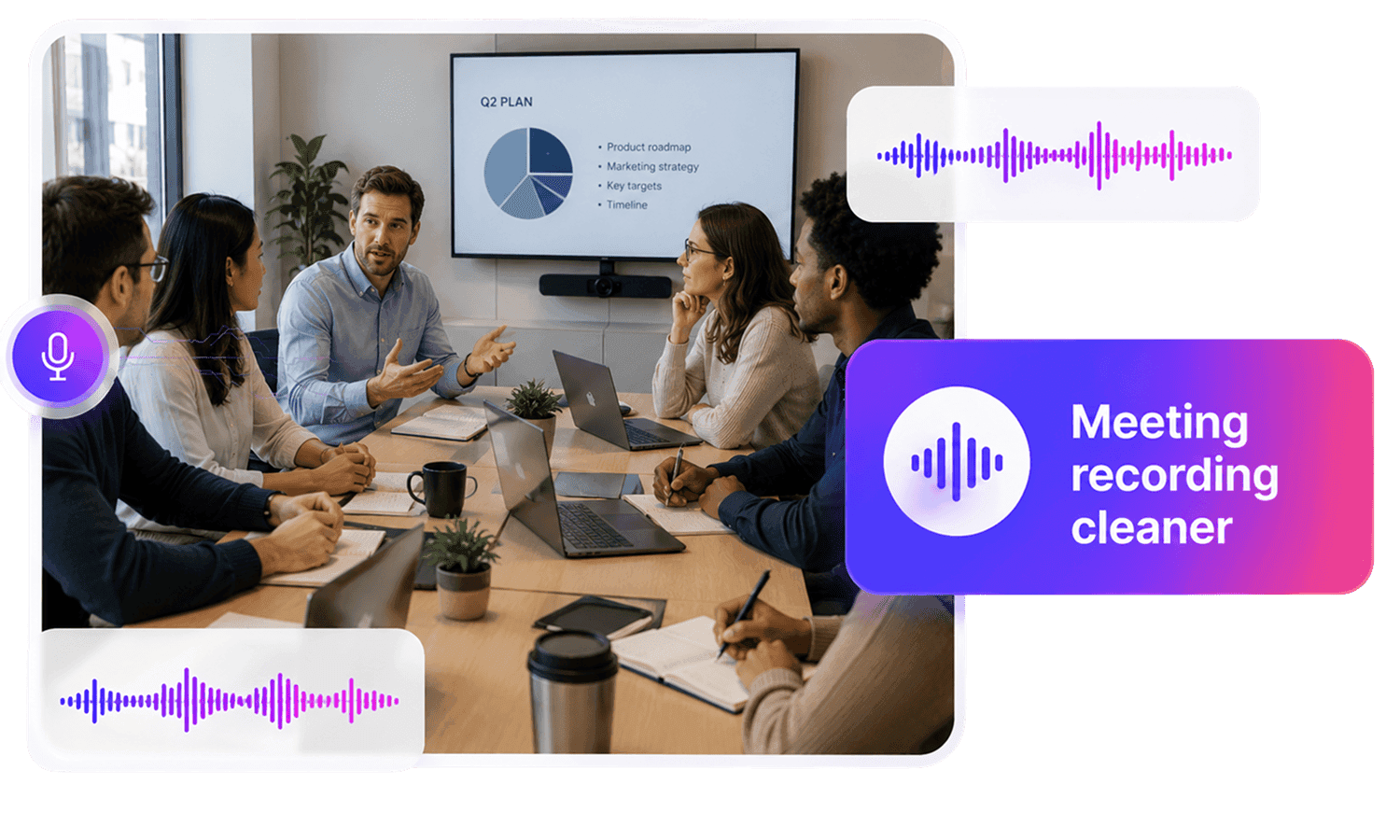
Meeting Recording Cleaner,Free
Clean up meeting recordings with AudioMuse Meeting Recording Cleaner. Upload a recorded call, webinar, online workshop, client meeting, lecture, or team discussion and reduce common distractions such as keyboard clicks, fan noise, room noise, air conditioning, hiss, hum, static, light background chatter, and low-level ambient sound. Use AI Auto Denoise or choose the meeting content type, select a denoise level, preview important sections, and download cleaner meeting audio for review, sharing, notes, transcription, documentation, or archiving. If the recording has strong echo or very uneven speaker volume, use Echo Remover, Speech Enhancer, or Audio Booster as a more focused workflow.
Reduce Common Meeting Noise
Clean up distracting sounds from recorded meetings, including keyboard clicks, fan noise, air conditioning, room noise, light background chatter, hiss, hum, static, and low-level office ambience.
Reduce Meeting Noise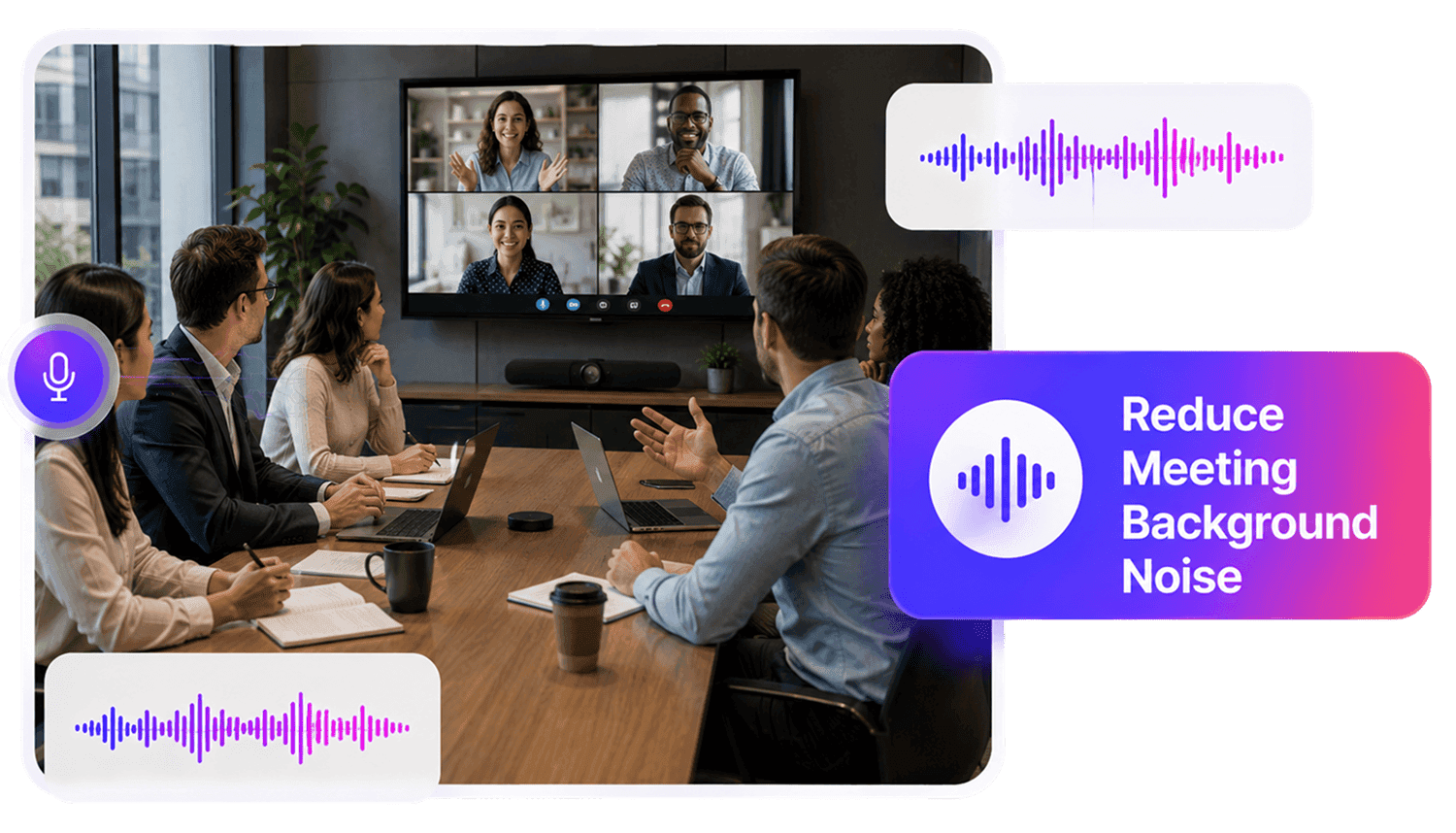
Make Discussions Easier to Review
Improve playback for team calls, client meetings, webinars, online workshops, training sessions, and project discussions so decisions, questions, comments, and action items are easier to follow.
Clean Meeting Audio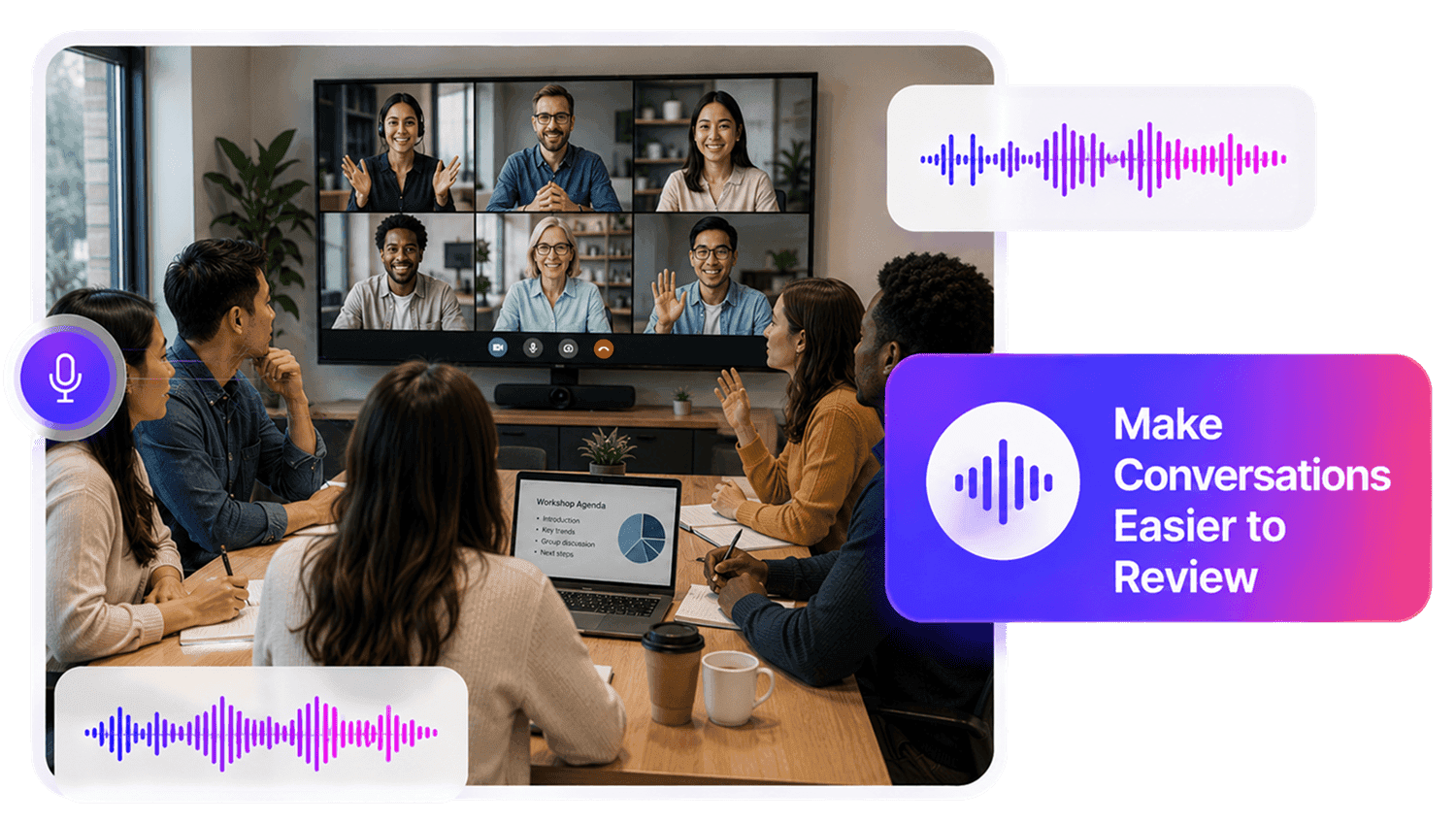
Prepare Recordings for Notes and Transcription
Cleaner meeting audio is easier to review before writing summaries, meeting minutes, follow-up notes, internal documentation, handover records, captions, or transcription files.
Prepare for Notes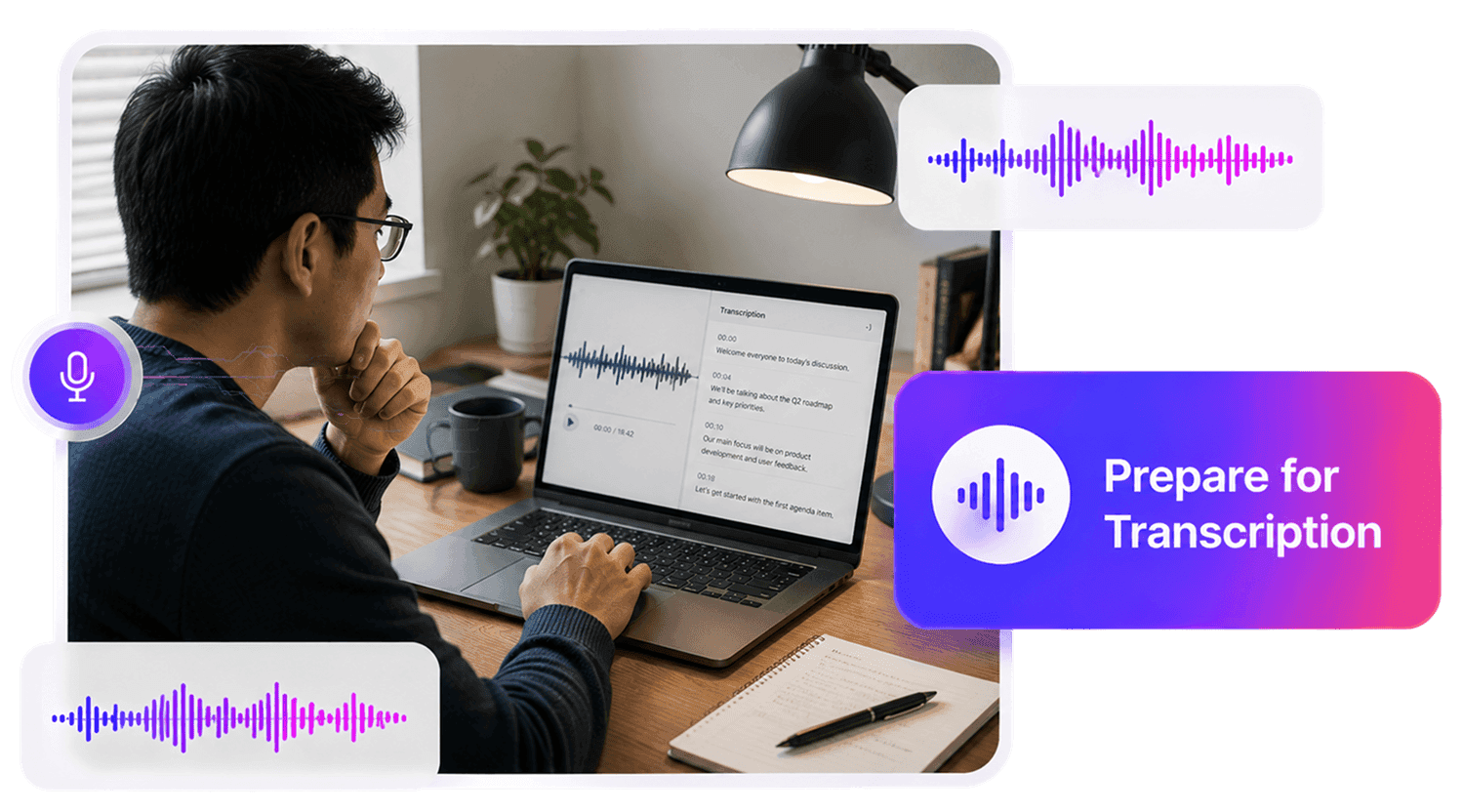
Who Can Benefit from Meeting Recording Cleaner?





Why Choose AudioMuse’s Meeting Recording Cleaner?

Simple Meeting Cleanup
Upload your meeting recording, apply AI cleanup, preview important sections, and download cleaner audio without complex editing software.

AI Auto Denoise
Let AI analyze your meeting recording and reduce unwanted background distractions automatically when you need a quick cleanup workflow.

Meeting Content Type
Use meeting-focused cleanup for calls, webinars, workshops, client meetings, team discussions, Q&A sessions, and multi-speaker recordings.

Adjustable Denoise Level
Choose Low, Medium, or High denoise level depending on whether your meeting has light room tone, common office noise, or stronger distractions.
How to Clean Meeting Recordings Online
Clean recorded meetings with AI Auto Denoise, meeting content type, and adjustable denoise level.
Upload Your Meeting Recording
Upload your meeting audio or video file from Zoom, Teams, Google Meet, a webinar platform, screen recording tool, or another meeting recorder. Supported formats include MP3, MP4, WAV, FLAC, OGG, AAC, AIFF, M4A, OPUS, and other common formats depending on current upload settings.
Choose Auto Denoise or Meeting Mode
Use AI Auto Denoise for a quick cleanup workflow, or choose the meeting content type when your file contains team discussions, online calls, webinars, workshops, client meetings, or multi-speaker conversations.
Select the Denoise Level
Choose Low, Medium, or High denoise level based on the recording. Use Low for light room tone, Medium for common meeting noise such as typing or fan noise, and High for stronger background distractions.
Preview and Download
Check quiet speakers, discussion points, Q&A sections, action items, screen-sharing moments, and noisy sections, then download the cleaned audio for review, sharing, notes, transcription, or documentation.
What they say about AudioMuse’s Meeting Recording Cleaner ?
Other online audio tools:
More From Voiceover Audio Cleaning
 Knowledge
How to Clean Meeting Recordings | AudioMuse
Clean meeting recordings when typing, room noise, echo, fan sound, or background chatter distracts from team discussions.

 Knowledge
How to Clean Zoom Meeting Audio | AudioMuse
Clean Zoom meeting audio when typing, room noise, echo, fan sound, or call artifacts distract from recorded discussions.
 Knowledge
How to Remove Noise from Meeting Audio | AudioMuse
Remove noise from meeting audio when typing, office sound, echo, fan noise, or background chatter distracts from discussions.
Everything you Need, All in one Place
Choose Audio Muse for all your online audio or music processing needs with a full suite of tools in one easy-to-use platform. Edit audio directly from your browser, remove noise, convert file formats, and perfect your tracks - all without downloading extra software. Plus, manage your projects from any device, anytime. Your go-to for audio solutions.