Clean Podcast Audio Online
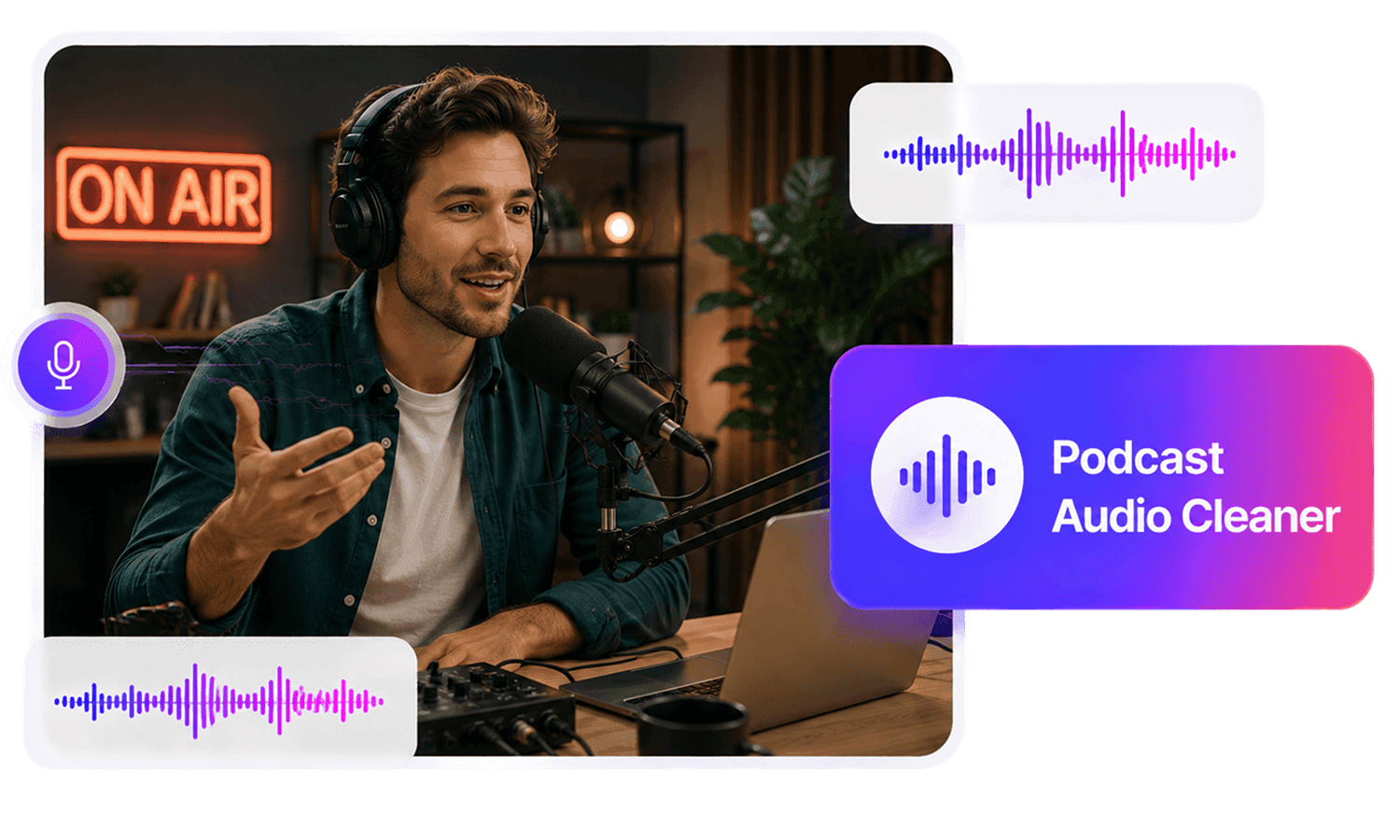
Clean podcast audio online with AudioMuse Podcast Audio Cleaner. Reduce background noise, room noise, fan noise, hiss, hum, static, clicks, and distractions from podcast recordings, interviews, and video podcasts.
Clean Podcast Audio Online,Free
AudioMuse Podcast Audio Cleaner helps clean podcast audio online before editing, publishing, transcription, or clipping. Upload a podcast recording, remote interview, guest track, video podcast, webinar conversation, panel discussion, or podcast clip and reduce background noise, room noise, fan noise, keyboard clicks, hiss, hum, static, light echo, and other distractions while keeping host and guest voices clear and natural where possible. This page is focused on the search intent behind clean podcast audio, podcast audio cleaner, podcast audio cleanup, and podcast noise reduction. If you need broader cleanup for any type of recording, use Audio Cleaner. If the main issue is background noise, use Background Noise Remover. If the main issue is strong echo, use Echo Remover.
Clean Podcast Audio Before Publishing
Reduce common podcast recording problems such as background noise, room noise, fan noise, keyboard clicks, hiss, hum, static, microphone noise, and light echo before editing or publishing an episode.
Clean Podcast Audio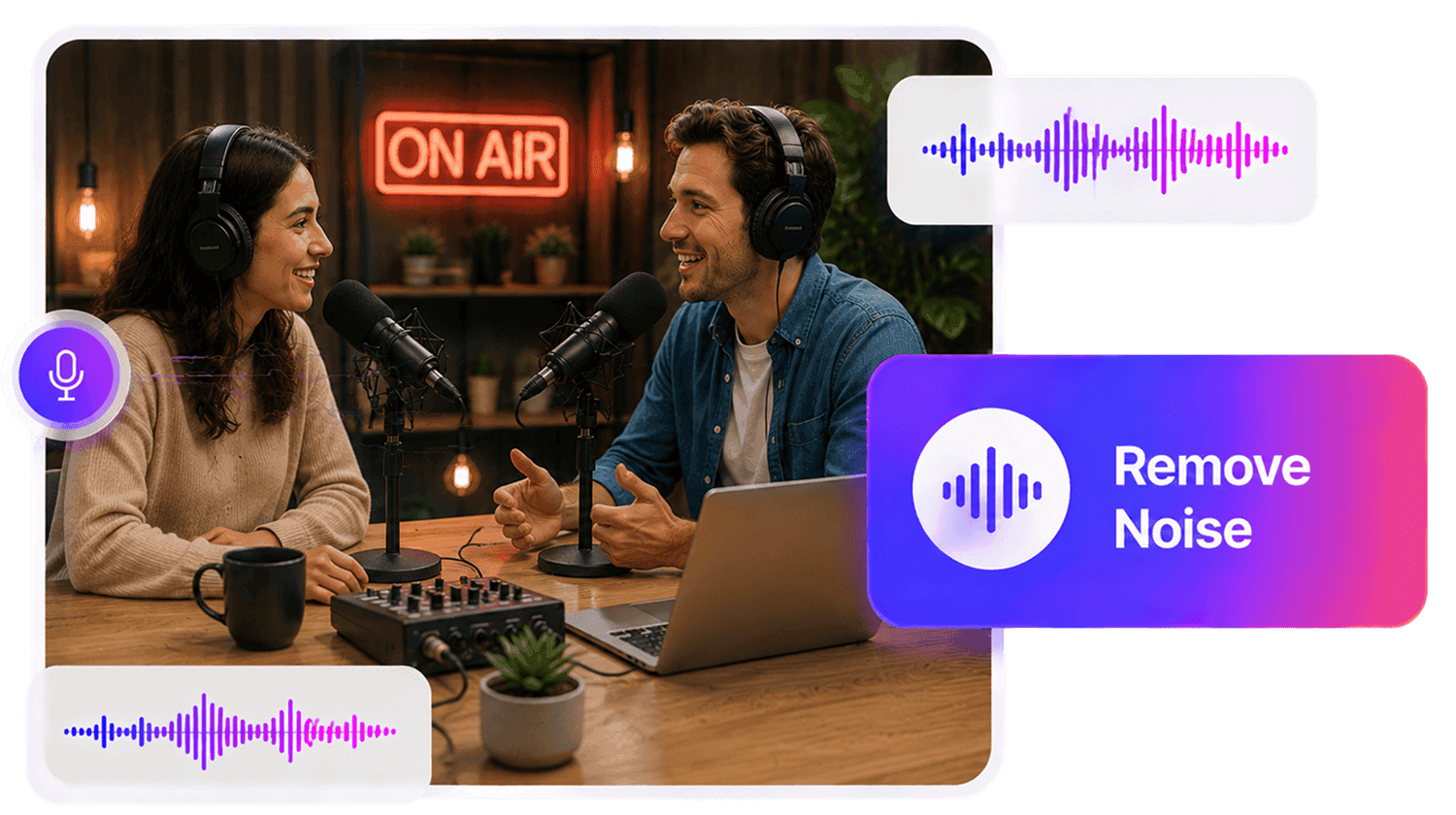
Clean Remote Interviews and Guest Tracks
Improve guest recordings captured from different rooms, microphones, laptops, phones, and online call setups. Reduce inconsistent background noise so host and guest voices are easier to edit and review.
Clean Guest Audio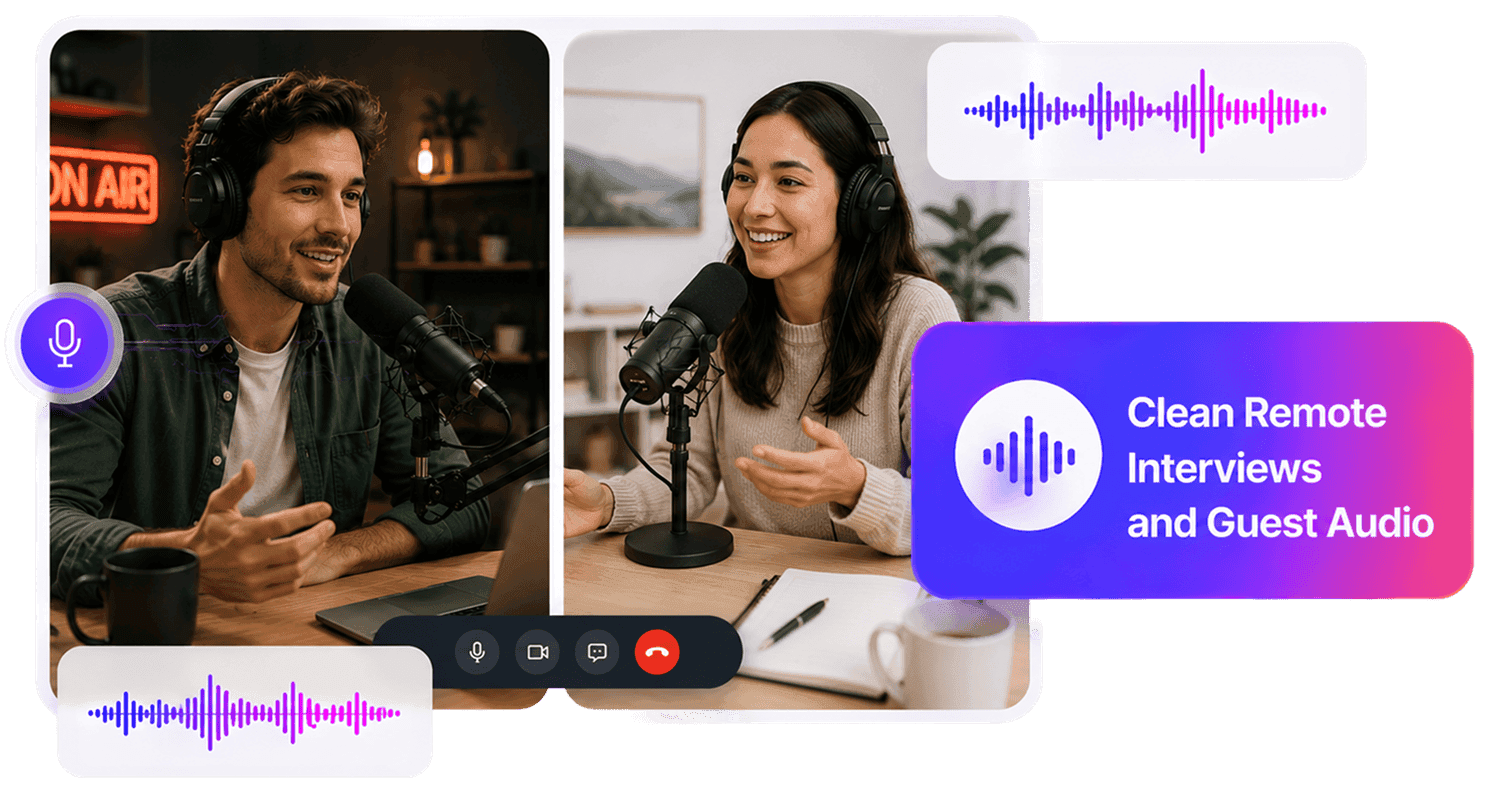
Prepare Podcast Clips for Video and Social Media
Clean podcast audio for video podcasts, YouTube clips, TikTok edits, Instagram Reels, Shorts, webinar clips, and promotional content so listeners can focus on the conversation.
Clean Podcast Clips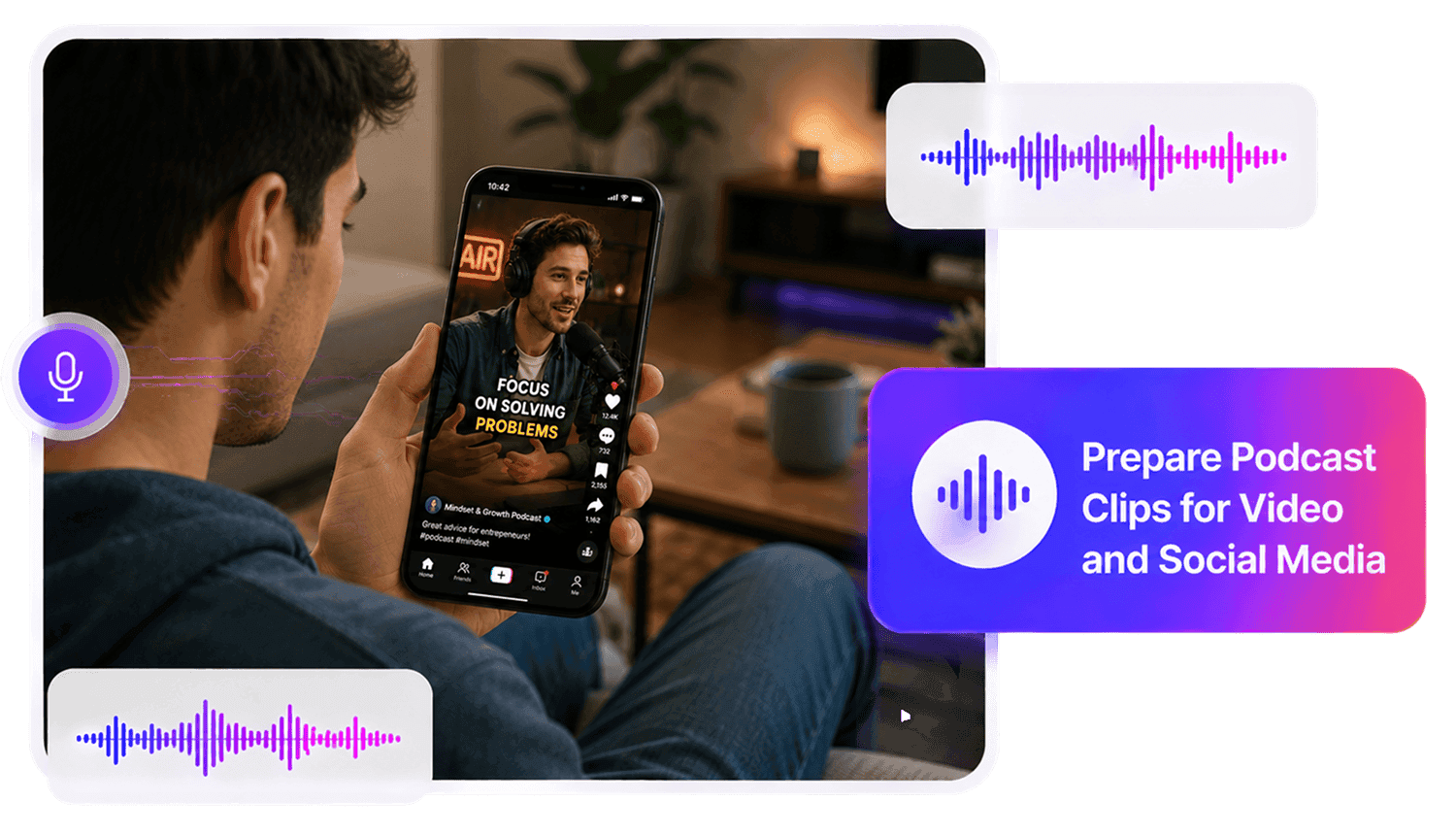
Who Needs a Podcast Audio Cleaner?




Why Choose AudioMuse’s Podcast Audio Cleaner?

Focused Podcast Audio Cleanup
Clean common podcast noise such as room noise, fan noise, keyboard clicks, hiss, hum, static, microphone noise, background chatter, and light echo.

Built for Host and Guest Voices
AI reduces unwanted noise while helping preserve host voices, guest voices, dialogue, and spoken audio details where the source recording is usable.

Audio and Video Podcast Support
Upload common audio and video podcast formats such as MP3, MP4, WAV, FLAC, OGG, AAC, AIFF, M4A, OPUS, and more depending on current upload settings.

Clean Podcasts Online
Improve podcast audio directly in your browser without installing complex editing software or setting manual noise filters.
How to Clean Podcast Audio Online
Clean noisy podcast recordings with AI in a simple online workflow.
Upload Your Podcast Recording
Choose the podcast audio or video file you want to clean, such as a solo episode, guest interview, remote recording, panel discussion, video podcast, webinar conversation, or podcast clip.
Choose Podcast Audio Cleaning
Use the podcast cleanup workflow when the recording contains host narration, guest voices, remote speaker audio, interview audio, panel discussion, or spoken conversation.
Reduce Podcast Noise with AI
AudioMuse reduces common podcast distractions such as background noise, room noise, fan noise, keyboard clicks, hiss, hum, static, and light echo while helping preserve spoken voices.
Preview and Download
Listen to host sections, guest answers, quiet moments, transitions, intros, outros, and noisy parts, then download cleaner podcast audio for editing, publishing, transcription, captions, clips, or production.
What they say about AudioMuse’s Clean Podcast Audio Online ?
Other online audio tools:
More About Podcast Audio Cleaning
 Knowledge
How to Clean Audio Online | AudioMuse
Clean audio online with AI. Learn how to clean up noisy recordings, reduce background noise, echo, hiss, hum, static, and make voice, podcast, video, and music audio easier to hear.

 Knowledge
How to Reduce Audio Noise Online | AudioMuse
Reduce audio noise online with AI. Learn how to remove noise from audio, reduce background noise, echo, hiss, hum, static, wind, and clean voice, podcast, video, and music recordings.
Everything you Need, All in one Place
Choose Audio Muse for all your online audio or music processing needs with a full suite of tools in one easy-to-use platform. Edit audio directly from your browser, remove noise, convert file formats, and perfect your tracks - all without downloading extra software. Plus, manage your projects from any device, anytime. Your go-to for audio solutions.