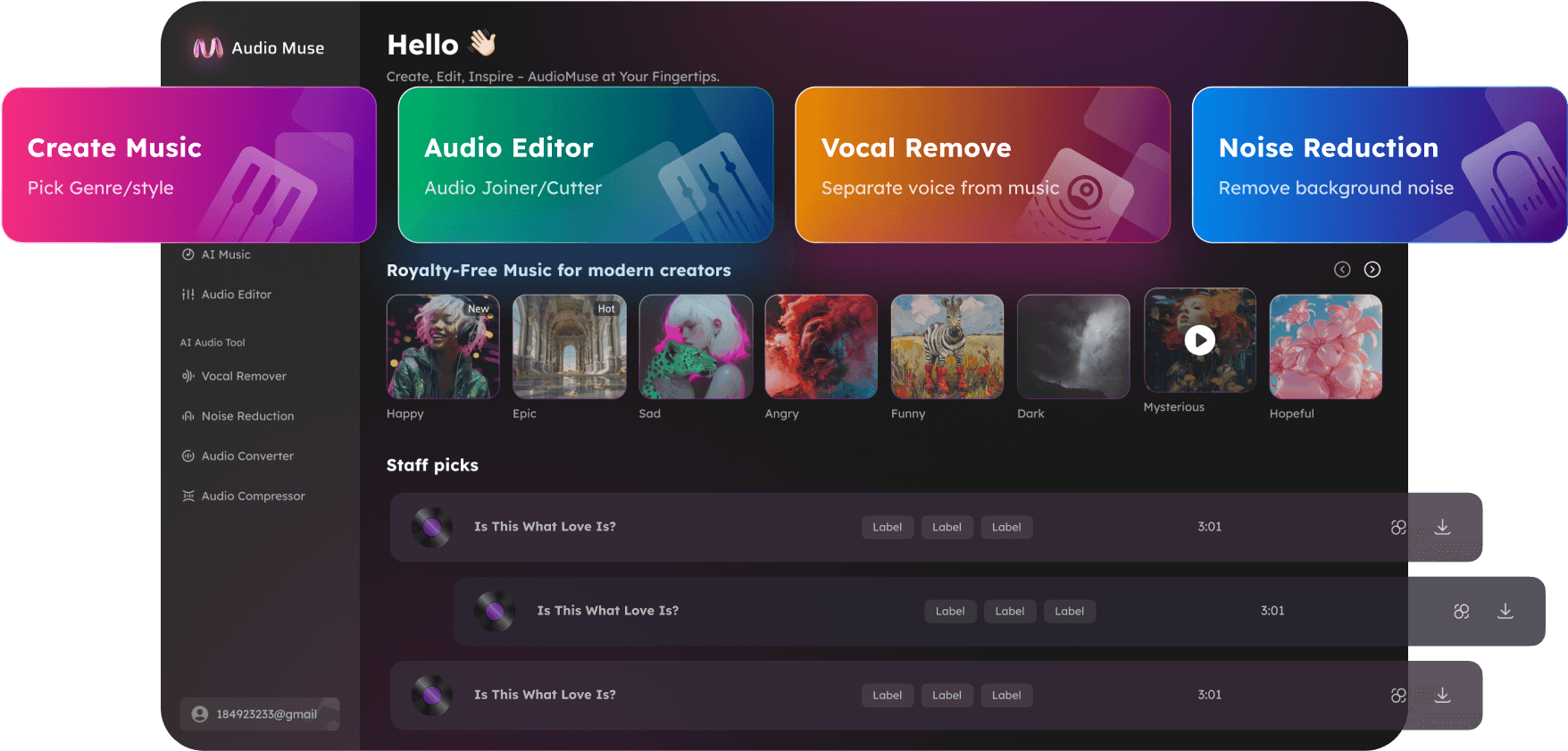
Streaming Mastering
Master music for streaming platforms with AudioMuse AI Streaming Mastering. Upload a finished mix, choose a style, select a loudness target for Spotify, Apple Music, Tidal, Amazon, Pandora, or SoundCloud, preview a free 30-second master, and prepare a cleaner, more balanced track for online release.
Master for Streaming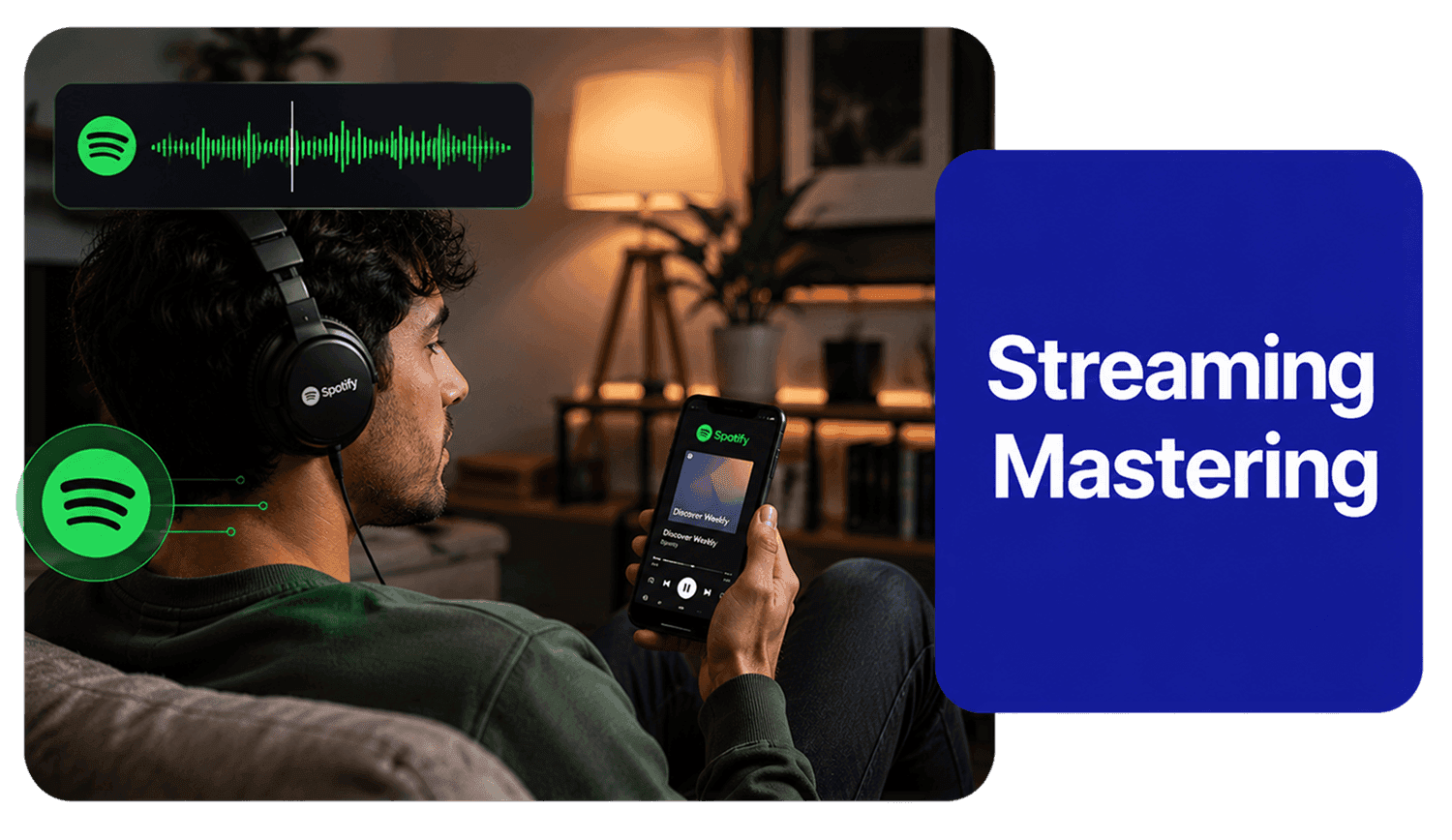
Streaming Mastering,Free
Master music for streaming platforms with AudioMuse AI Streaming Mastering. Upload a finished song, beat, demo, remix, cover, or instrumental and create a cleaner, louder, and more balanced master for online playback. Choose a music style, select a loudness target for Spotify, Apple Music, Tidal, Amazon, Pandora, or SoundCloud, preview a free 30-second mastered result, and download the full master after confirming the sound. Use AudioMuse to prepare music for streaming release, loudness normalization, platform playback, and consistent listening across headphones, speakers, cars, phones, laptops, and smart devices.
Master Tracks for Spotify, Apple Music, and Streaming
Streaming mastering helps shape a finished mix for online playback, loudness normalization, and release planning. AudioMuse improves loudness, clarity, tonal balance, punch, dynamics, stereo feel, and playback consistency so your track sounds more polished across common streaming and listening environments.
Master for Streaming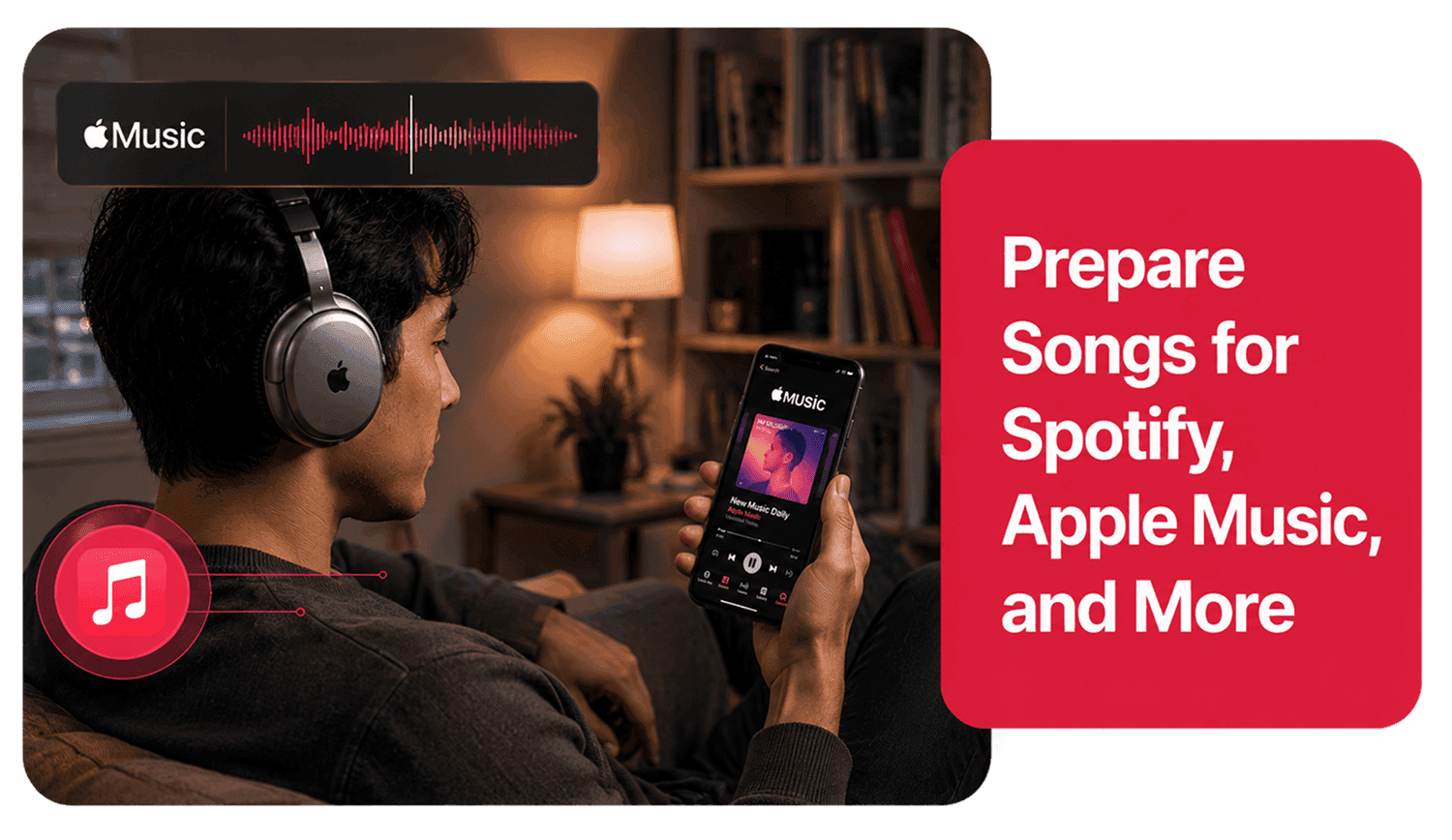
Choose Platform Loudness Targets
Select a loudness target for Apple Music, Spotify, Tidal, Amazon, Pandora, or SoundCloud. These options help guide the final mastering direction for streaming, sharing, and distribution workflows without requiring manual limiter chains, LUFS meters, or true peak tools.
Set Loudness Target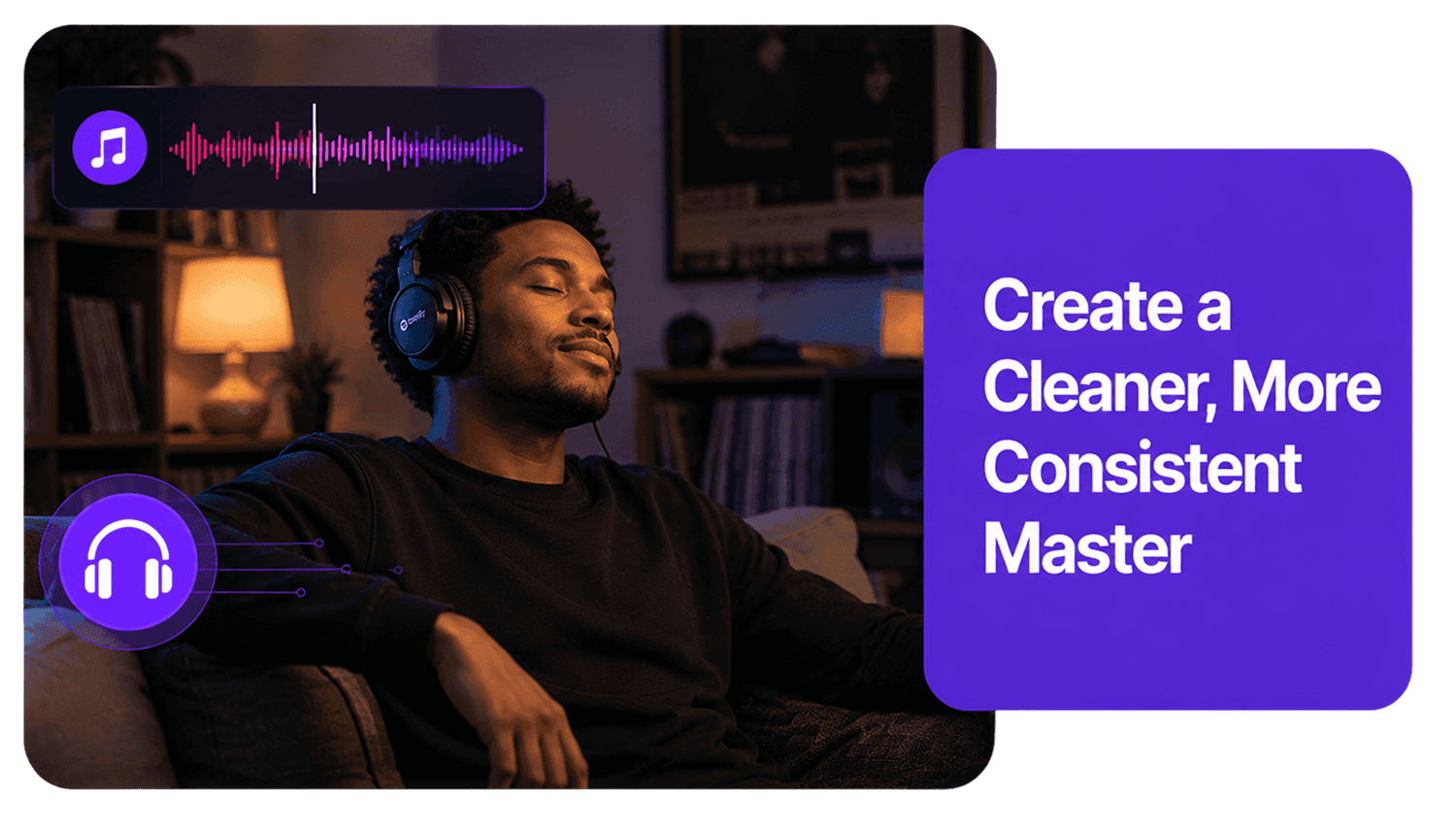
Avoid Over-Loud and Distorted Masters
Streaming platforms may apply loudness normalization, so making a song extremely loud is not always the best strategy. AudioMuse helps you create a controlled master that focuses on clarity, balance, punch, and consistency instead of excessive loudness that may cause clipping, harshness, or listener fatigue.
Create Balanced Master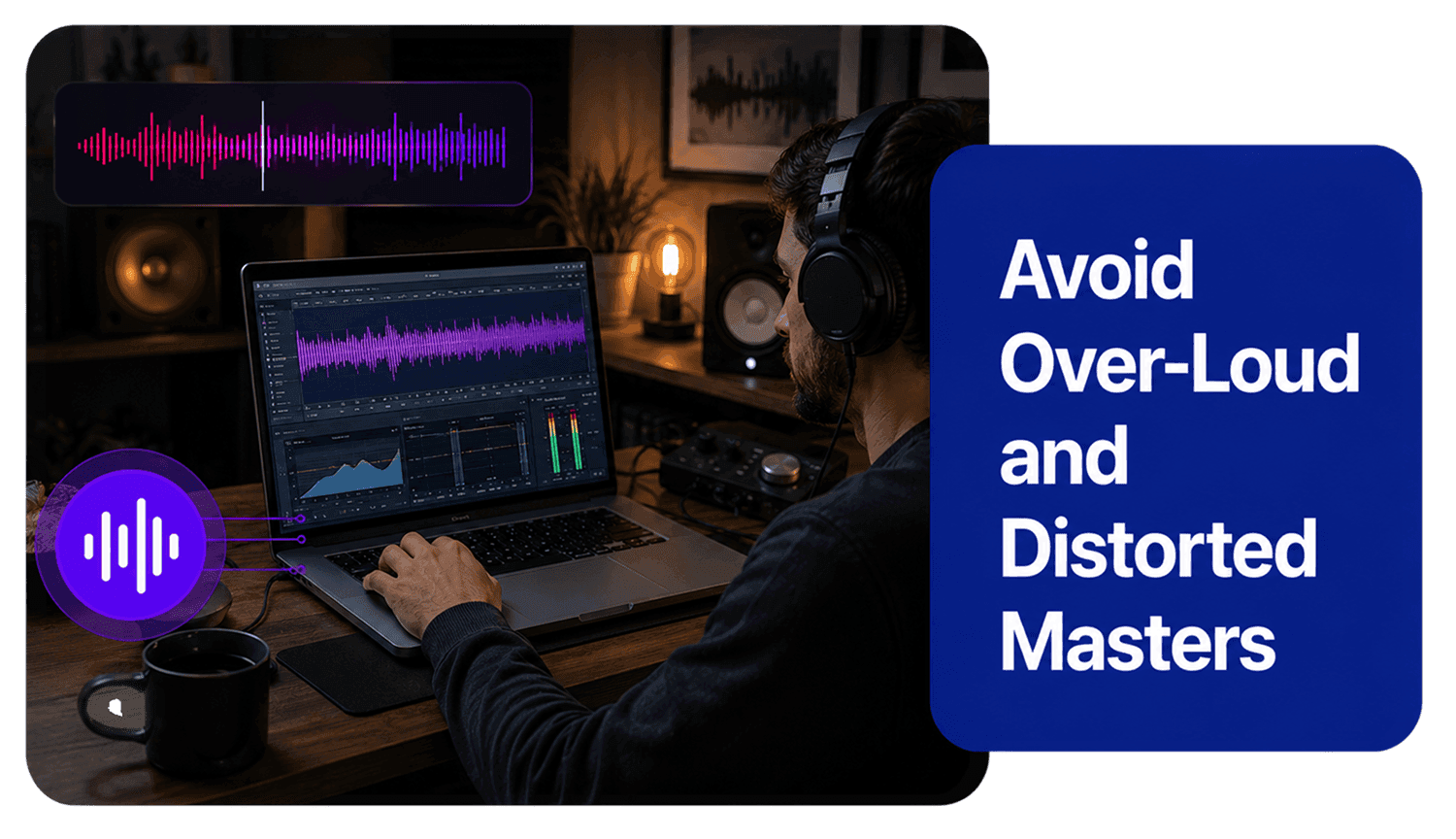
Who Is Streaming Mastering For?




Why Choose AudioMuse’s Master Music for Streaming Platforms?

Streaming-Focused Workflow
Upload your track, choose a style, select a streaming loudness target, preview a free 30-second master, and download the full result after confirming.

AI-Powered Mastering
AudioMuse analyzes your music and helps improve loudness, clarity, tonal balance, punch, dynamics, and stereo presence for online playback.

Platform Loudness Targets
Choose targets for Spotify, Apple Music, Tidal, Amazon, Pandora, or SoundCloud workflows without setting up manual LUFS meters or limiter chains.

Balanced Sound Across Devices
Create music that sounds more consistent across headphones, phones, laptops, cars, speakers, smart devices, and streaming platforms.
How to Master Music for Streaming
Use AudioMuse to master music for Spotify, Apple Music, Tidal, Amazon, Pandora, SoundCloud, and other streaming workflows.
Upload Your Finished Mix
Choose the track you want to prepare for streaming. Upload a finished stereo mix, song, beat, demo, cover, remix, or instrumental. For best results, use a high-quality mix and avoid files that are clipped, distorted, overly compressed, or repeatedly exported.
Choose a Music Style
Select the style that best matches your track, such as Pop, Club, EDM, Hip Hop, Lighter Electronic, Darker Electronic, Electronic, Rock, or Country. Style selection helps guide tone, punch, clarity, energy, and balance.
Select a Streaming Loudness Target
Choose a loudness target for Apple, Spotify, Tidal, Amazon, Pandora, or SoundCloud. This helps guide the final level for common streaming and online release workflows while avoiding an over-loud or harsh master.
Preview a Free 30-Second Master
Listen to a free 30-second mastered preview and compare it with your original mix. Check loudness, clarity, bass control, vocal presence, stereo feel, and whether the track still sounds balanced after mastering.
Download the Full Streaming Master
If the preview fits your track, download the full mastered audio for streaming release planning, digital distribution, demos, client review, online sharing, or further editing.
What they say about AudioMuse’s Streaming Mastering ?
Other online audio tools:
More About Streaming Mastering
 Knowledge
How to Master Music for Streaming Platforms | AudioMuse
Learn how to master music for streaming platforms, choose loudness targets, understand LUFS and true peak, avoid over-limiting, and prepare tracks for Spotify, Apple Music, SoundCloud, Tidal, Amazon, and Pandora.

 Knowledge
What Loudness Target Should I Choose for Streaming? | AudioMuse
Learn how to choose a loudness target for streaming, understand LUFS and true peak, compare Spotify and Apple Music loudness, and avoid over-limited masters.
 Knowledge
What Is LUFS in Music Mastering? | AudioMuse
Learn what LUFS means in music mastering, how it differs from peak level, why it matters for streaming loudness, and how to use LUFS without over-limiting your master.
 Knowledge
What Is True Peak in Music Mastering? | AudioMuse
Learn what true peak means in music mastering, why it matters for streaming, and how to avoid clipping, distortion, and damaged masters.
 Knowledge
Mixing vs Mastering a Song: What’s the Difference? | AudioMuse
Learn the difference between mixing and mastering a song, when to mix, when to master, what mix and master means, and how to prepare a finished mix for mastering.
 Knowledge
Online Music Mastering for Beginners | AudioMuse
Learn online music mastering for beginners, including what mastering does, how to prepare your mix, choose a style, set loudness, preview results, and avoid common mistakes.
 Knowledge
What Is AI Music Mastering? How AI Mastering Works | AudioMuse
Learn what AI music mastering is, how online AI mastering works, what it can improve, when to use it, and how it differs from mixing, human mastering, and audio enhancement.
Everything you Need, All in one Place
Choose Audio Muse for all your online audio or music processing needs with a full suite of tools in one easy-to-use platform. Edit audio directly from your browser, remove noise, convert file formats, and perfect your tracks - all without downloading extra software. Plus, manage your projects from any device, anytime. Your go-to for audio solutions.