AI Music Mastering Online
Master music online with AudioMuse AI Music Mastering. Upload a song, choose a music style, select a loudness target, preview a free 30-second master, and download the full mastered track after confirming the result.
Master Music Now
AI Music Mastering Online,Free
Master music online with AudioMuse AI Music Mastering. Upload a song, beat, demo, remix, cover, or instrumental and use AI to improve loudness, clarity, tonal balance, punch, dynamics, and stereo feel. This online audio mastering workflow helps you create a cleaner, louder, and more polished master directly in your browser, without complex studio software. Choose a music style, select a loudness target for common streaming platforms, preview a free 30-second master, and download the full mastered track after you confirm the result. Use AudioMuse for online mastering, song mastering, demo polishing, beat mastering, and release-ready music preparation.
Online Mastering for Songs, Beats, and Demos
Master songs online with AI and create a louder, clearer, and more balanced final track. AudioMuse helps improve loudness, tonal balance, clarity, punch, dynamics, and stereo feel for singles, demos, beats, remixes, covers, instrumentals, EP tracks, and independent releases.
Master Music Now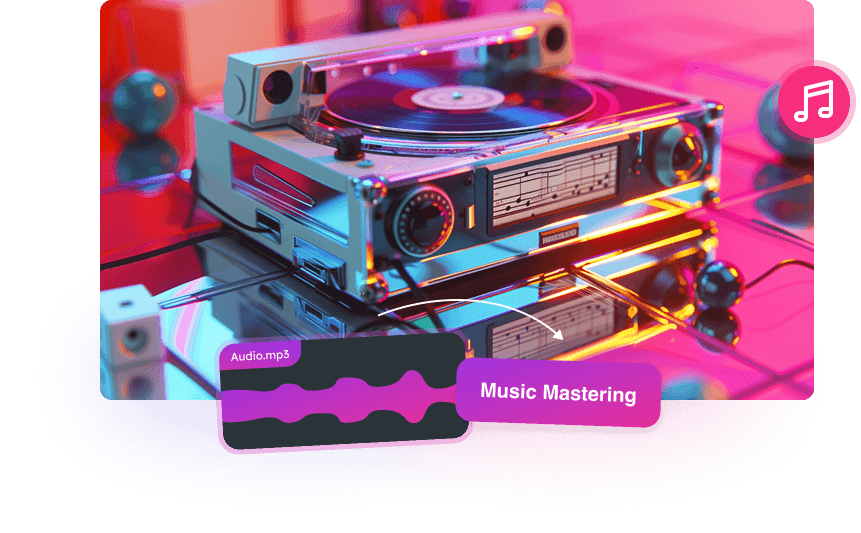
Style-Aware AI Music Mastering
Different genres need different mastering decisions. Pop may need vocal clarity and balance, Hip Hop may need controlled low end and punch, EDM and Club tracks may need energy and loudness, while Rock and Country may need natural dynamics and presence. Choose a style to guide the AI mastering result toward the sound of your track.
Choose a Style
Master Music for Streaming Platforms
Select loudness targets for Apple, Spotify, Tidal, Amazon, Pandora, or SoundCloud workflows. AudioMuse helps shape the final master for streaming, sharing, and playback environments without requiring manual limiter chains, loudness meters, or mastering plugins.
Set Loudness Target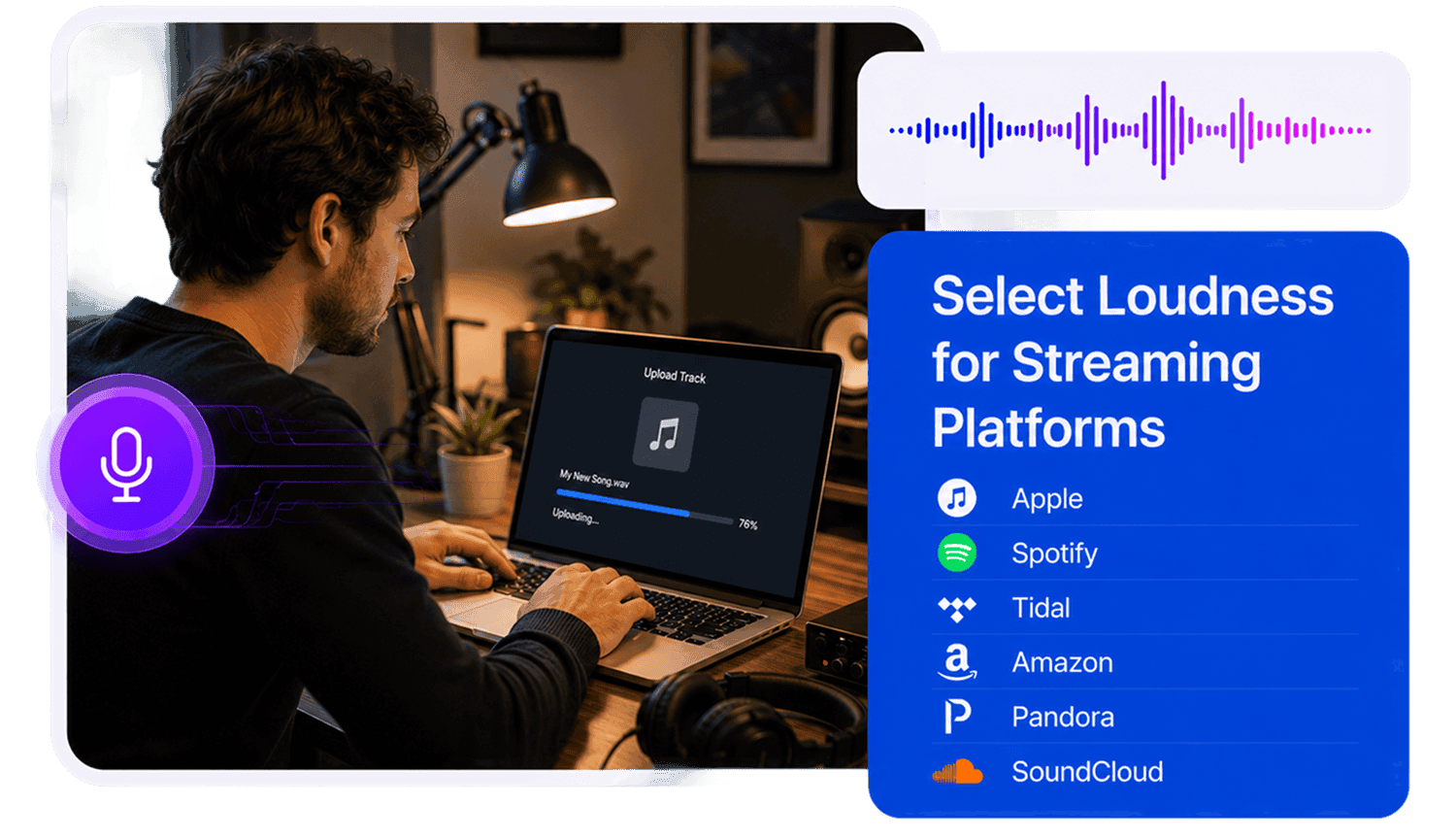
Who Can Use Online AI Music Mastering?




Why Choose AudioMuse’s AI Music Mastering Online?

Simple Online Mastering
Upload your track, choose a music style, select a loudness target, preview a free 30-second master, and download the full result after confirming.

Style-Aware Results
Master music for Pop, Club, EDM, Hip Hop, Lighter Electronic, Darker Electronic, Electronic, Rock, and Country.

Streaming Loudness Options
Choose loudness targets for Apple, Spotify, Tidal, Amazon, Pandora, or SoundCloud workflows.

Fast AI Processing
AI analyzes tone, loudness, dynamics, punch, and stereo balance to create a polished master quickly.
How to Master Music Online
Use AudioMuse AI Music Mastering to master a song online, improve loudness and clarity, preview a free 30-second result, and prepare a polished track for sharing or release.
Upload Your Song or Track
Upload your song, beat, demo, remix, cover, instrumental, or finished stereo mix from your device. For the best online mastering result, use the highest-quality mix available and avoid files that are already clipped, distorted, or heavily limited.
Choose a Music Style
Select the style that best matches your track, such as Pop, Club, EDM, Hip Hop, Lighter Electronic, Darker Electronic, Electronic, Rock, or Country. Style selection helps guide the mastering tone, energy, punch, clarity, and balance.
Select a Loudness Target
Choose a loudness target for Apple, Spotify, Tidal, Amazon, Pandora, or SoundCloud. This helps shape the final level for common streaming, sharing, and release workflows while keeping the master balanced and musical.
Preview a Free 30-Second Master
Listen to a free 30-second mastered preview before downloading the full result. Compare the preview with your original mix to check loudness, clarity, punch, tonal balance, stereo feel, and overall translation.
Download the Full Master
If the preview sounds right, continue to download the full mastered track for sharing, publishing, distribution, client review, social media, or further editing.
What they say about AudioMuse’s AI Music Mastering Online ?
Other online audio tools:
More From AI Music Mastering
 Knowledge
What Is AI Music Mastering? How AI Mastering Works | AudioMuse
Learn what AI music mastering is, how online AI mastering works, what it can improve, when to use it, and how it differs from mixing, human mastering, and audio enhancement.

 Knowledge
How to Master a Song Online | AudioMuse
Learn how to master a song online with AI, prepare your mix, choose a style and loudness target, preview the master, and avoid common mastering mistakes.
 Knowledge
Online Music Mastering for Beginners | AudioMuse
Learn online music mastering for beginners, including what mastering does, how to prepare your mix, choose a style, set loudness, preview results, and avoid common mistakes.
 Knowledge
Mixing vs Mastering a Song: What’s the Difference? | AudioMuse
Learn the difference between mixing and mastering a song, when to mix, when to master, what mix and master means, and how to prepare a finished mix for mastering.
 Knowledge
AI Mastering vs Human Mastering: Which Should You Use? | AudioMuse
Compare AI mastering and human mastering, including speed, cost, quality, feedback, revisions, release use cases, and when each option makes the most sense.
 Knowledge
AI Mastering vs Audio Enhancement: What Is the Difference? | AudioMuse
Learn the difference between AI mastering and audio enhancement, when to master a finished song, when to enhance weak audio, and which workflow to use first.
 Knowledge
How to Master Music for Streaming Platforms | AudioMuse
Learn how to master music for streaming platforms, choose loudness targets, understand LUFS and true peak, avoid over-limiting, and prepare tracks for Spotify, Apple Music, SoundCloud, Tidal, Amazon, and Pandora.
 Knowledge
What Loudness Target Should I Choose for Streaming? | AudioMuse
Learn how to choose a loudness target for streaming, understand LUFS and true peak, compare Spotify and Apple Music loudness, and avoid over-limited masters.
Everything you Need, All in one Place
Choose Audio Muse for all your online audio or music processing needs with a full suite of tools in one easy-to-use platform. Edit audio directly from your browser, remove noise, convert file formats, and perfect your tracks - all without downloading extra software. Plus, manage your projects from any device, anytime. Your go-to for audio solutions.