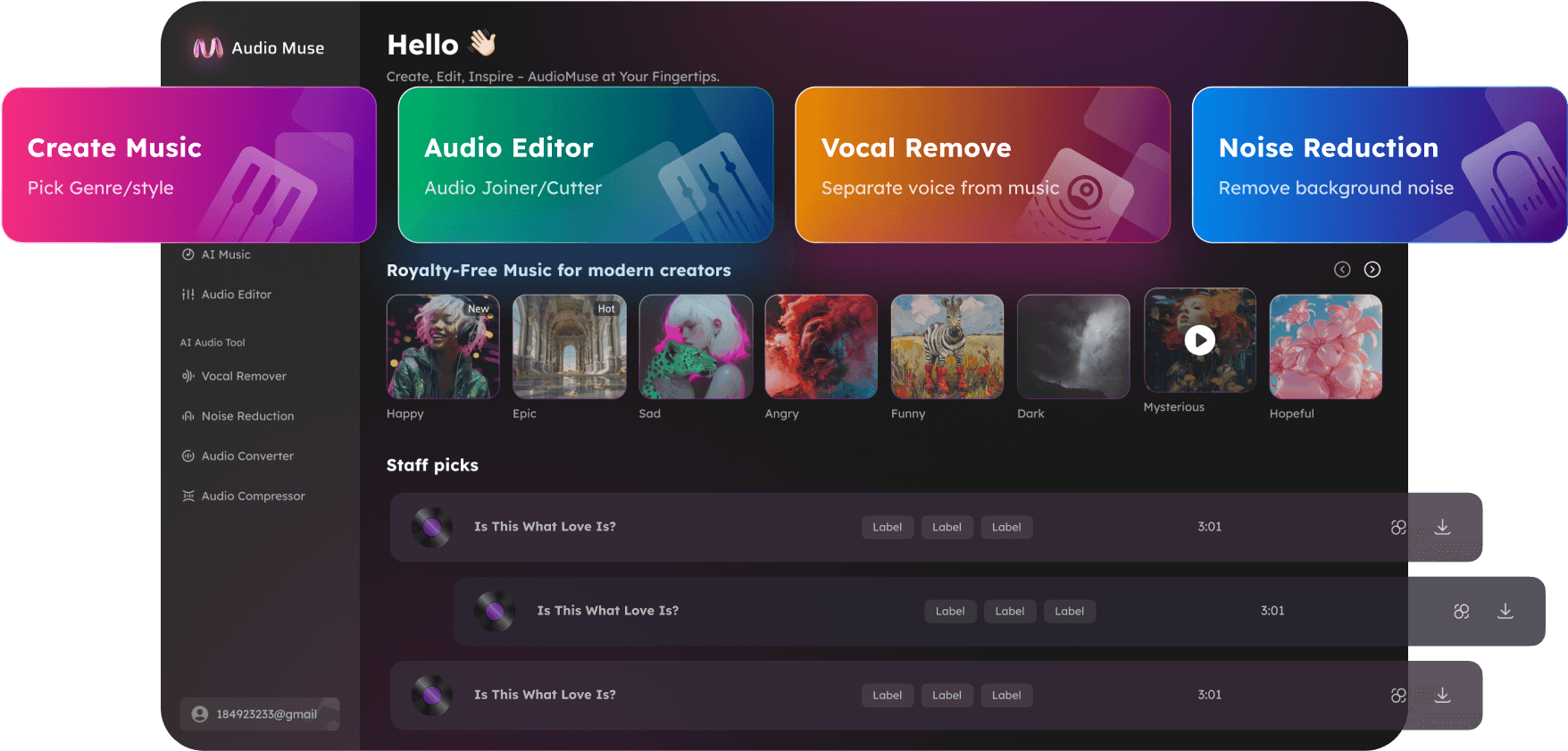
Instrumental Maker Online
Make instrumental tracks from songs online with AudioMuse Instrumental Maker. Remove vocals with AI, keep the backing music, and create instrumental versions for karaoke, covers, singing practice, rehearsal, remixing, and backing tracks.

Instrumental Maker Online,Free
AudioMuse Instrumental Maker Online helps you turn songs into instrumental tracks by removing vocals with AI. Upload a song or supported audio file, separate the vocal from the backing track, preview the vocal-removed result, and download the instrumental version in your browser. Use AudioMuse as an instrumental maker, song to instrumental converter, backing track maker, karaoke track maker, or AI vocal remover for covers, singing practice, rehearsals, lessons, remix ideas, content editing, and performance preparation. If you need to make an instrumental from a song online, AudioMuse gives you a simple workflow without complex audio editing software.
Make Instrumentals from Songs
Turn songs into instrumental versions online. Upload a track, remove the vocals with AI, preview the music-only result, and download an instrumental file for singing, practice, or creative work.
Make InstrumentalsTurn a Song into an Instrumental
Use a song-to-instrumental workflow to keep the backing music while reducing or removing the original lead vocal. Create useful instrumental tracks without rebuilding the song manually.
Song to Instrumental
Create Backing Tracks for Covers
Make backing tracks from songs for covers, singing practice, rehearsals, auditions, performances, lessons, and vocal training. Use the instrumental output as a base for your own voice.
Create Backing Tracks
Use Instrumentals for Karaoke and Remixing
Instrumental tracks are useful for karaoke, remix sketches, mashups, DJ edits, background music, arrangement study, and content projects when you have the right usage permissions.
Use Instrumental Tracks
Who Can Use Instrumental Maker Online?




Why Choose AudioMuse’s Instrumental Maker Online?

Simple Instrumental Maker
Upload a song, remove vocals with AI, preview the result, and download an instrumental track online.

AI Vocal Separation
AudioMuse separates the lead vocal from the backing music so you can keep the instrumental output.

Backing Tracks for Practice
Create instrumental backing tracks for covers, karaoke, singing practice, rehearsals, lessons, and performances.

Useful for Music Projects
Use instrumentals for remixes, mashups, background music, arrangement study, content editing, and creative production.
How to Make an Instrumental from a Song Online
Use AudioMuse Instrumental Maker to remove vocals from a song and create an instrumental backing track online.
Upload Your Song or Audio File
Choose the song you want to turn into an instrumental. For cleaner results, upload the highest-quality version available and avoid heavily compressed, distorted, clipped, or noisy files.
Separate Vocals from the Backing Track
AudioMuse uses AI vocal separation to split the lead vocal from the instrumental music so you can keep the backing track as the main output.
Preview the Instrumental Version
Listen to the instrumental output online. Check whether the vocal is reduced enough and whether the backing music sounds clear for your project.
Download the Instrumental Track
Download the instrumental version and use it for karaoke, covers, singing practice, rehearsal, lessons, remixing, backing tracks, or creative editing.
What they say about AudioMuse’s Instrumental Maker Online ?
Other online audio tools:
More About Instrumentals and Backing Tracks
 Knowledge
How to Make an Instrumental from a Song Online with AI | AudioMuse
Use an AI instrumental maker to turn a song into an instrumental online. Remove vocals and create backing tracks for karaoke, covers, practice, and remixing.

 Knowledge
How to Remove Vocals from a Song Online with AI | AudioMuse
Remove vocals from a song online with AI and create an instrumental track for karaoke, covers, remixing, singing practice, and backing tracks.
 Knowledge
How to Remove Vocals from MP3 Files Online | AudioMuse
Remove vocals from MP3 files online with AI and create instrumental tracks for karaoke, covers, singing practice, remixing, and backing tracks.
 Knowledge
How to Make a Karaoke Track Online with AI | AudioMuse
Make a karaoke track online with AI. Remove vocals from a song and create an instrumental backing track for singing, covers, practice, and rehearsal.
 Knowledge
How to Split a Song into Stems Online with AI | AudioMuse
Split a song into stems online with AI. Separate vocals, drums, bass, guitar, piano, synth, strings, wind, and instruments for remixing or karaoke.
Everything you Need, All in one Place
Choose Audio Muse for all your online audio or music processing needs with a full suite of tools in one easy-to-use platform. Edit audio directly from your browser, remove noise, convert file formats, and perfect your tracks - all without downloading extra software. Plus, manage your projects from any device, anytime. Your go-to for audio solutions.