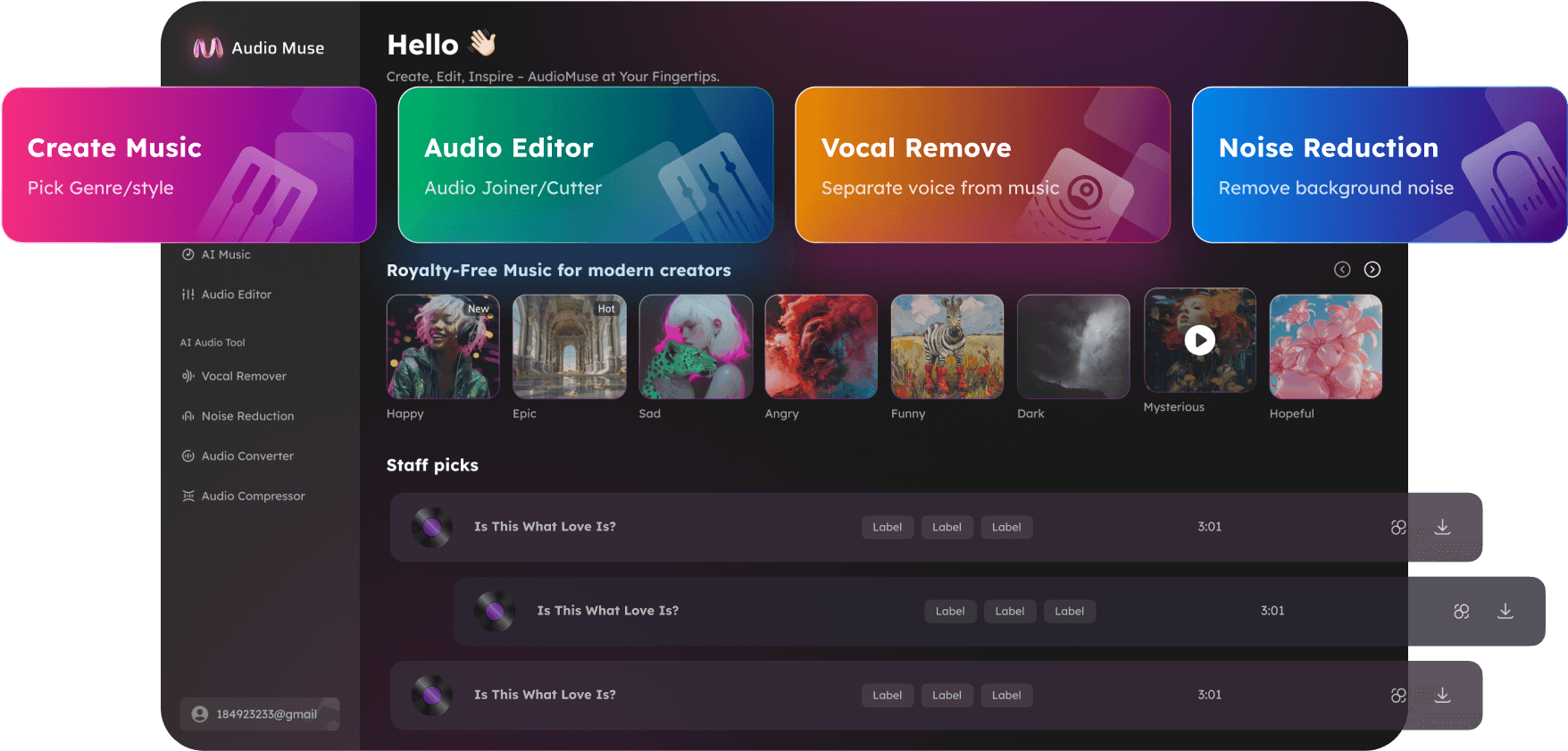
Vocal Isolator
Isolate vocals from songs online with AudioMuse AI Vocal Isolator. Upload your audio, let AI separate vocals from the instrumental, preview the vocal stem, and download isolated vocals for remixes, mashups, DJ edits, covers, and vocal practice.
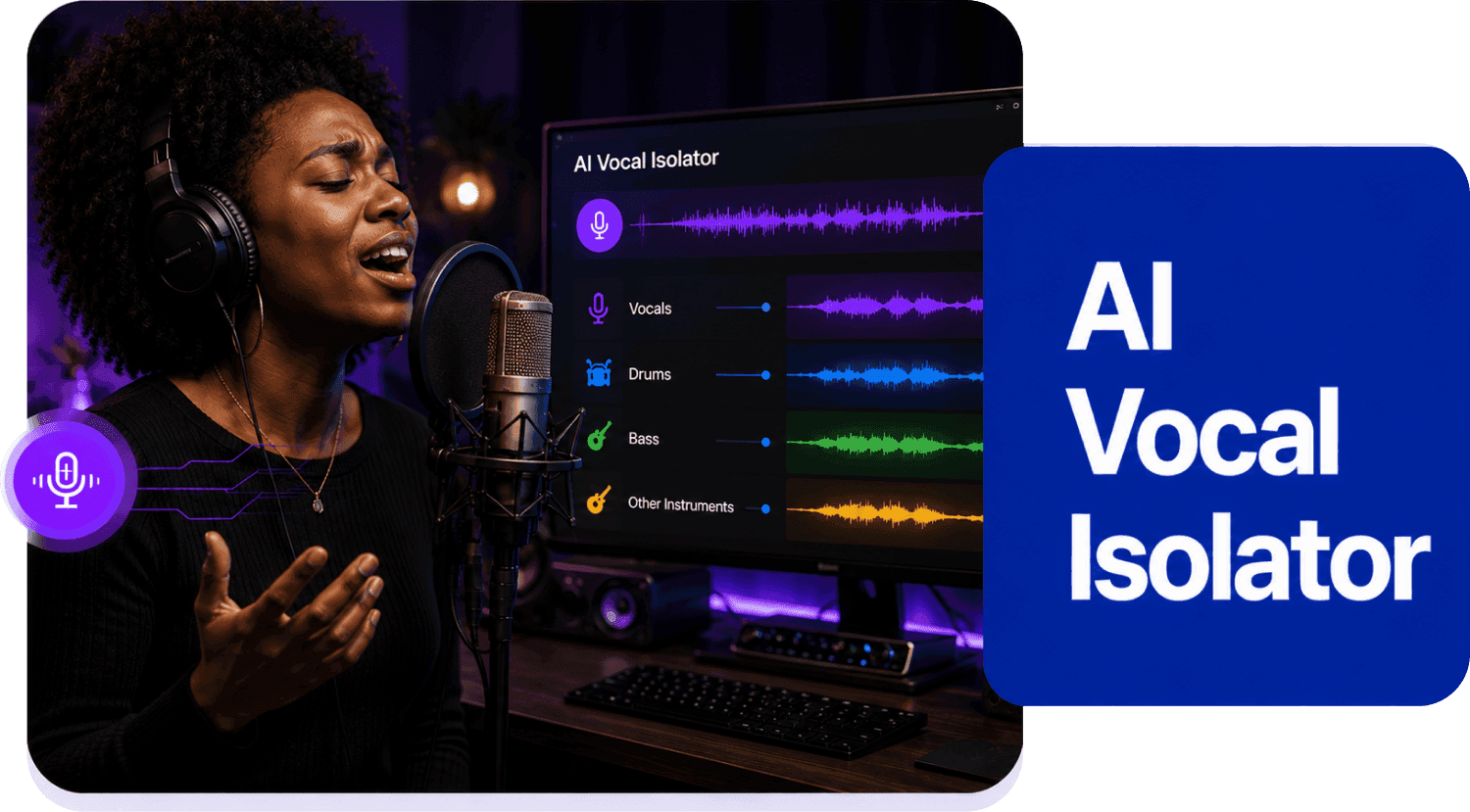
Vocal Isolator,Free
AudioMuse AI Vocal Isolator helps you extract the vocal part from a mixed song. Upload your audio file, let AI separate vocals from the instrumental backing, then preview and download the isolated vocal stem. Use extracted vocals for remixes, mashups, DJ edits, acapella-style projects, vocal practice, cover learning, music education, arrangement study, and creative production. Unlike a vocal remover workflow where the main goal is usually a vocal-free instrumental, Vocal Isolator focuses on the vocal output you can download and use as a vocal stem.
Extract Vocal Stems from Songs
Use AudioMuse AI Vocal Isolator to separate the main vocal from a full music track. Create a vocal stem or acapella-style output for remixing, mashups, vocal study, cover learning, DJ edits, and production ideas.
Extract Vocals
Create Acapella Tracks for Remixes
Isolated vocals give remix creators more control. Download a vocal hook, verse, chorus, phrase, or full vocal stem and build a new instrumental, mashup, transition, live edit, or creative production around it.
Create Vocal Stems
Study and Practice Vocal Performances
Singers, teachers, and students can isolate vocals to study phrasing, melody, rhythm, pronunciation, breath control, tone, harmony, and performance style. Vocal isolation is useful for music lessons, cover preparation, transcription, and vocal practice.
Study Vocals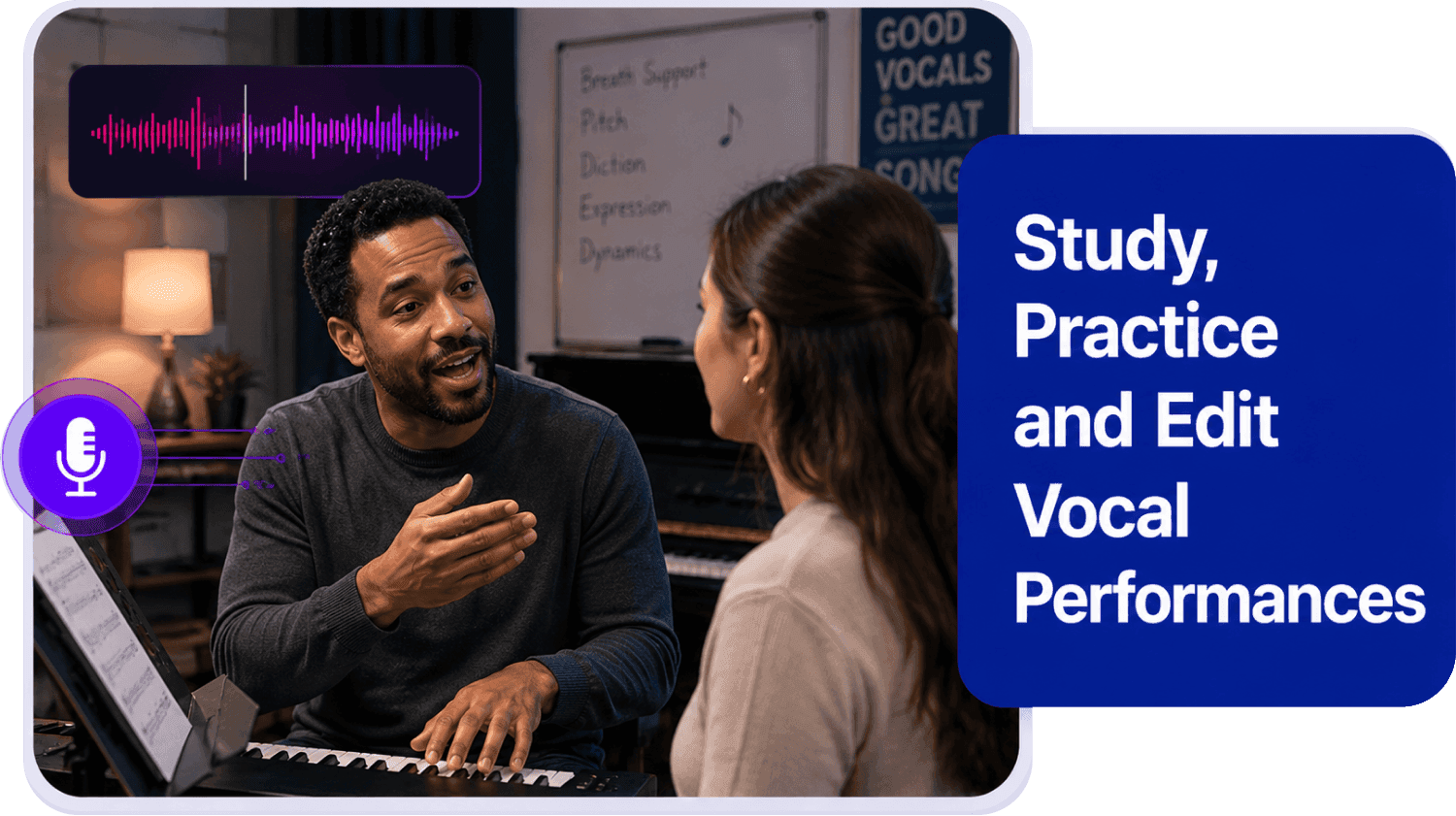
Who Can Use AI Vocal Isolator?




Why Choose AudioMuse’s AI Vocal Isolator?

Simple Vocal Isolation
Upload a song, start AI processing, and download isolated vocals without installing complicated audio editing or production software.

AI-Powered Vocal Extraction
AudioMuse uses AI to separate the vocal from background music, drums, bass, and instruments, helping you create cleaner vocal stems online.

Acapella and Vocal Stem Output
Extract vocal-only audio for acapella mixes, remixes, vocal samples, cover practice, arrangement study, and music production.

Built for Creative Workflows
Use isolated vocals for remixing, mashups, DJ edits, music lessons, vocal practice, video projects, and professional audio editing workflows.
How to Isolate Vocals from a Song
Use AudioMuse AI Vocal Isolator to extract a vocal stem from a mixed song online.
Upload Your Song or Audio File
Choose the song you want to process. For better vocal isolation quality, upload the highest-quality version available and avoid files that are clipped, distorted, heavily compressed, noisy, or repeatedly converted.
Separate Vocals from Instrumentals with AI
AudioMuse analyzes the mixed song and separates the vocal from the instrumental backing, creating an isolated vocal output and a separated instrumental output.
Preview the Isolated Vocal
Listen to the vocal stem online and check vocal clarity, instrumental bleed, vocal effects, timing, and artifacts before downloading.
Download the Vocal Stem
Download the isolated vocal for remixes, mashups, DJ edits, acapella projects, vocal study, cover practice, music lessons, or creative production.
What they say about AudioMuse’s Vocal Isolator ?
Other online audio tools:
More From Vacals Islator
 Knowledge
How to Isolate Vocals from a Song | AudioMuse
Isolate vocals from a song online and extract a vocal stem or acapella for remixing, sampling, practice, and editing.

 Knowledge
How to Extract Vocals from Audio | AudioMuse
Extract vocals from audio online and create a vocal stem or acapella for remixing, sampling, vocal practice, and editing.
 Knowledge
How to Make an Acapella from Any Song | AudioMuse
Make an acapella from any song online by isolating vocals and extracting a vocal-only stem for remixing, mashups, sampling, and practice.
 Knowledge
Acapella Maker vs Vocal Remover: What Is the Difference? | AudioMuse
Learn the difference between an acapella maker and a vocal remover, and when to isolate vocals or remove vocals from a song.
 Knowledge
How to Extract Clean Vocals for Remixing | AudioMuse
Extract clean vocals for remixing by isolating vocal stems from songs and preparing acapellas for DAWs, mashups, sampling, and edits.
 Knowledge
How to Isolate Lead Vocals from a Track | AudioMuse
Isolate lead vocals from a track online and extract the main vocal stem for remixing, acapella creation, sampling, vocal study, and editing.
Everything you Need, All in one Place
Choose Audio Muse for all your online audio or music processing needs with a full suite of tools in one easy-to-use platform. Edit audio directly from your browser, remove noise, convert file formats, and perfect your tracks - all without downloading extra software. Plus, manage your projects from any device, anytime. Your go-to for audio solutions.