AI Meeting Audio Enhancer
Use AudioMuse speech enhancement AI to make spoken audio clearer online. Improve interviews, lectures, meetings, voice notes, calls, narration, webinars, and speech recordings with AI.
AI Meeting Audio Enhancer,Free
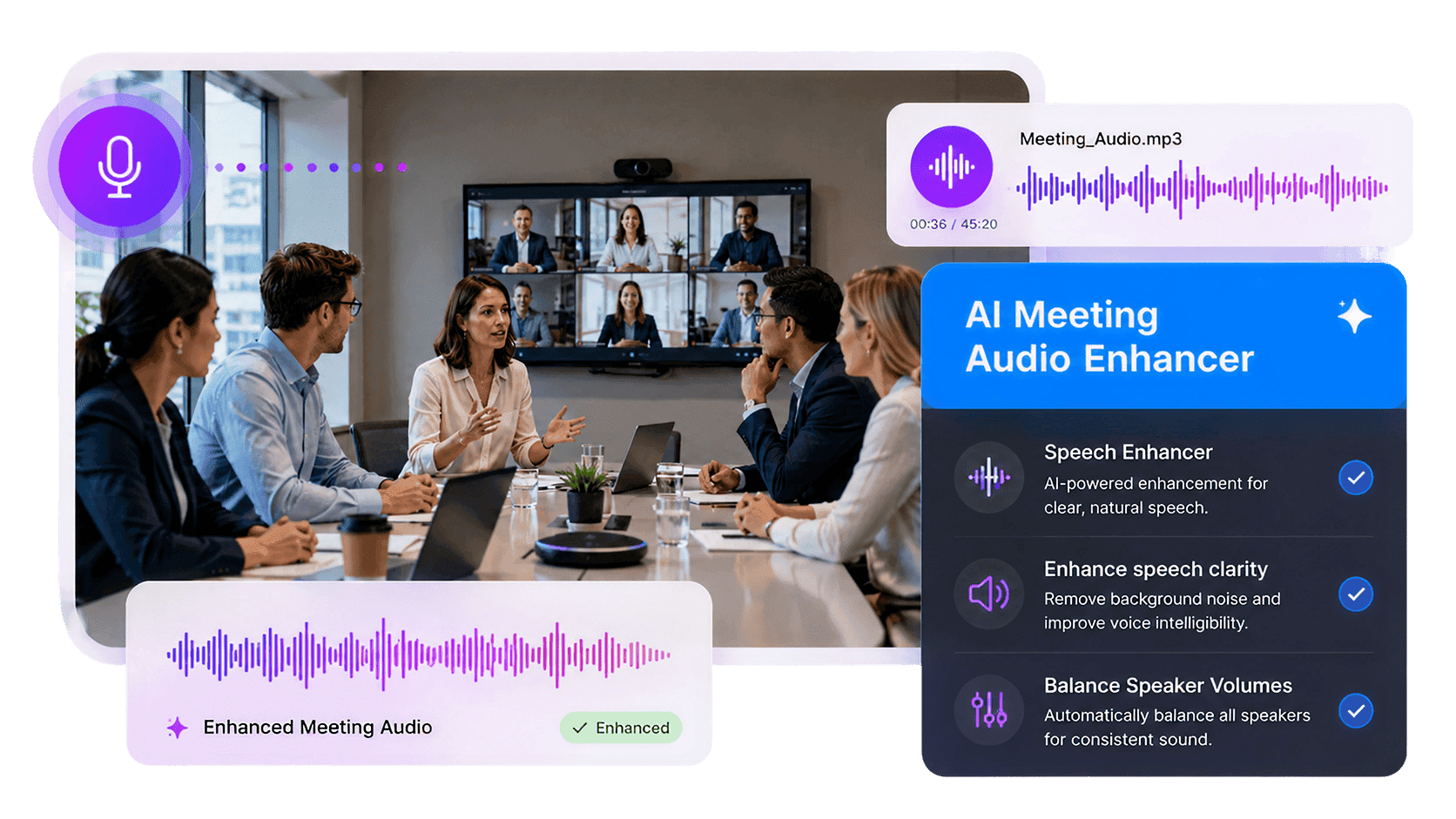
Make meeting recordings clearer and easier to review with AudioMuse AI Meeting Audio Enhancer. Upload meeting audio or video and let AI improve speech clarity, balance speaker volume, and enhance spoken content in Zoom calls, Teams meetings, webinars, conference recordings, online workshops, and remote discussions. AudioMuse helps quiet speakers, distant voices, and uneven meeting audio sound easier to follow without complex editing software.
Make Meeting Speech Easier to Understand
Improve spoken clarity in team meetings, webinars, online workshops, conference recordings, and recorded discussions. Help listeners follow updates, questions, decisions, and action items more easily.
Improve Meeting Clarity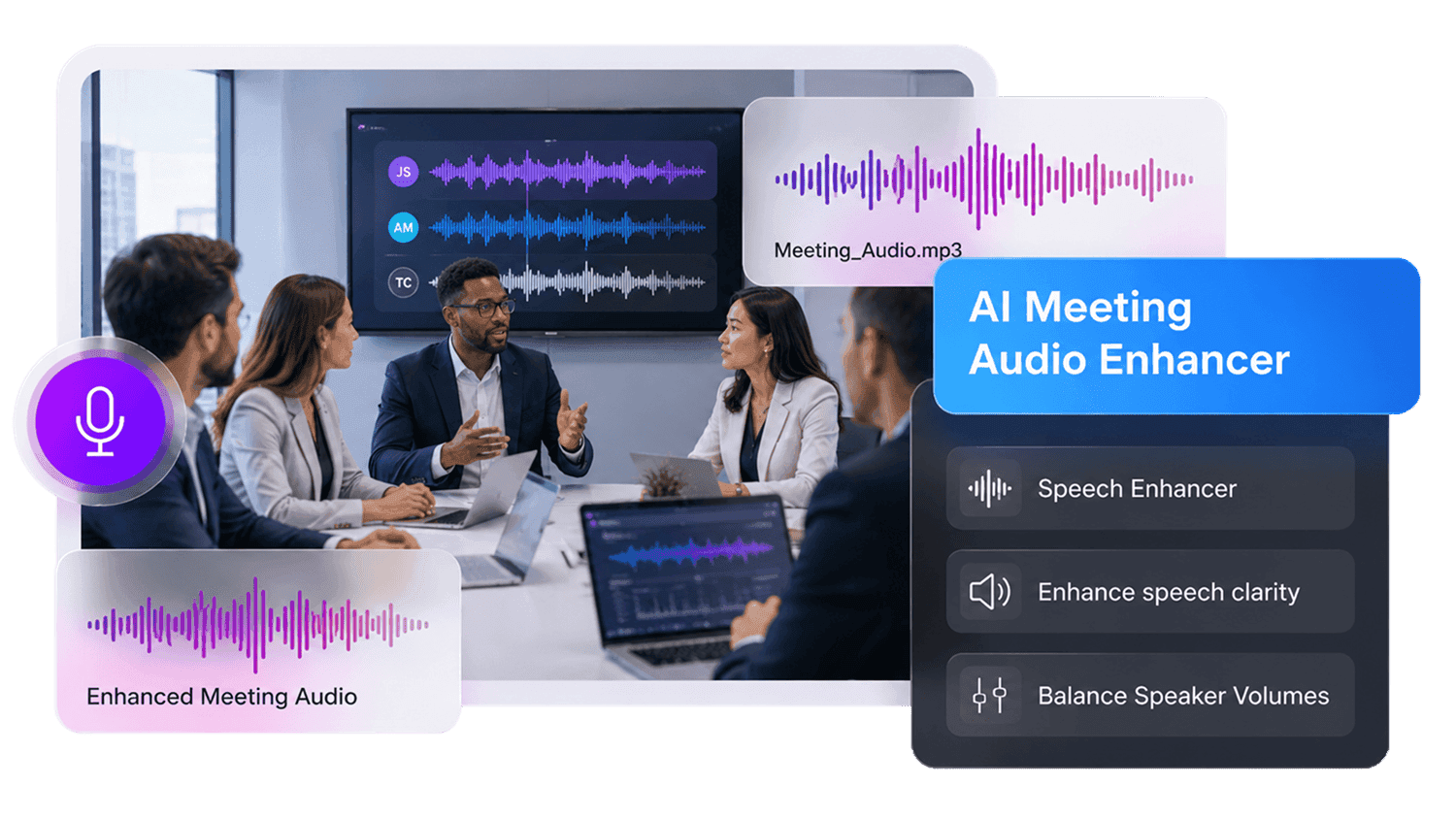
Balance Multiple Speaker Volumes
Reduce the gap between loud and quiet participants. Make hosts, guests, presenters, clients, and team members easier to hear across the full meeting recording.
Balance Speaker Audio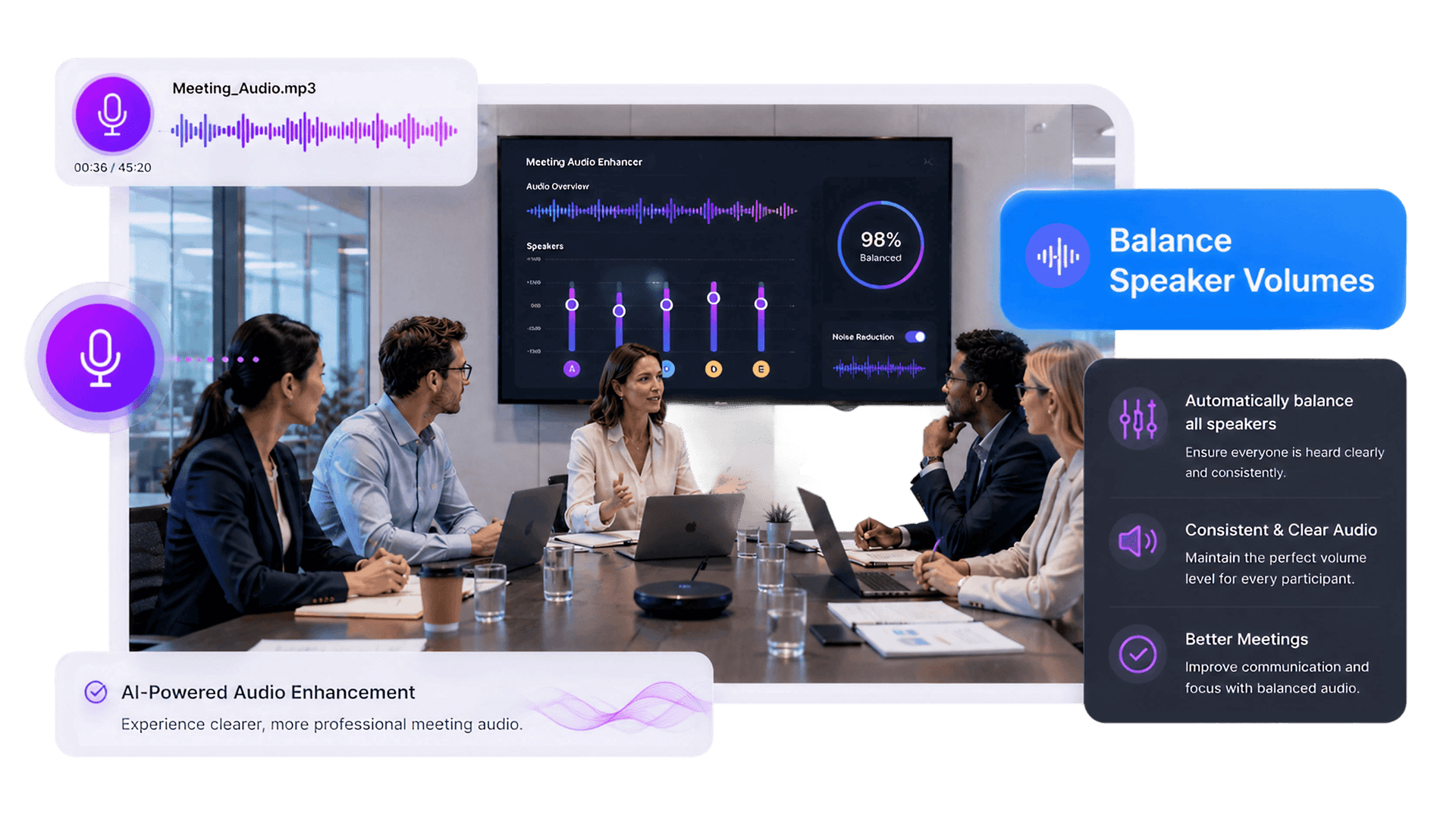
Clean Up Webinars and Remote Calls
Improve audio from Zoom calls, Teams meetings, webinars, conference calls, training sessions, and online presentations where microphones, rooms, and connection quality may vary.
Enhance Webinar Audio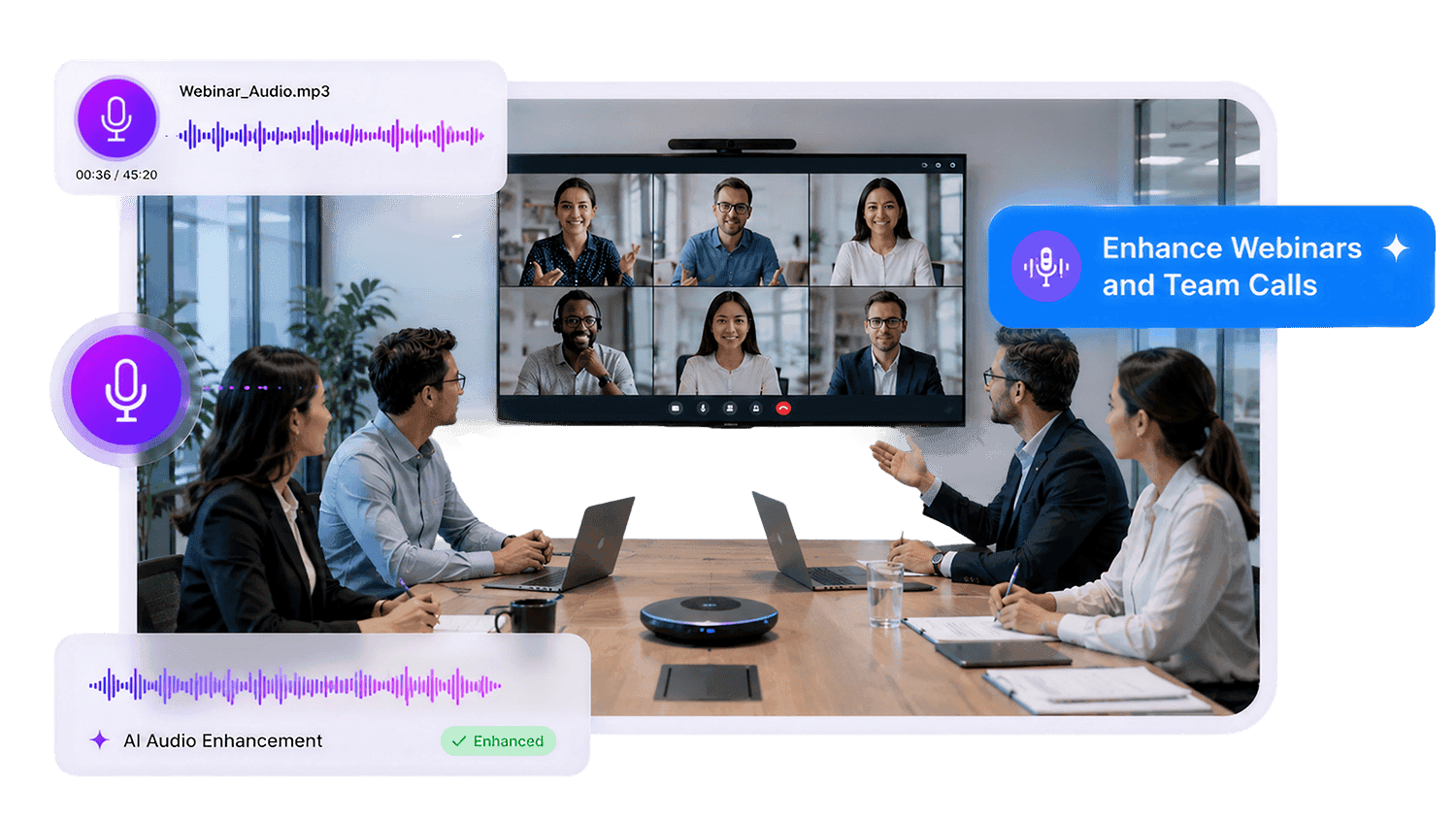
How to Enhance Meeting Audio Online
Improve meeting recordings by choosing the Meeting content type in AudioMuse:
Upload Meeting Audio or Video
Upload your Zoom recording, Teams meeting, webinar, conference call, online workshop, presentation, or remote discussion file. AudioMuse supports common audio and video formats including MP3, MP4, WAV, FLAC, OGG, AAC, AIFF, and M4A.
Choose the Meeting Content Type
Select Meeting as the audio content type so AudioMuse can process the file as a multi-speaker spoken recording, rather than music, lecture, podcast, or general audio.
Preview and Download Clearer Meeting Audio
Preview quiet speakers, speaker changes, Q&A sections, and unclear moments. Then download the enhanced meeting audio for review, sharing, transcription, documentation, or training.
What they say about AudioMuse’s AI Meeting Audio Enhancer ?
Other online audio tools:
Everything you Need, All in one Place
Choose Audio Muse for all your online audio or music processing needs with a full suite of tools in one easy-to-use platform. Edit audio directly from your browser, remove noise, convert file formats, and perfect your tracks - all without downloading extra software. Plus, manage your projects from any device, anytime. Your go-to for audio solutions.