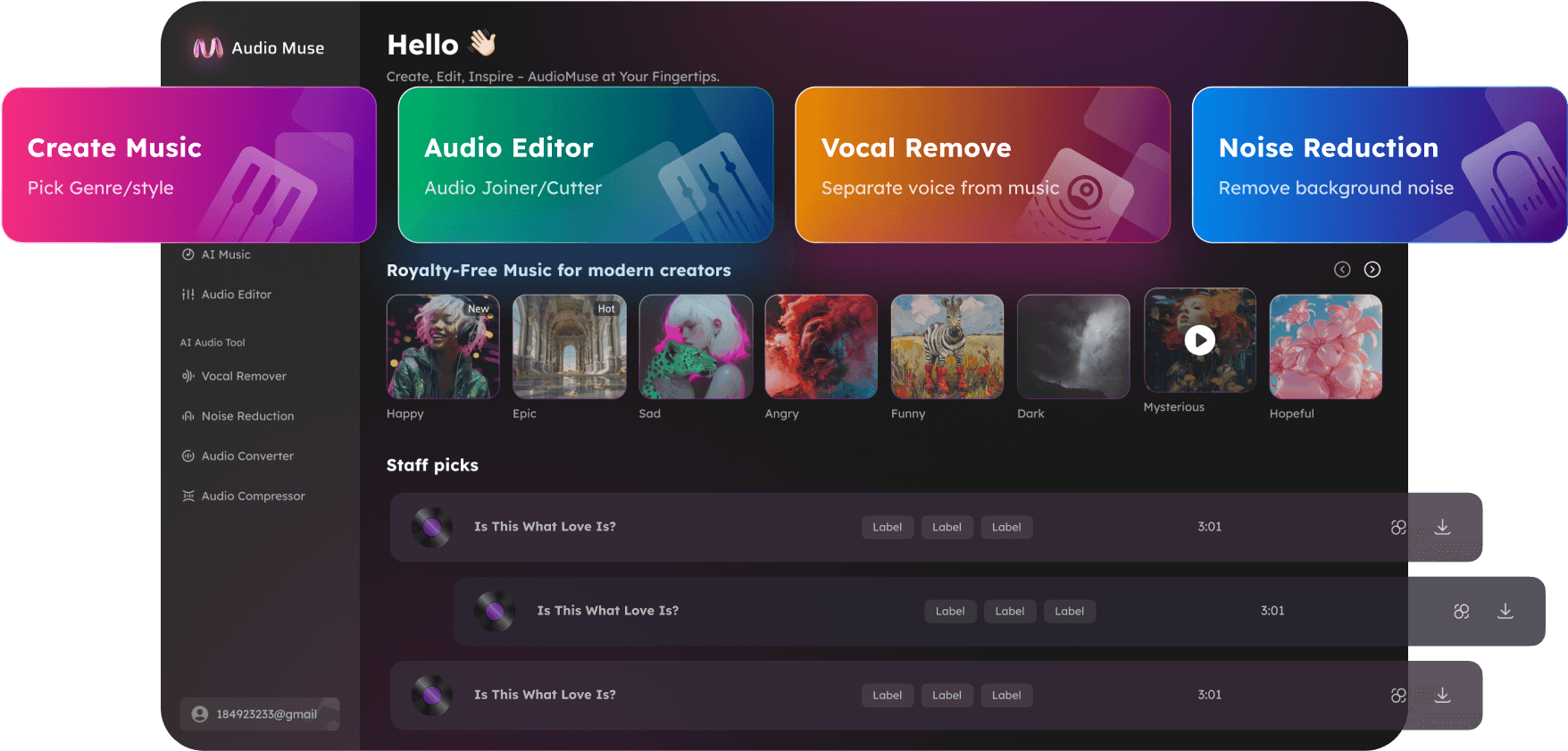
Low Quality Audio Enhancer
Improve low-quality audio online with AudioMuse AI Audio Upscaler. Make old, compressed, muffled, or low-fidelity recordings clearer and easier to hear with AI audio enhancement.
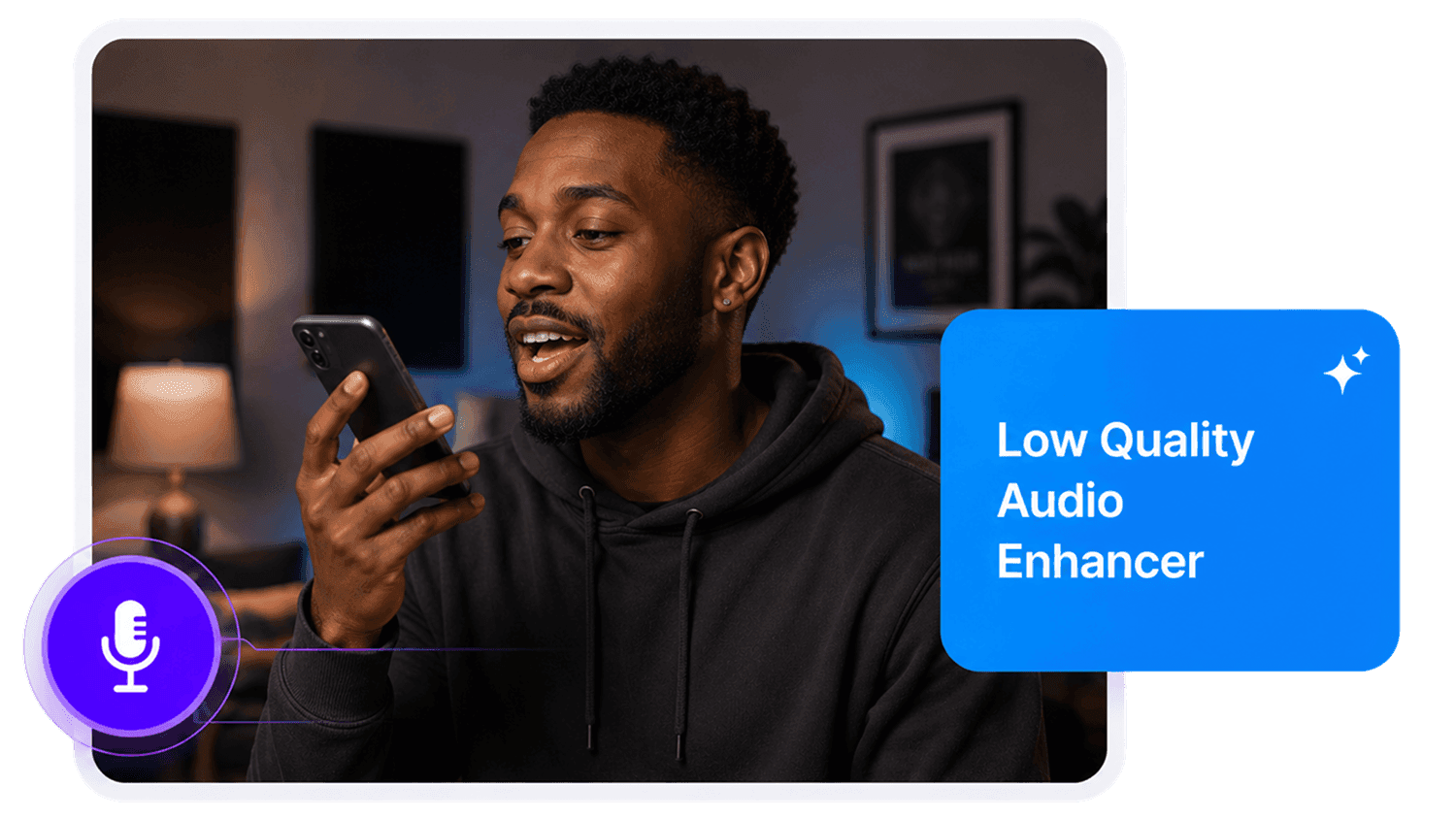
Low Quality Audio Enhancer,Free
Improve poor-quality audio with AudioMuse AI Low Quality Audio Enhancer. Upload your recording and use AI audio enhancement to make muffled, compressed, rough, low-fidelity, or unclear audio easier to hear. It is useful for podcasts, voice recordings, video audio, lectures, interviews, phone recordings, music demos, and low-bitrate digital files. AudioMuse helps improve the listening quality of difficult recordings while preserving the original character where possible.
Improve Poor Audio Quality
Make muffled, compressed, thin, rough, or unclear recordings easier to hear. AI audio enhancement helps improve perceived clarity and overall listening quality without manual editing.
Improve Audio Quality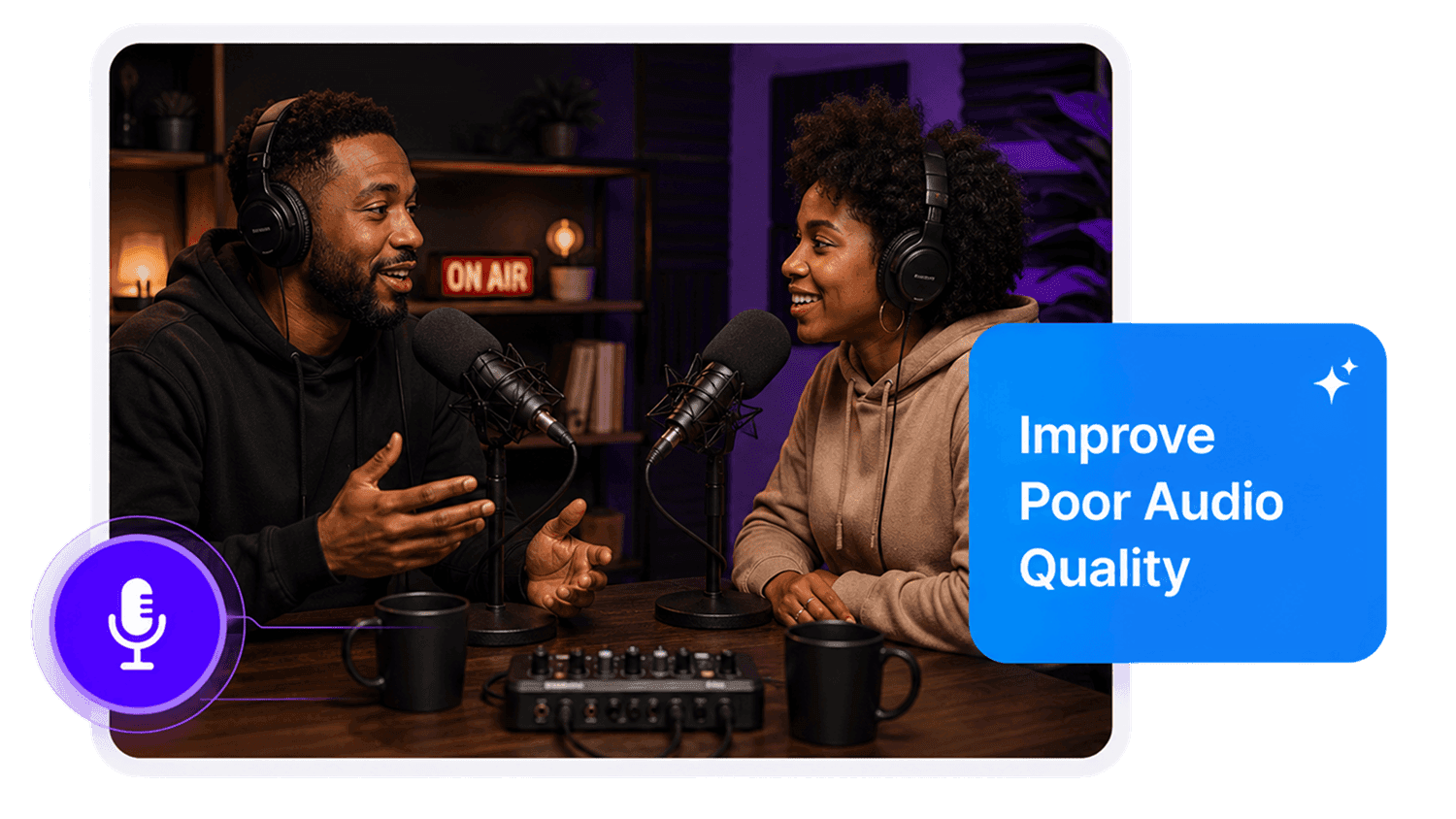
Make Muffled Audio Clearer
Improve recordings that sound dull, distant, covered, or hard to understand. Useful for voice recordings, podcasts, lectures, interviews, phone audio, and video clips.
Clear Muffled Audio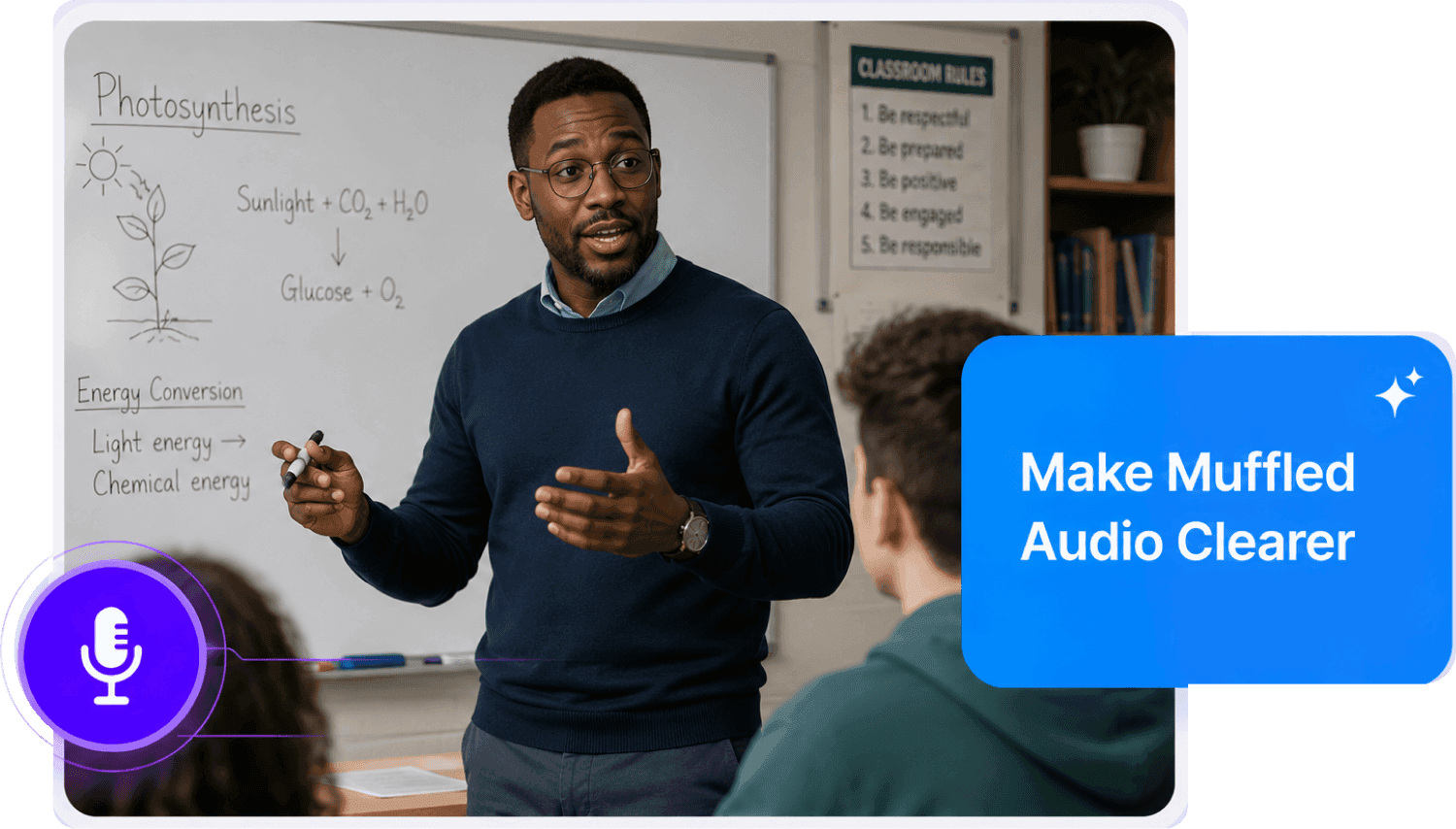
Enhance Compressed Recordings
Improve low-bitrate audio, old exports, voice notes, rough demos, and low-fidelity digital files so they are easier to listen to, review, or reuse.
Enhance Compressed Audio
How to Enhance Low-Quality Audio Online
Improve poor, muffled, compressed, or unclear audio with the right AI audio enhancement scene:
Upload Your Low-Quality Recording
Upload the audio or video file you want to improve, such as a rough podcast, old recording, compressed MP3, lecture, interview, music demo, phone recording, or video clip. Supported formats include MP3, MP4, WAV, FLAC, OGG, AAC, AIFF, M4A, and other common formats.
Select the Right Audio Content Type
Choose the scene that matches the recording content. Use Podcast for podcast audio, Music for songs or demos, Lecture for educational recordings, Meeting for discussions, Interview for Q&A recordings, Mobile for phone captures, or Record for general low-quality audio.
Preview and Export the Enhanced Audio
Preview the enhanced version and compare the parts that were muffled, compressed, rough, or hard to hear. Download the improved file for editing, publishing, sharing, archiving, transcription, or review.
What they say about AudioMuse’s Low Quality Audio Enhancer ?
Other online audio tools:
Everything you Need, All in one Place
Choose Audio Muse for all your online audio or music processing needs with a full suite of tools in one easy-to-use platform. Edit audio directly from your browser, remove noise, convert file formats, and perfect your tracks - all without downloading extra software. Plus, manage your projects from any device, anytime. Your go-to for audio solutions.