Old Recording Enhancer
Improve low-quality audio online with AudioMuse AI Audio Upscaler. Make old, compressed, muffled, or low-fidelity recordings clearer and easier to hear with AI audio enhancement.
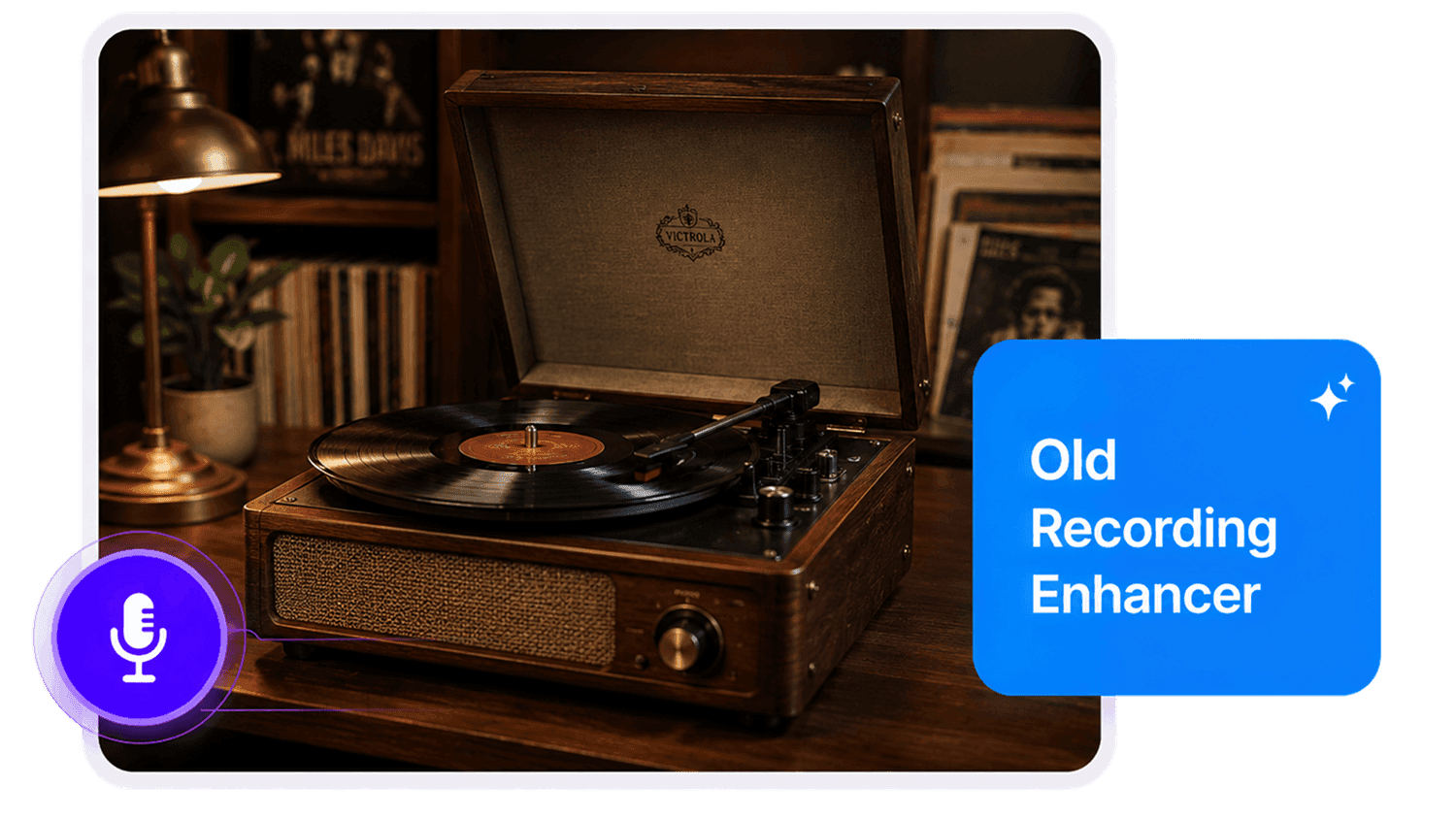
Old Recording Enhancer,Free
Improve old and vintage recordings with AudioMuse AI Old Recording Enhancer. Upload a digitized tape, vinyl transfer, old interview, archived podcast, speech, lecture, family recording, or low-fidelity audio file and use AI audio enhancement to make the recording clearer and easier to hear. AudioMuse helps improve the listenability of old recordings while preserving the original tone and character where possible.
Improve Old Music and Demos
Make old songs, cassette demos, rehearsal tapes, live recordings, and vinyl transfers easier to hear. AudioMuse can help improve the listening quality of vintage music files while keeping the original feel where possible.
Restore Old Music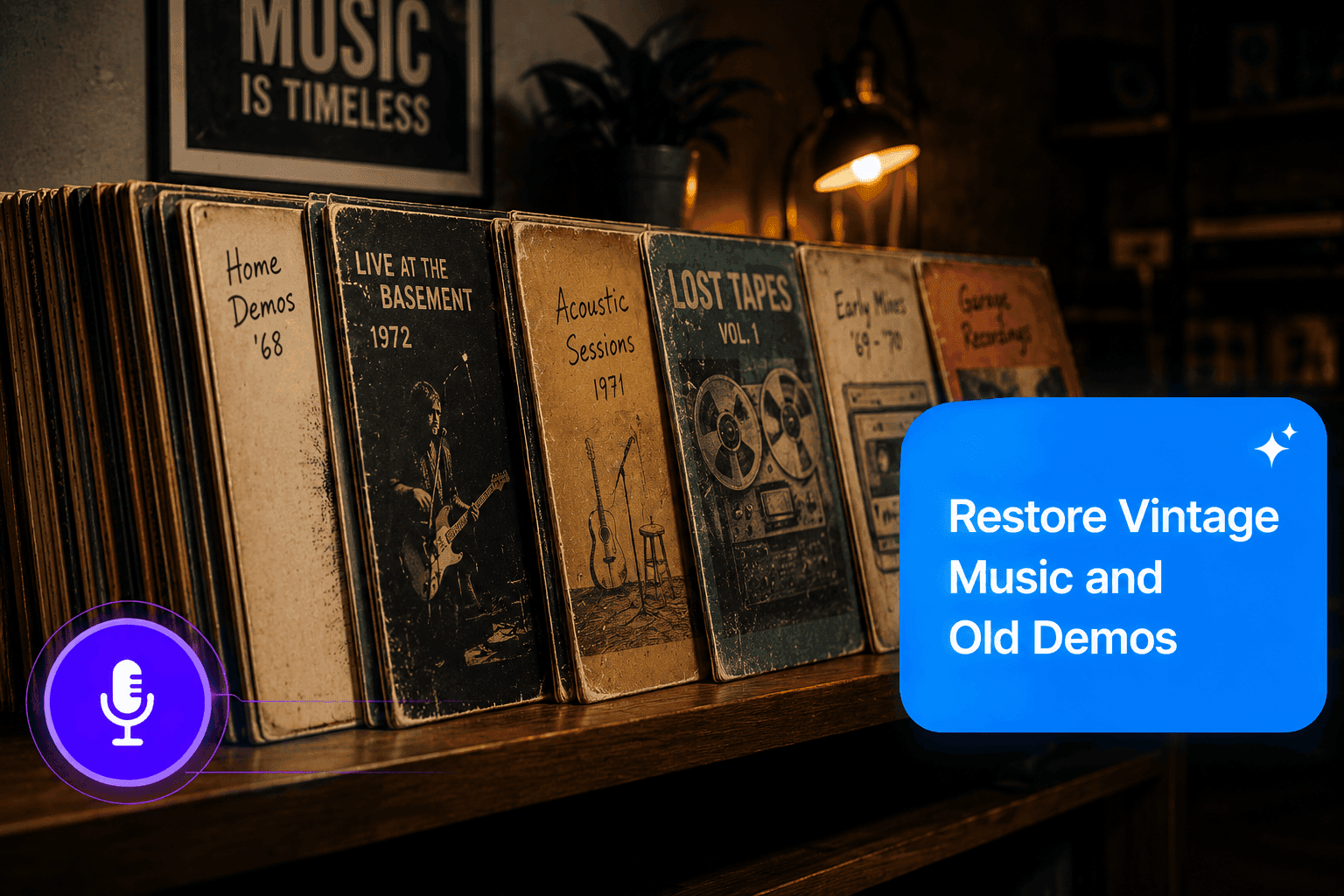
Enhance Historical Interviews and Speeches
Improve archived interviews, oral history recordings, speeches, lectures, and spoken recordings so voices are easier to understand for review, transcription, research, or archiving.
Enhance Archive Audio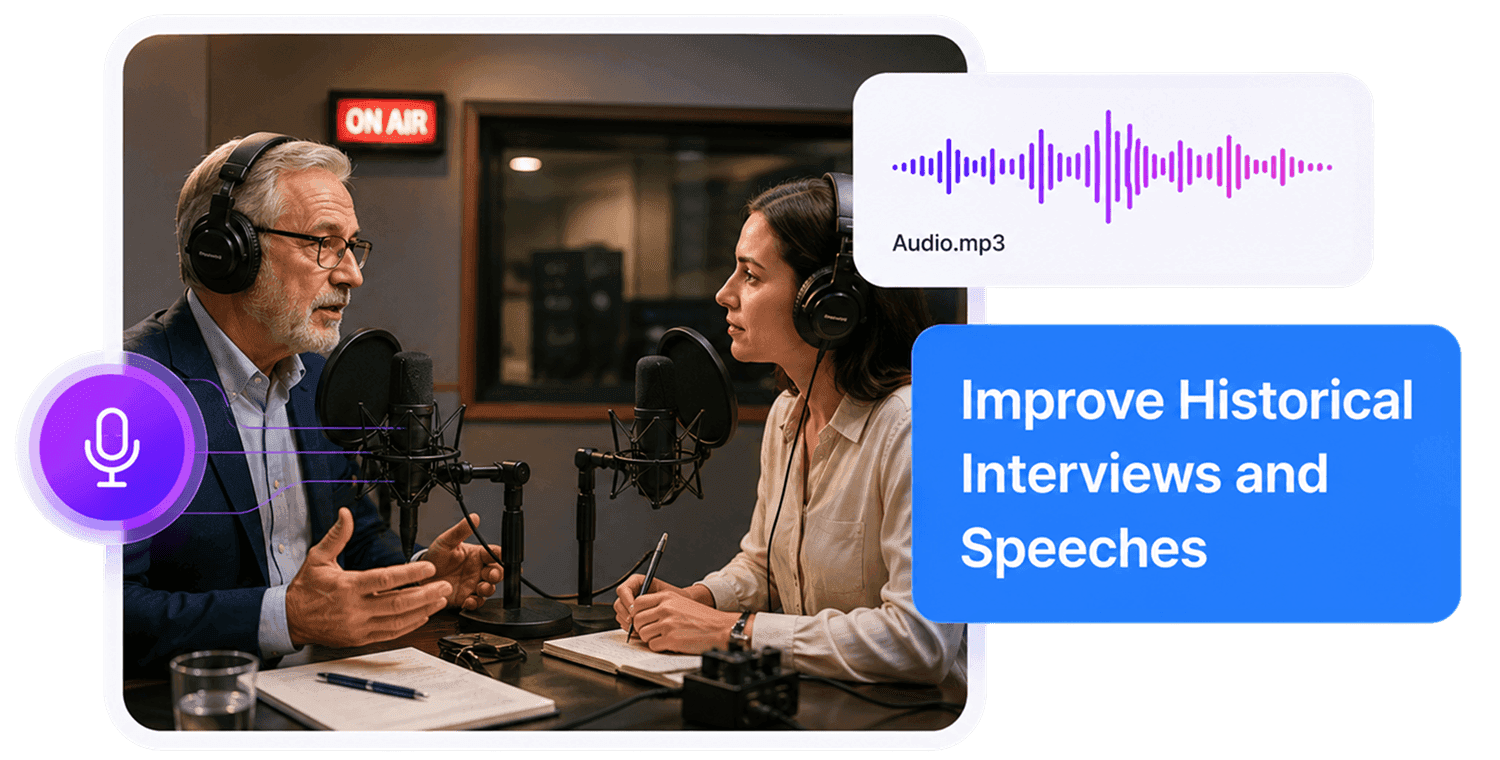
Make Old Audio Easier to Hear
Improve old recordings affected by hiss, hum, crackle, dull tone, compression, or low-fidelity source quality. For heavy background noise, use noise reduction first, then enhance the cleaned recording.
Improve Old Audio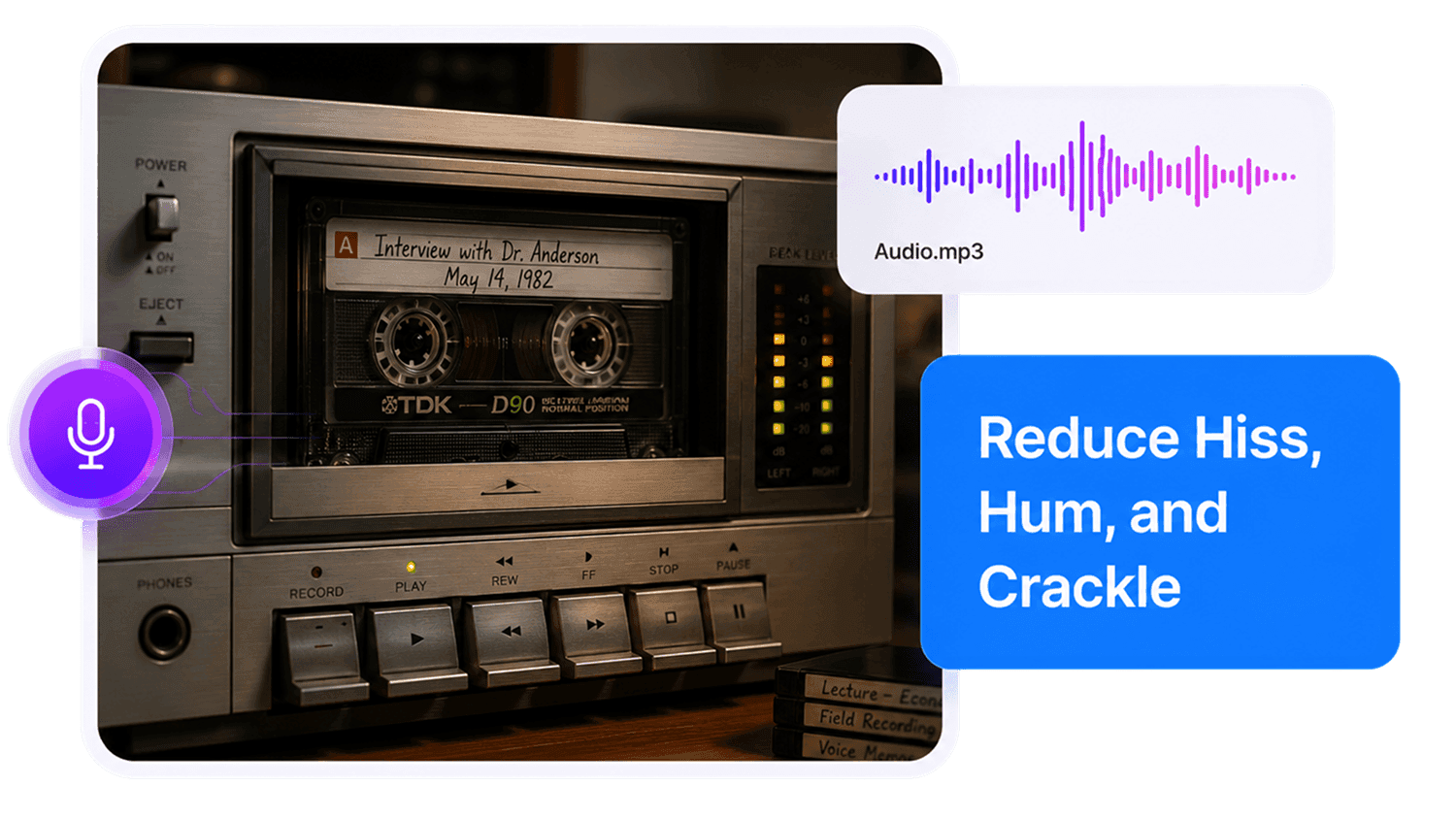
How to Enhance Old Recordings Online
Improve old, vintage, archival, or low-fidelity recordings in three simple steps:
Upload Your Old Recording
Choose your digitized tape, vinyl transfer, old interview, archived podcast, lecture, music demo, speech, or family recording. Supported formats include MP3, MP4, WAV, FLAC, OGG, AAC, AIFF, M4A, and other common formats. For best results, use the cleanest transfer or highest-quality source file available.
Choose the Closest Content Type
Select the content type that best matches the recording. Use Music for old songs or demos, Interview for spoken conversations, Lecture for educational recordings, Podcast for archived episodes, or Record for general archival audio. AudioMuse then applies AI audio enhancement based on the source content.
Preview and Export
Listen to the enhanced result and check sections that sounded muffled, noisy, compressed, or difficult to hear. Export the improved recording for sharing, archiving, listening, transcription, review, or further editing.
What they say about AudioMuse’s Old Recording Enhancer ?
Other online audio tools:
Everything you Need, All in one Place
Choose Audio Muse for all your online audio or music processing needs with a full suite of tools in one easy-to-use platform. Edit audio directly from your browser, remove noise, convert file formats, and perfect your tracks - all without downloading extra software. Plus, manage your projects from any device, anytime. Your go-to for audio solutions.