Dialogue Audio Enhancer
Enhance voice recordings online with AudioMuse AI Voice Enhancer. Improve voice clarity, presence, and natural listening quality for voiceovers, narration, podcasts, videos, interviews, tutorials, and spoken content.
Dialogue Audio Enhancer,Free
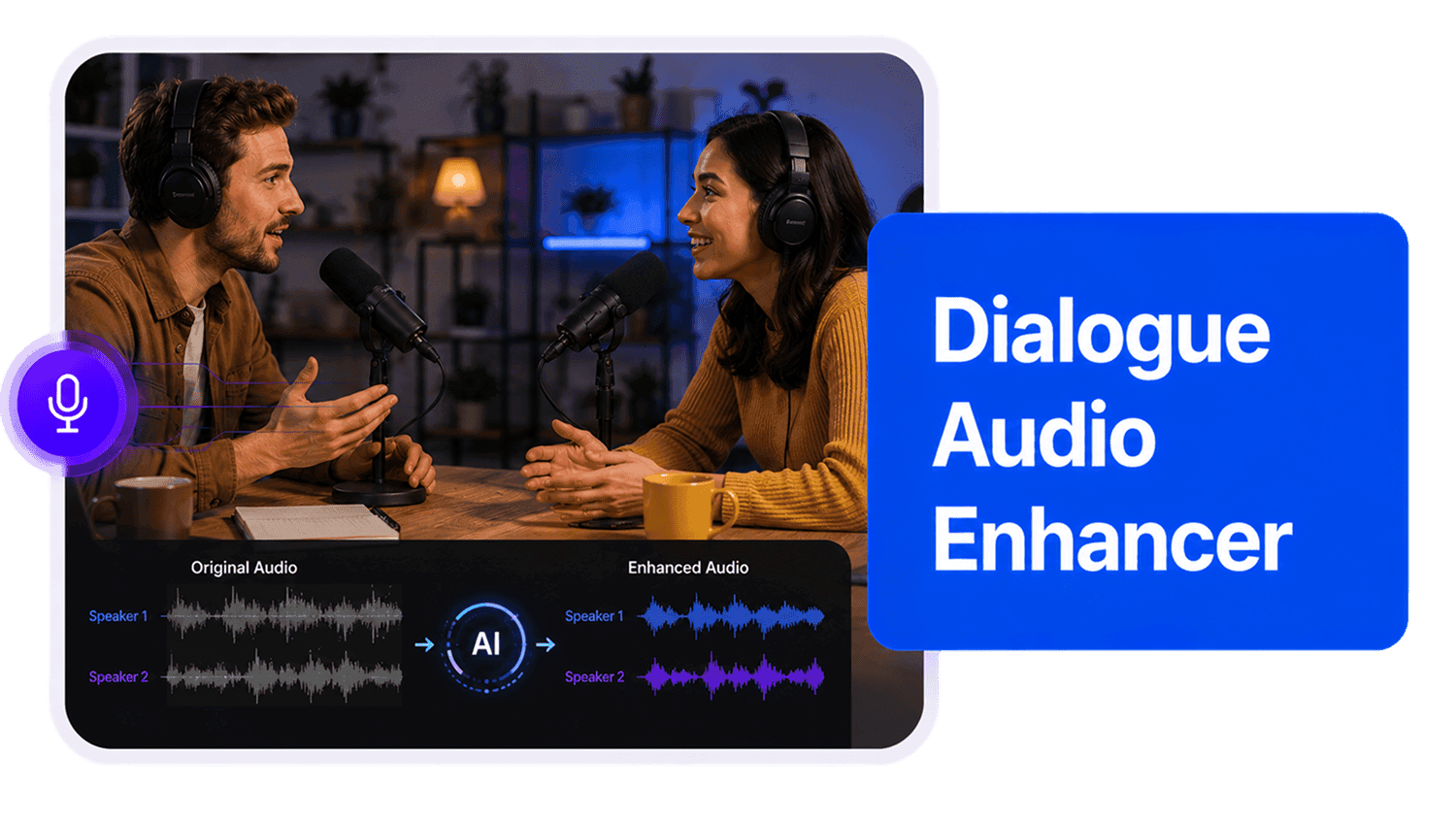
Improve dialogue and conversation recordings with AudioMuse AI Dialogue Audio Enhancer, a dialogue-focused version of AudioMuse AI Audio Enhancer. Upload an audio or video file, choose Dialogue or the closest spoken-audio content type, and let AI make conversations clearer and easier to follow. It is useful for interviews, podcasts, video dialogues, webinars, online meetings, training sessions, Q&A recordings, panel discussions, and other multi-speaker spoken content.
Improve Conversation Clarity
Make questions, answers, discussions, interviews, and spoken exchanges easier to follow in podcasts, videos, webinars, meetings, and recorded conversations.
Improve Dialogue Clarity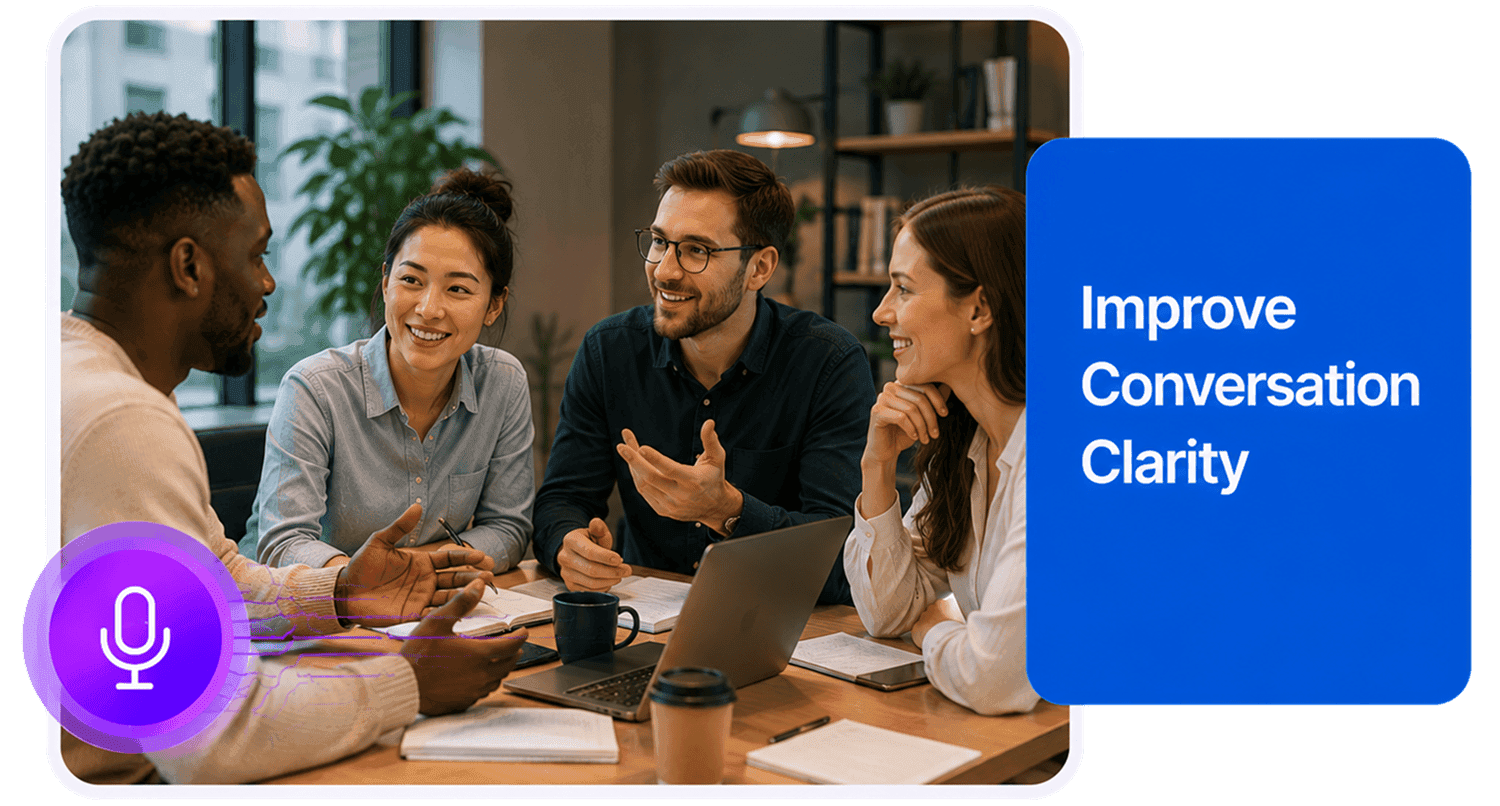
Enhance Interviews and Podcasts
Improve dialogue audio from interview recordings, podcast conversations, guest discussions, panel episodes, Q&A sessions, and long-form spoken content.
Enhance Interview Audio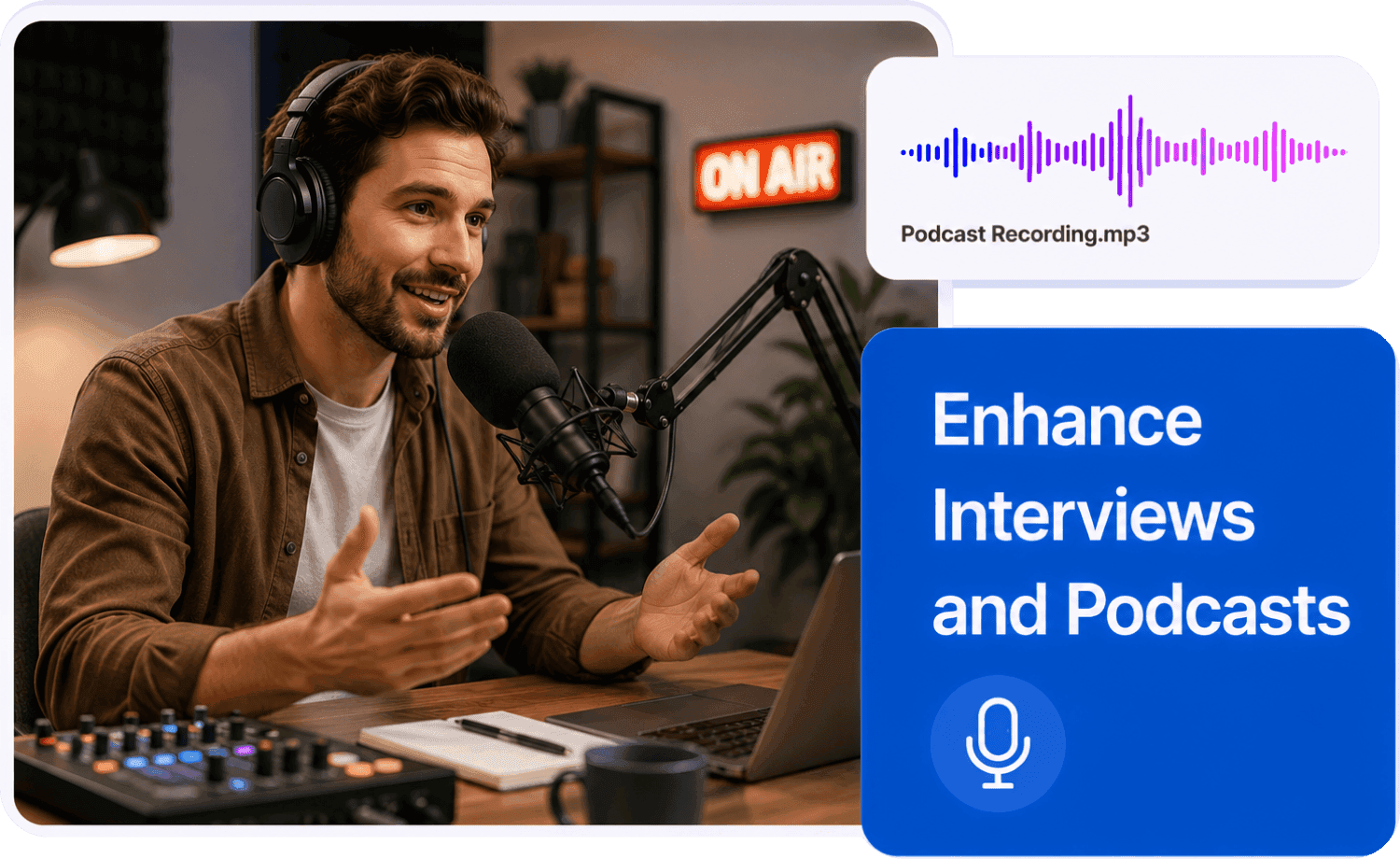
Make Recorded Discussions Easier to Use
Improve recorded discussions that sound muffled, distant, compressed, rough, or unclear. Useful for meetings, webinars, training sessions, classroom discussions, and video conversations.
Improve Discussion Audio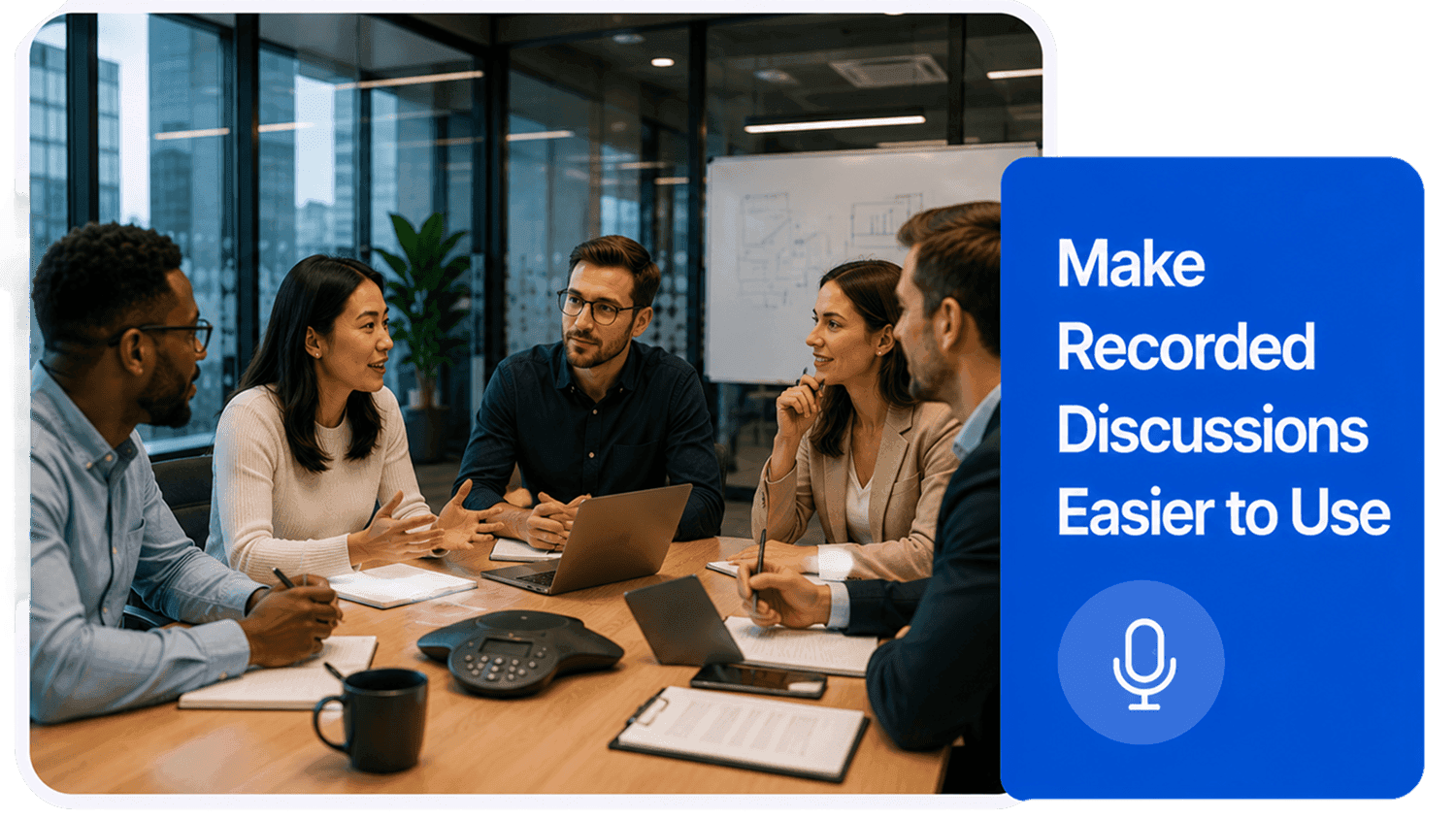
How to Enhance Dialogue Audio Online
Improve conversation clarity and dialogue listening quality in three simple steps:
Upload Your Dialogue Recording
Choose your audio or video file from your device. You can upload interviews, podcast conversations, video dialogue, webinars, meeting recordings, Q&A sessions, training discussions, or general spoken conversations. Supported formats include MP3, MP4, WAV, FLAC, OGG, AAC, AIFF, M4A, and other common formats depending on current upload settings.
Choose Dialogue or the Closest Content Type
Select Dialogue when the recording is mainly a conversation or multi-speaker spoken exchange. For more specific cases, choose Interview, Podcast, Meeting, Lecture, Mobile, Studio, or Record based on what the audio contains.
Preview and Download
Preview important conversation sections, including quiet speakers, Q&A moments, guest responses, overlapping sections, and any unclear parts. Then download the enhanced audio for editing, publishing, transcription, review, sharing, or archiving.
What they say about AudioMuse’s Dialogue Audio Enhancer ?
Other online audio tools:
Everything you Need, All in one Place
Choose Audio Muse for all your online audio or music processing needs with a full suite of tools in one easy-to-use platform. Edit audio directly from your browser, remove noise, convert file formats, and perfect your tracks - all without downloading extra software. Plus, manage your projects from any device, anytime. Your go-to for audio solutions.