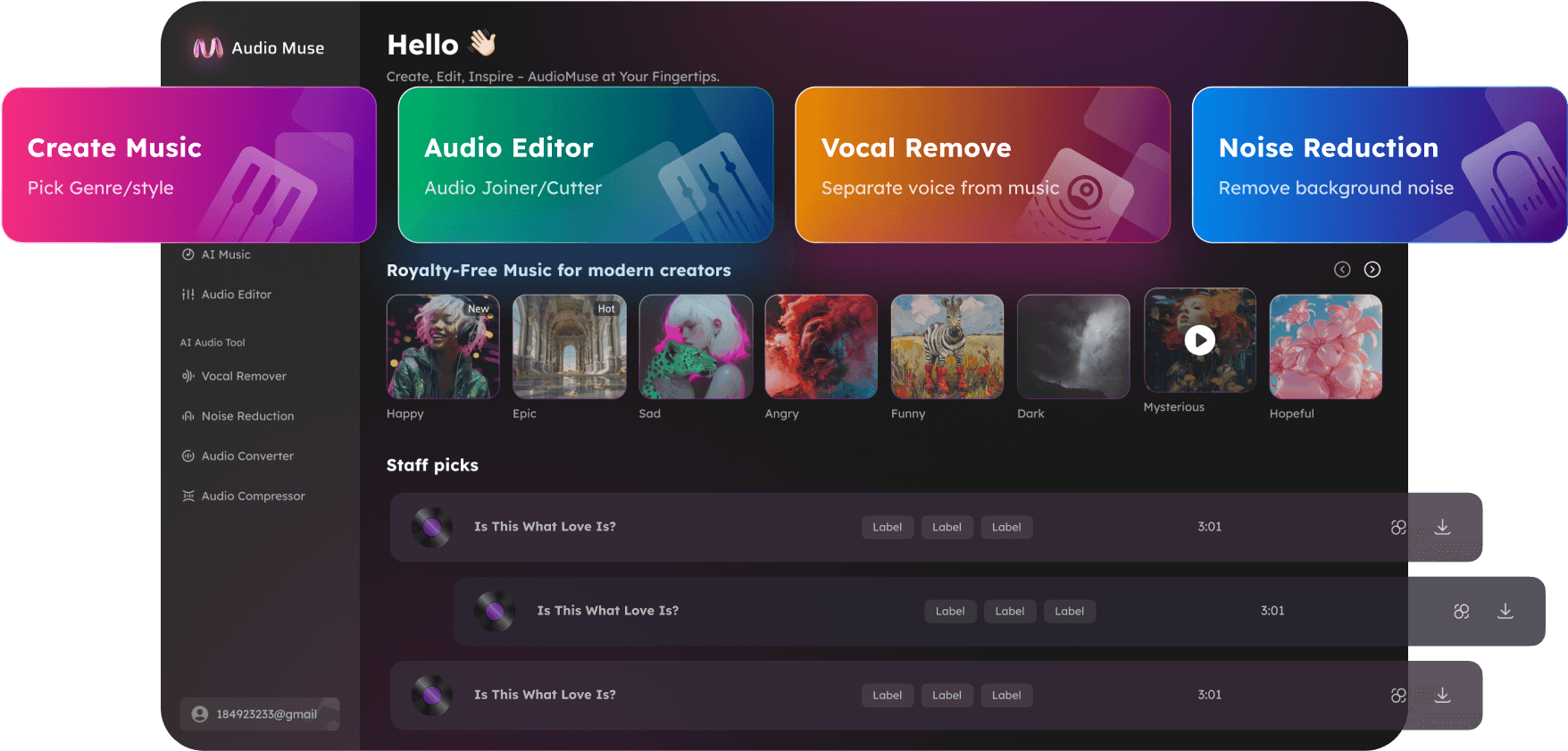
Aac Editor
Edit, trim, merge, and convert AAC audio files online with AudioMuse AAC Editor. Remove background noise, enhance voice clarity, and remix tracks effortlessly—100% free and no downloads required.
Edit Audio Now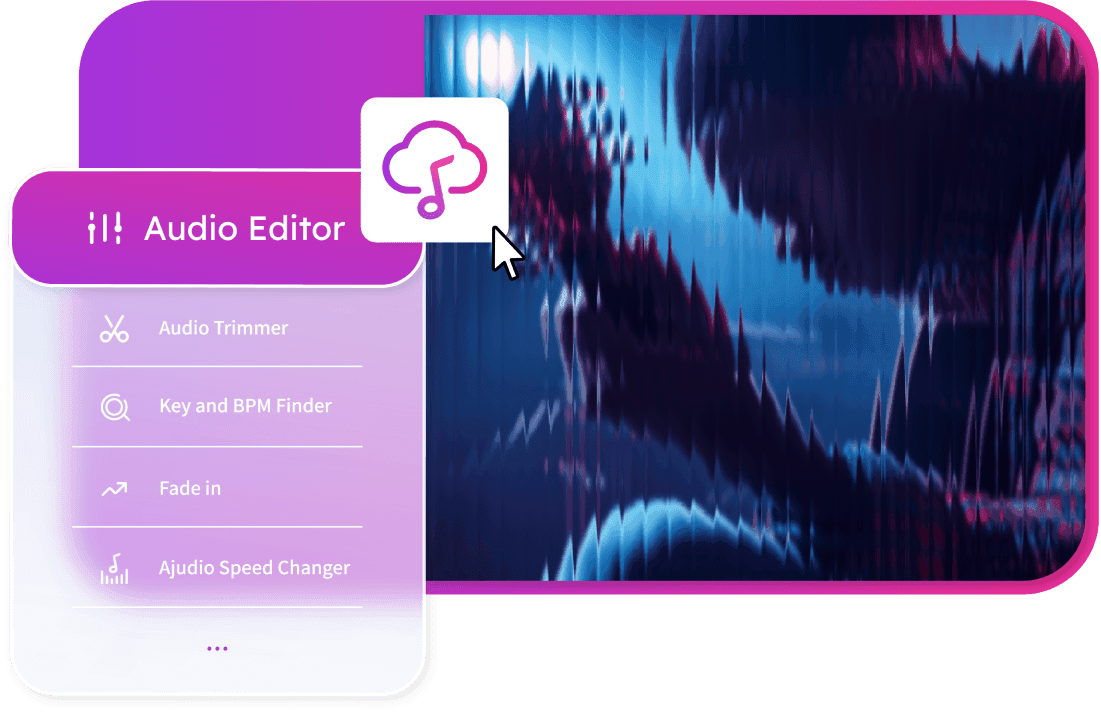
Aac Editor,Free
AudioMuse AAC Editor is the ultimate online AI-powered audio editor for AAC files. Trim, split, merge, remove background noise, enhance vocals, and remix music tracks directly from your browser. Perfect for podcasters, musicians, YouTubers, karaoke enthusiasts, and educators. Achieve studio-quality sound online without any software installation and enjoy professional audio editing in minutes.
Cut, Merge, and Remix AAC Audio Easily
Isolate the best parts of your recordings, merge multiple tracks, or rearrange audio for music production, podcasting, or video voiceovers. AudioMuse AAC Editor provides intuitive tools to create seamless transitions, remove silence or errors, and produce professional-sounding tracks quickly.
Try Now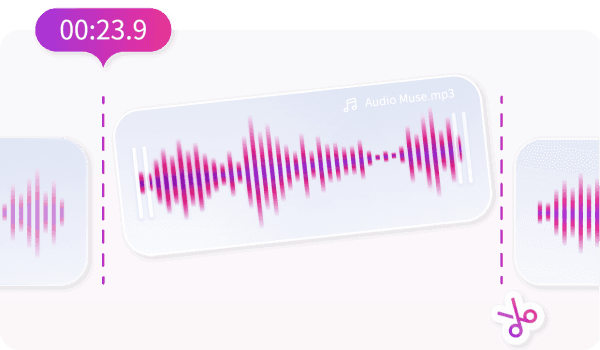
Enhance Audio Clarity with AI Noise Reduction
Remove background noise, echo, reverb, and static from your AAC files instantly. Perfect for podcasters, voice-over artists, vloggers, and online educators. Achieve studio-quality audio that highlights vocals and instruments without distractions.
Try Now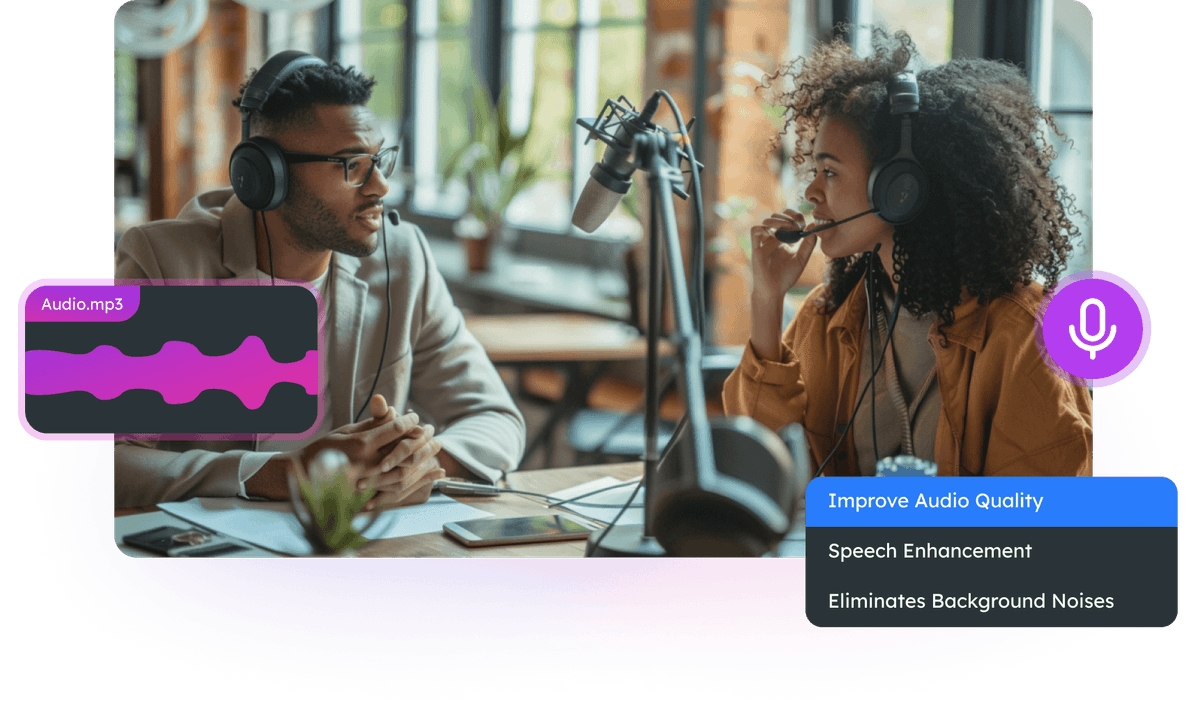
Remove Vocals for Karaoke or Instrumental Tracks
Easily remove vocals from AAC audio files to create karaoke tracks or instrumentals. Ideal for music producers, DJs, and content creators wanting to remix songs or practice singing with clean backing tracks.
Try Now
Who is AAC Editor For?


Why Choose AudioMuse’s Aac Editor?

Fully Online AAC Editor
Edit, trim, merge, and enhance AAC files online—no software downloads required. Works on all devices with internet access.

Free AI Audio Editing
Get professional-grade audio editing without any cost. Trim, split, remove noise, enhance vocals, and create music tracks for free.

Supports Multiple Formats
Edit AAC, MP3, WAV, OGG, and other popular audio formats effortlessly. No need to convert files before editing.

User-Friendly Interface
Designed for beginners and professionals alike. Quickly edit audio files with intuitive tools and AI-powered enhancements.
How to Use AAC Editor Online
Follow these simple steps to edit, enhance, and process AAC audio files online with AudioMuse:
Upload Your AAC Files
Click the 'Upload File' button or drag and drop your AAC audio files into the editor. Supported formats include AAC, MP3, WAV, and more.
Trim, Split, or Enhance Audio
Use cutting, splitting, merging, fade-in, and fade-out tools to edit your audio. Enhance your files with AI-powered noise removal, vocal clarity, and bass optimization for professional-quality sound.
Preview & Save
Preview your edited audio, select the output format, and save the file to your device. Export in AAC, MP3, WAV, or OGG formats for immediate use in podcasts, videos, or music projects.
What they say about AudioMuse’s Aac Editor ?
Other online audio tools:
Everything you Need, All in one Place
Choose Audio Muse for all your online audio or music processing needs with a full suite of tools in one easy-to-use platform. Edit audio directly from your browser, remove noise, convert file formats, and perfect your tracks - all without downloading extra software. Plus, manage your projects from any device, anytime. Your go-to for audio solutions.