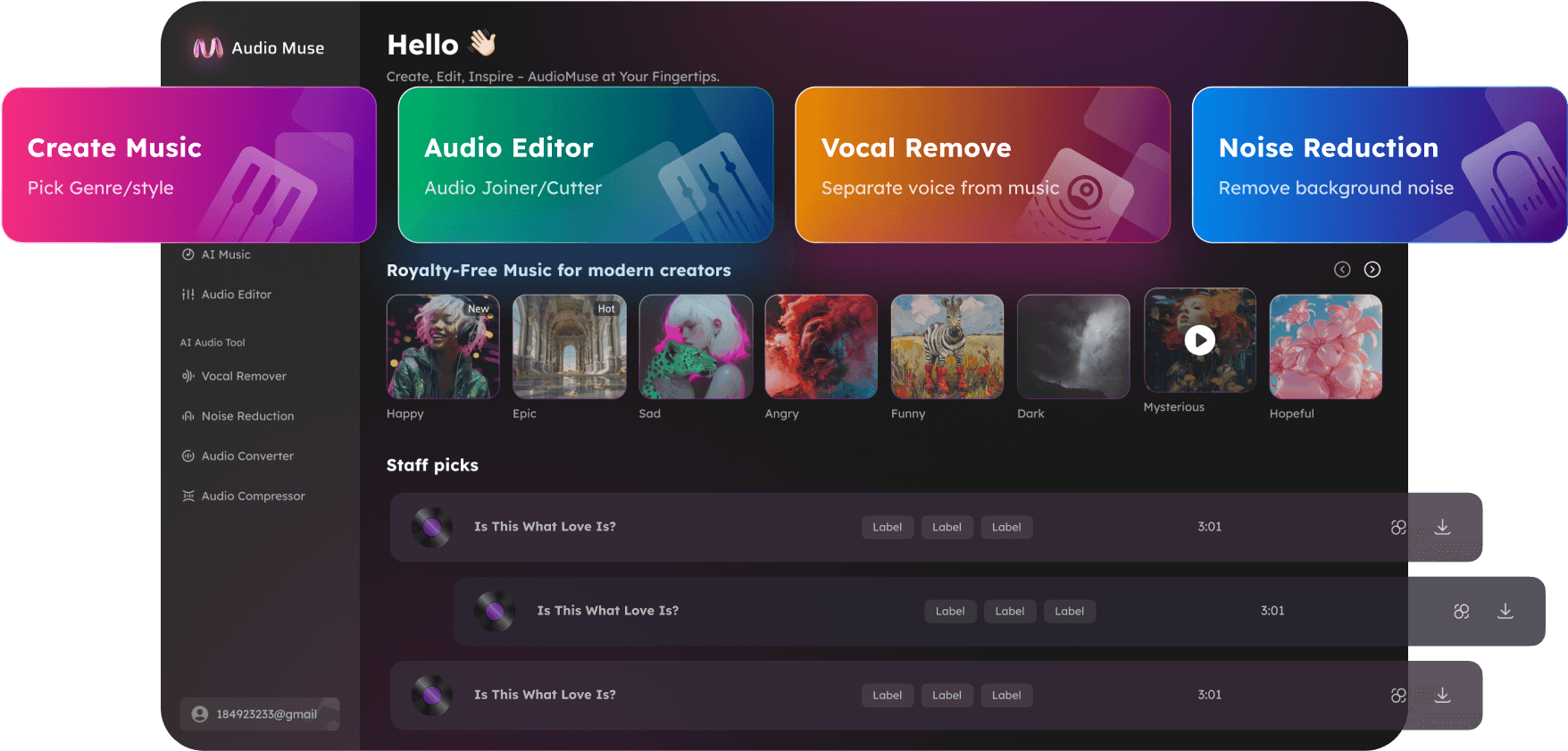
MP3 Editor Online – Trim, Cut, Merge & Convert Audio
Edit, trim, cut, merge, and convert MP3 files online quickly with AudioMuse. Perfect for music tracks, podcasts, tutorials, webinars, ringtones, and voiceovers.
Edit MP3 Now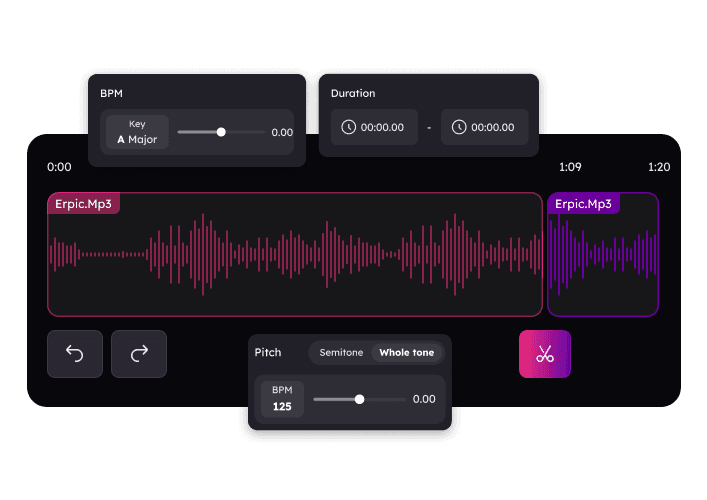
MP3 Editor Online – Trim, Cut, Merge & Convert Audio,Free
AudioMuse MP3 Editor is the ultimate online tool for editing and converting audio files. Trim, cut, merge, adjust volume, and apply effects to your MP3s effortlessly. Perfect for podcasts, music tracks, webinars, tutorials, ringtones, and video voiceovers. Edit high-quality audio online without any software installation and enjoy professional results instantly.
Cut & Join MP3 Files Easily
Split long MP3 files into segments or merge multiple tracks seamlessly. Ideal for podcasts, playlists, webinars, tutorials, and music production. Achieve precise start and end points for perfect results.
Edit Your MP3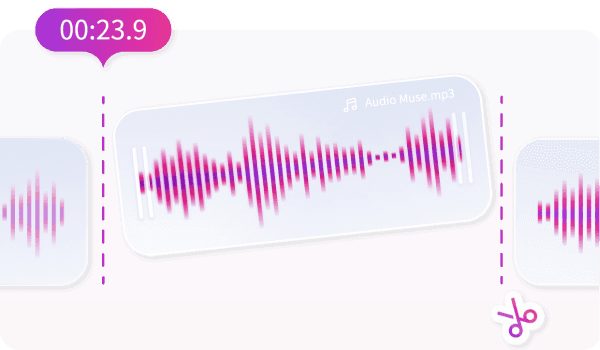
Apply Fade In & Fade Out for Smooth Transitions
Use fade-in to gradually start audio and fade-out to smoothly end it. Perfect for podcasts, music, tutorials, and video voiceovers. Create polished audio transitions effortlessly.
Polish Your Audio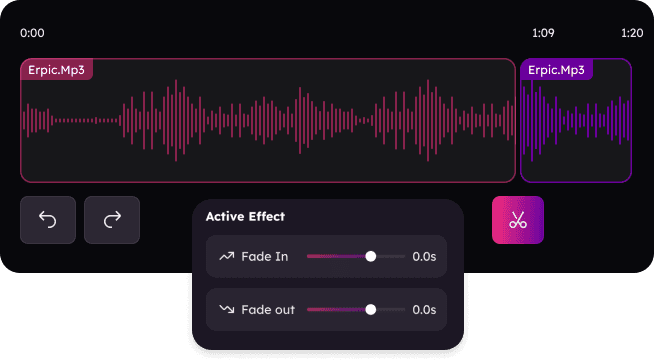
Convert Audio Files to Any Popular Format
Convert your MP3 files to WAV, FLAC, AAC, OGG, or APUS without losing quality. Optimize files for web, sharing, or high-fidelity listening while maintaining crystal-clear sound.
Convert Your Audio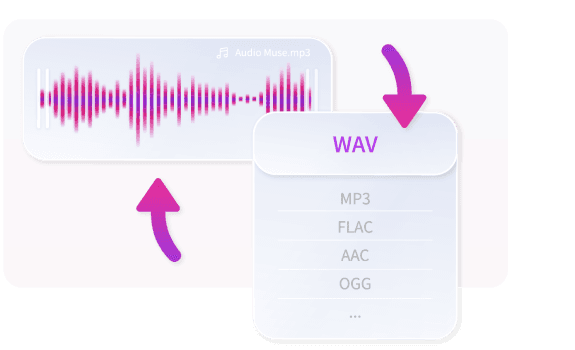
Who Should Use the MP3 Editor?




Why Choose AudioMuse’s MP3 Editor Online – Audio Editing Made Easy?

Online MP3 Editor
Trim, merge, and enhance audio files directly in your browser. No downloads required.

Free & Unlimited
Edit unlimited MP3 files online for free, no subscriptions or hidden fees.

Supports All Audio Formats
Works with MP3, WAV, FLAC, AAC, OGG, APUS, and more. Flexible editing for music, podcasts, tutorials, and voiceovers.

Easy to Use
Intuitive interface for beginners and pros alike. Edit, trim, merge, and apply effects effortlessly.
How to Use the MP3 Editor Online
Cut, trim, merge, convert, and enhance your audio files online with our easy-to-use MP3 Editor. Even beginners can achieve professional-quality results quickly.
Upload Your Audio
Open the MP3 editor and upload your audio file in MP3, WAV, FLAC, AAC, OGG, or APUS format.
Edit Your Audio
Trim unwanted parts, merge multiple tracks, adjust volume, or apply effects like fade-in, fade-out, and equalization. Use sliders or selection tools for precise edits.
Preview & Download
Listen to your edited audio in real-time. When satisfied, export your file in MP3, WAV, FLAC, OGG, or other supported formats for podcasts, tutorials, music tracks, or ringtones.
What they say about AudioMuse’s MP3 Editor Online – Trim, Cut, Merge & Convert Audio ?
Other online audio tools:
Everything you Need, All in one Place
Choose Audio Muse for all your online audio or music processing needs with a full suite of tools in one easy-to-use platform. Edit audio directly from your browser, remove noise, convert file formats, and perfect your tracks - all without downloading extra software. Plus, manage your projects from any device, anytime. Your go-to for audio solutions.