WAV Editor Online – Trim, Cut, Merge & Convert WAV Files
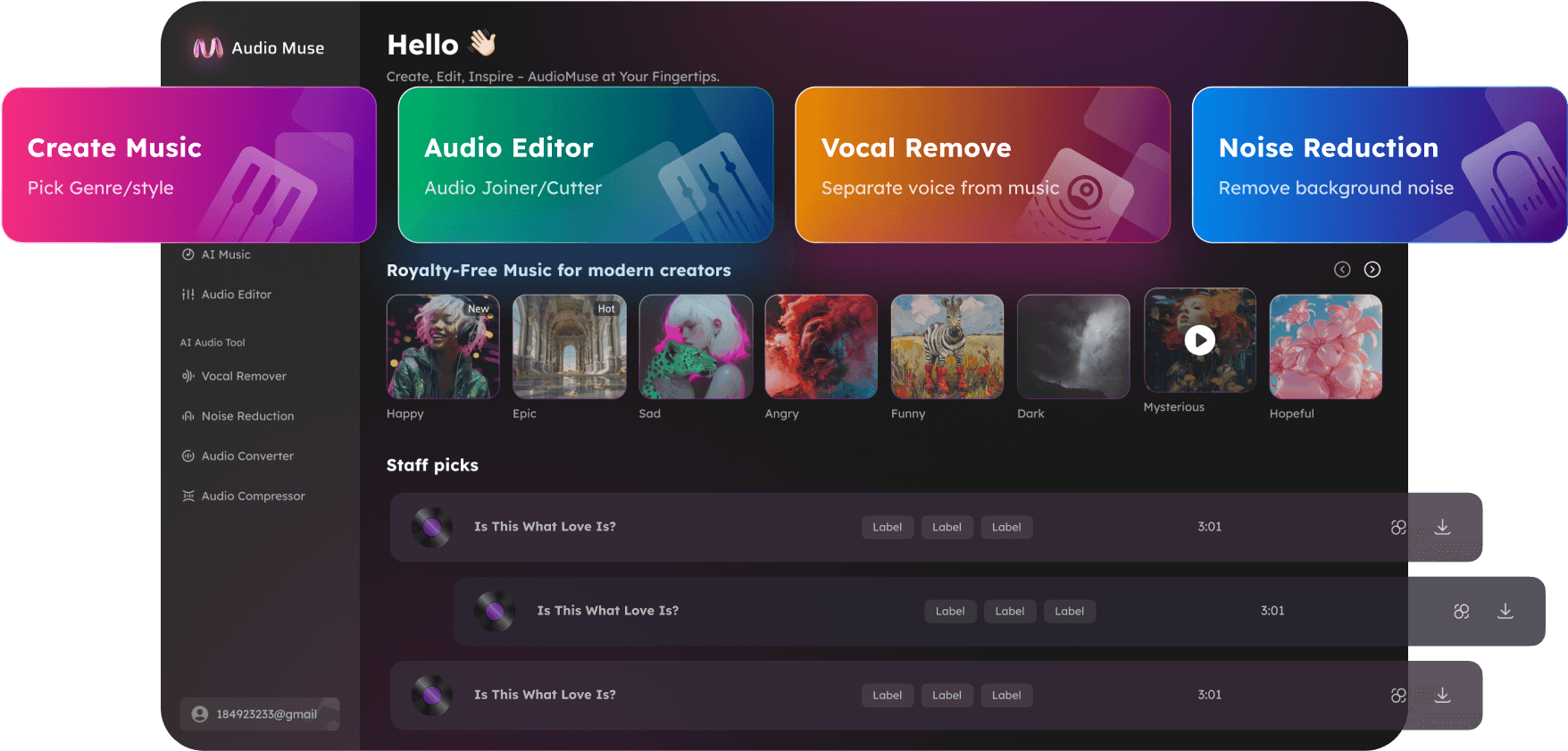
Edit, trim, cut, merge, and convert WAV files online with AudioMuse WAV Editor. Perfect for music production, podcasts, tutorials, webinars, ringtones, and video voiceovers.
Edit Audio Now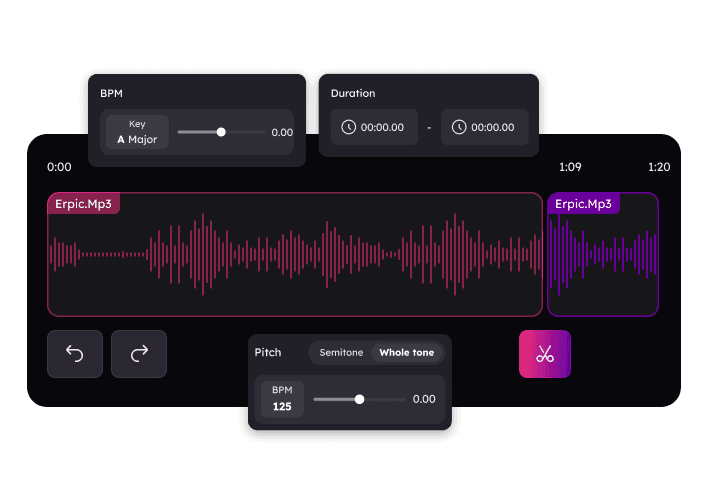
WAV Editor Online – Trim, Cut, Merge & Convert WAV Files,Free
AudioMuse WAV Editor simplifies editing WAV and other audio formats online. Trim, cut, merge, apply fade effects, convert formats, and enhance audio with professional precision. Perfect for music tracks, podcasts, webinars, tutorials, ringtones, and video voiceovers. No installation required, fully online, and ideal for both beginners and professionals.
Trim & Cut WAV Files with Precision
Remove unwanted silence or sections from your WAV files effortlessly. Trim start and end points or cut middle sections to create clean and professional audio for music, podcasts, tutorials, webinars, and video voiceovers.
Edit Your WAV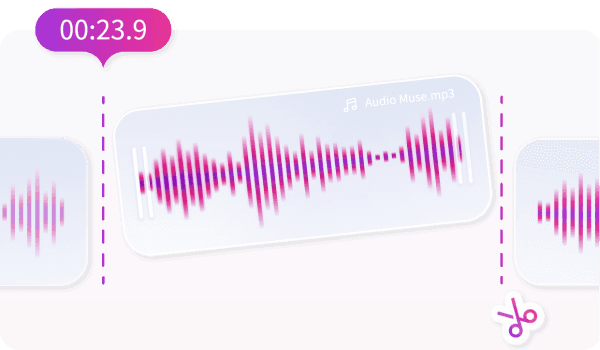
Professional Fade In & Fade Out Effects
Create smooth audio transitions with fade-in and fade-out effects. Ideal for music, podcasts, webinars, and tutorials. Enhance your audio professionalism by softening starts and endings for polished sound.
Apply Fade Effects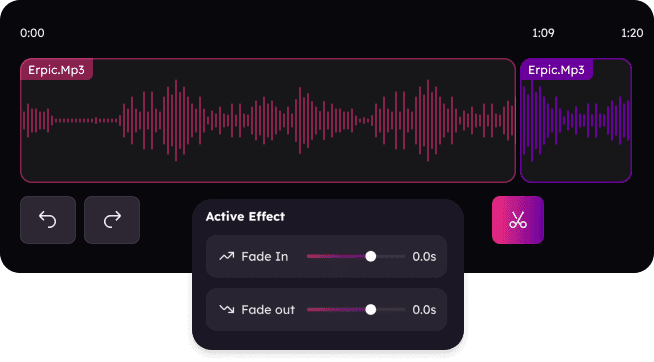
Convert WAV Files to Any Format
Convert your WAV files to MP3, FLAC, AAC, OGG, or APUS without losing quality. Optimize for web, high-fidelity playback, or sharing while maintaining crystal-clear audio.
Convert Audio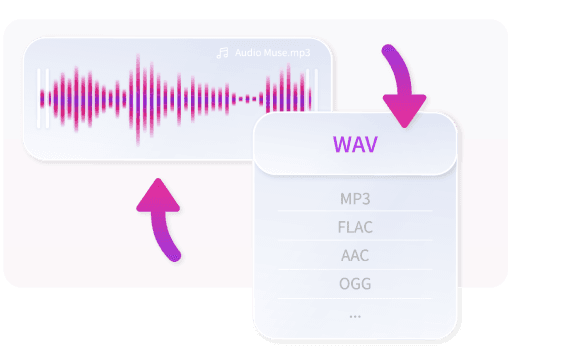
Why Choose AudioMuse’s WAV Editor Online – Professional Audio Editing?

Online WAV Editor
Edit, trim, merge, and enhance WAV files directly in your browser without downloads.

Free & Browser-Based
Access Audiomuse WAV Editor for free from any device at any time, no installations needed.

Supports Multiple Audio Formats
Works with WAV, MP3, OGG, WMA, AAC, and more, providing versatile editing options.

Professional Audio Quality
Advanced tools ensure high-fidelity audio, preserving the original sound quality even after edits or conversions.
How to Edit WAV Files Online
Easily trim, cut, merge, and convert WAV files online. Create polished audio for podcasts, music production, tutorials, webinars, or video projects quickly and efficiently.
Upload Your Audio File
Open the WAV editor and upload your WAV or other audio files (MP3, OGG, WMA, AAC). Supported formats allow seamless editing without compatibility issues.
Edit Your Audio
Trim unwanted sections, merge multiple tracks, apply fade-in/fade-out, or equalization effects. Use intuitive tools to precisely adjust start/end points and enhance your audio effortlessly.
Preview & Download
Preview your edits in real-time and export your audio in WAV, MP3, FLAC, OGG, or AAC. Share or use your files for podcasts, music, tutorials, or video projects.
What they say about AudioMuse’s WAV Editor Online – Trim, Cut, Merge & Convert WAV Files ?
Other online audio tools:
Everything you Need, All in one Place
Choose Audio Muse for all your online audio or music processing needs with a full suite of tools in one easy-to-use platform. Edit audio directly from your browser, remove noise, convert file formats, and perfect your tracks - all without downloading extra software. Plus, manage your projects from any device, anytime. Your go-to for audio solutions.