OGG Editor Online – Edit, Trim, Merge & Convert OGG Audio
Edit OGG and other audio files online. Trim, cut, merge, convert, and enhance your audio for music, podcasts, tutorials, webinars, and more—seamlessly and losslessly.
Try Now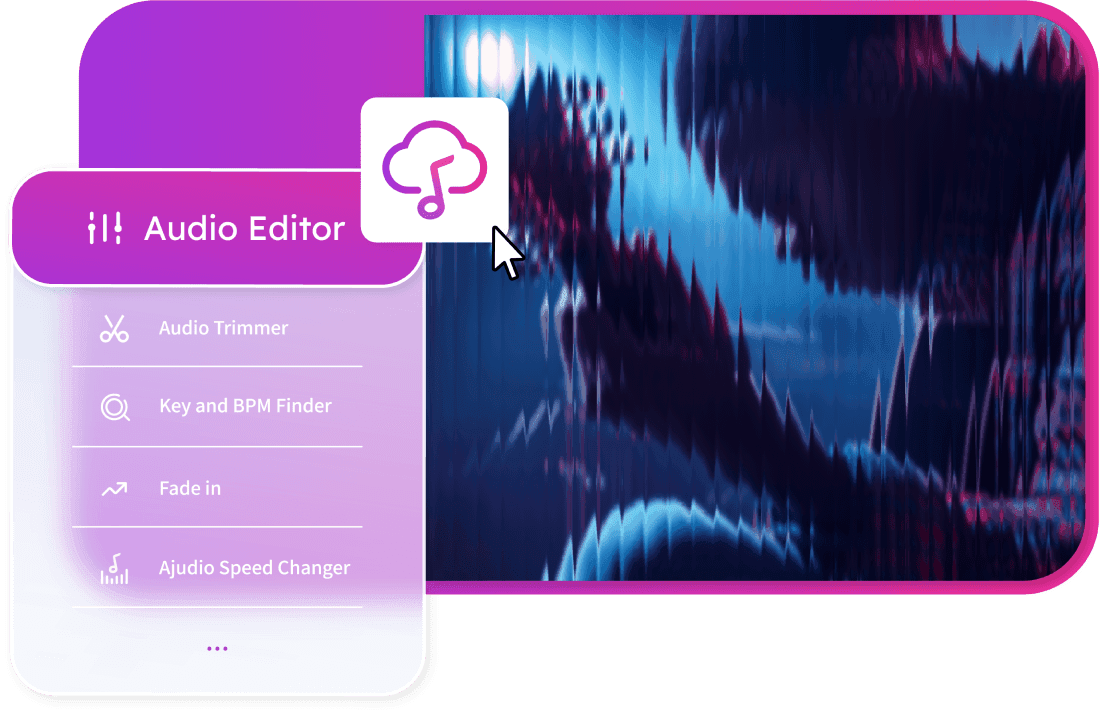
OGG Editor Online – Edit, Trim, Merge & Convert OGG Audio,Free
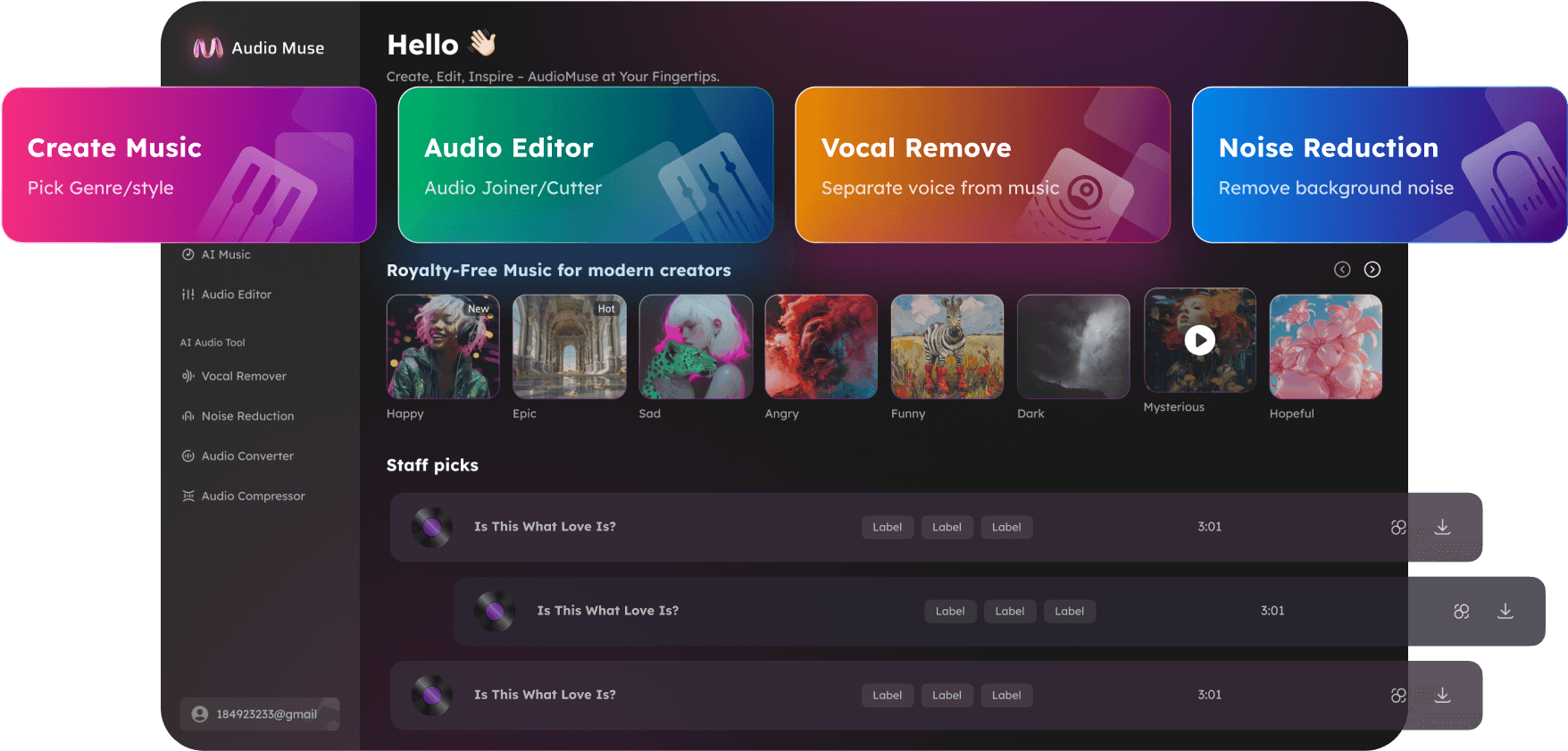
Audiomuse OGG Editor allows creators to cut, trim, merge, convert, and enhance OGG and other audio files online without software installation. Maintain pristine audio quality while editing for music production, podcasts, voiceovers, tutorials, and webinars. Advanced features include noise reduction, vocal removal, and batch processing for professional or casual users.
Cut and Join OGG Audio Easily
Precisely trim unwanted sections or merge multiple OGG tracks seamlessly. Perfect for music mixes, podcast episodes, tutorials, or webinars. Drag, drop, and edit efficiently while maintaining original quality.
Edit OGG Now
Clean Audio with Noise Reduction
Remove background noise and unwanted sounds from your recordings with one click. Audiomuse's advanced algorithms preserve audio clarity, ensuring professional-sounding results for studio and everyday recordings.
Enhance Audio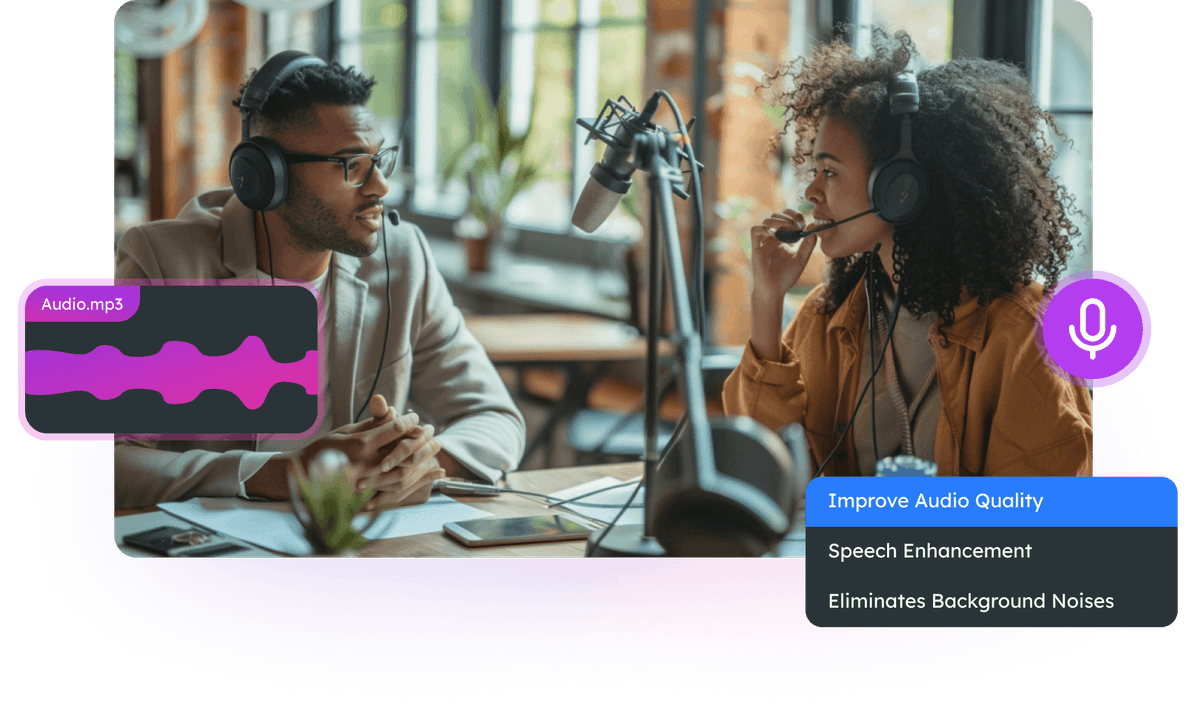
Extract Vocals or Instrumentals
Use the Vocal Remover to separate vocals from instrumentals, creating karaoke tracks or preparing audio for mixing and remixing projects. Easily isolate elements for music production or creative content.
Extract Vocals
Why Choose AudioMuse’s OGG Editor Online?

Online OGG Editor
Trim, merge, convert, and enhance OGG audio directly in your browser—no downloads required.

Free OGG Editor
Enjoy unlimited access to Audiomuse OGG Editor without cost, subscriptions, or hidden fees.

Supports Multiple Audio Formats
Edit OGG, MP3, WAV, AAC, FLAC, and more. Wide compatibility for any device or platform.

Easy to Use
Designed for beginners and professionals alike. Cut, merge, trim, convert, and enhance with ease.
How to Use Audiomuse OGG Editor Online
Manage, edit, and enhance your OGG audio files quickly and efficiently. Follow these steps to achieve professional results:
Upload Your OGG Files
Click the 'Upload File' button to select OGG or other supported formats from your device. The editor supports large and multiple file uploads for efficient processing.
Trim, Cut, or Split Audio
Use the intuitive timeline to select segments for trimming or cutting. Apply fade-in and fade-out effects for smooth transitions and professional sound.
Preview and Save
Listen to the edited audio, select the output format (OGG, MP3, WAV, AAC, FLAC), and click 'Save' to download the file with full lossless quality.
What they say about AudioMuse’s OGG Editor Online – Edit, Trim, Merge & Convert OGG Audio ?
Other online audio tools:
Everything you Need, All in one Place
Choose Audio Muse for all your online audio or music processing needs with a full suite of tools in one easy-to-use platform. Edit audio directly from your browser, remove noise, convert file formats, and perfect your tracks - all without downloading extra software. Plus, manage your projects from any device, anytime. Your go-to for audio solutions.