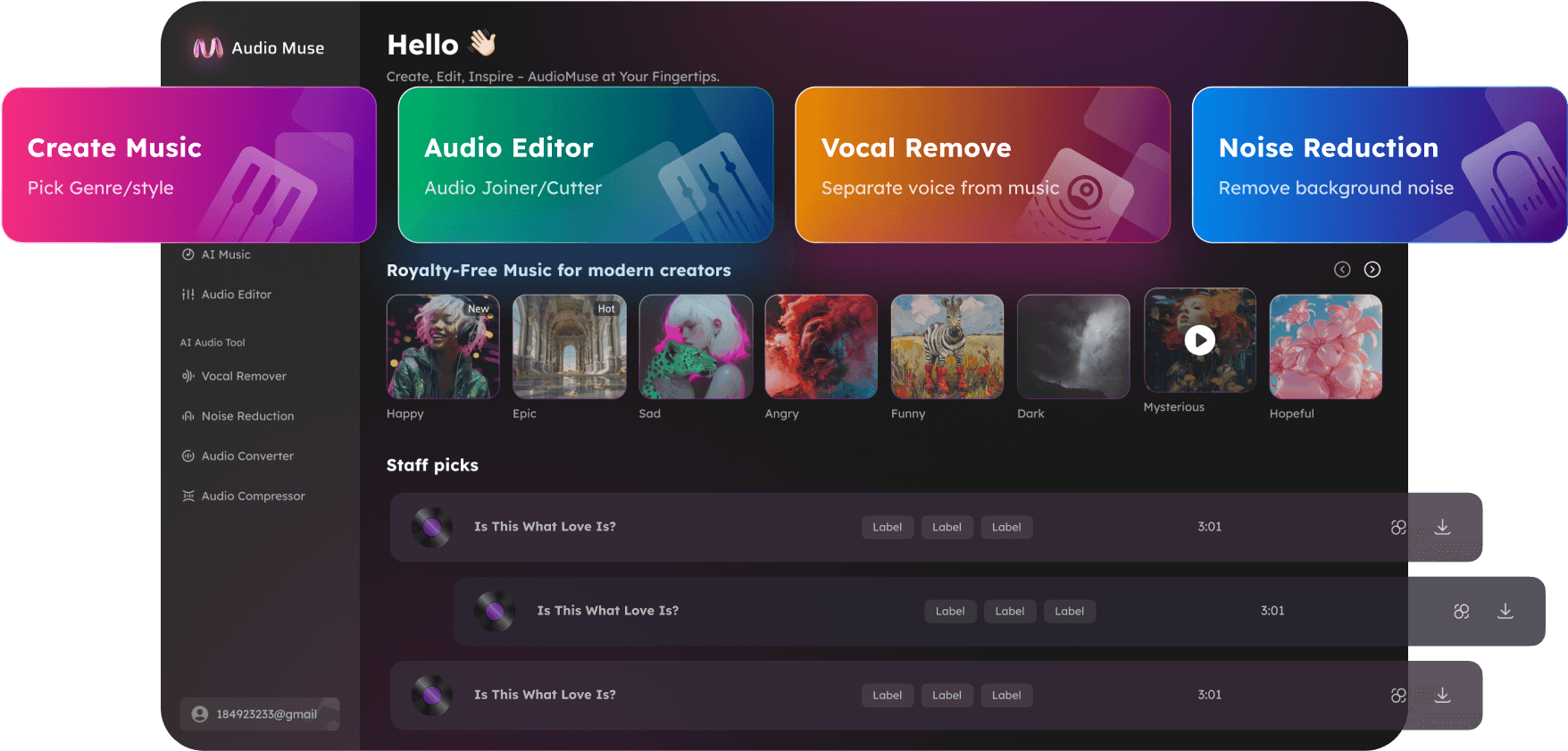
Free Online Audio Editor
Edit audio online with AudioMuse, a free browser-based audio editor for quick music, voice, podcast, and video audio edits. Upload MP3, WAV, FLAC, OGG, OPUS, or MP4 files, then cut, trim, merge, fade, convert, change speed, adjust pitch, find BPM and key, and export polished audio without installing software.
Edit Audio Now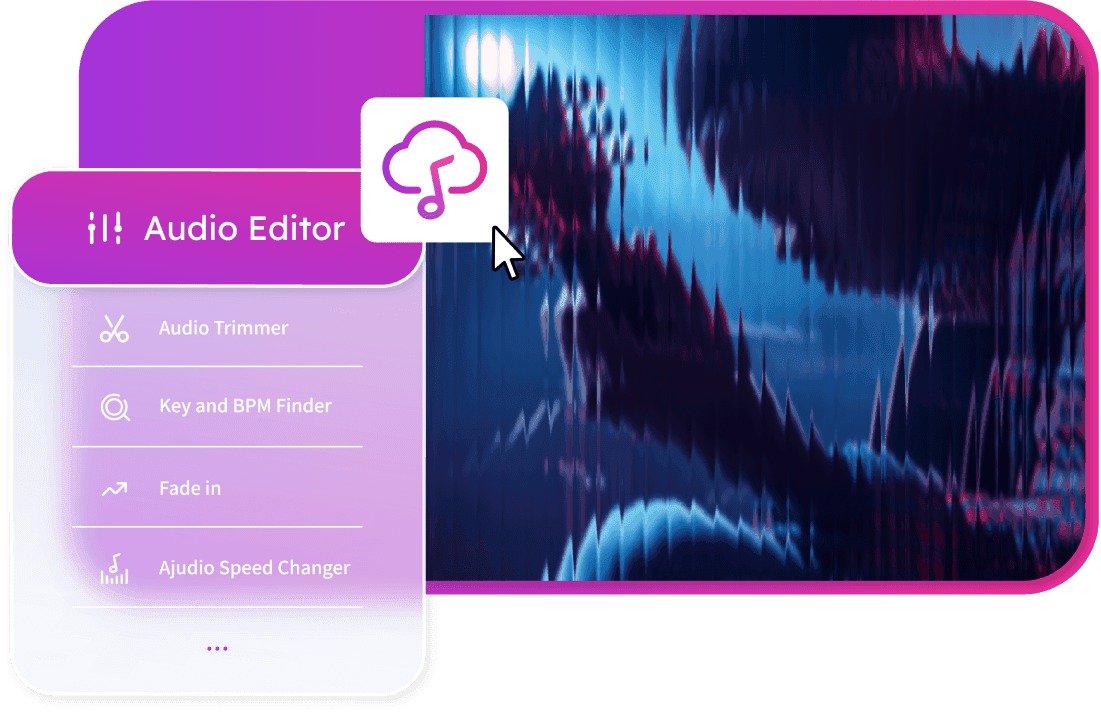
Free Online Audio Editor,Free
AudioMuse is a free online audio editor for editing audio files directly in your browser. Use a visual timeline to cut unwanted sections, trim recordings, combine clips, add fade in or fade out effects, change speed, adjust pitch, detect BPM and song key, extract audio from video, and export the final file in the format you need.
Edit Audio Online in Your Browser
Upload an audio file and make quick edits on a visual timeline. Cut sections, trim recordings, arrange clips, add fades, and prepare clean audio for music, videos, podcasts, lessons, voice notes, and social content without downloading desktop software.
Edit Audio Online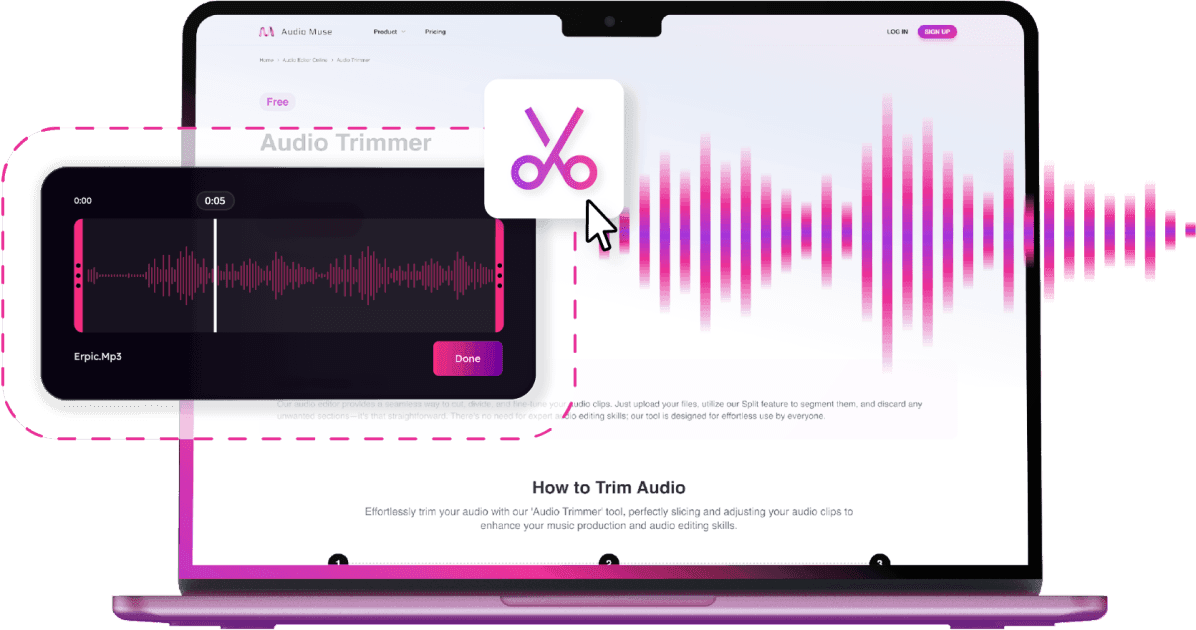
Work With MP3, WAV, FLAC, OGG, OPUS, and Video Audio
Edit popular audio formats online and export your finished file as MP3, WAV, FLAC, OGG, or OPUS. You can also upload MP4 video, extract the audio track, edit it, and save the result as an audio file.
Edit Audio Files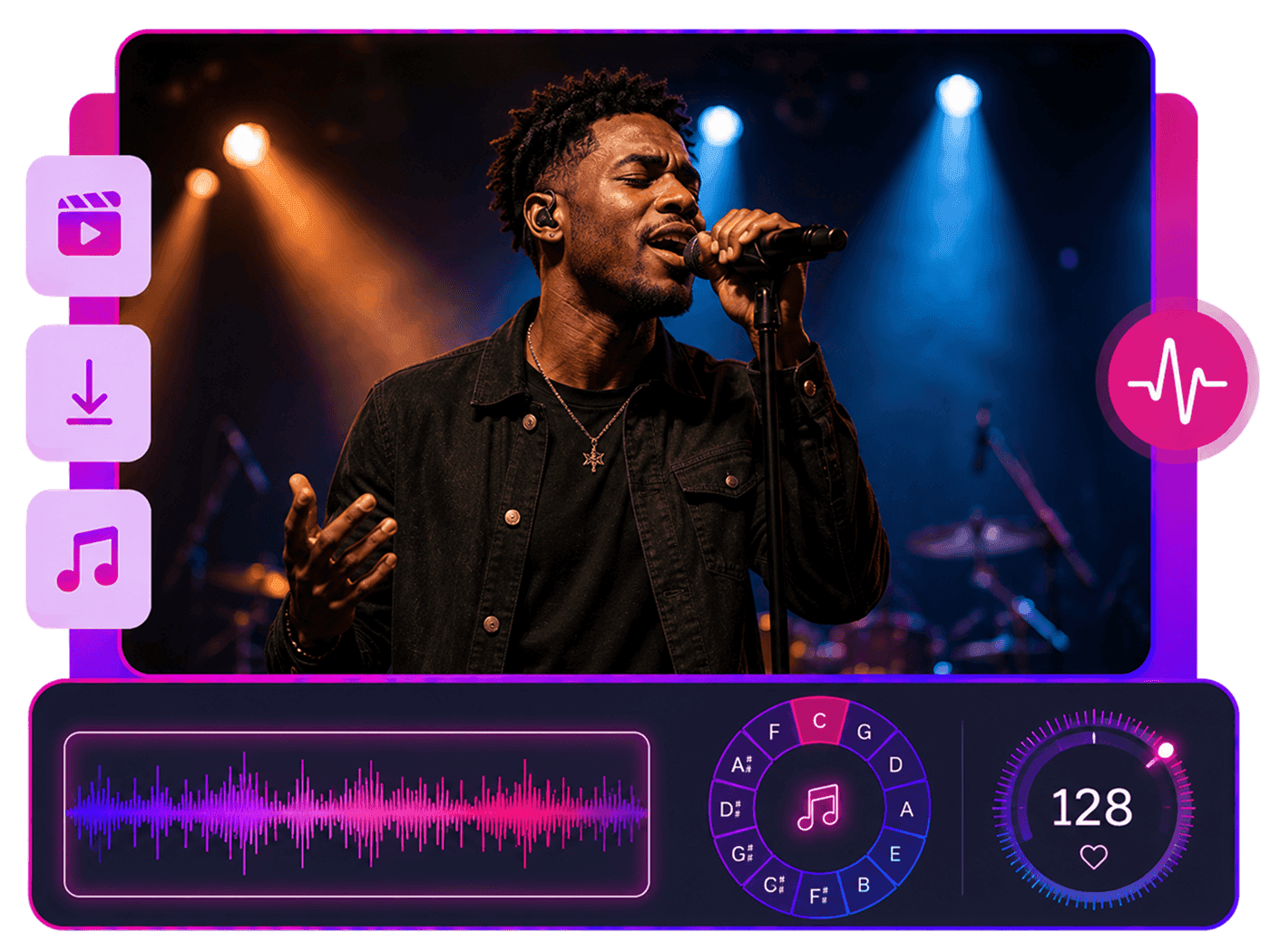
Use Built-In Audio Tools for Everyday Edits
AudioMuse brings common audio editing tools into one online workspace. Trim audio, cut MP3 files, merge clips, convert formats, make ringtones, create short audio clips, change speed, adjust pitch, and find BPM or song key when working with music.
Explore Audio Tools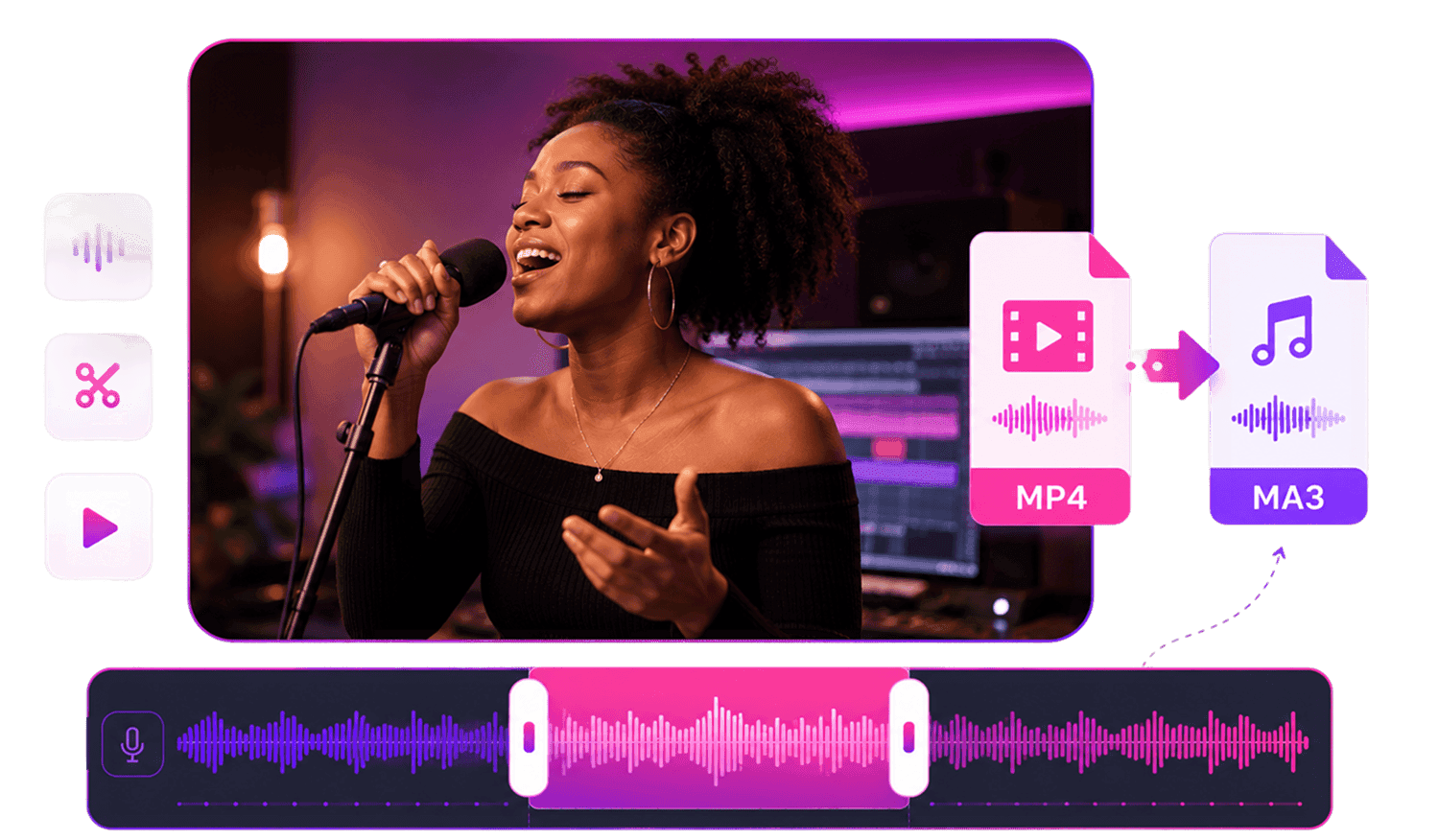
Who Is AudioMuse Audio Editor For?





Why Choose AudioMuse’s Free Online Audio Editor?

Free Online Audio Editor
Edit audio directly from your browser. Upload, preview, adjust, and export audio online without installing extra software.

Popular Audio and Video Formats
Upload MP3, MP4, WAV, FLAC, OGG, OPUS, and other supported files, then export edited audio in a format that fits your project.

Timeline-Based Editing
Cut, trim, arrange, merge, and fade audio clips on a clear visual timeline built for fast everyday edits.

Speed, Pitch, BPM, and Key Tools
Change audio speed, adjust pitch, find BPM, and detect song key for music practice, DJ prep, content editing, and creative projects.
What they say about AudioMuse’s Free Online Audio Editor ?
Other online audio tools:
More From Audio Editor
 Knowledge
How to Convert Audio Files Online | AudioMuse
Convert audio files online with AudioMuse. Change MP3, WAV, FLAC, OGG, OPUS, or video audio, choose the right format, and export clean audio.

 Knowledge
How to Cut an Audio File Online | AudioMuse
Cut an audio file online with AudioMuse. Select the exact section you want, remove unwanted parts, preview the edit, and export clean audio in your browser.
 Knowledge
How to Cut MP3 Files Online | AudioMuse
Cut MP3 files online with AudioMuse. Select the exact section, cut part of an MP3, make short MP3 clips, preview, and export clean audio.
 Knowledge
How to Merge Audio Files Online | AudioMuse
Merge audio files online with AudioMuse. Join MP3 files, combine voice recordings, merge music clips, arrange audio in order, preview, and export one clean file.
 Knowledge
How to Change the Pitch of a Song Online | AudioMuse
Change the pitch of a song online with AudioMuse. Raise or lower song key, transpose audio for singing practice, preview, and export adjusted audio.
 Knowledge
How to Convert Audio Files Online | AudioMuse
Convert audio files online with AudioMuse. Change MP3, WAV, FLAC, OGG, OPUS, or video audio, choose the right format, and export clean audio.
 Knowledge
How to Find BPM and Key of a Song Online | AudioMuse
Find the BPM and key of a song online with AudioMuse. Detect song tempo and key for music practice, DJ prep, remixing, pitch changes, and speed edits.
 Knowledge
How to Add Fade In and Fade Out to Audio Online | AudioMuse
Add fade in and fade out to audio online with AudioMuse. Fade out songs, smooth MP3 clips, polish voice recordings, podcast intros, and video audio.
 Knowledge
How to Make an Audio Clip Online | AudioMuse
Make audio clips online with AudioMuse. Create song snippets, podcast highlights, sound bites, voice clips, and short audio clips from longer files.
 Knowledge
How to Edit Audio from Video Online | AudioMuse
Edit audio from video online with AudioMuse. Extract audio from MP4 videos, cut unwanted sound, make video audio clips, preview, and export audio.
Everything you Need, All in one Place
Choose Audio Muse for all your online audio or music processing needs with a full suite of tools in one easy-to-use platform. Edit audio directly from your browser, remove noise, convert file formats, and perfect your tracks - all without downloading extra software. Plus, manage your projects from any device, anytime. Your go-to for audio solutions.