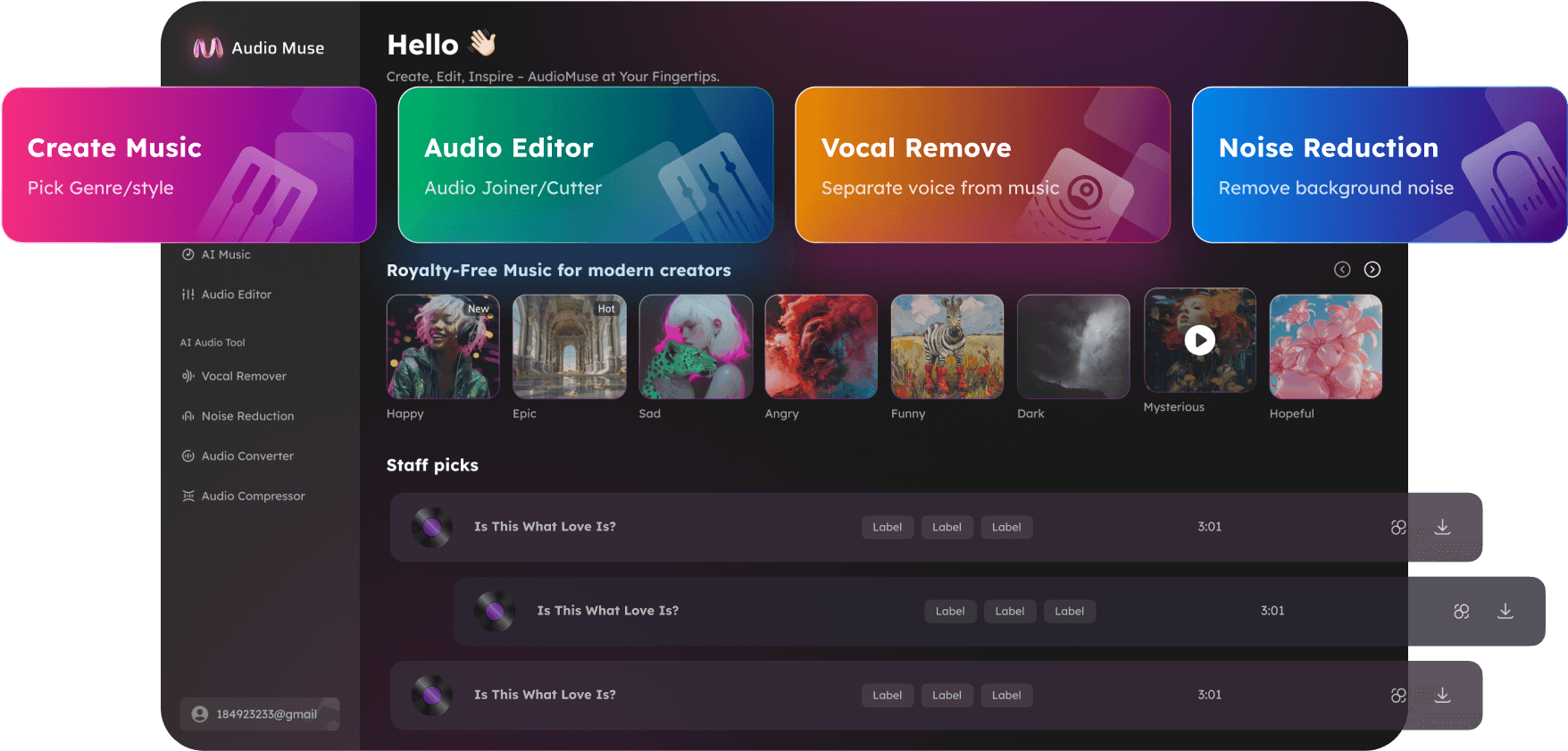
Audio Cutter Online – Trim, Split, Merge MP3, WAV, FLAC
Cut, split, trim, and merge audio online quickly with AudioMuse Audio Cutter. Save high-quality audio files in MP3, WAV, FLAC, OGG, and more. Perfect for music tracks, podcasts, tutorials, webinars, and voiceovers.
Cut your Audio
Audio Cutter Online – Trim, Split, Merge MP3, WAV, FLAC,Free
Cut and edit audio like a professional using AudioMuse’s online Audio Cutter. Trim unwanted sections, split tracks, merge multiple clips, and adjust start/end points with millisecond precision. Ideal for music tracks, podcasts, webinars, tutorials, and video voiceovers. Achieve studio-quality results directly in your browser without software downloads or technical skills.
Trim, Split & Edit Audio with Precision
Split long recordings into multiple clips or remove unwanted sections easily. Perfect for podcasts, music tracks, webinars, tutorials, and video voiceovers. Set precise start and end points for professional results.
Edit Audio Now
Merge Audio Files Seamlessly
Combine multiple audio clips into a single track. Rearrange segments, merge them smoothly, and export as MP3, WAV, FLAC, OGG, or APUS. Ideal for music production, podcasts, and lecture recordings.
Merge Your Audio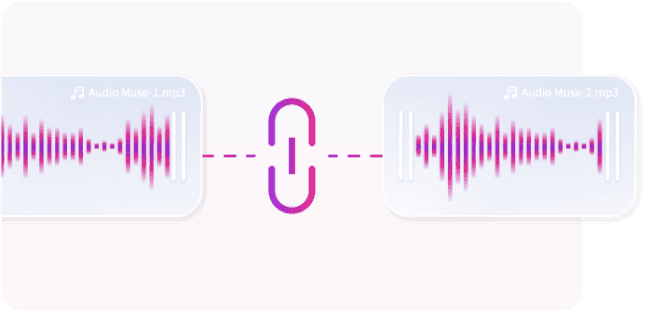
Adjust Playback Speed Easily
Slow down or speed up audio clips for transcription, practice, or quick previews. Maintain high-quality sound while controlling tempo, perfect for musicians, podcasters, and content creators.
Change Tempo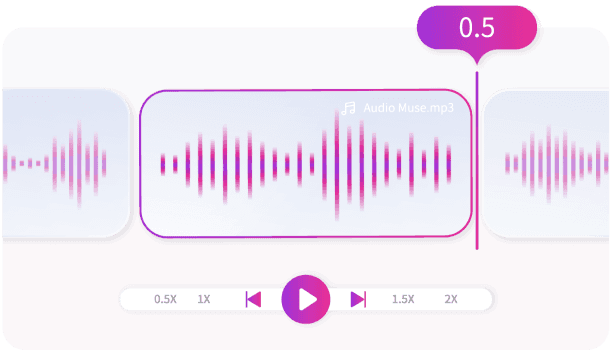
Support for All Popular Audio Formats
Upload, edit, and merge audio files in MP3, WAV, FLAC, OGG, AAC, and APUS. Works for music tracks, podcasts, webinars, tutorials, and video voiceovers without downloads.
Upload Audio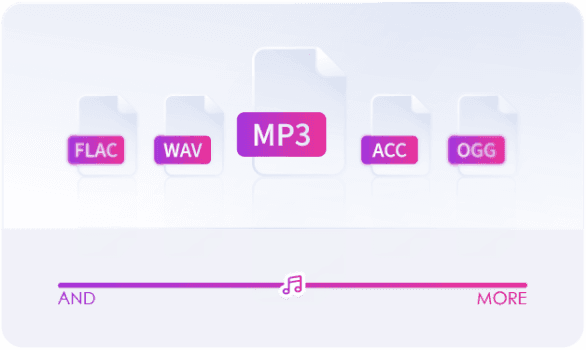
Why Choose AudioMuse’s Audio Cutter Online – Professional Audio Editing with AudioMuse?

Intuitive and Easy to Use
Edit, trim, split, and merge audio files with a user-friendly interface. No technical skills required.

Browser-Based & Free
Access AudioMuse Audio Cutter online from any device. No downloads or installations needed.

Lifetime Free Access
Edit unlimited audio files with no hidden fees or subscriptions.

100% Secure & Private
Files are processed securely in your browser. Your recordings remain private and protected.
How to Cut Audio Files Online Easily
Trim, split, and customize your audio files online for free. AudioMuse Audio Cutter allows beginners and professionals alike to edit and polish audio recordings quickly and efficiently.
Upload Your Audio
Click 'Upload' to add your audio or video files. Supported formats include MP3, WAV, FLAC, AAC, OGG, MP4, and APUS.
Trim and Cut Precisely
Select the segment you want to cut by dragging the start and end sliders. Preview edits in real-time and adjust until perfect.
Download Your Edited Audio
Once satisfied with the cut or merged audio, export in your preferred format. Your files retain original quality and are ready for podcasts, music, webinars, or tutorials.
What they say about AudioMuse’s Audio Cutter Online – Trim, Split, Merge MP3, WAV, FLAC ?
Other online audio tools:
Everything you Need, All in one Place
Choose Audio Muse for all your online audio or music processing needs with a full suite of tools in one easy-to-use platform. Edit audio directly from your browser, remove noise, convert file formats, and perfect your tracks - all without downloading extra software. Plus, manage your projects from any device, anytime. Your go-to for audio solutions.