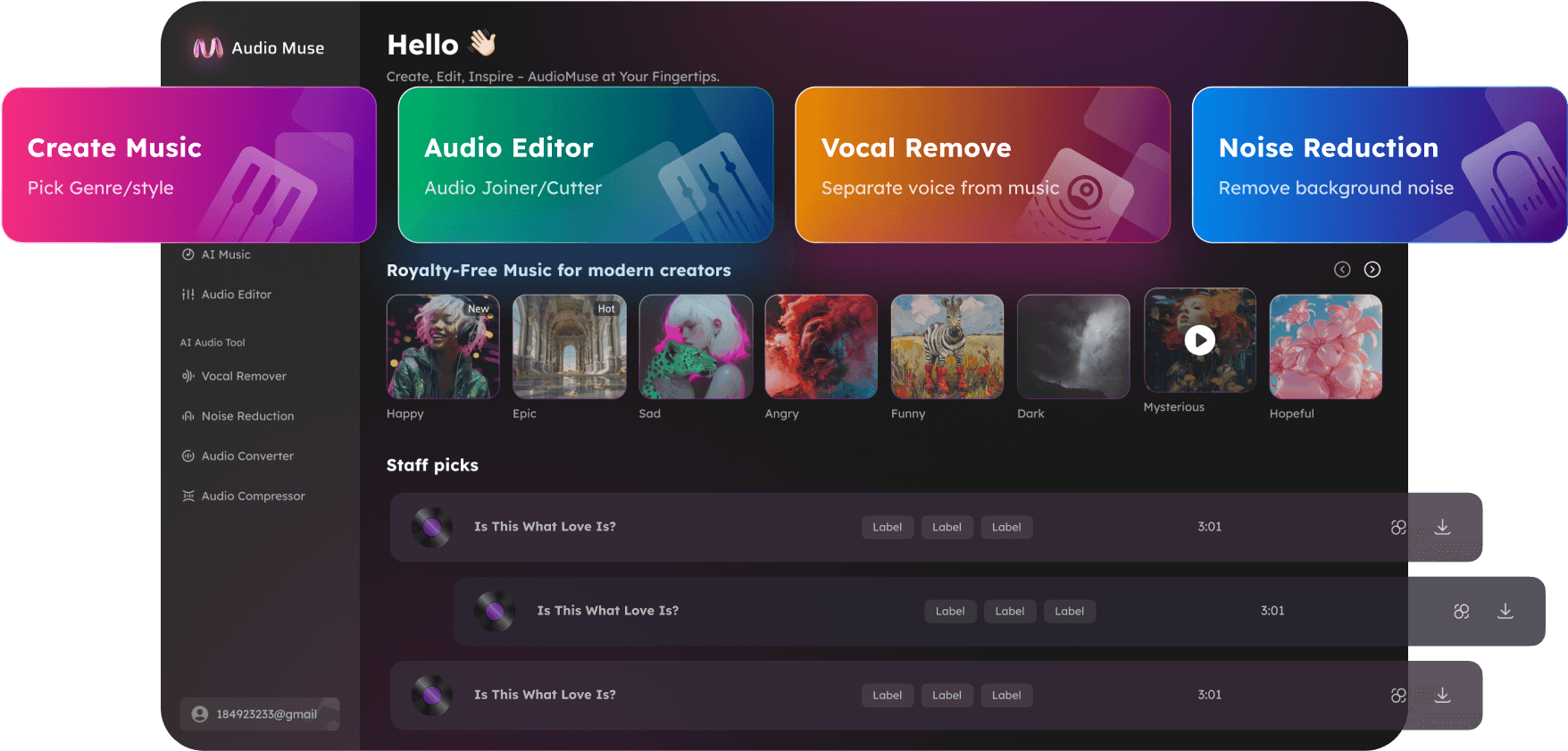
AI Noise Reduction Online
Use AudioMuse AI Noise Reduction to reduce noise from audio and video online. Remove background noise, clean audio, reduce echo, hiss, hum, static, wind, and unwanted sounds with AI.

AI Noise Reduction Online,Free
AudioMuse AI Noise Reduction helps clean noisy audio and video recordings online. Upload a file and use AI to reduce unwanted sounds such as background noise, room noise, fan noise, traffic, wind, echo, hiss, hum, static, keyboard clicks, and background chatter while keeping the main voice, music, or audio content as natural as possible. Use it for podcasts, videos, voice recordings, interviews, lessons, webinars, meetings, music demos, social clips, and everyday recordings. This hub page focuses on broad audio noise reduction. For more specific cleanup, use Audio Cleaner, Background Noise Remover, Echo Remover, Hiss Hum Static Remover, or Wind Noise Remover.
Reduce Noise from Audio Online
Clean distracting noise from audio and video files without manual editing. AudioMuse AI Noise Reduction helps reduce room noise, traffic, fans, wind, hiss, hum, static, echo, keyboard clicks, and background chatter while preserving the main sound where possible.
Reduce Audio Noise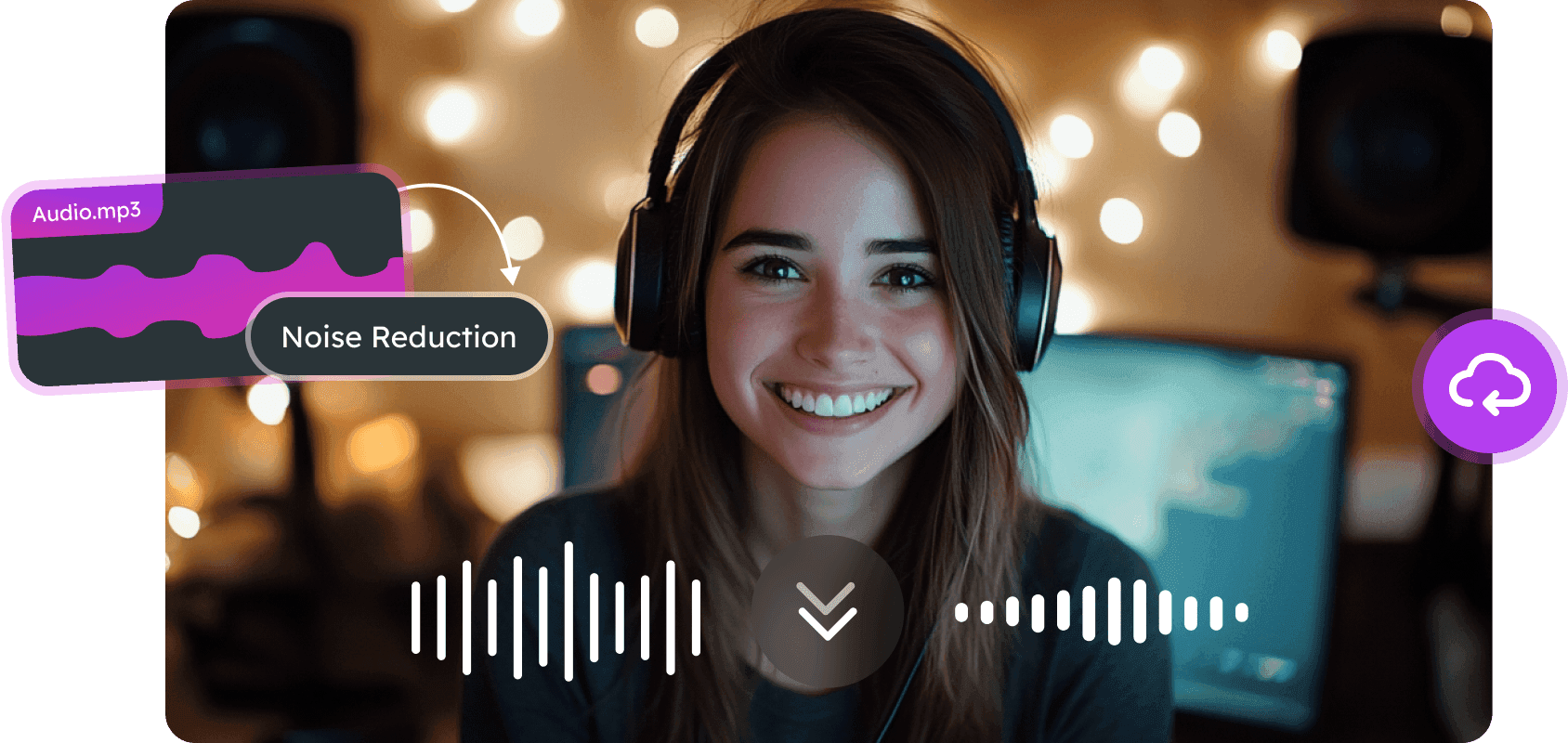
Remove Background Noise
Reduce common background sounds such as fans, traffic, room tone, chatter, keyboard clicks, and other distractions in recordings, videos, podcasts, voice clips, and content projects.
Remove Background Noise
Clean Echo, Hiss, Hum, Static, and Wind
Use focused cleanup for common recording problems, including echo, room reverb, mic hiss, electrical hum, static, wind noise, and outdoor recording noise.
Clean Common Noise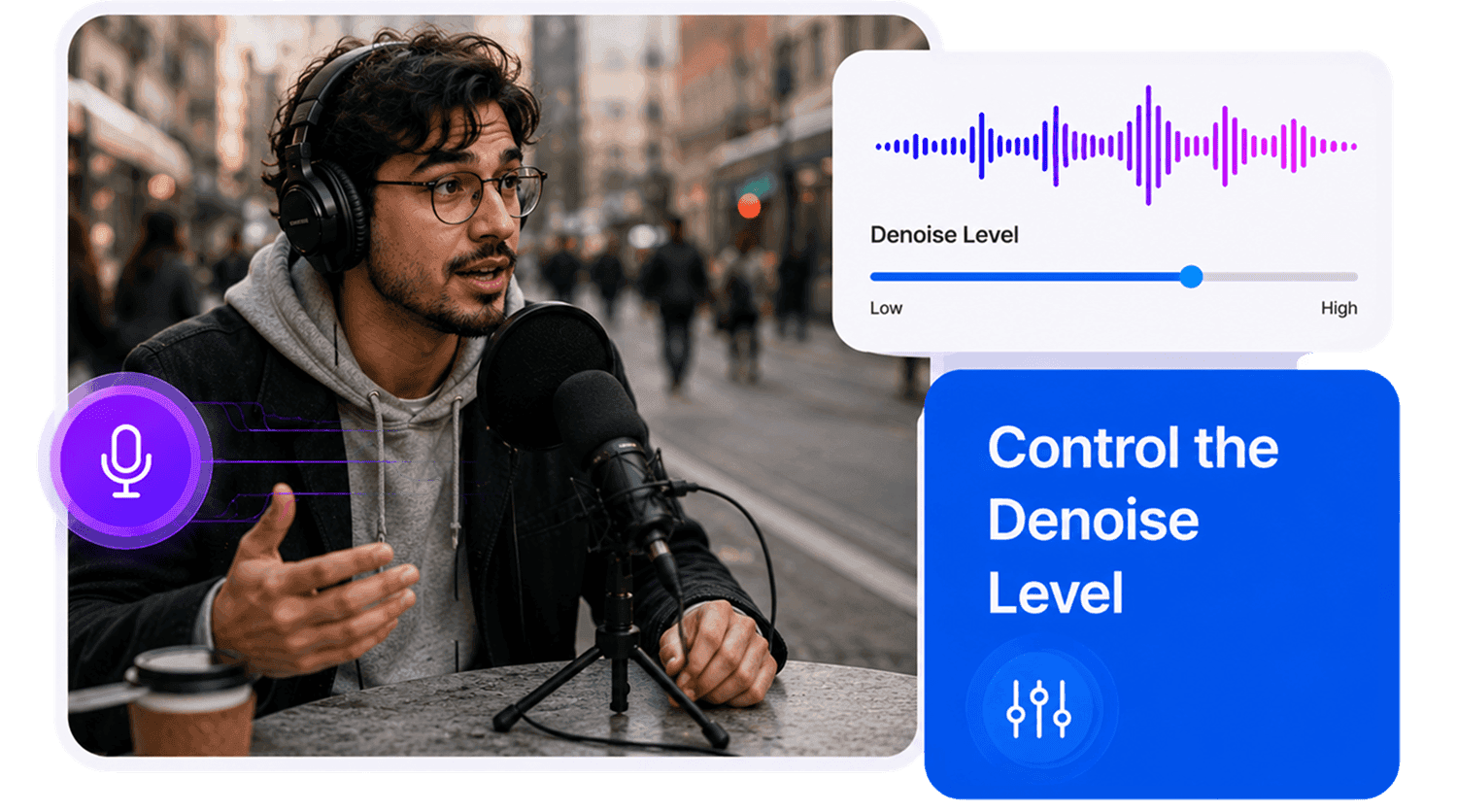
Who Can Use AI Noise Reduction?





Why Choose AudioMuse’s AI Noise Reduction?

Simple AI Noise Reduction
Upload your file, reduce noise with AI, preview the result, and download cleaner audio without advanced editing skills.

Works for Audio and Video
Clean noisy audio tracks from podcasts, videos, voice recordings, music demos, lessons, meetings, interviews, webinars, and social clips.

Reduce Common Noise Types
Reduce background noise, room noise, fan noise, traffic, wind, echo, hiss, hum, static, keyboard clicks, and chatter where the source audio is still usable.

Supports Popular Formats
Upload common audio and video formats including MP3, MP4, WAV, FLAC, OGG, AAC, AIFF, M4A, OPUS, and more depending on current upload settings.
How to Reduce Noise from Audio Online
Use AI noise reduction online to clean audio and video recordings in a few simple steps.
Upload Audio or Video
Choose the noisy audio or video file you want to clean. You can upload voice recordings, podcasts, videos, music demos, interviews, lectures, meetings, webinars, phone recordings, or other common media files.
Choose AI Noise Reduction
Use the AI noise reduction workflow when your recording has background noise, room noise, fan noise, traffic, wind, hiss, hum, static, echo, chatter, or other unwanted sounds.
Adjust the Cleanup Strength
Select a lighter or stronger denoise level based on how noisy the file is. Use lighter cleanup when the main audio is already clear, and stronger cleanup when background noise is more distracting.
Preview and Download Clean Audio
Listen to the cleaned result, check the important voice, music, speech, or quiet sections, then download the noise-reduced audio for editing, sharing, publishing, transcription, or production.
What they say about AudioMuse’s AI Noise Reduction Online ?
Other online audio tools:
More About Noise Reduction
 Knowledge
How to Reduce Audio Noise Online | AudioMuse
Reduce audio noise online with AI. Learn how to remove noise from audio, reduce background noise, echo, hiss, hum, static, wind, and clean voice, podcast, video, and music recordings.

 Knowledge
How to Clean Audio Online | AudioMuse
Clean audio online with AI. Learn how to clean up noisy recordings, reduce background noise, echo, hiss, hum, static, and make voice, podcast, video, and music audio easier to hear.
 Knowledge
How to Remove Background Noise from Audio | AudioMuse
Remove background noise from audio online with AI. Learn how to reduce room noise, fan noise, traffic, chatter, keyboard clicks, wind, and background sounds from audio or video.
 Knowledge
How to Remove Echo from Audio | AudioMuse
Remove echo from audio online with AI. Learn how to reduce echo, room reverb, hollow sound, and reflected audio from voice recordings, podcasts, videos, meetings, and interviews.
 Knowledge
AI Noise Reduction vs Audio Enhancement | AudioMuse
Learn the difference between AI noise reduction and audio enhancement. Know when to reduce noise, when to enhance audio quality, and why noisy recordings should usually be cleaned before enhancement.
Everything you Need, All in one Place
Choose Audio Muse for all your online audio or music processing needs with a full suite of tools in one easy-to-use platform. Edit audio directly from your browser, remove noise, convert file formats, and perfect your tracks - all without downloading extra software. Plus, manage your projects from any device, anytime. Your go-to for audio solutions.